Schneider Electric
RFQ Ready
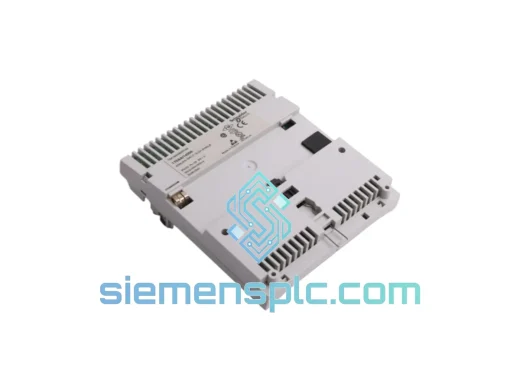
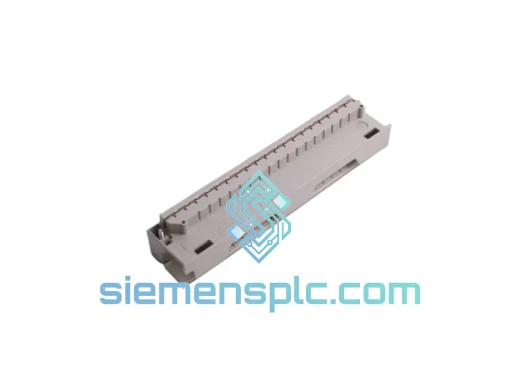
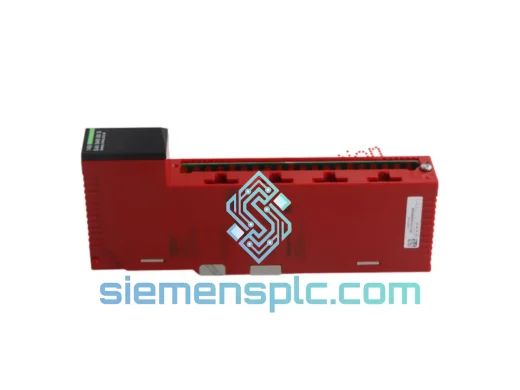
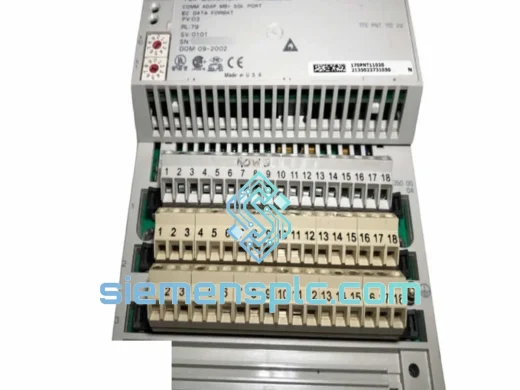
Schneider Electric 170ADO35000 Discrete Output Module – Modicon Quantum
Modicon Quantum
Origin FR
Discrete Output Module
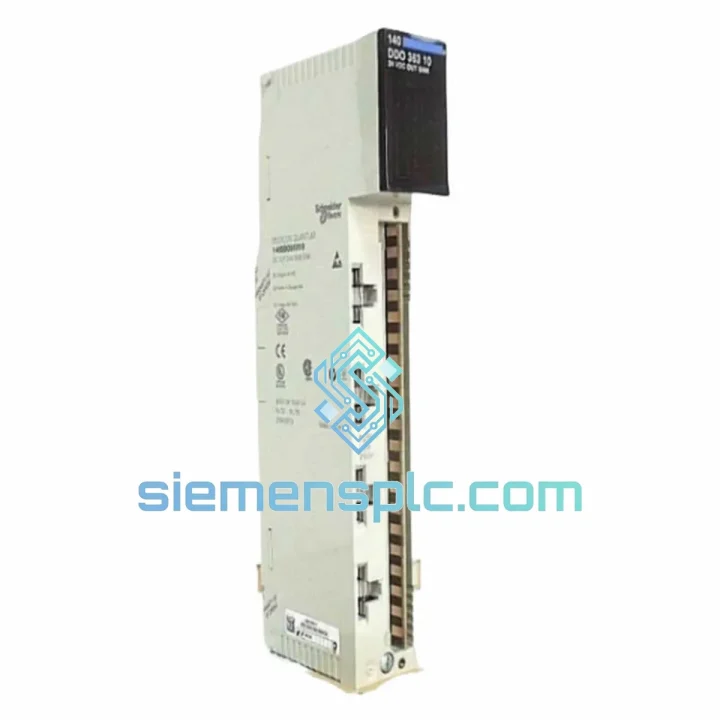
Request verified availability, condition, replacement risk review, packing options and courier lead time for 140DAI74000.
Click Request Quote and the part number is inserted into the inquiry form automatically.
Core fields for model confirmation and RFQ routing. Detailed product narrative remains below.
Your Quantum rack just threw a module fault. The line is stopped. Maintenance is on the phone. You already know what you need: a verified 140DAI74000 on a truck before the shift ends. That is exactly what we do. Stock confirmed, export docs ready, DHL booked — call us now and we handle the rest.
URGENT REQUIREMENT? Contact: [email protected] | WhatsApp: +86 18359268345
| Parameter | Specification | Status |
|---|---|---|
| Part Number | 140DAI74000 | ✔ Ready to Ship |
| Manufacturer | Schneider Electric (Modicon) | |
| Series | Modicon Quantum | |
| Module Type | 32-Channel AC Discrete Input | |
| Nominal Input Voltage | 120 VAC | |
| Input Voltage Range | 74 – 132 VAC | |
| Input Frequency | 47 – 63 Hz | |
| ON-State Threshold | ≥ 74 VAC | |
| OFF-State Threshold | ≤ 20 VAC | |
| Input Current / Channel | ~10 mA @ 120 VAC | |
| Channel Groups | 2 × 16-channel, optically isolated | |
| Backplane Current Draw | 800 mA @ 5 VDC | |
| Response Time (ON / OFF) | ≤ 10 ms / ≤ 10 ms | |
| Wiring Connector | 40-pin removable terminal block | |
| Operating Temperature | 0 °C to +60 °C | |
| Storage Temperature | −40 °C to +85 °C | |
| Relative Humidity | 5 – 95 % non-condensing | |
| Module Weight | 910 g | |
| Certifications | CE, UL 508, CSA, IEC 61131-2, RoHS | |
| Origin | France |
Ten years on the floor taught me that 80 % of 140DAI74000 failures fall into three buckets. Work through these before you condemn the module — and follow this sequence when you do swap it.
Fault Code I/O CH FAULT (red LED, channel-level): Almost always a field-side problem — broken wire, corroded terminal, or a field device drawing below the minimum ON-state current. Measure VAC at the terminal block first. If voltage is good and the LED stays red after a rack power cycle, the input ASIC on that channel group has failed. Replace the module.
Fault Code MOD FAULT (red MOD LED, whole module): The backplane is not seeing the module correctly. Reseat the module firmly — the Quantum card-edge connector is notorious for micro-fretting after years of thermal cycling. If reseating clears it temporarily, clean the connector with IPA and a soft brush. If the fault returns within days, the backplane slot itself may have damaged contacts; try an adjacent slot.
No LED activity at all: Check backplane 5 VDC rail first (measure at the power supply test points). A sagging rail caused by an overloaded CPS module will kill I/O cards silently. Verify your total 5 V draw against the 140CPS rating before inserting the replacement.
Hot-swap procedure (Quantum does NOT support true hot-swap on standard I/O):
Firmware note: The 140DAI74000 carries no user-flashable firmware — it is a pure hardware I/O card. No firmware update is required on the replacement module. However, confirm your Control Expert project file references the correct hardware catalog revision to avoid a mismatch warning on the next download.
Address / slot assignment: Quantum I/O addressing is rack-and-slot based, not module-type based. The replacement module inherits the address of the slot it occupies. No DIP switches, no jumpers, no software re-addressing — just slot it in and the CPU picks it up automatically on the next I/O scan.
The 140DAI74000 was designed for the kind of environments where most electronics give up. The two-group optical isolation barrier is rated to withstand 1500 VAC for one minute between field side and backplane — that is not a marketing number, it is a type-test requirement under IEC 61131-2. In practice, it means a ground fault on your 120 VAC field wiring will not propagate into the CPU backplane and take down the entire rack.
Vibration tolerance meets IEC 60068-2-6: 10 – 57 Hz at 0.075 mm displacement, 57 – 150 Hz at 1 g. That covers most conveyor, compressor, and pump skid installations without additional shock mounts. The card-edge backplane connector uses gold-plated contacts specifically to resist fretting corrosion in environments with continuous low-amplitude vibration.
The 0 °C to +60 °C operating range is conservative by design. In practice, units installed in sealed enclosures in tropical climates — ambient 40 °C plus internal heat rise — have run continuously for over a decade without derating. The 5 – 95 % non-condensing humidity rating covers coastal and offshore installations provided the enclosure maintains positive pressure or adequate desiccation.
Every unit we ship has been visually inspected under magnification for cracked solder joints, swollen capacitors, and connector pin damage — the three physical failure modes that field returns most commonly show. Units with any doubt are quarantined, not sold.
We operate from Xiamen, China — one of the country’s primary export hubs with direct access to DHL, FedEx, and UPS international gateways. For in-stock units, the standard process is:
If your plant is in a country with import restrictions on industrial electronics, contact us before ordering. We have handled customs clearance for shipments into over 60 countries and can advise on documentation requirements specific to your destination.
Line down? Do not wait. Reach us directly:
© 2026 siemensplc.com. All rights reserved.
We check the full part number, brand, series and visible nameplate information before quotation.
Sales confirms stock path, condition option, quantity and realistic lead time for export dispatch.
DHL, FedEx, UPS or buyer courier arrangements can be reviewed with packing requirements.
Similar brand or category products for fast comparison and multi-item RFQ lists.