Schneider Electric
RFQ Ready
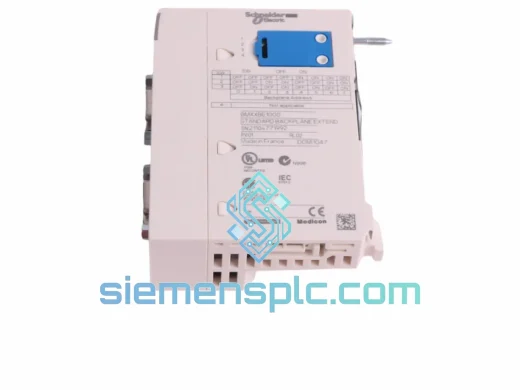
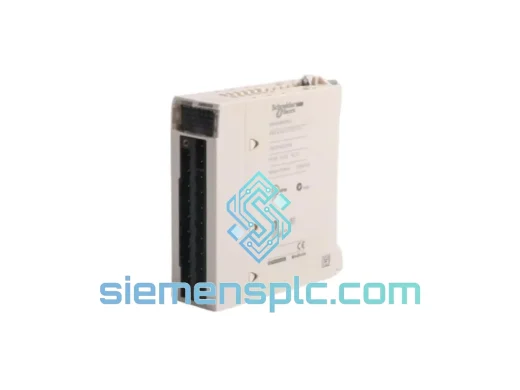
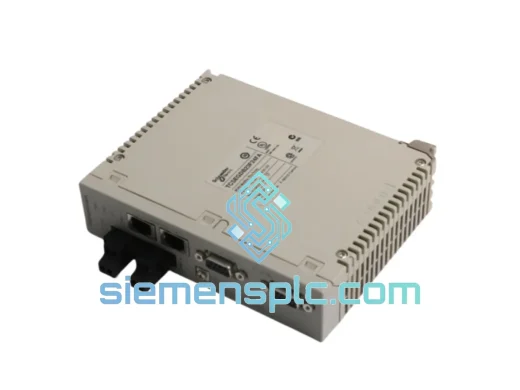
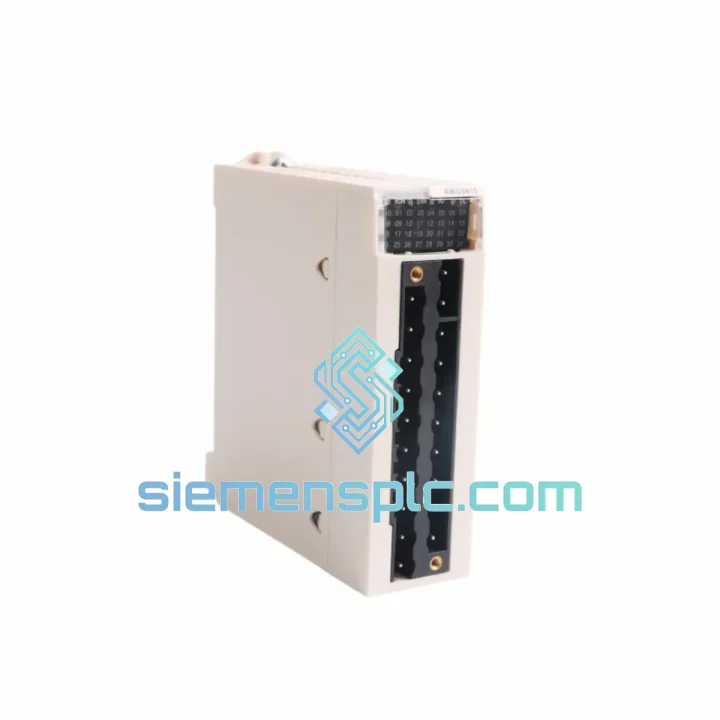
Schneider Electric TCSEGDB23F24FA Ethernet Proxy Module
Modicon Premium
Origin FR
Ethernet Communication Module
Request verified availability, condition, replacement risk review, packing options and courier lead time for 490NAA27103.
Click Request Quote and the part number is inserted into the inquiry form automatically.
Core fields for model confirmation and RFQ routing. Detailed product narrative remains below.
A failed Modbus Plus trunk cable doesn’t announce itself politely. One moment your Modicon Quantum or Premium PLC is running a full production line; the next, you’re staring at a NODE FAIL or BUS TIMEOUT alarm and your shift supervisor is already on the phone. The Schneider Electric 490NAA27103 is a 3-metre MB+ trunk cable — a passive component that engineers routinely overlook in their spare-parts inventory until it takes down an entire network segment. We keep it on the shelf. You get it fast.
URGENT REQUIREMENT? Contact: [email protected] | WhatsApp: +86 18359268345
| Parameter | Value | Status |
|---|---|---|
| Part Number | 490NAA27103 | ✅ Ready to Ship |
| Manufacturer | Schneider Electric (Modicon) | |
| Series | Modbus Plus (MB+) | |
| Cable Length | 3 m | |
| Connector | DB9 (9-pin) Male / Female | |
| Network Protocol | Modbus Plus — RS-485 based, 1 Mbps peer-to-peer | |
| Characteristic Impedance | 150 Ω | |
| Shielding | Foil + braid, shielded twisted pair | |
| Operating Temperature | 0 °C to +60 °C | |
| Weight | 160 g | |
| Compliance | CE, UL Listed | |
| Compatible PLCs | Modicon Quantum 140CPU, Premium TSX57, Momentum 171CCC | |
| Origin | China (Xiamen warehouse) | |
| Condition | New OEM / New Surplus (clearly labeled) | ✅ Ready to Ship |
Ten years of field calls have taught me that MB+ cable failures fall into three categories. Know which one you’re dealing with before you pull the cable.
Fault Pattern 1 — Intermittent NODE FAIL on one drop only. The 490NAA27103 is the trunk segment feeding that drop. Flex the cable near the DB9 connector while watching the diagnostic LED on the MB+ port. If the fault clears and returns with movement, the connector crimp has fatigued — common after 5–8 years in a vibrating panel. Replace the cable; don’t re-terminate in the field. The DB9 shell on OEM cables is factory-torqued and impedance-matched. Field re-termination with generic connectors introduces a stub that reflects at 1 Mbps.
Fault Pattern 2 — All nodes on a segment go offline simultaneously. Check termination resistors first (490NAA27003 plugs at both ends). If resistors are intact, measure DC resistance between pins 1 and 6 of the trunk cable with the network de-energised. OEM spec is <2 Ω for a 3 m run. Anything above 5 Ω points to a broken shield or conductor — swap the 490NAA27103.
Fault Pattern 3 — BUS TIMEOUT errors after a panel modification or cable re-route. Someone bent the cable past its minimum bend radius (typically 50 mm for this gauge). The foil shield cracks internally — invisible externally. The network runs degraded for weeks before full failure. If you re-routed any MB+ cable during recent maintenance, treat it as suspect.
Replacement procedure (no configuration required — this is a passive cable):
Modbus Plus trunk cable lives inside steel panels that routinely see 55 °C ambient in summer, condensation cycles in coastal plants, and continuous vibration from compressors and conveyors mounted on the same frame. The 490NAA27103 is built for exactly this environment — but only if it’s the genuine article.
The OEM cable uses a dual-layer shield: an aluminium-polyester foil bonded to a tinned copper braid. The foil handles high-frequency noise rejection; the braid provides the low-impedance ground path that keeps common-mode noise off the differential signal pair. Third-party cables that use foil-only shielding pass bench tests but fail within 18 months in high-vibration installations because the foil fractures at flex points.
The DB9 connector housing on the 490NAA27103 is die-cast zinc with a nickel finish — not the plastic-shell connectors you’ll find on generic RS-485 cables. In a panel that vibrates at 20–50 Hz continuously, the mass and rigidity of the metal shell prevents the micro-movement that causes intermittent contact resistance at the pin-to-socket interface.
Operating temperature range of 0 °C to +60 °C covers the vast majority of industrial panel environments. For installations in unheated outdoor enclosures in northern climates, verify that the panel heater maintains above 0 °C — MB+ cable insulation becomes brittle below freezing and should not be flexed when cold.
Our warehouse is in Xiamen, Fujian — one of China’s primary industrial export hubs with direct access to DHL, FedEx, and UPS international gateways. Here’s what the timeline actually looks like:
For urgent plant shutdowns, contact us directly on WhatsApp before placing the order. We can confirm stock, generate a proforma invoice, and have the shipment booked within 90 minutes of receiving payment. We have handled same-day emergency dispatches for customers in Germany, Singapore, and the UAE — downtime doesn’t wait for business hours and neither do we.
All shipments include full tracking numbers shared via email and WhatsApp. For orders above USD 500, we provide shipment insurance as standard at no additional charge.
📧 Email: [email protected]
📱 WhatsApp: +86 18359268345
🌐 Web: siemensplc.com
© 2026 siemensplc.com. All rights reserved.
We check the full part number, brand, series and visible nameplate information before quotation.
Sales confirms stock path, condition option, quantity and realistic lead time for export dispatch.
DHL, FedEx, UPS or buyer courier arrangements can be reviewed with packing requirements.
Similar brand or category products for fast comparison and multi-item RFQ lists.