Schneider Electric
RFQ Ready
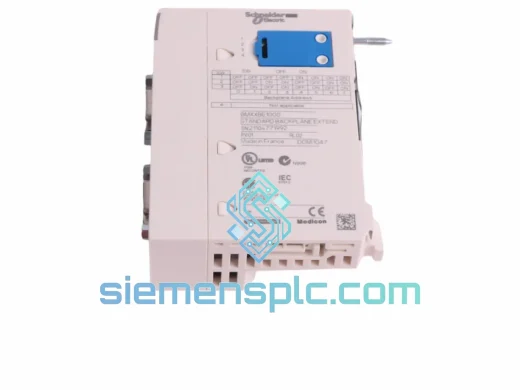
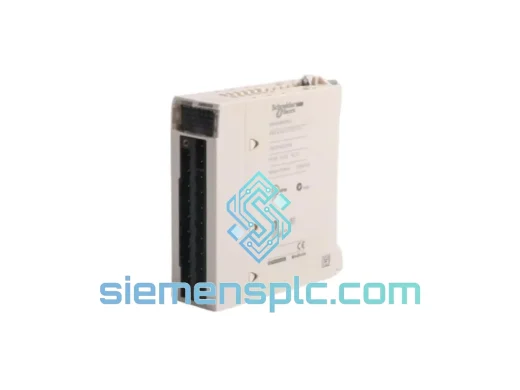
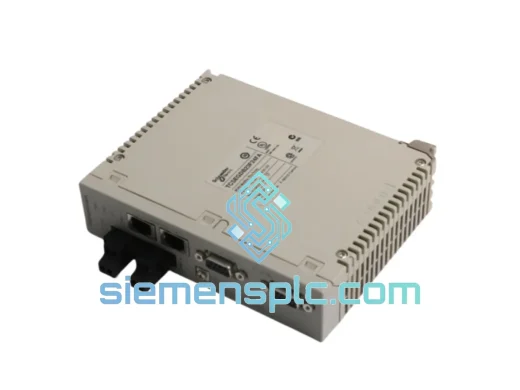
Schneider Electric TCSEGDB23F24FA Ethernet Proxy Module
Modicon Premium
Origin FR
Ethernet Communication Module
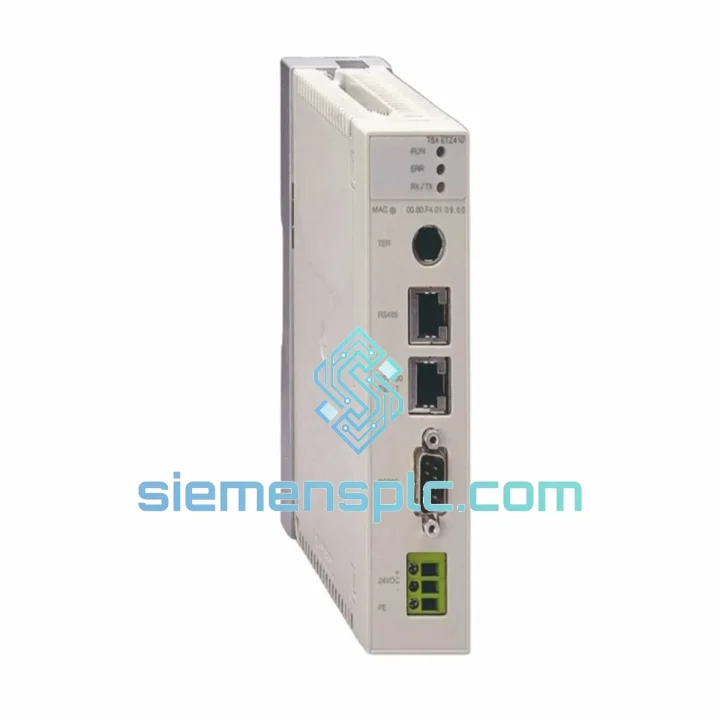
Request verified availability, condition, replacement risk review, packing options and courier lead time for TSXETZ410.
Click Request Quote and the part number is inserted into the inquiry form automatically.
Core fields for model confirmation and RFQ routing. Detailed product narrative remains below.
A failed TSXETZ410 does not give you a warning. One moment your TSX Premium rack is communicating across the plant network; the next, your SCADA screen goes grey, your operators are standing idle, and your maintenance team is staring at a solid red ERR LED. Every minute that passes is measurable production loss. This is not a situation where you wait three weeks for a distributor to locate stock.
We stock the Schneider Electric TSXETZ410 Ethernet TCP/IP Communication Module in Xiamen, China — inspected, verified against OEM markings, and ready for same-day dispatch on orders confirmed before 15:00 CST. This is a 100% original module sourced through verified industrial supply channels, not a refurbished unit, not a clone. It ships with a 12-month warranty from dispatch date.
If your line is down right now, skip the rest of this page and contact us directly. If you are planning a preventive replacement or building a critical spare inventory, read on — the technical detail below will save you time during the swap.
URGENT REQUIREMENT? Contact: [email protected] | WhatsApp: +86 18359268345
| Parameter | Specification |
|---|---|
| Part Number | TSXETZ410 |
| Manufacturer | Schneider Electric (formerly Telemecanique) |
| Module Function | Ethernet TCP/IP Communication Module |
| Compatible Rack | TSX Premium — P57 and P47 CPU series |
| Physical Interface | RJ45 — 10BaseT / 100BaseTX, auto-negotiation |
| Supported Protocols | Modbus TCP/IP, FTP, HTTP, SNMP, BOOTP/DHCP |
| IP Address Assignment | Static (manual), BOOTP, or DHCP |
| Max Modbus TCP Connections | 16 client + 1 server simultaneous |
| Power Source | TSX Premium backplane (no external supply required) |
| Operating Temperature | 0 °C to +60 °C |
| Storage Temperature | −25 °C to +70 °C |
| Relative Humidity | 5% to 95%, non-condensing |
| Vibration Resistance | IEC 60068-2-6: 10–150 Hz, 1g sinusoidal |
| EMC Certifications | EN 61000-4-2, EN 61000-4-3, EN 61000-4-4 |
| Product Certifications | CE, UL, cUL |
| Country of Origin | France |
| Weight | Approx. 300 g |
| Warranty | 12 months from dispatch date |
| Availability | ✅ Ready to Ship — Xiamen, China |
Ten years of field work on TSX Premium installations produces a short list of failure patterns for the TSXETZ410. Before you condemn the module, run through these checks — and when you do pull it, follow the sequence below to avoid a second callout.
Fault Diagnosis — What the LEDs Are Telling You
Replacement Procedure — Field-Tested Sequence
Configuration Notes for Engineers
The TSXETZ410 was engineered for continuous operation in environments where commercial-grade networking hardware fails within months. The module’s printed circuit board carries a conformal coating validated to IEC 60068-2-30, which covers the condensation cycling that occurs in facilities with significant temperature differentials between production shifts and shutdown periods — a common failure driver in food processing, chemical, and outdoor-adjacent installations.
Mechanical vibration resistance is qualified to IEC 60068-2-6 at 10–150 Hz, 1g continuous sinusoidal loading. This envelope covers the operating conditions of conveyor drive panels, compressor room control cabinets, and press-line electrical enclosures. The backplane connector uses a gold-plated multi-point contact array that maintains electrical continuity under the micro-vibration loads generated by motor-driven machinery — the same loads that cause tin-plated connectors to develop fretting corrosion over 12–18 months of service.
Thermal performance is sustained across the full rated range without derating. The module draws power exclusively from the backplane bus — no internal fan, no moving parts. This eliminates the primary mechanical failure mode seen in rack-mounted computing hardware and contributes to the platform’s published MTBF figure of over 300,000 hours under nominal operating conditions.
EMC immunity is certified to EN 61000-4-2 (electrostatic discharge), EN 61000-4-3 (radiated RF immunity), and EN 61000-4-4 (electrical fast transients). In panels shared with variable-frequency drives, welding power supplies, or large motor starters — the environments where unshielded Ethernet hardware produces chronic communication faults — the TSXETZ410’s shielded backplane interface and filtered power input provide the margin that keeps your network stable.
Stock is held in Xiamen, Fujian Province — one of China’s primary export processing zones with direct access to DHL, FedEx, and UPS international gateway facilities. Typical transit times from our warehouse to major industrial regions:
Every shipment includes a commercial invoice, packing list, and certificate of origin. HS Code 8537.10 is pre-declared on all export documentation to streamline customs clearance. For projects requiring import permits, end-user certificates, or specific country-of-origin documentation, contact us at least 48 hours before your required ship date.
For genuine line-down emergencies, same-day dispatch is available for orders confirmed and payment cleared before 15:00 CST. Contact us via WhatsApp for real-time stock confirmation and to reserve a shipping slot. We do not hold stock for unconfirmed inquiries during high-demand periods.
Email: [email protected]
WhatsApp: +86 18359268345
Web: siemensplc.com
Location: Xiamen, Fujian, China
© 2026 siemensplc.com. All rights reserved.
We check the full part number, brand, series and visible nameplate information before quotation.
Sales confirms stock path, condition option, quantity and realistic lead time for export dispatch.
DHL, FedEx, UPS or buyer courier arrangements can be reviewed with packing requirements.
Similar brand or category products for fast comparison and multi-item RFQ lists.