
Siemens
In Stock OK
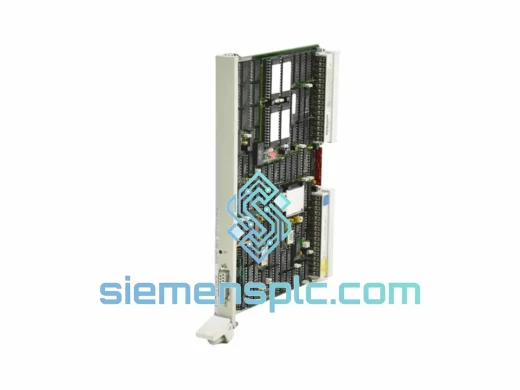
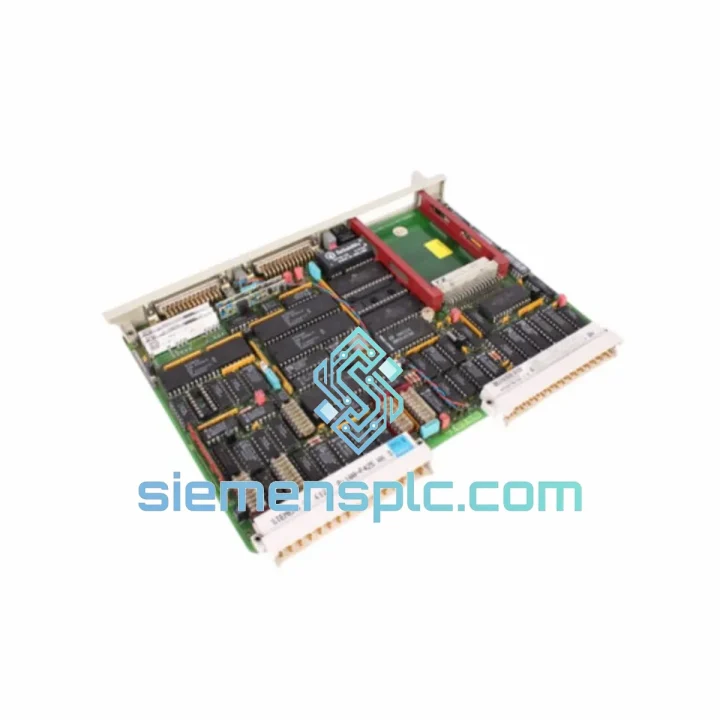
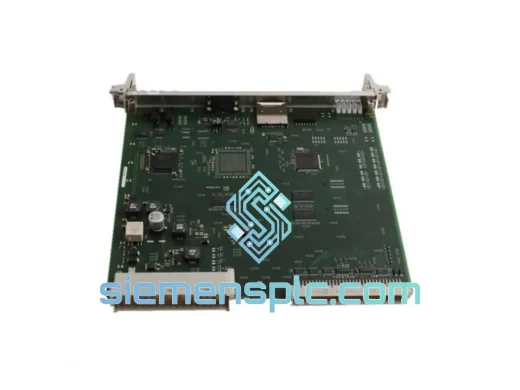
Siemens 6ES5947-3UR21 CPU947 PLC CPU Module
Request verified availability, condition, replacement risk review, packing options and courier lead time for 6ES5947-3UR21.
BrandSiemens
Part Number6ES5947-3UR21
ConditionAvailability Check
Lead TimeRFQ Confirmation
DocumentsDatasheet / photos by RFQ
ShippingExport packing available
Auto-filled RFQ
6ES5947-3UR21
Click Request Quote and the part number is inserted into the inquiry form automatically.
- Reply by email: [email protected]
- WhatsApp / Tel: +86 18359268345
- Mon-Sat 9:00-18:00 GMT+8
Procurement Data
Key Product Information
Core fields for model confirmation and RFQ routing. Detailed product narrative remains below.
- Brand
- Siemens
- Primary Part Number
- 6ES5947-3UR21
- Product Type
- PLC CPU Module
- Series / Family
- SIMATIC S5
- Country of Origin
- DE
- Catalog Category
- PLCs & Controllers
- Operating Temp.
- 0 °C to +60 °C
- Humidity
- 10–95 % RH, non-condensing
Model confirmed for inquiry
6ES5947-3UR21
Send quantity, destination and urgency. The RFQ form keeps this part number attached.
Request Quote
Product Overview
6ES5947-3UR21 CPU947 — Stop the Clock on Your Downtime. Ship Today.
Your S5-135U line just tripped. The CPU947 fault LED is solid red. Production is at zero. Every minute costs you — in scrap, in penalties, in pressure from the plant manager standing behind you. You don’t need a lecture on specifications right now. You need a verified, tested 6ES5947-3UR21 on a truck to your facility before the next shift starts.
We stock the Siemens 6ES5947-3UR21 CPU947 in Xiamen. It has been bench-tested, firmware-verified, and anti-static packed. DHL Express can have it at your door in 24–72 hours depending on your location. That’s the only number that matters right now.
URGENT REQUIREMENT? Contact: [email protected] | WhatsApp: +86 18359268345
Quick Technical Datasheet
| Part Number | 6ES5947-3UR21 ✅ Ready to Ship |
| Module Designation | CPU947 |
| Brand | Siemens AG |
| Series | SIMATIC S5 |
| Compatible Racks | S5-115U/H, S5-135U/H, S5-155U/H |
| Program Memory | Up to 512 KB (with submodule expansion) |
| Data Memory | Up to 256 KB |
| Binary Instruction Cycle | ~0.3 ms / 1,000 instructions |
| I/O Addressing | 2,048 inputs / 2,048 outputs |
| Communication | SINEC H1 (Ethernet 10 Mbit/s), SINEC L1, MPI |
| Redundancy | H-system hot-standby capable (<1 ms switchover) |
| Supply Voltage | DC 5 V via backplane bus |
| Operating Temperature | 0 °C to +60 °C |
| Storage Temperature | -40 °C to +70 °C |
| Humidity | 10–95 % RH, non-condensing |
| Protection Rating | IP20 |
| Certifications | CE, UL, IEC 61131-2 |
| Origin | Germany |
| Stock Status | ✅ In Stock — Ships within 1 business day of payment |
Troubleshooting & Replacement Tips
Swapping a CPU947 is not plug-and-play if you skip the pre-checks. Here’s what 10 years of field work has taught me about this specific module:
1. Back up your user program before you touch anything. Use a STEP 5 programmer (PG 740/750/760 or a PC with S5 for Windows) to upload the current program from the failed CPU — even if it’s faulted, it may still respond to a PG connection on the MPI port. If the CPU is completely dead, check whether a memory submodule (6ES5375-series EPROM) is installed. That submodule holds the program independently and transfers directly to the replacement unit.
2. Check the DIP switches on the front panel before power-up. The CPU947 uses onboard DIP switches to configure the MPI address, baud rate, and memory expansion mode. Common mistake: technicians leave switches in the default position from the bench test, which sets MPI address 0 — conflicting with the PG address and causing immediate communication faults. Match the switch settings to your existing network documentation or read them off the failed unit before removal.
3. Firmware version matters for H-system pairs. If you’re running a redundant S5-135U/H configuration, both CPU947 modules must carry identical firmware revisions. The firmware version is printed on the CPU label (e.g., E-Stand: 04). Mismatched firmware causes the H-system synchronization to fail at startup — the standby CPU will not enter RUN-REDUNDANT state and will sit in STOP. Verify before you close the cabinet.
4. Common fault codes to know:
- SF (System Fault) LED solid red — hardware fault detected; check the diagnostic buffer via PG (DB1 or system data block). Most common cause: failed RAM submodule or corrupted program memory.
- BASP (command output disable) active — outputs are inhibited. Usually triggered by a watchdog timeout or OB1 cycle time overrun. Check your scan cycle load before restarting.
- No PG communication after swap — 90% of the time this is a DIP switch MPI address conflict or a wrong baud rate setting. Secondary cause: damaged MPI connector pins on the front panel.
- H-system not entering RUN-REDUNDANT — firmware mismatch (see point 3) or synchronization cable fault between the two CPU slots. Inspect the sync bus connector on the rack backplane.
5. Cold restart vs. warm restart. After installing the replacement CPU947, perform a cold restart (CRST) via the mode selector switch to clear all retentive data and force a clean program load from the memory submodule. A warm restart (WRST) will attempt to resume from the last retentive state — acceptable only if the program and data memory are confirmed intact.
Reliability in Harsh Conditions
The CPU947 was engineered for the environments where PLCs actually live — not climate-controlled server rooms, but foundry floors, offshore platforms, and chemical process buildings where ambient temperature swings 40 degrees between day and night shifts.
The PCB uses conformal coating on production variants to resist condensation and airborne contaminants. The backplane connector is a high-cycle-rated DIN 41612 type C, rated for 500+ insertion cycles — relevant when you’re pulling and reseating modules during troubleshooting. Vibration tolerance meets IEC 68-2-6 (10–57 Hz, 0.075 mm amplitude; 57–150 Hz, 1 g), which covers most rotating machinery environments. The module has been deployed in steel mill environments with ambient particulate levels that would kill consumer-grade electronics within weeks.
Every unit we ship has been powered on and run through a functional cycle test. We check for capacitor ESR degradation on the power rail filter stages — a common failure mode in aged S5 hardware — and replace any out-of-spec components before the unit leaves our facility. You’re not getting a module that was pulled from a skip and wiped down. You’re getting one that has been evaluated by someone who understands what it needs to do when it gets to your site.
Global Express Logistics
Our dispatch location is Xiamen, Fujian, China — one of the most connected export hubs in Asia, with direct DHL and FedEx gateway access. Here’s how the process works from the moment you confirm your order:
- Day 0 (Payment confirmed): Module pulled from stock, re-inspected, photographed, and anti-static packed with foam-lined outer carton. Export documentation prepared (commercial invoice, packing list, HS code 8537.10).
- Day 1: Shipment handed to DHL Express or FedEx International Priority. Tracking number issued to you within 2 hours of pickup scan.
- Day 2–3: Delivery to most of Europe, Southeast Asia, Middle East, and Australia. North America typically Day 3–4. Remote locations may add 1 day.
We offer EXW Xiamen, CIF destination port, and DAP (Delivered at Place) terms depending on your procurement requirements. For customers with existing DHL or FedEx accounts, we can ship on your account number to maximize your volume discounts. Export customs clearance is handled on our side; import duties and VAT are the buyer’s responsibility — we provide all documentation needed for smooth customs entry.
For critical emergency shipments, contact us directly on WhatsApp before placing the order. We can arrange same-day dispatch for orders confirmed before 14:00 CST.
Contact Information
📧 Email: [email protected]
💬 WhatsApp: +86 18359268345
🌐 Web: siemensplc.com
© 2026 siemensplc.com. All rights reserved.
Ready to quote
[email protected]
Send This Part Number to Sales
RFQ workflow
Quality workflow ->
Confirmation Process
01Model confirmation
We check the full part number, brand, series and visible nameplate information before quotation.
02Availability reply
Sales confirms stock path, condition option, quantity and realistic lead time for export dispatch.
03Packing & courier
DHL, FedEx, UPS or buyer courier arrangements can be reviewed with packing requirements.
Continue sourcing
Browse full catalog ->
Related Automation Parts
Similar brand or category products for fast comparison and multi-item RFQ lists.
Siemens
RFQ Ready
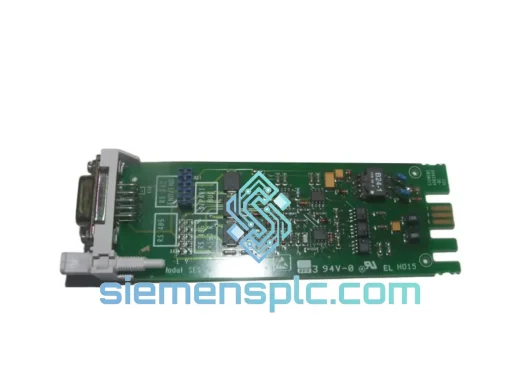
Siemens 6ES5734-1BD20 S5 Programming Cable
SIMATIC S5
Origin DE
PLC Programming Cable
Siemens
RFQ Ready
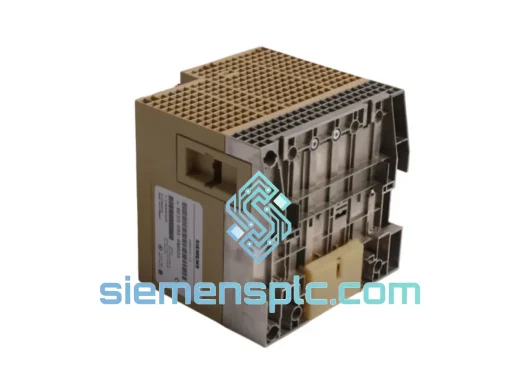
SIEMENS K3R072 528605 PLC Controller Module – SIMATIC S5
SIMATIC S5
Origin DE
PLC Controller Module