Siemens
RFQ Ready
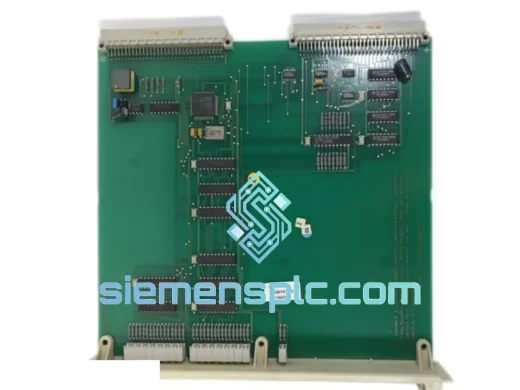
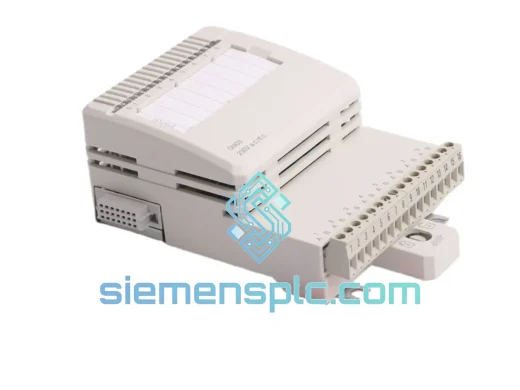
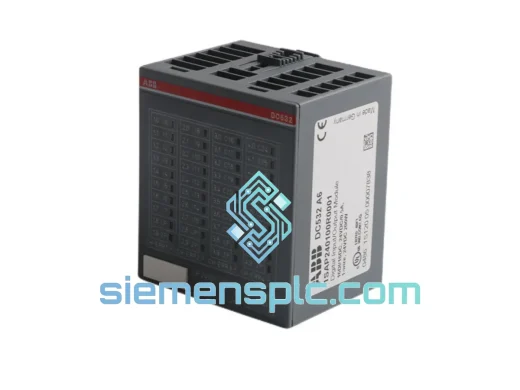
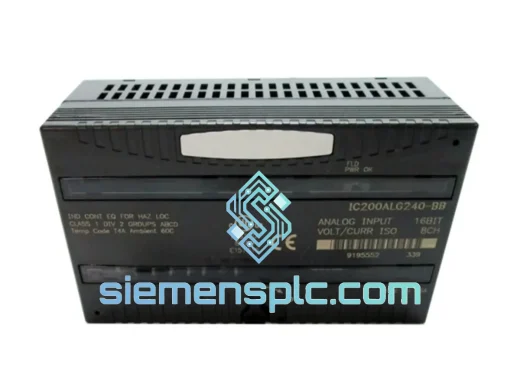
Siemens 6ES7321-1BL00-0AA0 Digital Input Module
SIMATIC
Origin DE
PLC Digital Input Module
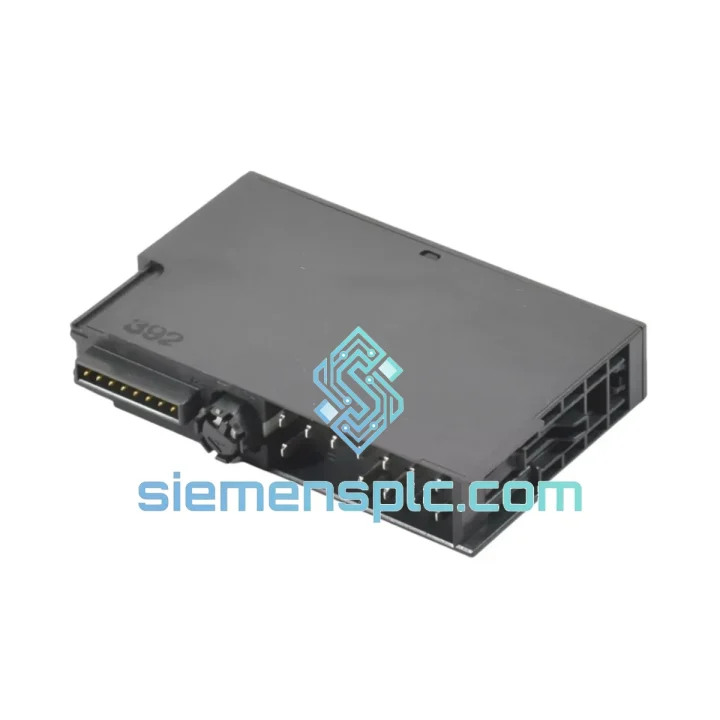
Request verified availability, condition, replacement risk review, packing options and courier lead time for 6ES7134-4LB02-0AB0.
Click Request Quote and the part number is inserted into the inquiry form automatically.
Core fields for model confirmation and RFQ routing. Detailed product narrative remains below.
Your ET 200S rack is dead. The analog signals are gone. The line is stopped. Every minute costs real money — and you already know the part number. The Siemens 6ES7134-4LB02-0AB0 is on our shelf in Xiamen right now. We’ve done this hundreds of times. Let’s get your process back online.
⚡ URGENT REQUIREMENT? Contact: [email protected] | WhatsApp: +86 18359268345
| Parameter | Specification | Status |
|---|---|---|
| Order No. (MLFB) | 6ES7134-4LB02-0AB0 | ✅ Ready to Ship |
| Product Family | SIMATIC ET 200S | |
| Module Function | 4-Channel Analog Input (4AI) | |
| Input Type | Voltage & Current (per channel) | |
| Voltage Ranges | ±10 V, ±5 V, ±2.5 V, 1–5 V | |
| Current Ranges | 0–20 mA, 4–20 mA, ±20 mA | |
| Resolution | 13-bit + sign | |
| Conversion Time | ≥ 2 ms / channel (50 Hz mode) | |
| Supply Voltage | 24 V DC (20.4–28.8 V) | |
| Current Draw (L+) | Typ. 60 mA | |
| Backplane Bus Draw | Max. 10 mA | |
| Isolation | Galvanic — channels to backplane | |
| Noise Suppression | 50 Hz / 60 Hz selectable | |
| Dimensions (W×H×D) | 15 × 81 × 52 mm | |
| Weight | ~45 g | |
| Operating Temp. | 0 °C to +60 °C | |
| Storage Temp. | −40 °C to +70 °C | |
| Protection Rating | IP20 | |
| Certifications | CE, UL, cULus, ATEX Zone 2 | |
| Firmware Revision | V2.0 (0AB0 hardware revision) | |
| Required Terminal Module | 6ES7193-4CA40-0AA0 (TM-E15S24-A1) | |
| Compatible IM Modules | IM 151-1 Std / HF, IM 151-3 PN | |
| Country of Origin | Germany |
Pulled from real field calls. These are the things that bite you at 2 AM.
1. Confirm the hardware revision before you pull the old module.
The 0AB0 and 0AA0 are functionally interchangeable in most racks, but the 0AB0 carries firmware V2.0 with extended diagnostics. If your STEP 7 / TIA Portal project was configured against 0AA0, the hardware catalog entry will still accept 0AB0 — no reconfiguration needed. If you see a mismatch warning in the diagnostic buffer, simply re-download the hardware configuration.
2. Terminal module stays in the rack — the I/O module swaps out.
The ET 200S design separates the terminal module (wiring carrier) from the I/O module (electronics). You do not need to rewire anything. Slide the 6ES7134-4LB02-0AB0 out of the terminal module, insert the replacement, and the field wiring remains untouched. This is the single biggest time-saver on an ET 200S repair.
3. Hot-swap procedure.
With IM 151-1 in standard mode, the station must be powered down before module removal. With IM 151-1 High Feature (HF) or IM 151-3 PN, hot-swap is supported — but verify your IM firmware version first. Attempting hot-swap on a non-HF interface module will corrupt the backplane communication and force a full rack restart.
4. Common fault codes after replacement.
5. Noise on analog channels after replacement.
If readings are noisy post-swap, verify the 50/60 Hz suppression setting matches your local grid frequency. A 50 Hz filter on a 60 Hz grid (or vice versa) will pass line-frequency interference directly into your process values. Set via STEP 7 channel parameters — no hardware change required.
6. Grounding.
The 6ES7134-4LB02-0AB0 provides galvanic isolation between channels and the backplane bus. However, the analog reference (M_ANA) must be connected to the system ground at the terminal module. Floating M_ANA is the most common cause of erratic readings on voltage channels after a module swap.
The ET 200S platform was not designed for a clean control room — it was designed for the field. The 6ES7134-4LB02-0AB0 is rated to operate continuously at 60 °C ambient without derating. The conformal-coated PCB resists condensation and airborne contaminants common in food processing, chemical, and coastal industrial environments.
Vibration resistance meets IEC 61131-2 requirements: 10–57 Hz at 0.075 mm displacement, 57–150 Hz at 1 g. This covers the mechanical stress profile of most pump skids, compressor packages, and conveyor drive cabinets where ET 200S stations are typically mounted.
The ATEX Zone 2 certification (Group II, Category 3G) means the module can be installed in certified enclosures within potentially explosive atmospheres — relevant for oil & gas wellhead panels, solvent handling areas, and grain processing facilities. Verify your enclosure’s Ex certification before installation in classified areas.
Units shipped from our Xiamen warehouse are stored in climate-controlled conditions with humidity indicators. Every module is packed in an anti-static ESD bag, cushioned with bubble wrap, and boxed in a double-wall carton rated for international air freight handling. We have shipped to refineries in the Middle East, automotive plants in Eastern Europe, and water treatment facilities in Southeast Asia — the packaging holds.
Our warehouse is located in Xiamen, Fujian — one of China’s primary export hubs with direct access to DHL, FedEx, and UPS international gateways. For urgent orders confirmed before 15:00 CST, same-day dispatch is standard.
Typical transit times from Xiamen:
All shipments include a tracking number issued within 2 hours of dispatch. Commercial invoice, packing list, and Certificate of Conformity are included in the shipment documentation as standard. For projects requiring customs pre-clearance documentation (HS code 8537.10, country of origin Germany), we prepare the paperwork before the courier collects.
For large-volume orders or freight-forwarder handoffs, contact us directly — we coordinate with your nominated forwarder and provide all export documentation required for customs clearance in your destination country.
📧 Email: [email protected]
💬 WhatsApp: +86 18359268345
🌐 Web: siemensplc.com
© 2026 siemensplc.com. All rights reserved.
We check the full part number, brand, series and visible nameplate information before quotation.
Sales confirms stock path, condition option, quantity and realistic lead time for export dispatch.
DHL, FedEx, UPS or buyer courier arrangements can be reviewed with packing requirements.
Similar brand or category products for fast comparison and multi-item RFQ lists.