
Siemens
In Stock OK
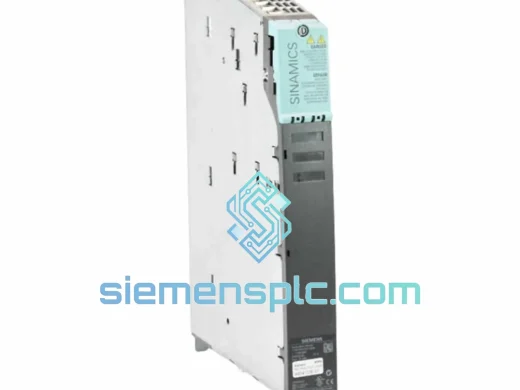
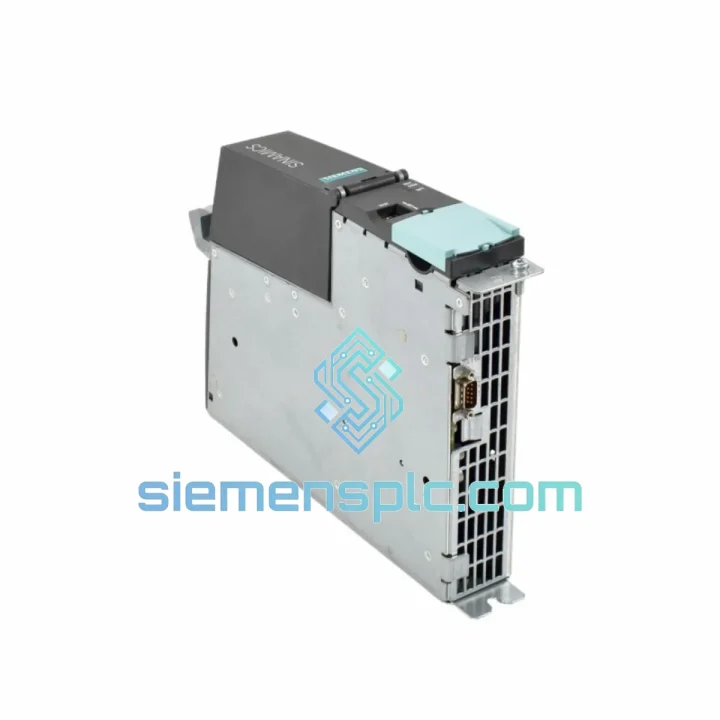
Siemens 6SL3040-1MA00-0AA0 CU320-2 DP Control Unit
Request verified availability, condition, replacement risk review, packing options and courier lead time for 6SL3040-1MA00-0AA0.
BrandSiemens
Part Number6SL3040-1MA00-0AA0
ConditionAvailability Check
Lead TimeRFQ Confirmation
DocumentsDatasheet / photos by RFQ
ShippingExport packing available
Auto-filled RFQ
6SL3040-1MA00-0AA0
Click Request Quote and the part number is inserted into the inquiry form automatically.
- Reply by email: [email protected]
- WhatsApp / Tel: +86 18359268345
- Mon-Sat 9:00-18:00 GMT+8
Procurement Data
Key Product Information
Core fields for model confirmation and RFQ routing. Detailed product narrative remains below.
- Brand
- Siemens
- Primary Part Number
- 6SL3040-1MA00-0AA0
- Product Type
- PLC Control Unit
- Series / Family
- SINAMICS
- Country of Origin
- DE
- Model Function
- Central Control Unit (CU) for S120 multi-axis drive line-up
- Catalog Category
- Motor Drives
Model confirmed for inquiry
6SL3040-1MA00-0AA0
Send quantity, destination and urgency. The RFQ form keeps this part number attached.
Request Quote
Product Overview
6SL3040-1MA00-0AA0 CU320-2 DP — Every Hour of Downtime Costs You. We Ship Today.
Your S120 drive line is down. The CU320-2 DP has faulted out, the machine is cold, and production is bleeding money by the minute. You don’t need a catalog — you need a unit on a plane tonight. We stock the Siemens 6SL3040-1MA00-0AA0 in Xiamen and ship DHL Express globally within 24 hours of order confirmation. This is the exact OEM part, not a clone, not a refurb with unknown history — sealed, traceable, firmware-ready.
URGENT REQUIREMENT? Contact: [email protected] | WhatsApp: +86 18359268345
Quick Technical Datasheet
| Part Number | 6SL3040-1MA00-0AA0 |
| Product Family | SINAMICS S120 |
| Function | Central Control Unit (CU) for S120 multi-axis drive line-up |
| Fieldbus | PROFIBUS DP (up to 12 Mbit/s) |
| Max Drive Objects | 6 axes |
| Onboard I/O | 12 DI / 8 DO / 2 AI / 2 AO |
| Drive-CLiQ Ports | 4 × Drive-CLiQ sockets |
| Memory | CompactFlash (CF) card slot — firmware & parameter storage |
| USB | 1 × USB Type-A (commissioning / STARTER) |
| Supply Voltage | 24 V DC |
| Operating Temp | 0 °C to +55 °C |
| Protection Rating | IP20 |
| Dimensions (W×H×D) | 73 × 380 × 270 mm |
| Weight | ~2.3 kg |
| Certifications | CE, UL, cUL |
| Origin | Germany |
| Stock Status | ✔ Ready to Ship — Xiamen Warehouse |
Troubleshooting & Replacement Tips
The CU320-2 DP fails in predictable ways. Here’s what you’re likely seeing and how to get back online fast:
Fault F01000 / F01001 — Internal software error or watchdog timeout: Nine times out of ten this is a corrupted CF card or a firmware mismatch after a partial update. Pull the CF card, re-flash firmware V4.7 or V5.2 (match your existing Motor Module firmware exactly), reinsert, and cold-boot. If the fault persists after two clean boots, the CU itself is gone — order the replacement now, don’t waste time on further diagnostics.
Fault A01900 / F01910 — Drive-CLiQ topology error: The CU has lost communication with one or more components on the Drive-CLiQ ring. Before condemning the CU, check each Drive-CLiQ cable for bent pins and reseat all connectors. If the topology error follows the CU across a swap test, the issue is upstream in the Power Module or SMC. If the error disappears with the new CU, you’ve confirmed the fault.
Replacement procedure — step by step:
- Power down the entire drive line-up. Confirm 24 V DC bus is fully discharged before touching the CU.
- Remove the CF card from the faulty unit first — this card holds your parameter set. Do not lose it.
- Disconnect all Drive-CLiQ cables, PROFIBUS connector (9-pin Sub-D), 24 V supply, and I/O terminal strips. Label everything before removal if the cabinet is complex.
- Slide the faulty CU320-2 DP out of the mounting rail. The new 6SL3040-1MA00-0AA0 mounts identically — no bracket changes required.
- Insert the CF card from the original unit into the replacement CU. The parameter set and firmware will load automatically on first boot.
- Reconnect all cables. Verify PROFIBUS termination resistors are active at both ends of the segment.
- Power up and monitor the READY LED. Solid green = normal operation. Flashing = fault active, check the BOP20 or STARTER for fault codes.
- Run a short jog cycle on each axis before releasing the machine to production. Confirm encoder feedback and torque limits are behaving as expected.
DIP switch / addressing note: The CU320-2 DP does not use hardware DIP switches for PROFIBUS node addressing. The address is set exclusively in software via STARTER or TIA Portal Startdrive. If you’re replacing a unit and the address isn’t stored on the CF card, you’ll need to set it manually before the PLC can establish communication.
Firmware matching: The CU firmware and Motor Module firmware must be from the same release family. Mixing V4.7 CU firmware with V5.2 Motor Modules will generate persistent F01910 topology faults. Always check the firmware version label on the Motor Module before ordering a CF card or flashing the replacement unit.
Reliability in Harsh Conditions
The 6SL3040-1MA00-0AA0 was engineered for environments that would kill consumer-grade electronics. The PCB assembly uses conformal coating on critical signal layers, providing resistance to condensation and airborne contaminants common in foundry, food processing, and chemical plant environments. The unit is rated to operate continuously at +55 °C ambient — in a sealed cabinet with poor airflow, that margin matters.
Vibration resistance meets IEC 60068-2-6 test profiles, which covers the shock and resonance frequencies generated by heavy stamping presses, compressors, and crane bridge drives. The Drive-CLiQ connectors use a positive-latch mechanism that won’t back out under sustained vibration — a failure mode that plagues generic fieldbus connectors in the same applications.
The 24 V DC input is protected against reverse polarity and transient overvoltage up to the levels specified in IEC 61800-3 Category C2. In plants where the 24 V rail is shared with solenoid valves and contactors, this protection is not optional — it’s what keeps the CU alive when a coil collapses and dumps a spike back onto the bus.
Units shipped from our Xiamen warehouse are stored in climate-controlled conditions at 15–25 °C with humidity below 60% RH. Each unit is individually bagged in anti-static ESD packaging with desiccant. Long-term storage degradation is not a concern for units sourced from us — we turn inventory regularly and do not hold dead stock.
Global Express Logistics
Our warehouse is located in Xiamen, Fujian — one of China’s primary export hubs with direct access to DHL Express, FedEx International Priority, and UPS Worldwide Express gateways. For emergency orders confirmed before 14:00 CST, same-day dispatch is standard.
Typical transit times from Xiamen:
- Southeast Asia (Singapore, Thailand, Vietnam): 2–3 business days via DHL Express
- Europe (Germany, Poland, Italy, Turkey): 3–5 business days via FedEx International Priority
- North America (USA, Canada, Mexico): 3–5 business days via DHL Express or FedEx
- Middle East (UAE, Saudi Arabia, Qatar): 3–4 business days via DHL Express
- South America (Brazil, Chile, Colombia): 5–7 business days via FedEx
- Australia / New Zealand: 3–4 business days via DHL Express
All shipments include full commercial invoice, packing list, and certificate of origin. For customers requiring import clearance support, we provide HS code documentation (HS 8537.10) and can prepare a detailed technical description letter for customs. Duties and import taxes are the buyer’s responsibility unless DDP terms are agreed in advance — contact us to discuss.
Tracking numbers are issued within 2 hours of dispatch. We monitor all express shipments and proactively contact customers if a delay is flagged by the carrier. For critical plant shutdowns, we can arrange Saturday delivery in most major markets at no additional coordination cost — just flag it when you place the order.
Contact Information
Email: [email protected]
WhatsApp: +86 18359268345
Web: siemensplc.com
© 2026 siemensplc.com. All rights reserved.
Ready to quote
[email protected]
Send This Part Number to Sales
RFQ workflow
Quality workflow ->
Confirmation Process
01Model confirmation
We check the full part number, brand, series and visible nameplate information before quotation.
02Availability reply
Sales confirms stock path, condition option, quantity and realistic lead time for export dispatch.
03Packing & courier
DHL, FedEx, UPS or buyer courier arrangements can be reviewed with packing requirements.
Continue sourcing
Browse full catalog ->
Related Automation Parts
Similar brand or category products for fast comparison and multi-item RFQ lists.
Siemens
RFQ Ready
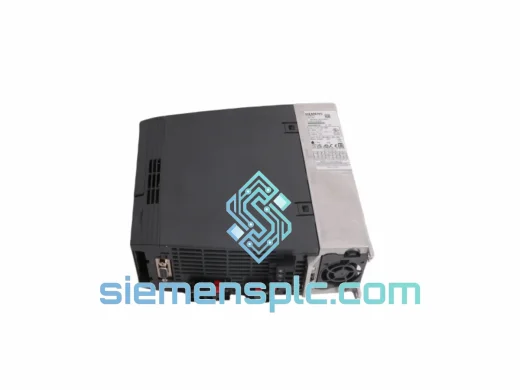
Siemens 6SL3210-1KE18-8UP1 AC Drive Power Module
SINAMICS
Origin DE
AC Drive Power Module
Siemens
RFQ Ready
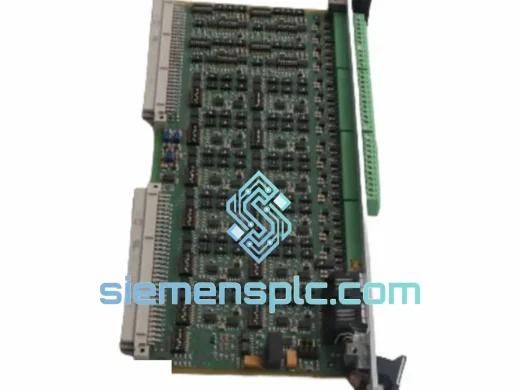
Siemens 383VA21N1F Control Interface Board – SINAMICS
SINAMICS
Origin DE
Control Interface Board
Siemens
RFQ Ready
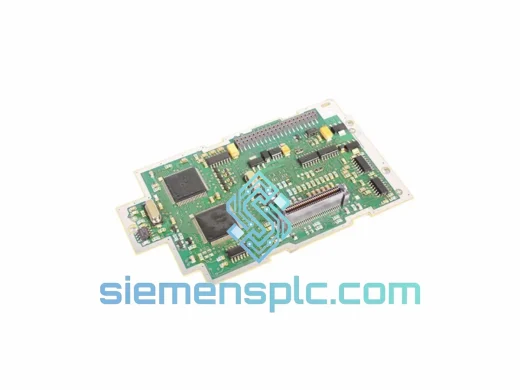
Siemens ULC0186 A5E00182136 PCB Drive Control Board – SINAMICS MICROMASTER
SINAMICS
Origin DE
PCB Drive Control Board