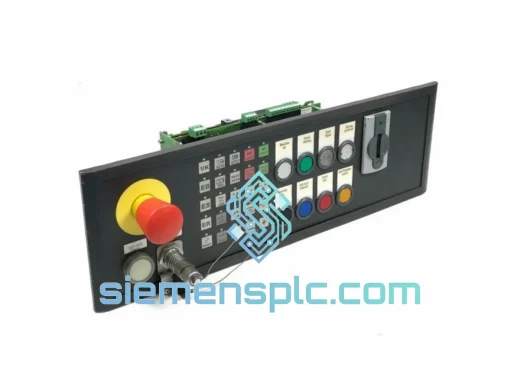
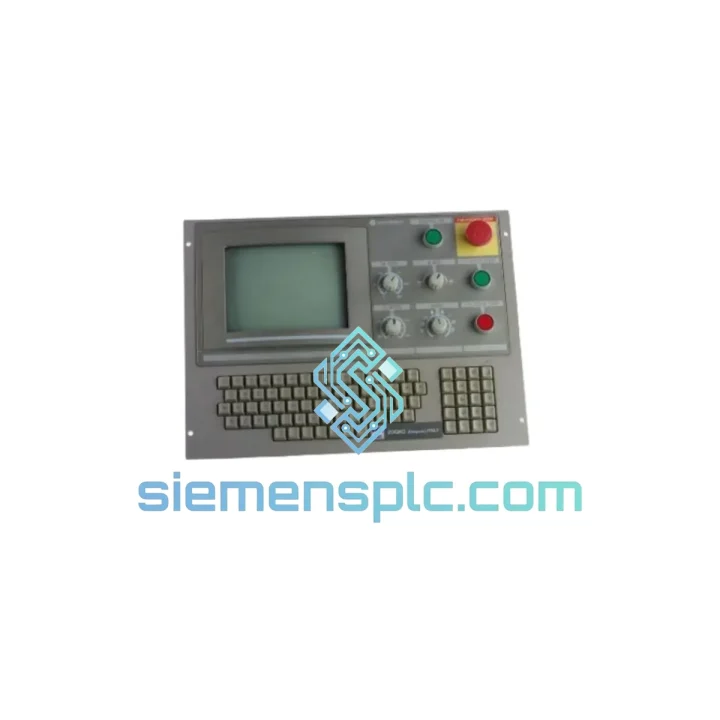
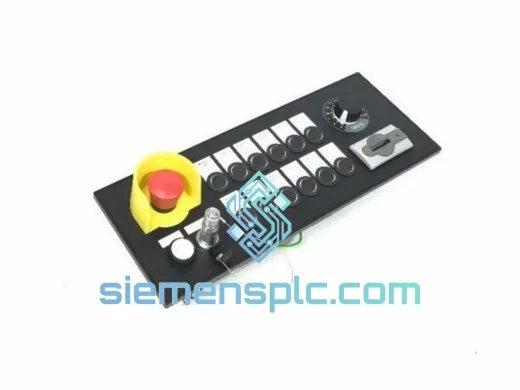
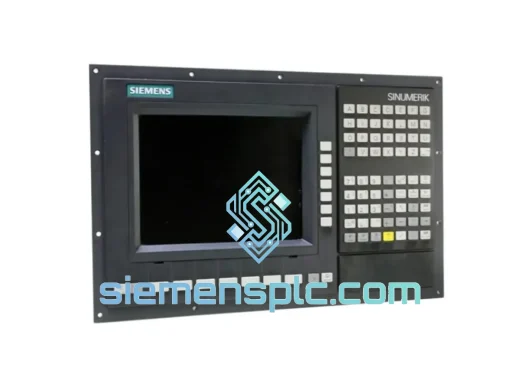
Product Overview
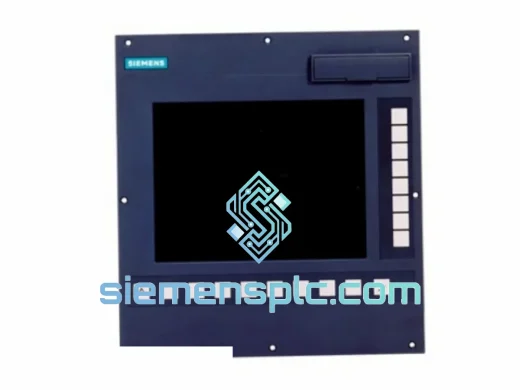
Siemens 86002249 Z-OC SINUMERIK Operator Panel: Stop the Clock on Your Downtime
Every minute a CNC machine sits idle costs real money — scrap targets missed, delivery commitments broken, shift supervisors breathing down your neck. The Siemens 86002249 Z-OC Operator Panel is the exact HMI interface unit that brings your SINUMERIK-controlled machine back to life. We stock it. We ship it today. That’s the only conversation that matters when your line is down.
This is not a compatible substitute. Not a refurbished pull. This is a 100% original Siemens SINUMERIK operator panel, sourced through verified industrial channels, inspected before it leaves our warehouse in Xiamen, and on a DHL or FedEx truck within hours of your order confirmation.
URGENT REQUIREMENT?
📧 Email: [email protected]
📱 WhatsApp: +86 18359268345
Quick Technical Datasheet
| Parameter |
Specification |
| Part Number |
86002249 Z-OC |
| Brand |
Siemens |
| Series |
SINUMERIK Operator Panel Series |
| Product Type |
CNC Operator Panel / HMI Interface Unit |
| Form Factor |
Panel-mount, front-flush installation |
| Interface |
MPI / PROFIBUS / Ethernet (confirm with system config) |
| Operating Voltage |
24 V DC (nominal) |
| Operating Temperature |
0 °C to +55 °C |
| Storage Temperature |
-20 °C to +70 °C |
| Protection Rating |
IP65 (front panel) |
| Weight |
~800 g |
| Origin |
Germany |
| Condition |
New / Surplus New — 100% Original Siemens |
| Stock Status |
READY TO SHIP |
Troubleshooting & Replacement Tips
Swapping an operator panel on a SINUMERIK system is not plug-and-play if you skip the configuration steps. Here is what field experience replacing the 86002249 Z-OC has taught:
Common Failure Symptoms That Point to This Panel:
- Blank or frozen display with machine still running — backlight or display controller failure
- Intermittent key response or complete keypad lockout — membrane contact degradation, common after 5–8 years in high-vibration environments
- Alarm 6000 / 6001 series on SINUMERIK 840D — communication loss between OP and NCU, often caused by a failed MPI interface on the panel side
- Panel powers on but shows BOOT loop — corrupted CF card or failed internal flash; replacing the panel unit resolves this faster than attempting firmware recovery on-site
- Physical damage to front bezel or USB port — impact damage in tool-change zones
Step-by-Step Replacement Procedure:
-
Power down the control cabinet — isolate at the main disconnect, lock out / tag out per your site LOTO procedure. Do not attempt hot-swap on this panel.
-
Document your current configuration — before removing the old panel, photograph the MPI/PROFIBUS address setting (DIP switches or rotary switch on the rear). The 86002249 Z-OC typically ships with address set to 0; your system may require address 1 or 2 depending on NCU configuration.
-
Disconnect cables in sequence — power connector first, then data cables (MPI/Ethernet). Label each connector if your cabinet wiring is dense.
-
Check the DIP switch block on the new unit — match the address to your documented setting. Mismatch here causes immediate Alarm 6000 on first boot.
-
Seat the panel and torque the mounting screws — do not overtighten the front-panel M4 screws; 1.5 Nm is sufficient. Overtightening cracks the bezel frame.
-
Restore power and observe boot sequence — SINUMERIK should detect the new panel within 15–20 seconds. If the NCU firmware version is significantly newer than the panel embedded software, you may see a firmware mismatch warning. In most cases the system will still operate; schedule a firmware update during the next planned maintenance window.
-
Run a full axis reference cycle — do not release the machine to production until all axes have been referenced and a test cycle completed.
Pro tip: If replacing this panel on a SINUMERIK 840D sl system, check whether your NCU has the OP compatibility mode parameter set (MD 9004). Enabling it prevents version-mismatch alarms when running a newer NCU with an older panel revision.
Reliability in Harsh Conditions
The 86002249 Z-OC was engineered for the realities of the shop floor — not a climate-controlled server room. Siemens designed this panel to survive the environments where CNC machines actually live.
-
Vibration resistance: Rated to IEC 60068-2-6 sinusoidal vibration profiles. The internal PCB uses conformal coating and reinforced connector retention to prevent cold-solder failures caused by constant machine vibration — the number-one cause of premature panel failure in high-cycle machining centers.
-
Thermal cycling: Automotive and aerospace shops run three shifts. The panel thermal design handles repeated heat-up and cool-down cycles without delaminating the display or cracking solder joints. Operating range 0–55 °C; storage to 70 °C.
-
Coolant and dust ingress: IP65 front-panel rating means cutting fluid mist and aluminum swarf stay out of the display assembly. Keep your cabinet door gaskets in good condition and this panel will outlast the machine.
-
EMC immunity: Siemens SINUMERIK panels are tested to EN 61000-4 series immunity standards. Inverter noise, servo drive switching transients, and nearby welding equipment will not corrupt the operator interface.
Units in our inventory are stored in ESD-safe, climate-controlled conditions. Each panel is individually bagged and boxed in original or equivalent protective packaging before shipment.
Global Express Logistics
Our dispatch hub is in Xiamen, China — one of the country primary export ports with direct daily freight connections to DHL and FedEx international hubs. Here is how your order moves:
-
Order confirmed → same-day pick and inspect — your panel is pulled from stock, visually inspected, and photographed before packaging. Pre-shipment photo available on request.
-
Packaging — anti-static bag, foam-lined carton, fragile labeling. The panel arrives in the same condition it left.
-
Carrier handoff — DHL Express or FedEx International Priority, your choice. Tracking number sent within 2 hours of carrier pickup.
-
Transit times (typical): Southeast Asia 1–2 business days; Europe 2–3 business days; North America 2–4 business days; Middle East and South Asia 2–3 business days; Australia and Oceania 2–3 business days.
-
Customs documentation — commercial invoice, packing list, and HS code documentation provided as standard. Certificate of origin available on request for duty preference purposes.
-
Urgent shipments — if your machine is down and every hour counts, contact us directly on WhatsApp before placing your order. We will confirm stock, cut the paperwork, and get the panel moving within the hour.
Contact Information
📧 Email: [email protected]
📱 WhatsApp: +86 18359268345
🌐 Web: siemensplc.com
© 2026 siemensplc.com. All rights reserved.