Siemens
RFQ Ready
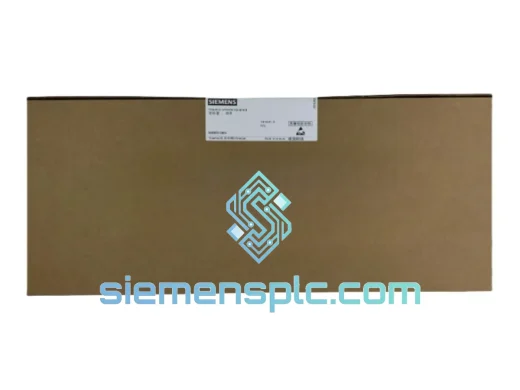
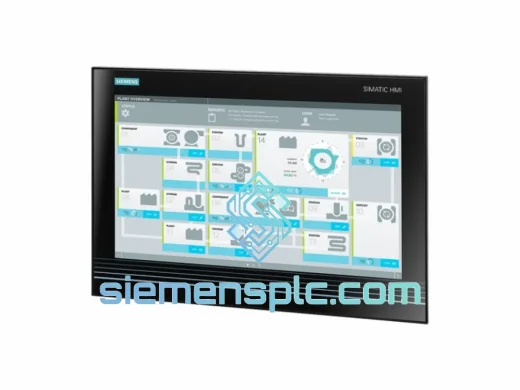
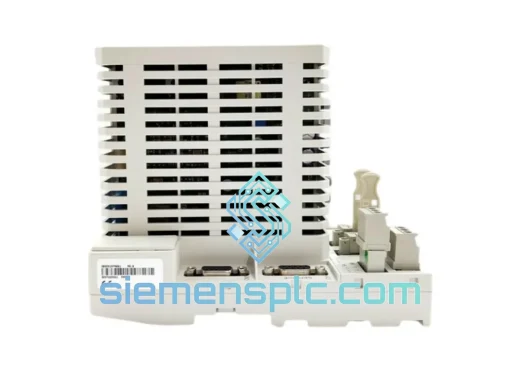
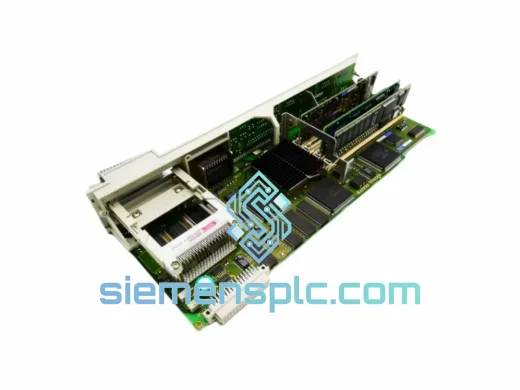
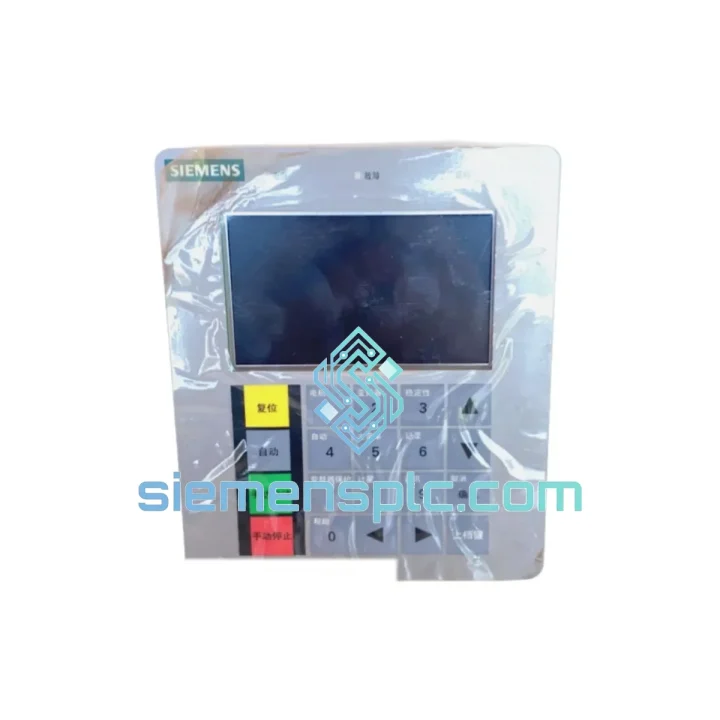
Siemens 6FC5357-0BY21-1AE1 NCU572.2 CNC Control Unit
SINUMERIK 840D
Origin DE
CNC Numerical Control Unit
Request verified availability, condition, replacement risk review, packing options and courier lead time for A5E02624585.
Click Request Quote and the part number is inserted into the inquiry form automatically.
Core fields for model confirmation and RFQ routing. Detailed product narrative remains below.
Every minute your line is down, you’re bleeding money. The Siemens A5E02624585 SIMATIC S7 PLC accessory module is one of those components that nobody thinks about — until it fails at 2 AM on a Sunday during peak production. We’ve been there. That’s exactly why we keep verified stock of this part in Xiamen, ready to move the same day you call.
This is not a grey-market substitute or a refurbished pull. It’s a 100% original Siemens OEM unit, sourced through traceable industrial supply channels, cross-checked against Siemens AG part databases before it ever hits our shelf. When your maintenance team installs it, it goes in clean — no surprises, no firmware mismatch, no re-commissioning headaches.
URGENT REQUIREMENT? Contact: [email protected] | WhatsApp: +86 18359268345
| Parameter | Value |
|---|---|
| Part Number / SKU | A5E02624585 |
| Manufacturer | Siemens AG |
| Product Series | SIMATIC S7 |
| Component Classification | PLC Accessory Module |
| Compatible Platforms | S7-300, S7-400, ET 200 distributed I/O |
| Weight | 70 g |
| Condition | New — Original OEM |
| Country of Origin | Germany |
| Stock Status | ✅ Ready to Ship — Xiamen Warehouse |
| Lead Time (In-Stock) | Same day / Next business day dispatch |
| Export Documentation | Commercial Invoice, Packing List, COO available |
After ten years of field work across automotive stamping lines, chemical batch reactors, and food packaging systems, here’s what actually matters when you’re swapping out an A5E02624585 under pressure:
1. Confirm the fault before you pull the module. On S7-300/400 systems, check the CPU diagnostic buffer via STEP 7 or TIA Portal before assuming the accessory module is the root cause. A corrupted rack backplane or a loose bus connector can mimic module failure. Run Module Information → Diagnostic Buffer and look for event IDs in the 0x2521–0x2529 range — these point directly to accessory/interface module faults.
2. Power down the rack completely. The A5E02624585 is not hot-swappable in standard S7-300 configurations. Attempting a live swap risks corrupting the CPU’s internal process image and can trigger a STOP state that requires a full memory reset. Always de-energize the 24 VDC supply rail before extraction.
3. Check the slot address assignment. In S7-300 racks, modules are slot-addressed by physical position. If you’re replacing a module that was in slot 4, the new unit must go back into slot 4 — the hardware configuration in your project is tied to that slot number. Misplacing it by even one slot will cause a configuration mismatch fault (OB 86 or OB 122 call) on CPU restart.
4. Verify firmware revision compatibility. Pull the order number label from the old module and compare the firmware version (FW field on the label) against the replacement. For most S7-300 accessory modules, firmware is embedded and non-upgradeable — the hardware revision (HW field) must match or be a forward-compatible revision. If you’re unsure, send us the label photo and we’ll confirm before you commit to the swap.
5. DIP switch / rotary address settings. Some variants of S7 accessory modules carry rotary or DIP switches for PROFIBUS node addressing or module ID assignment. Before removing the old unit, photograph the switch positions. The replacement ships in factory default — you’ll need to replicate the original settings exactly, or the master CPU will throw a station failure alarm within seconds of power-up.
6. Post-installation check. After seating the new module and restoring power, watch the CPU’s SF (System Fault) LED for the first 10 seconds. If it clears and the module’s own status LED goes green, you’re good. If SF stays red, go back to the diagnostic buffer — the event timestamp will tell you exactly what the CPU doesn’t like about the new configuration.
Siemens SIMATIC S7 modules are engineered for the realities of industrial environments — not lab conditions. The A5E02624585 is designed and tested to operate continuously under conditions that would kill consumer-grade electronics within weeks.
Vibration resistance is validated to IEC 60068-2-6 standards, covering sinusoidal vibration profiles that simulate the constant mechanical stress of being mounted inside a control cabinet on a stamping press or a compressor skid. The PCB assembly uses conformal coating on critical traces to resist moisture ingress — relevant if your cabinet is in a humid coastal facility or near a wash-down zone in a food plant.
Operating temperature range spans -20°C to +60°C ambient, with short-term excursions handled by the thermal design of the module housing. In high-temperature environments — think steel mill auxiliary panels or outdoor enclosures in Southeast Asia — ensure your cabinet ventilation meets Siemens’ derating guidelines. Running a module at the thermal ceiling continuously shortens MTBF; running it within spec means years of uninterrupted service.
EMC immunity is tested to EN 61000-4 series, covering electrostatic discharge, radiated RF immunity, and fast transient burst — the kind of electrical noise you get from large VFD installations, arc welders, and high-current contactors switching nearby. The module’s shielded design keeps your control logic clean even when the power environment is dirty.
Our dispatch hub is in Xiamen, Fujian Province — one of China’s primary export ports with direct DHL and FedEx gateway access. Here’s how a typical urgent order moves:
Order confirmed before 14:00 CST → Same-day pick, pack, and handover to DHL Express or FedEx International Priority. You receive a tracking number within 2 hours of dispatch confirmation.
Transit times (door-to-door, express):
Every shipment includes a full commercial invoice with HS code pre-filled (8537.10 for PLC modules), packing list, and certificate of origin — everything your customs broker needs to clear the shipment without delays. For orders requiring an import license or end-user declaration, contact us before placing the order and we’ll prepare the documentation package in advance.
For multi-unit orders or mixed-SKU procurement, we consolidate into a single shipment to reduce freight cost and customs complexity. Sea freight (FCL/LCL) is available for bulk orders where lead time allows.
📧 Email: [email protected]
📱 WhatsApp: +86 18359268345
🌐 Web: siemensplc.com
© 2026 siemensplc.com. All rights reserved. All trademarks referenced herein are the property of their respective owners. siemensplc.com is an independent reseller and is not affiliated with or endorsed by Siemens AG.
We check the full part number, brand, series and visible nameplate information before quotation.
Sales confirms stock path, condition option, quantity and realistic lead time for export dispatch.
DHL, FedEx, UPS or buyer courier arrangements can be reviewed with packing requirements.
Similar brand or category products for fast comparison and multi-item RFQ lists.