Siemens
RFQ Ready
Siemens 6DD7060-1AA06 Communication Processor Module – SIMADYN D
SIMADYN D
Origin DE
Communication Processor Module
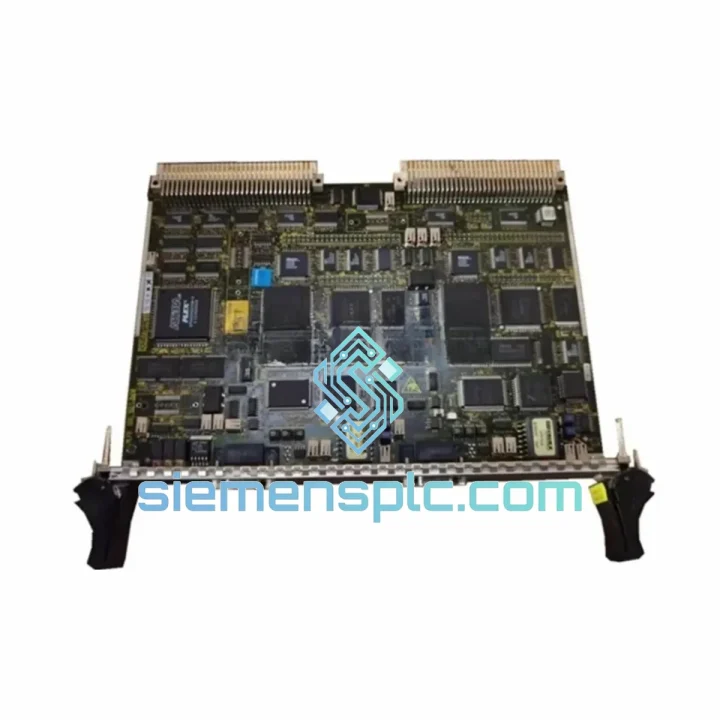
Request verified availability, condition, replacement risk review, packing options and courier lead time for 6DD1661-0AD0.
Click Request Quote and the part number is inserted into the inquiry form automatically.
Core fields for model confirmation and RFQ routing. Detailed product narrative remains below.
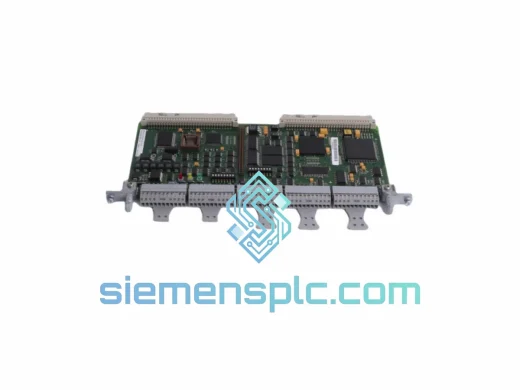
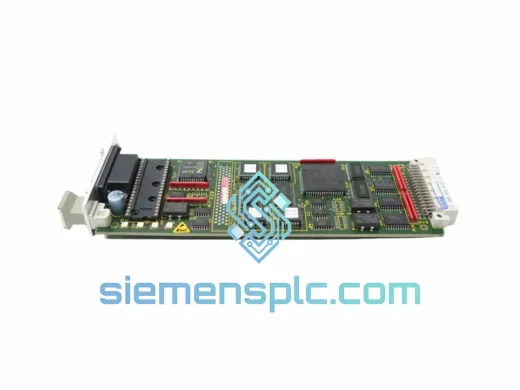
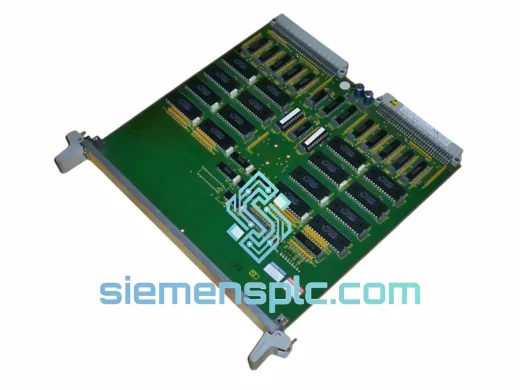
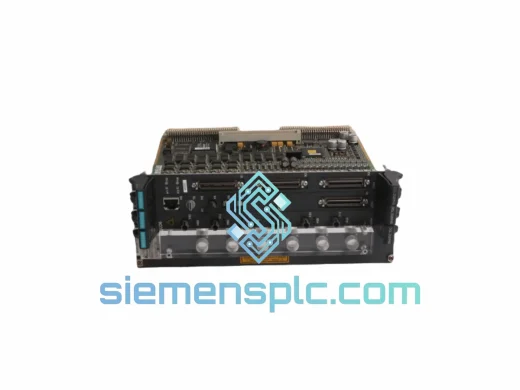
Every hour a SIMATIC TDC rack sits idle costs real money. In steel mills, paper lines, and heavy-process plants running CP50M0-based communication backbones, a failed module doesn’t just pause production — it cascades into missed delivery windows, emergency labor costs, and contractual penalties. We stock the Siemens CP50M0 (6DD1661-0AD0) specifically for this scenario: same-day dispatch from Xiamen, DHL/FedEx door-to-door, so your maintenance team has a verified unit on the bench before the next shift change.
This is not a catalog listing. This is a field-ready replacement module, inspected, tested, and packed for immediate deployment.
URGENT REQUIREMENT? Contact: [email protected] | WhatsApp: +86 18359268345
| Parameter | Value |
|---|---|
| Manufacturer | Siemens AG |
| Full Part Number | 6DD1661-0AD0 |
| Module Designation | CP50M0 |
| Product Family | SIMATIC TDC (Technology & Drive Control) |
| Module Function | Communication Processor — inter-module & external bus coordination |
| Form Factor | Single-slot, SIMATIC TDC rack (UR5213 / UR5217) |
| Compatible CPUs | CPU551, CPU555, CPU571, CPU572 |
| Bus Interface | TDC internal high-speed backplane bus |
| External Connectivity | PROFIBUS-DP, point-to-point serial (model-dependent) |
| Supply Voltage | Via rack backplane (PM50 / PM60 power supply) |
| Weight | ~1,600 g |
| Origin | Germany |
| Availability | ✔ Ready to Ship — Xiamen Stock |
Most common failure signatures for CP50M0:
Step-by-step hot-swap procedure (TDC rack with redundant power):
The SIMATIC TDC platform was engineered for the most punishing industrial environments on the planet — and the CP50M0 reflects that design philosophy throughout its construction. The module’s PCB uses conformal coating as standard, providing protection against condensation and airborne contaminants common in paper mills and chemical plants. The backplane connector is rated for thousands of insertion cycles, maintaining signal integrity even in facilities where modules are routinely swapped during scheduled maintenance windows.
Vibration resistance meets IEC 60068-2-6 test profiles, covering the 5–150 Hz frequency range at 1g continuous — sufficient for installation adjacent to large rotating machinery without additional isolation. Operating temperature range spans 0°C to +60°C ambient, with short-term excursions handled by the thermal mass of the rack enclosure. In steel mill environments where ambient temperatures routinely exceed 40°C, the CP50M0’s passive cooling design — no internal fans, no moving parts — eliminates the single most common failure mode seen in communication hardware: fan bearing seizure.
EMC immunity is certified to EN 61000-6-2 (industrial immunity), meaning the module maintains stable communication even in environments with heavy VFD switching noise, arc furnace interference, and high-current bus bars running adjacent to control cabinets. This is not a module designed for a clean server room — it was built for the floor.
Our dispatch hub is located in Xiamen, Fujian — one of China’s primary export ports with direct DHL and FedEx gateway access. Here is exactly what happens after you confirm your order:
All shipments include full insurance coverage. For orders above USD 5,000, we provide a dedicated logistics coordinator who monitors the shipment in real time and proactively resolves any customs holds. We have cleared Siemens industrial modules through customs in over 40 countries — we know the documentation requirements and we get it right the first time.
If your plant is in a country with specific import licensing requirements for industrial electronics, contact us before ordering. We will advise on the correct declaration approach and connect you with our local customs broker network where needed.
Email: [email protected]
WhatsApp: +86 18359268345
Web: siemensplc.com
© 2026 siemensplc.com. All rights reserved.
We check the full part number, brand, series and visible nameplate information before quotation.
Sales confirms stock path, condition option, quantity and realistic lead time for export dispatch.
DHL, FedEx, UPS or buyer courier arrangements can be reviewed with packing requirements.
Similar brand or category products for fast comparison and multi-item RFQ lists.