Siemens
RFQ Ready
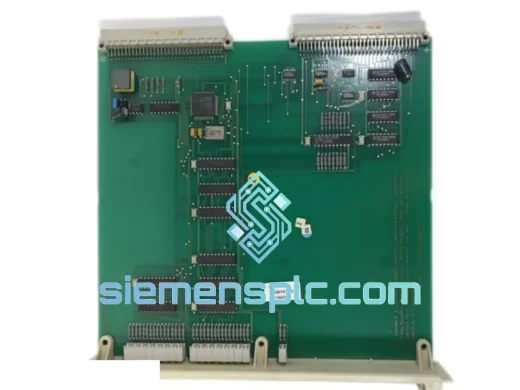
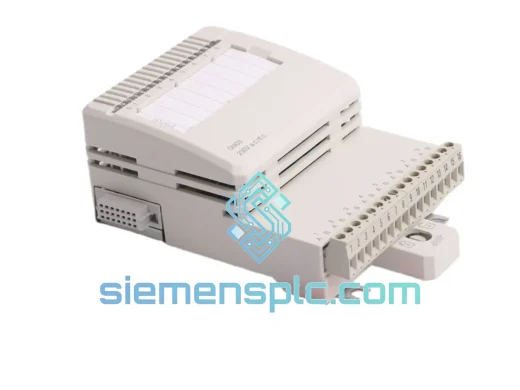
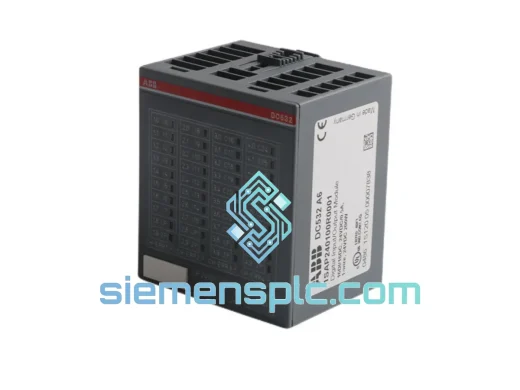
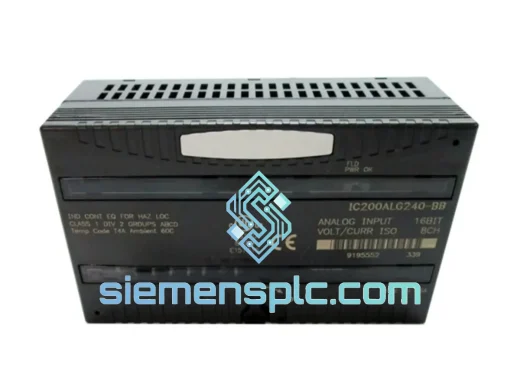
Siemens 6ES7321-1BL00-0AA0 Digital Input Module
SIMATIC
Origin DE
PLC Digital Input Module
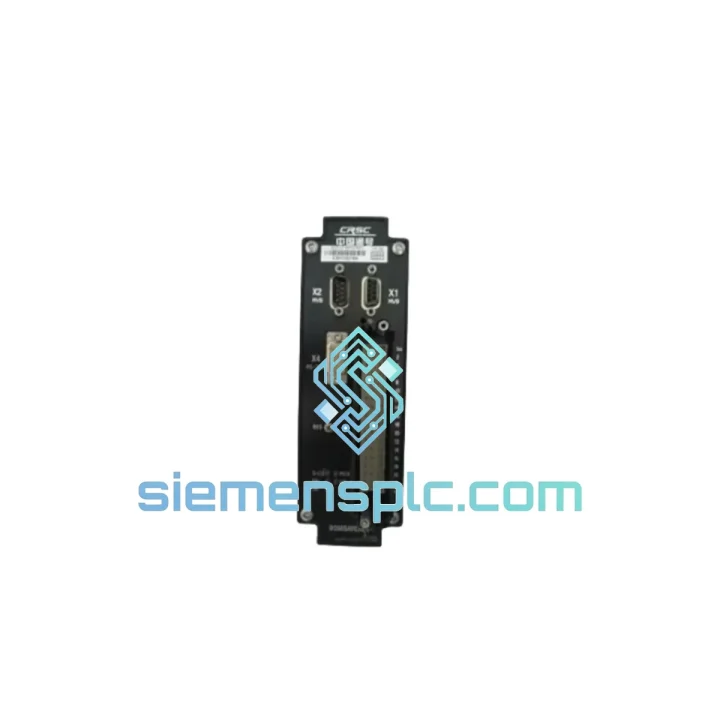
Request verified availability, condition, replacement risk review, packing options and courier lead time for LEC01.
Click Request Quote and the part number is inserted into the inquiry form automatically.
Core fields for model confirmation and RFQ routing. Detailed product narrative remains below.
Your line is down. The HMI is throwing a red fault on the input card. Maintenance has already pulled the suspect module and confirmed it’s dead. You need a verified replacement — not in two weeks, not “subject to availability” — now. The Siemens LEC01 digital input module is on our shelf in Xiamen. We process same-day. DHL Express is at our dock every afternoon. That’s the only pitch you need.
This is a 32-channel, 24 VDC digital input module designed for the Siemens SIMATIC S7-300 rack system. It handles the field-level signal acquisition that keeps your process running — proximity switches, pushbuttons, limit switches, and two-wire BERO sensors. When this card fails, your entire I/O group goes dark. There is no workaround. You replace it.
URGENT REQUIREMENT? Contact: [email protected] | WhatsApp: +86 18359268345
| Parameter | Specification | Status |
|---|---|---|
| Part Number / SKU | LEC01 | ✅ Ready to Ship |
| Brand | Siemens | 100% Original |
| Series | SIMATIC S7-300 | — |
| Module Type | Digital Input (DI) | — |
| Number of Inputs | 32 channels | — |
| Input Voltage | 24 VDC | — |
| Input Current (per channel) | Typ. 7 mA at 24 VDC | — |
| Signal Delay (0→1 / 1→0) | 1.2 ms / 1.2 ms (configurable) | — |
| Isolation | Optocoupler, 500 VAC group isolation | — |
| Backplane Bus Current Draw | Max. 100 mA at 5 VDC | — |
| Power Dissipation | Max. 5.5 W | — |
| Operating Temperature | 0 °C to +60 °C (horizontal), 0 °C to +40 °C (vertical) | — |
| Storage Temperature | -40 °C to +70 °C | — |
| Relative Humidity | 10% to 95%, non-condensing | — |
| Degree of Protection | IP20 | — |
| Dimensions (W × H × D) | 40 mm × 125 mm × 120 mm | — |
| Weight | Approx. 220 g | — |
| Connector Type | 40-pin front connector (not included) | — |
| Firmware | No firmware update required | — |
| Origin | Germany | — |
| Shipping Origin | Xiamen, China | ✅ Same-Day Dispatch Available |
Common failure signatures for this module:
Step-by-step hot-swap replacement procedure:
Configuration notes:
Industrial environments don’t care about your schedule. Foundry floors run at 55 °C ambient. Offshore platforms expose control panels to salt-laden humidity. Automotive press lines generate vibration profiles that shake loose inferior hardware within months. The S7-300 platform — and this input module specifically — was engineered to operate continuously in exactly these conditions.
The LEC01 module is rated to IEC 61131-2 for programmable controllers, which mandates verified performance across vibration (10–57 Hz, 0.075 mm amplitude; 57–150 Hz, 1 g), shock (15 g, 11 ms half-sine), and EMC immunity (IEC 61000-4 series). Optocoupler isolation at 500 VAC between field and backplane bus protects the CPU from ground loops and transient spikes that are routine in motor-heavy environments.
Every unit we ship has been stored in climate-controlled warehousing at 20–25 °C with controlled humidity. We do not stock modules that have been pulled from decommissioned equipment. What you receive is sealed OEM packaging with intact Siemens holographic labels. If the seal is broken on arrival, we replace it — no questions, no RMA bureaucracy.
Our warehouse is located in Xiamen, Fujian Province — one of China’s primary export hubs with direct access to Xiamen Gaoqi International Airport (XMN). DHL Express and FedEx International Priority both operate daily pickup from our facility.
Typical transit times from Xiamen:
Order cutoff for same-day dispatch: 15:00 CST (UTC+8). Orders confirmed with payment before this time ship the same afternoon. You receive a tracking number within 2 hours of dispatch. We handle all export documentation including commercial invoice, packing list, and certificate of origin. For orders requiring an ATA Carnet or specific customs commodity codes, contact us before ordering.
Modules are packed in anti-static foam inserts inside double-wall corrugated cartons. Each shipment is photographed before sealing — we send you the pre-shipment photos as standard practice so you can verify the item and packaging before it even leaves our dock.
Email: [email protected]
WhatsApp: +86 18359268345
Web: siemensplc.com
© 2026 siemensplc.com. All rights reserved.
We check the full part number, brand, series and visible nameplate information before quotation.
Sales confirms stock path, condition option, quantity and realistic lead time for export dispatch.
DHL, FedEx, UPS or buyer courier arrangements can be reviewed with packing requirements.
Similar brand or category products for fast comparison and multi-item RFQ lists.