TRICONEX
RFQ Ready
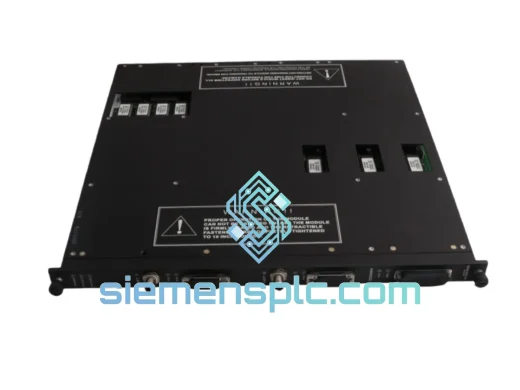
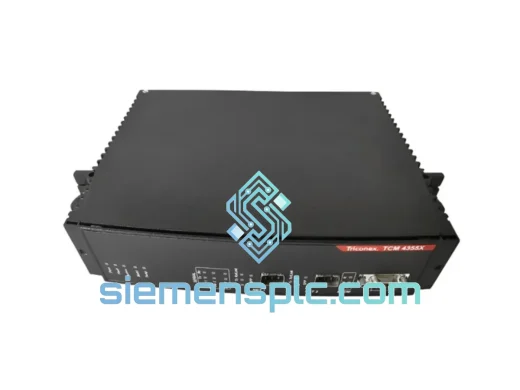
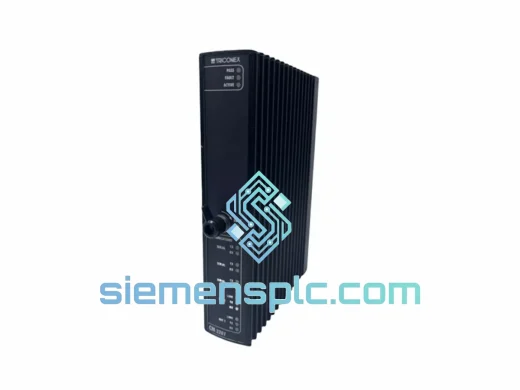
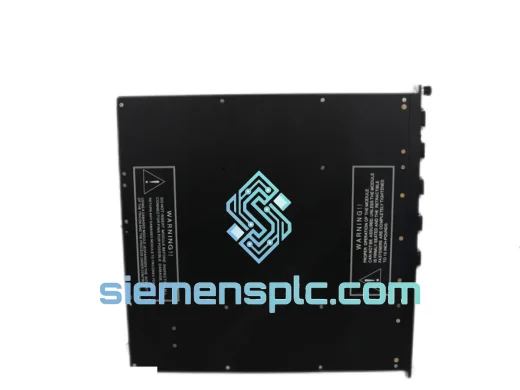
TRICONEX 4351B Communication Module – Tricon TMR
Tricon
Origin US
Communication Module
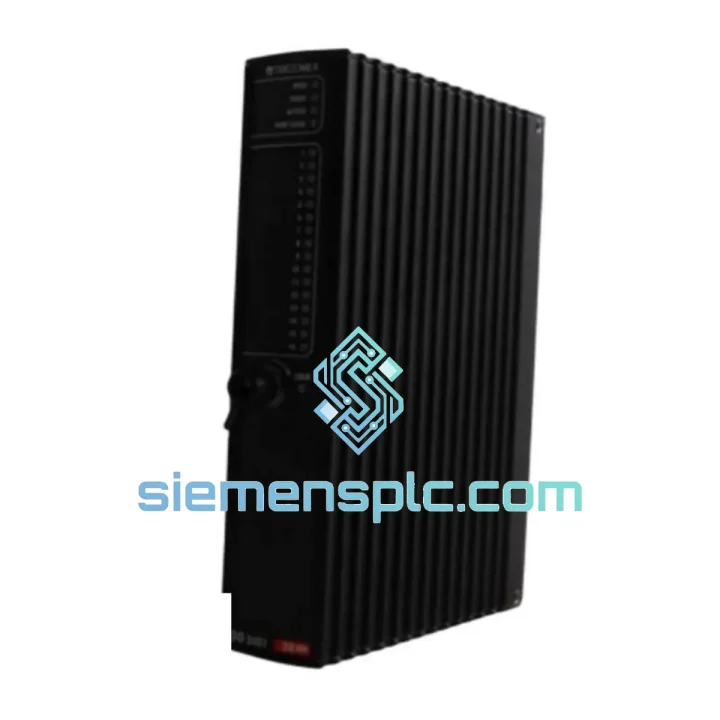
Request verified availability, condition, replacement risk review, packing options and courier lead time for 4000066-025.
Click Request Quote and the part number is inserted into the inquiry form automatically.
Core fields for model confirmation and RFQ routing. Detailed product narrative remains below.
Every hour your Tricon safety system sits offline, the losses compound. Lost production, idle crews, regulatory exposure, and the pressure of a plant manager breathing down your neck. The TRICONEX 4000066-025 Tricon TMR Communication Module is in stock at our Xiamen warehouse right now — verified, tested, and ready to clear customs today. We’ve shipped this exact module to refineries in the Middle East, chemical plants in Southeast Asia, and offshore platforms in the North Sea. We know what’s at stake when you call us.
URGENT REQUIREMENT? Contact: [email protected] | WhatsApp: +86 18359268345
| Parameter | Value |
|---|---|
| Part Number | 4000066-025 |
| Manufacturer | TRICONEX (Schneider Electric) |
| Series | Tricon Triple Modular Redundant (TMR) |
| Module Function | Safety System Communication Interface |
| Architecture | TMR — 3 independent legs, continuous voting |
| Supported Protocols | TriStation, Modbus RTU/TCP, OPC |
| Safety Integrity Level | SIL 3 per IEC 61511 |
| Backplane Interface | Tricon main chassis backplane |
| Operating Temperature | 0°C to +60°C |
| Weight | 3,150 g |
| Origin | USA (Original TRICONEX) |
| Stock Status | ✅ Ready to Ship — Xiamen, China |
| Lead Time | Ships within 24 hours of order confirmation |
| Warranty | 12 months functional warranty |
After handling dozens of Tricon communication failures in the field, here’s what actually matters when you’re swapping out a 4000066-025 under pressure:
1. Confirm the fault is the module, not the backplane. Before pulling the card, check the Tricon chassis diagnostic LEDs. A solid red FAULT LED on the communication module with no corresponding fault on the MP or I/O modules is your clearest indicator the 4000066-025 itself has failed. If all three TMR legs show faults simultaneously, suspect the backplane connector or power rail first — a single module failure in TMR architecture should not trip all three legs.
2. Firmware version matching is non-negotiable. The 4000066-025 must run firmware compatible with your Tricon Main Processor (MP) model — 3006, 3007, or 3008. Mismatched firmware between the communication module and the MP will result in a persistent COMM FAULT alarm and the module refusing to initialize. Pull the current firmware revision from TriStation 1131 before ordering a replacement. We can cross-reference your firmware version against our stock — just send us your MP model and current system firmware string.
3. Hot-swap procedure — do it right. The Tricon TMR architecture supports online module replacement, but this is not a casual operation. Notify your DCS/SCADA operator before pulling the card. The remaining two TMR legs will continue voting during replacement, but you are now operating in degraded mode — any second failure during this window is a trip. Seat the replacement module firmly until you hear the backplane connector click. Allow 90–120 seconds for the module to complete its self-test and synchronize with the other two legs before declaring the replacement successful.
4. Common fault codes to know:
5. Post-replacement verification checklist: Confirm all three TMR leg LEDs show green. Verify TriStation shows the module online and synchronized. Check that your DCS/SCADA is receiving live data from the Tricon. Run a partial stroke test on any downstream ESD valves if your site procedures require it. Document the replacement in your MOC (Management of Change) log — your safety auditor will ask for it.
The Tricon platform was not designed for a climate-controlled server room. The 4000066-025 is built to operate in the environments where safety systems actually live — marshalling cabinets on offshore platforms with salt-laden air, control rooms adjacent to process units where ambient temperatures spike, and remote wellhead panels subject to vibration from compressor trains running 24/7.
The module’s conformal-coated PCB provides resistance to humidity and airborne contaminants. The backplane connector is rated for thousands of insertion cycles, which matters when you’re doing quarterly proof tests. The TMR architecture itself is the ultimate reliability mechanism — the system continues to function and protect your process even with one leg in fault, giving you a maintenance window rather than an immediate shutdown.
We store our stock in a temperature and humidity-controlled warehouse in Xiamen. Every module is shipped in ESD-safe packaging with desiccant. If your site is in a high-humidity environment, request our double-barrier packaging option when you place your order.
Our Xiamen warehouse is 40 minutes from Xiamen Gaoqi International Airport, one of China’s primary cargo hubs with daily direct freighter services to Dubai, Frankfurt, Singapore, Houston, and Sydney. This is not an accident — it’s how we guarantee that a module ordered before 18:00 CST ships the same day.
Standard express routing: Xiamen → DHL/FedEx hub → destination airport → customs clearance → your door. Typical transit times: Southeast Asia 1–2 days, Middle East 2–3 days, Europe 3–4 days, Americas 3–5 days. For genuine plant emergencies, ask about our AOG (Aircraft on Ground) equivalent service — we can hand-carry to the airport and book the next available flight.
We handle all export documentation: commercial invoice, packing list, Certificate of Origin, and ESD compliance declaration. For regulated industries requiring a Certificate of Conformance, we include it as standard. We have experience clearing industrial automation hardware through customs in over 40 countries — if your procurement team has specific import requirements, tell us upfront and we’ll prepare the paperwork correctly the first time.
Payment confirmation triggers immediate pick, pack, and dispatch. You will receive a tracking number within 2 hours of shipment. Our logistics team monitors every shipment and will proactively contact you if there is any customs delay.
📧 Email: [email protected]
📱 WhatsApp: +86 18359268345
🌐 Web: siemensplc.com
© 2026 siemensplc.com. All rights reserved.
We check the full part number, brand, series and visible nameplate information before quotation.
Sales confirms stock path, condition option, quantity and realistic lead time for export dispatch.
DHL, FedEx, UPS or buyer courier arrangements can be reviewed with packing requirements.
Similar brand or category products for fast comparison and multi-item RFQ lists.