Yokogawa
RFQ Ready
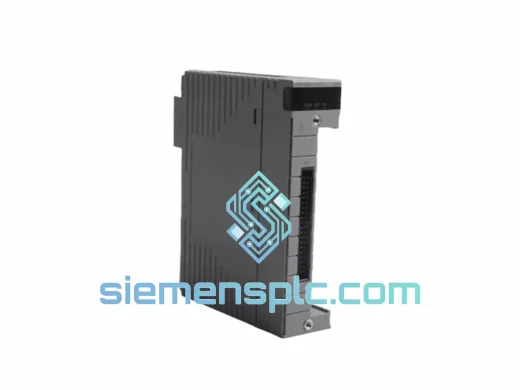
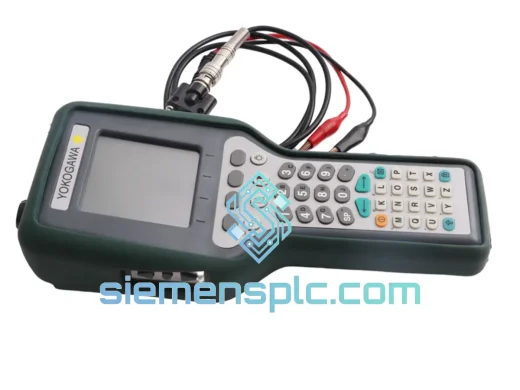
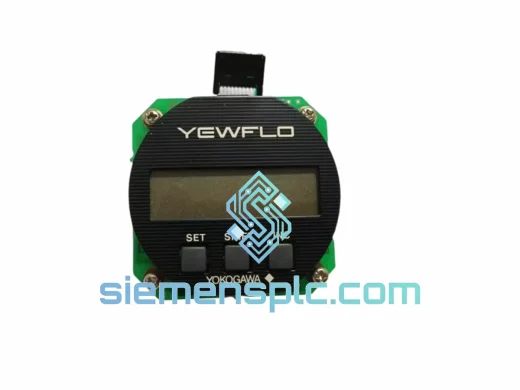
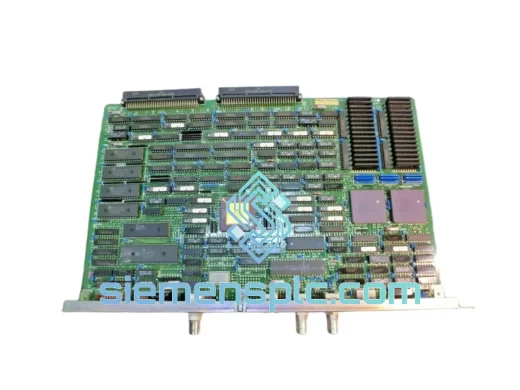
YOKOGAWA DP97*B DCS Display Processor Card
CENTUM CS3000
Origin JP
DCS Display Processor Card
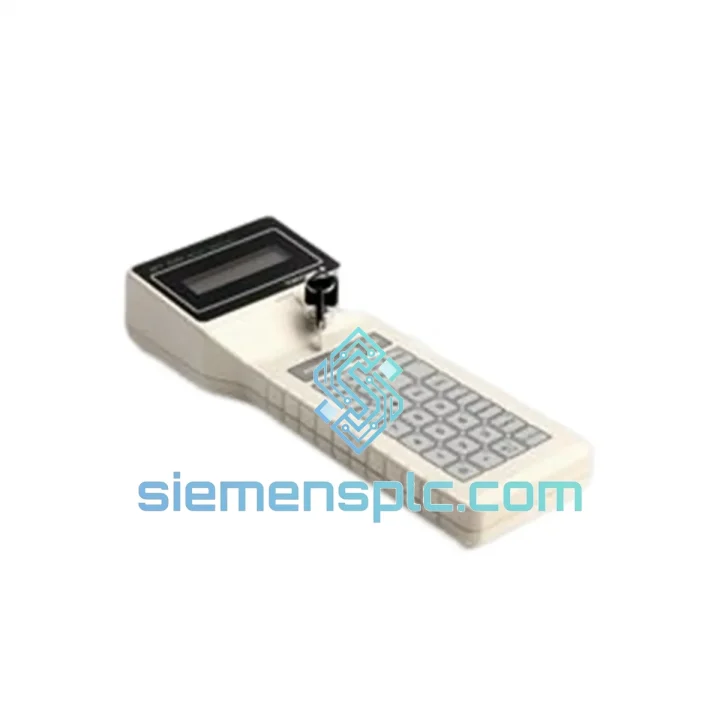
Request verified availability, condition, replacement risk review, packing options and courier lead time for BT100.
Click Request Quote and the part number is inserted into the inquiry form automatically.
Core fields for model confirmation and RFQ routing. Detailed product narrative remains below.
Your CENTUM DCS just lost its operator interface. The board is dark, alarms are stacking, and your shift supervisor is already on the phone. Every minute without a functioning BT100 is a minute your process runs blind — no setpoint adjustments, no manual override authority, no loop status visibility. At that point, the cost of downtime isn’t measured in hours; it’s measured in batches lost, SLA penalties triggered, and safety interlocks that can’t be reset without operator confirmation.
We stock the YOKOGAWA BT100 Operator Control Panel in Xiamen and ship same-day or next-business-day via DHL Express and FedEx International Priority. This is not a lead-time quote. This is a ready-to-ship unit pulled from verified inventory, inspected, and boxed for immediate dispatch to your plant — whether you’re in Rotterdam, Houston, Singapore, or Jubail.
⚡ URGENT REQUIREMENT? Contact: [email protected] | WhatsApp: +86 18359268345
| Parameter | Specification |
|---|---|
| Manufacturer | YOKOGAWA Electric Corporation |
| Part Number / SKU | BT100 |
| Series | CENTUM (CS / CS 3000 / VP compatible — confirm firmware rev before ordering) |
| Category | Operator Control Panel (HMI) |
| Weight | 1,100 g (approx.) |
| Origin | Japan |
| Condition | New / Surplus New / Refurbished (stated on quotation) |
| Stock Status | ✔ Ready to Ship — Xiamen Warehouse |
| Lead Time | Same-day dispatch (orders confirmed before 14:00 CST) |
After fifteen years of watching engineers swap out CENTUM operator panels under pressure, here are the failure modes and replacement pitfalls that actually matter on the floor:
Most Common BT100 Failure Signatures:
Replacement Procedure — Key Steps:
The BT100 was not designed for a climate-controlled server room. YOKOGAWA built this panel for the realities of industrial plant environments — and those realities are unforgiving. Ambient temperatures in a refinery control room can swing from 10°C during winter shutdowns to 45°C during summer peak operations. Coastal petrochemical facilities deal with salt-laden air that accelerates connector corrosion. Compressor stations generate continuous vibration that loosens PCB-mounted components over time.
The BT100’s internal construction addresses these conditions directly. The main PCB uses conformal coating on critical signal traces to resist moisture ingress and condensation. Connectors are rated for repeated mating cycles without contact degradation — important in facilities where panels are pulled for inspection during every scheduled turnaround. The enclosure meets the ingress protection requirements for typical indoor industrial environments, and the panel’s EMI shielding is designed to maintain signal integrity in the presence of variable-frequency drives, large motor starters, and high-current bus systems operating in adjacent cabinets.
Units sourced through our Xiamen warehouse are inspected for physical integrity before dispatch. We check connector condition, verify label authenticity, and examine the PCB for signs of thermal stress or prior repair attempts. A unit that doesn’t pass visual inspection doesn’t ship — regardless of how urgent your timeline is.
Our dispatch operation runs out of Xiamen, Fujian — one of China’s primary export hubs with direct access to DHL Express, FedEx International Priority, and UPS Worldwide Express gateways. Here’s how a typical urgent order moves:
If your plant is down and you need the fastest possible delivery, tell us when you contact us. We will select the fastest available routing and confirm the delivery commitment before you place the order.
Email: [email protected]
WhatsApp: +86 18359268345
Web: siemensplc.com
© 2026. All rights reserved.
We check the full part number, brand, series and visible nameplate information before quotation.
Sales confirms stock path, condition option, quantity and realistic lead time for export dispatch.
DHL, FedEx, UPS or buyer courier arrangements can be reviewed with packing requirements.
Similar brand or category products for fast comparison and multi-item RFQ lists.