Yokogawa
RFQ Ready
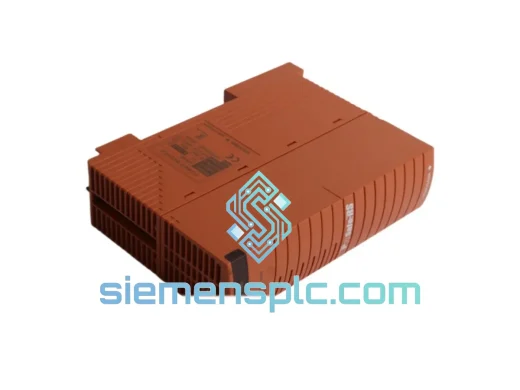
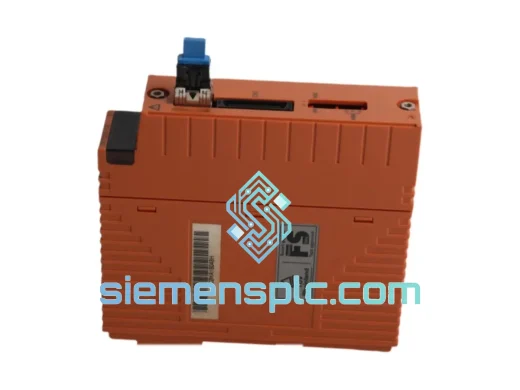
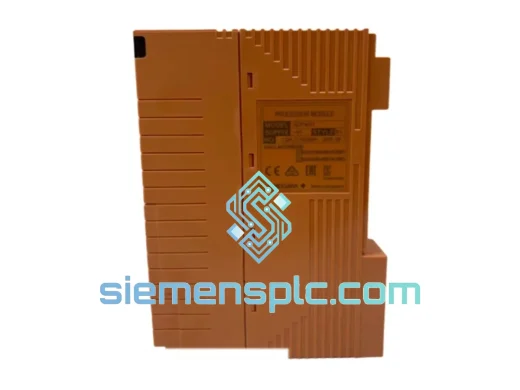
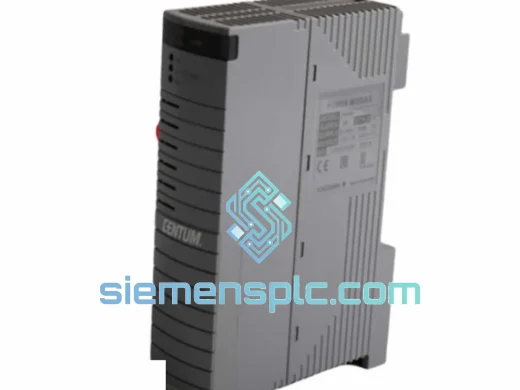
Yokogawa ASS9562DK-00 Analog Input Module – STARDOM FCN/FCJ
STARDOM
Origin JP
Analog Input Module
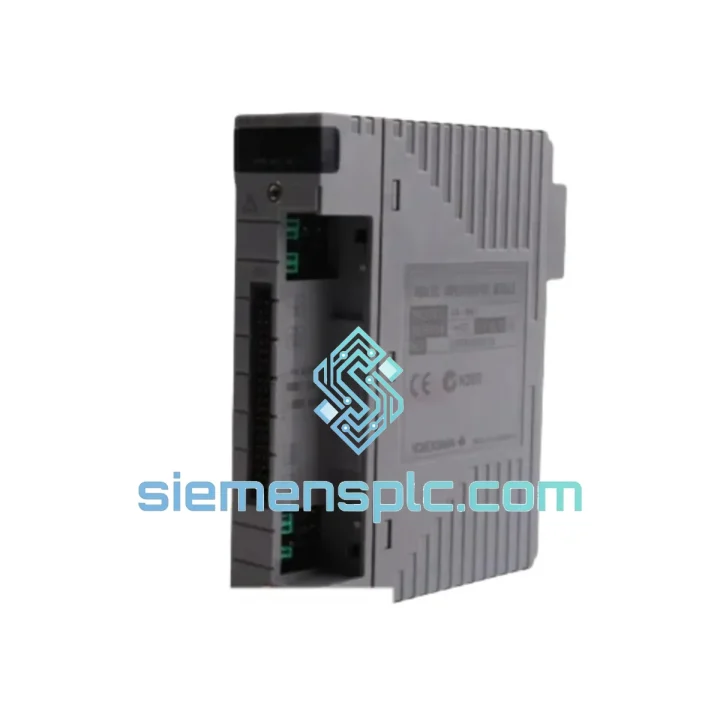
Request verified availability, condition, replacement risk review, packing options and courier lead time for S9260DE-01.
Click Request Quote and the part number is inserted into the inquiry form automatically.
Core fields for model confirmation and RFQ routing. Detailed product narrative remains below.
A failed S9260DE-01 doesn’t just trip an alarm — it blinds your controller to an entire bank of discrete field signals. Valve position feedback gone. Motor run/stop confirmation lost. Interlock logic operating on stale data. In oil & gas, power, or chemical processing, that’s not a maintenance ticket — that’s a production crisis. We stock the Yokogawa S9260DE-01 Digital I/O Module specifically for this scenario: same-day dispatch from Xiamen, DHL/FedEx express to your plant gate, documentation ready for customs clearance before your freight forwarder asks.
URGENT REQUIREMENT? Contact: [email protected] | WhatsApp: +86 18359268345
| Parameter | Value |
|---|---|
| Part Number | S9260DE-01 |
| Manufacturer | Yokogawa Electric Corporation |
| Series | STARDOM FCN / FCJ |
| Module Function | Digital I/O (Discrete Input / Output) |
| Mounting Interface | STARDOM FCN/FCJ backplane slot |
| Signal Isolation | Galvanic (channel-to-bus) |
| Hot-Swap Support | Yes (FCN/FCJ chassis dependent) |
| Diagnostic Indicators | Per-channel LED status |
| Operating Temperature | 0°C to +55°C (verify datasheet for revision) |
| Country of Origin | Japan |
| Weight | Approx. 65 g |
| Compliance | CE, UL (verify current revision) |
| Stock Status | ✅ Ready to Ship – Xiamen Warehouse |
Common failure signatures for S9260DE-01:
Step-by-step hot-swap replacement procedure:
Firmware matching note: Yokogawa periodically releases FCN/FCJ firmware updates that change I/O module compatibility tables. If your FCN controller is running firmware v3.x or later, verify the S9260DE-01 hardware revision is listed in the compatibility matrix for that firmware version. Contact us — we can advise on hardware revision availability before you order.
The S9260DE-01 was not designed for a climate-controlled server room. It was built for the realities of process plant I/O marshalling cabinets: ambient temperatures swinging from pre-dawn cold starts to mid-afternoon heat soak, vibration transmitted from nearby rotating equipment, and humidity levels that challenge conformal coating on lesser boards.
Yokogawa’s STARDOM FCN/FCJ I/O modules undergo IEC 61131-2 environmental qualification testing, covering vibration resistance (sinusoidal and random), thermal cycling across the full operating range, and damp heat endurance. The galvanic isolation barrier on the S9260DE-01 provides 500V minimum isolation between field-side terminals and the backplane bus — protecting the controller from the voltage transients that routinely appear on long field cable runs in industrial environments.
In practice, this means the module survives the conditions that kill cheaper alternatives: the ground loop induced by a poorly bonded instrument cable, the inductive kick from a solenoid valve coil switching without a flyback diode, the slow creep of humidity into a cabinet with a failed door seal. The S9260DE-01’s per-channel LED diagnostics give maintenance technicians an immediate visual indication of channel health without requiring a laptop connection — critical when you’re troubleshooting under time pressure in a noisy plant environment.
Units supplied by siemensplc.com are inspected prior to dispatch: physical integrity check on housing and backplane connector, label and firmware revision verification, and ESD-safe packaging in anti-static bags with foam cushioning. We do not ship modules with damaged connectors or illegible revision markings — if a unit doesn’t pass visual inspection, it doesn’t ship.
Our warehouse is located in Xiamen, Fujian — one of China’s primary export hubs with direct access to DHL, FedEx, and UPS international express networks. For urgent replacement orders, this geography matters: Xiamen’s port and air freight infrastructure means we can hand off a shipment to DHL Express the same afternoon an order is confirmed, with transit times of 2–4 business days to most destinations in Southeast Asia, the Middle East, Europe, and North America.
Typical transit benchmarks from Xiamen:
Every shipment includes a complete export documentation package: commercial invoice with accurate HS code classification, packing list, certificate of origin, and — where required — an end-user declaration. We handle the paperwork so your receiving team isn’t held up at customs while your plant waits for the module.
For orders requiring split shipments, partial delivery to multiple sites, or consolidation with other automation components, contact us directly. We coordinate complex logistics arrangements regularly for EPC contractors and plant maintenance teams managing multi-site turnarounds.
📧 Email: [email protected]
💬 WhatsApp: +86 18359268345
🌐 Web: siemensplc.com
© 2026 siemensplc.com. All rights reserved.
We check the full part number, brand, series and visible nameplate information before quotation.
Sales confirms stock path, condition option, quantity and realistic lead time for export dispatch.
DHL, FedEx, UPS or buyer courier arrangements can be reviewed with packing requirements.
Similar brand or category products for fast comparison and multi-item RFQ lists.