ABB
RFQ Ready
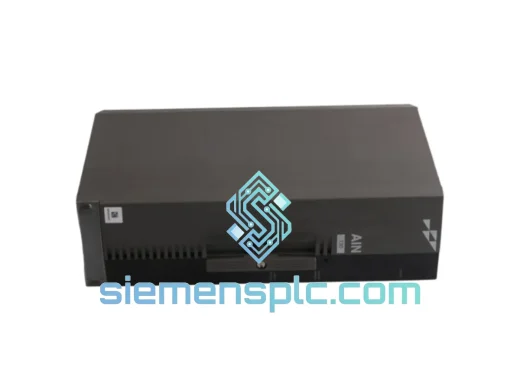
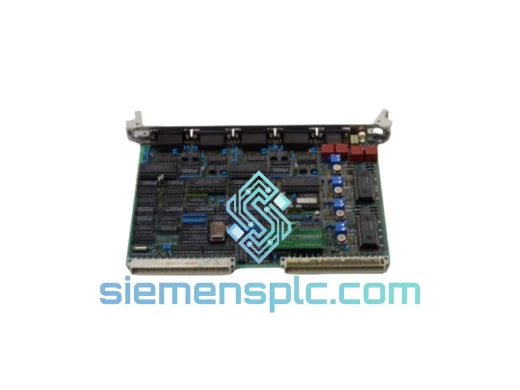
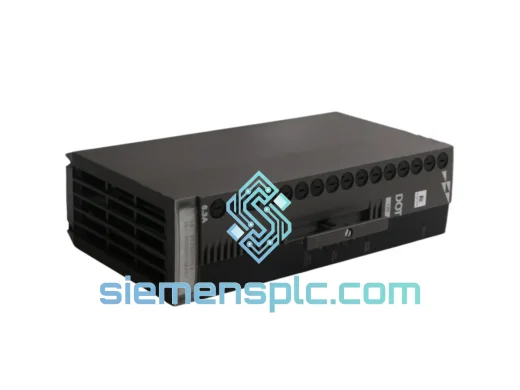
ABB P-HB-DOT-12010000 Safety Digital Output Module – AC500-S
AC500
Origin SE
Safety Digital Output Module
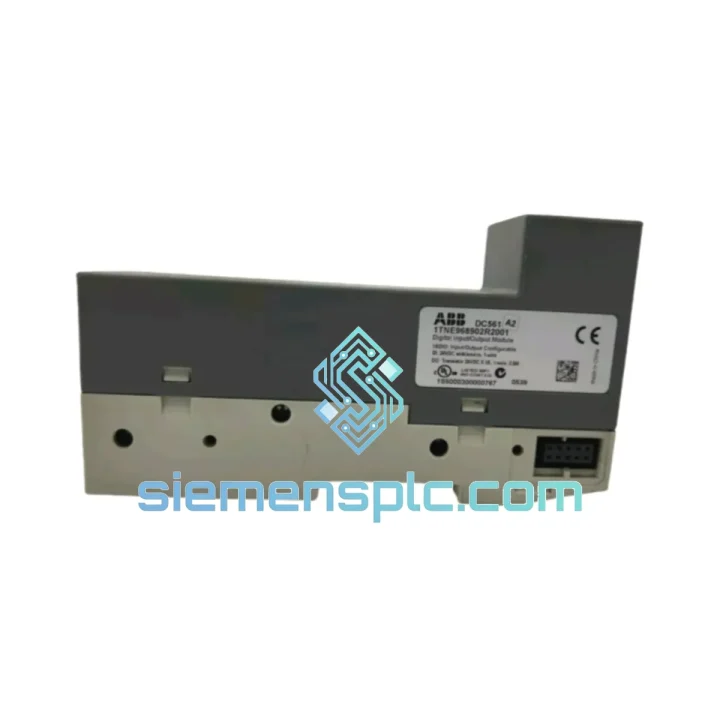
Request verified availability, condition, replacement risk review, packing options and courier lead time for DC561 B1 1TNE968902R2001.
Click Request Quote and the part number is inserted into the inquiry form automatically.
Core fields for model confirmation and RFQ routing. Detailed product narrative remains below.
Your conveyor stopped. Your robotic cell is frozen. The HMI is throwing a cascade of I/O faults and your shift supervisor is already on the phone. You’ve traced it to the digital I/O module — the ABB DC561 B1 (1TNE968902R2001) — and you need a replacement now, not in three weeks. Every hour this line sits idle costs real money: lost throughput, idle labor, and contractual penalties that don’t care about lead times.
We stock the DC561 B1 in Xiamen. We ship DHL Express. That’s the short version. Read on for everything you need to pull this swap off cleanly the first time.
URGENT REQUIREMENT? Contact: [email protected] | WhatsApp: +86 18359268345
| Parameter | Value |
|---|---|
| Part Number | DC561 B1 |
| Order Code | 1TNE968902R2001 |
| Brand | ABB |
| Series | AC500 PLC |
| Module Type | Digital I/O Module |
| Digital Inputs | 16 × 24 V DC (IEC Type 1/3) |
| Digital Outputs | 8 × 24 V DC, 0.5 A transistor |
| Backplane Interface | AC500 internal bus (auto-addressed) |
| Input Voltage Range | 20.4 – 28.8 V DC |
| Output Short-Circuit Protection | Electronic, auto-reset |
| Isolation | 500 V AC (field side vs. logic) |
| Operating Temperature | −25 °C to +60 °C |
| Degree of Protection | IP20 |
| Weight | 160 g |
| Mounting | AC500 expansion rack / DIN rail via terminal unit |
| Certifications | CE, UL, IEC 61131-2 |
| Country of Origin | Germany |
| Stock Status | ✅ Ready to Ship — Xiamen Warehouse |
Most common failure modes on the DC561 B1:
1. Partial channel loss (inputs reading stuck HIGH or LOW). This is the most frequent field complaint. Before condemning the module, check the 24 V DC supply rail — a sagging supply (below 20.4 V) causes exactly this symptom. Measure at the terminal unit, not at the panel PSU. If supply is solid, the input optocoupler on that channel has likely failed. No field repair is possible; swap the module.
2. Output channels not switching despite correct logic state. First verify the load current doesn’t exceed 0.5 A per channel. Inductive loads without flyback diodes will kill transistor outputs within weeks. Check for a blown internal fuse on the output group — the DC561 B1 uses electronic protection with auto-reset, but a sustained overload can latch the protection circuit. Cycle power to the module (not the whole rack) to reset. If the fault persists after power cycle, the output driver IC is gone.
3. Module not recognized by CPU after insertion. The AC500 backplane uses automatic slot addressing — there are no physical DIP switches on the DC561 B1 itself. If the CPU throws a configuration mismatch alarm (typically error code 0x8200 or similar in Automation Builder), the issue is almost always a mismatch between the hardware configuration in your project and the physical slot position. Open Automation Builder, go to the hardware tree, verify the slot assignment matches physical rack position. If you’re replacing a failed module in an existing rack, the new module will self-address to the same slot — no reconfiguration needed provided the project was already compiled for that slot.
4. Firmware compatibility. The DC561 B1 does not carry user-upgradeable firmware — the module firmware is fixed at manufacturing. However, your AC500 CPU firmware version must be compatible. ABB recommends CPU firmware ≥ V2.4.0 for stable operation with the DC561 B1. Check your CPU’s firmware version via Automation Builder → Device → Properties. If you’re running an older CPU firmware, the module may enumerate but exhibit intermittent communication errors on the backplane bus.
Replacement procedure (field-tested, 15-minute swap):
The DC561 B1 is not a lab instrument — it’s built for the floor. ABB designed the AC500 I/O series to operate continuously in environments that would kill consumer-grade electronics within days.
Vibration resistance meets IEC 60068-2-6 (sinusoidal) and IEC 60068-2-27 (shock), which means it survives the constant mechanical stress of press lines, compressor rooms, and mobile equipment. The PCB is conformally coated, providing protection against condensation and airborne contaminants — critical in food processing plants where washdown cycles create humidity spikes, or in coastal installations where salt-laden air accelerates corrosion on unprotected boards.
The operating temperature range of −25 °C to +60 °C covers the vast majority of industrial cabinet environments globally. In high-ambient installations (foundries, cement plants, glass manufacturing), ensure your cabinet ventilation keeps the internal temperature below 55 °C at the module face — the DC561 B1 generates minimal self-heat, but neighboring power supplies and drives can push cabinet temps higher than expected.
EMI immunity is tested to IEC 61000-4 series (ESD, radiated immunity, fast transients, surge). In practice, this means the module holds its I/O states correctly even when large VFDs switch nearby or when welding equipment operates in the same bay. We’ve seen DC561 B1 modules running without issue in steel mill environments where lesser I/O hardware fails within months.
The 500 V AC isolation between field wiring and logic side is not just a spec number — it’s the barrier that protects your CPU from ground faults on the field side. In older facilities with degraded cable insulation, this isolation has saved more than a few CPUs from catastrophic damage.
Our warehouse is in Xiamen, China — one of the most logistics-connected export hubs in Asia, with direct DHL Express and FedEx International Priority lanes to every major industrial region on the planet.
Typical transit times from Xiamen:
Every shipment includes full export documentation: commercial invoice, packing list, and certificate of origin. For customers in countries with import duty exemptions on industrial automation components, we can prepare the documentation to support your customs clearance. We handle DDP (Delivered Duty Paid) arrangements for customers who prefer a single landed cost with no customs surprises on arrival.
For genuinely critical situations — a plant shutdown with every hour costing thousands — contact us directly on WhatsApp. We can arrange same-day dispatch for orders confirmed before 14:00 CST, and we’ll provide the AWB number within 2 hours of pickup so your team can track the shipment in real time.
All modules are packed in anti-static bags, placed in foam-lined boxes, and outer-carton sealed for air freight. The DC561 B1 arrives at your facility in the same condition it left ours.
📧 Email: [email protected]
💬 WhatsApp: +86 18359268345
🌐 Web: siemensplc.com
© 2026 siemensplc.com. All rights reserved.
We check the full part number, brand, series and visible nameplate information before quotation.
Sales confirms stock path, condition option, quantity and realistic lead time for export dispatch.
DHL, FedEx, UPS or buyer courier arrangements can be reviewed with packing requirements.
Similar brand or category products for fast comparison and multi-item RFQ lists.