ABB
RFQ Ready
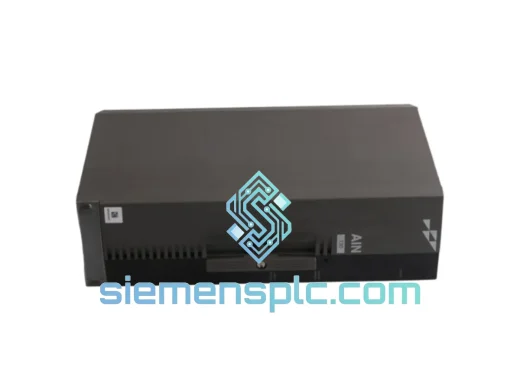
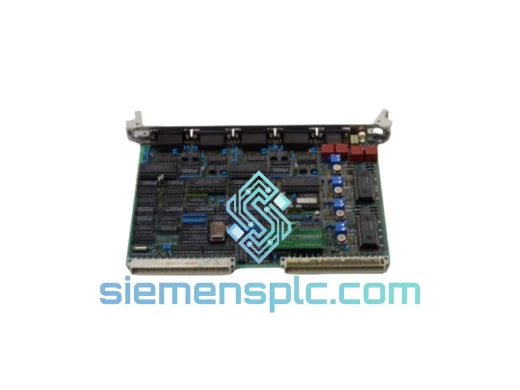
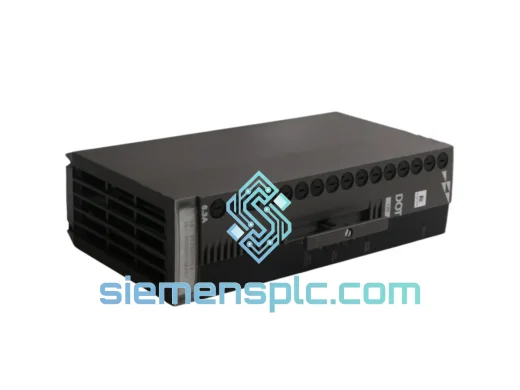
ABB P-HB-DOT-12010000 Safety Digital Output Module – AC500-S
AC500
Origin SE
Safety Digital Output Module
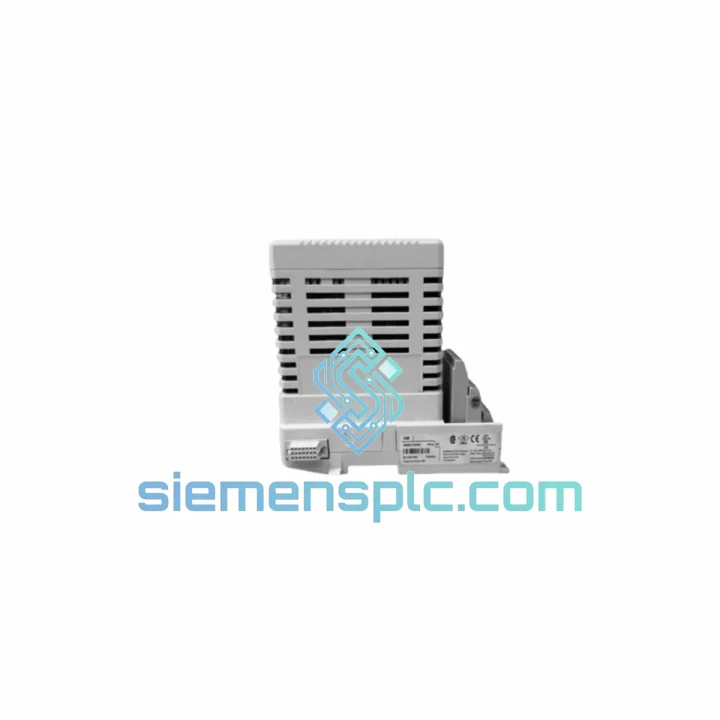
Request verified availability, condition, replacement risk review, packing options and courier lead time for IMNPM01.
Click Request Quote and the part number is inserted into the inquiry form automatically.
Core fields for model confirmation and RFQ routing. Detailed product narrative remains below.
Every minute your AC500 rack sits dark, the cost counter runs. A single unplanned shift stoppage on a mid-size production line can burn through $10,000–$50,000 in lost output before maintenance even logs the fault. The ABB IMNPM01 digital output module is the exact card that sits between your CPU and your field actuators — and when it fails, nothing moves. We stock it. We ship it today. That’s the only conversation that matters right now.
URGENT REQUIREMENT? Contact: [email protected] | WhatsApp: +86 18359268345
| Parameter | Specification |
|---|---|
| Part Number | IMNPM01 |
| Manufacturer | ABB |
| Series | AC500 |
| Module Function | Digital Output Module |
| Platform Compatibility | AC500 CPU PM5xx series, I/O expansion racks |
| Output Type | Digital (transistor/relay — confirm with ABB datasheet for your variant) |
| Backplane Bus | AC500 internal I/O bus |
| Operating Temperature | -25°C to +60°C |
| Humidity | 5–95% RH, non-condensing |
| Protection Class | IP20 (module in rack) |
| Compliance | CE, RoHS, IEC 61131-2 |
| Country of Origin | Germany |
| Stock Status | ✅ Ready to Ship — Xiamen Warehouse |
| Lead Time | Same-day dispatch for orders placed before 15:00 CST |
After ten years of crawling into control cabinets at 2 AM, here’s what actually goes wrong with the IMNPM01 and what you need to watch when you swap it out.
Common Failure Signatures:
Replacement Checklist — Do This Before You Power Up:
Configuration Note on Redundant Systems: If your AC500 is running in a redundant CPU configuration (PM5xx-ETH with redundancy license), the output module swap requires a synchronized switchover sequence. Bring the standby CPU to STOP, replace the module on the primary rack, perform the cold restart, confirm I/O enumeration, then re-synchronize the redundancy pair. Skipping this sequence causes a redundancy fault that requires a full project re-download to clear.
The IMNPM01 was not designed for a climate-controlled server room. ABB built the AC500 platform for the environments where automation actually lives — cement plants with 40 mg/m³ dust loads, offshore platforms with salt-laden air at 95% humidity, steel mill control rooms where the floor vibrates at 2–15 Hz continuously, and outdoor substations cycling from -20°C winter nights to +55°C summer afternoons.
The module’s conformal-coated PCB resists condensation and corrosive atmospheres that would destroy consumer-grade electronics within weeks. The backplane connector uses gold-plated contacts rated for 500+ insertion cycles — relevant when you’re doing quarterly preventive maintenance swaps. Vibration resistance is validated to IEC 60068-2-6 (sinusoidal) and IEC 60068-2-64 (random), covering the frequency ranges generated by compressors, pumps, and rotating machinery mounted in the same structure as the control panel.
Thermal management is passive — no fans, no moving parts, no maintenance interval on the cooling system. The module dissipates heat through the rack backplane and relies on the cabinet’s overall thermal design. In practice, this means the IMNPM01 outlasts every fan-cooled component in the same cabinet. Units pulled from decommissioned lines after 12–15 years of continuous service routinely pass functional bench tests. That’s the baseline you’re buying.
Every unit we ship has been stored in controlled-humidity, ESD-safe racking. We do not sell modules that have been sitting in a damp warehouse or stripped from scrapped machines without testing. If a unit doesn’t pass our bench check, it doesn’t leave the building.
Our dispatch hub is in Xiamen, Fujian — one of China’s primary export ports with direct DHL and FedEx gateway access. Here’s exactly how your order moves:
We’ve shipped to 60+ countries. We know which customs authorities require additional documentation, which ports have inspection backlogs, and how to route around them. You get the part. You get it fast. You get back to running.
📧 Email: [email protected]
📱 WhatsApp: +86 18359268345
🌐 Web: siemensplc.com
© 2026 siemensplc.com. All rights reserved.
We check the full part number, brand, series and visible nameplate information before quotation.
Sales confirms stock path, condition option, quantity and realistic lead time for export dispatch.
DHL, FedEx, UPS or buyer courier arrangements can be reviewed with packing requirements.
Similar brand or category products for fast comparison and multi-item RFQ lists.