Allen-Bradley
RFQ Ready
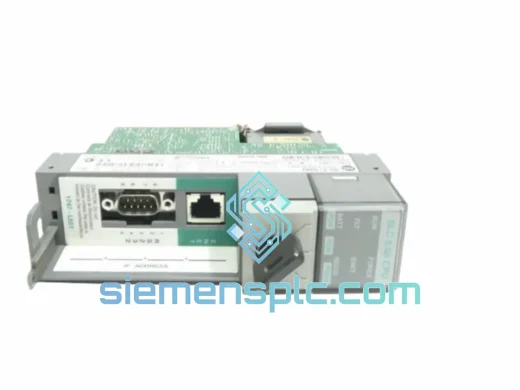
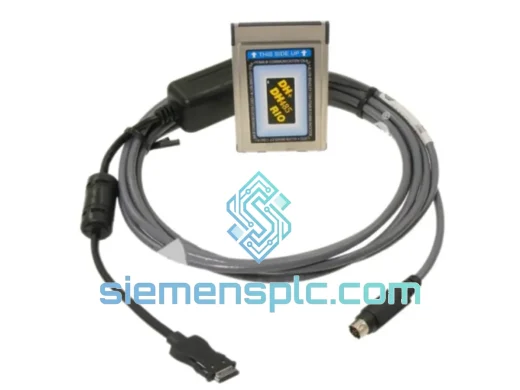
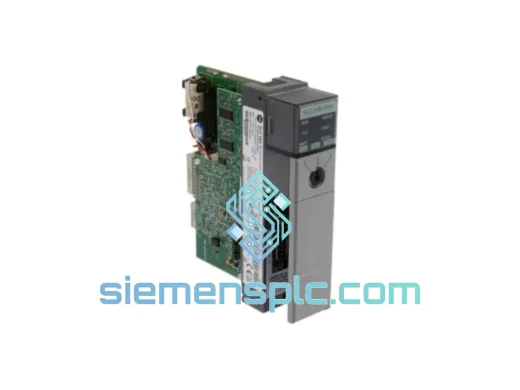
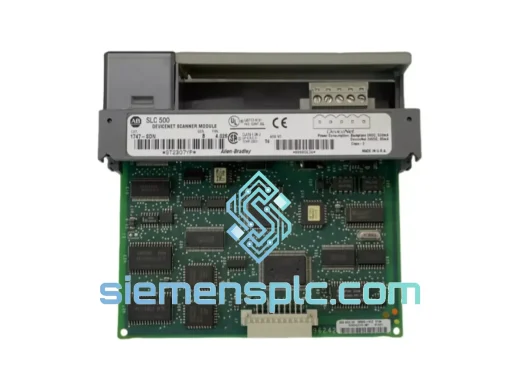
Allen-Bradley 1747-SDN PLC Scanner Module
SLC 500
Origin US
PLC Scanner Module
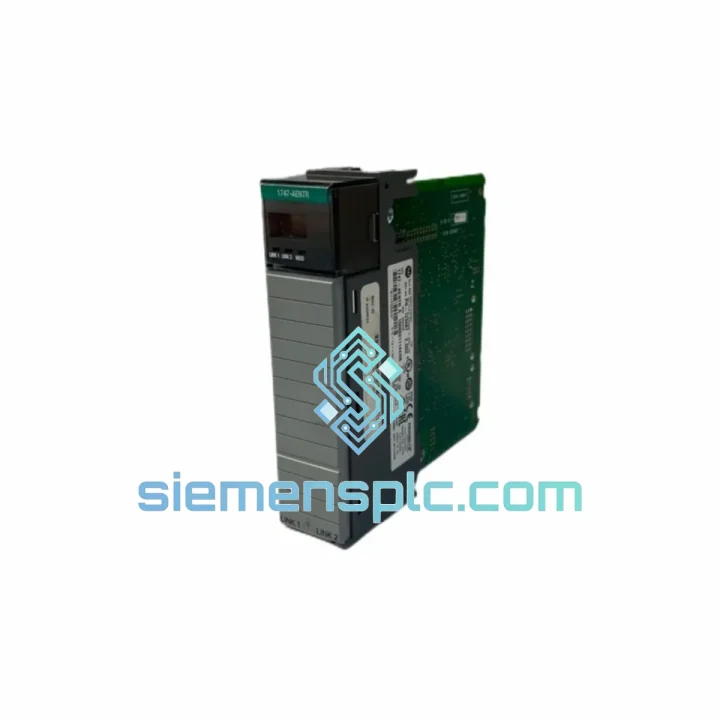
Request verified availability, condition, replacement risk review, packing options and courier lead time for 1747-AENTR.
Click Request Quote and the part number is inserted into the inquiry form automatically.
Core fields for model confirmation and RFQ routing. Detailed product narrative remains below.
Your SLC 500 line just dropped off the network. The HMI is blank. The shift supervisor is standing behind you. You already know the culprit: the 1747-AENTR EtherNet/IP adapter has failed, and without it, the entire chassis is dark. We stock this module. We ship same day. DHL Express from Xiamen reaches most of Asia within 24–48 hours, Europe and North America within 72 hours. While your procurement team is still filling out a purchase order, your replacement is already in a box.
URGENT REQUIREMENT? Contact: [email protected] | WhatsApp: +86 18359268345
| Parameter | Specification |
|---|---|
| Part Number | 1747-AENTR ✅ Ready to Ship |
| Manufacturer | Allen-Bradley / Rockwell Automation |
| Series | SLC 500 |
| Function | EtherNet/IP Remote I/O Adapter |
| Protocol | EtherNet/IP (CIP over TCP/IP) |
| Network Ports | 2 × RJ-45 (embedded dual-port switch) |
| Network Speed | 10/100 Mbps, auto-negotiate |
| Topology Support | Star, Linear, Device Level Ring (DLR) |
| Backplane Current | 250 mA @ 5 VDC |
| Power Source | SLC 500 backplane (no external supply needed) |
| Operating Temp | 0 °C to 60 °C |
| Storage Temp | -40 °C to 85 °C |
| Humidity | 5%–95% non-condensing |
| Chassis Slot | 1 slot, any position in SLC 500 chassis |
| Compatible Chassis | 1746-A4, 1746-A7, 1746-A10, 1746-A13 |
| Compatible Processors | SLC 5/03, 5/04, 5/05 |
| Configuration Software | RSLogix 500 v8.0+, RSLinx Classic |
| Certifications | UL, CE, cUL |
| Firmware | Field-upgradeable via RSLogix 500 / Studio 5000 |
| Condition | New / Surplus New — 100% Original OEM |
| Ship From | Xiamen, China ✅ Ready to Ship |
After ten years of emergency callouts, these are the failure patterns that show up again and again with the 1747-AENTR — and the steps that actually fix them fast.
Fault Code 16#0001 — Module Not Recognized on Backplane
This almost always means the module seated incorrectly or the backplane connector pins are oxidized. Power down the chassis completely — do not hot-swap. Remove the module, inspect the 42-pin backplane connector for bent pins or corrosion, reseat firmly, and power back up. If the fault persists after reseating, the backplane connector on the chassis itself may be damaged. Swap the module to a different slot to isolate.
Fault Code 16#0118 — EtherNet/IP Connection Timeout
Nine times out of ten this is an IP address conflict or a misconfigured subnet mask. The 1747-AENTR stores its IP configuration in non-volatile memory. After swapping in a replacement module, you must reconfigure the IP address using BOOTP/DHCP or RSLinx before the scanner controller can establish connections. Do not assume the replacement will inherit the failed module’s IP — it will not. Use Rockwell’s BOOTP-DHCP Server utility, assign the MAC address printed on the module label to your required IP, then lock the address to static.
Fault Code 16#0204 — Firmware Mismatch
If your replacement module ships with a different firmware revision than the failed unit, the scanner controller may reject the connection. Check the firmware version via RSLinx > Module Properties before going live. If the revision does not match your EDS file, update firmware using ControlFLASH or the firmware update utility in Studio 5000. Always back up your RSLogix 500 program before any firmware operation.
Step-by-Step Hot Replacement Procedure
DIP Switch / Address Configuration Note: The 1747-AENTR does not use physical DIP switches for node addressing — all network configuration is done via software (BOOTP or static assignment through RSLinx). Unlike older RIO adapters such as the 1747-SN, there is no rotary switch to set. This is a common point of confusion when technicians familiar with legacy RIO hardware handle the AENTR for the first time.
Industrial environments do not forgive weak hardware. The 1747-AENTR was engineered for exactly the conditions that destroy consumer-grade electronics — and after years of sourcing and testing these modules, we only ship units that pass our incoming inspection against those same standards.
Vibration: The module is rated to IEC 68-2-6 vibration standards, designed to withstand the continuous mechanical vibration present in press lines, conveyor systems, and compressor rooms. The backplane connector uses a positive-locking mechanism that maintains electrical contact even under sustained vibration loads that would loosen standard card-edge connectors.
Thermal Cycling: Operating range of 0 °C to 60 °C with storage down to -40 °C means the module survives both the deep freeze of an unheated warehouse startup in winter and the radiant heat of a steel mill control cabinet in summer. The onboard components are selected for industrial temperature grades — not commercial — which is why these modules outlast cheaper alternatives in high-ambient environments.
Humidity and Condensation: Rated to 95% relative humidity non-condensing. The conformal coating on the PCB provides a barrier against moisture ingress, corrosive atmospheres, and airborne particulates common in food processing, chemical, and wastewater applications. Modules that have been stored in humid conditions are inspected for delamination and corrosion before shipment.
EMI/RFI Immunity: The dual-port embedded switch includes hardware-level filtering that maintains signal integrity in electrically noisy environments — VFD cabinets, welding cells, and high-current bus systems. Proper grounding of the SLC 500 chassis remains essential, but the module itself is not the weak link in a well-grounded panel.
Downtime does not wait for standard freight. Our logistics process is built around one objective: getting the module into your hands before the next shift starts.
Same-Day Dispatch: Orders confirmed before 15:00 CST ship the same business day from our Xiamen warehouse. Orders received after cutoff ship first thing the following morning. We do not batch shipments — every urgent order is processed individually.
Carrier Options:
Customs and Documentation: We prepare all export documentation in-house — commercial invoice, packing list, and where required, a certificate of origin. HS Code 8537.10 is used for PLC modules. For customers in the EU, we can provide EORI-compliant documentation. For customers in the Middle East and South Asia, we have established customs broker relationships that minimize clearance delays.
Packaging: Each module is packed in anti-static foam within a rigid outer carton. Fragile labels and orientation arrows are applied. For air freight, we comply with IATA packaging guidelines. The module arrives at your facility in the same condition it left ours.
Tracking: A tracking number is sent to your email within 2 hours of dispatch. For WhatsApp customers, we send tracking updates proactively at key milestones — departed origin, cleared customs, out for delivery.
Email: [email protected]
WhatsApp: +86 18359268345
Web: siemensplc.com
© 2026 siemensplc.com. All rights reserved.
We check the full part number, brand, series and visible nameplate information before quotation.
Sales confirms stock path, condition option, quantity and realistic lead time for export dispatch.
DHL, FedEx, UPS or buyer courier arrangements can be reviewed with packing requirements.
Similar brand or category products for fast comparison and multi-item RFQ lists.