Allen-Bradley
RFQ Ready
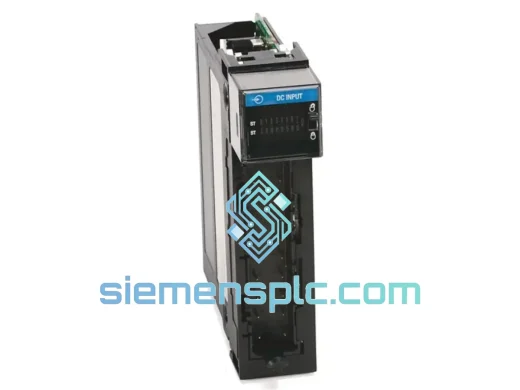
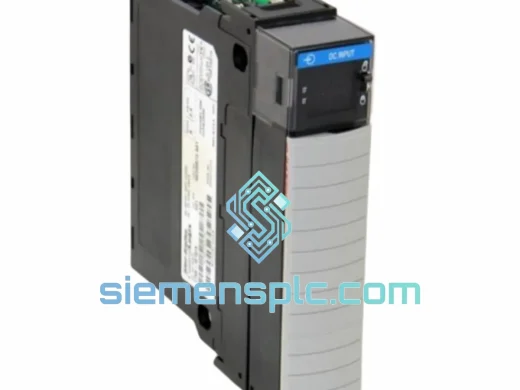
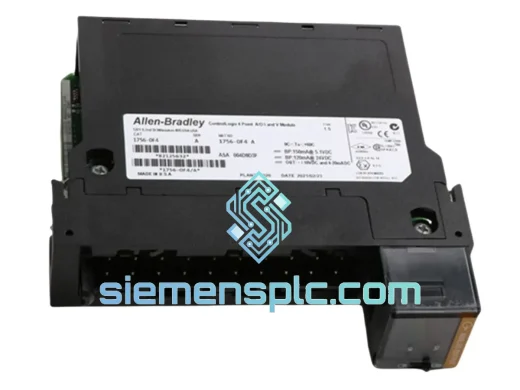
Allen-Bradley 1756-OF4 PLC Analog Output Module
ControlLogix
Origin US
PLC Analog Output Module
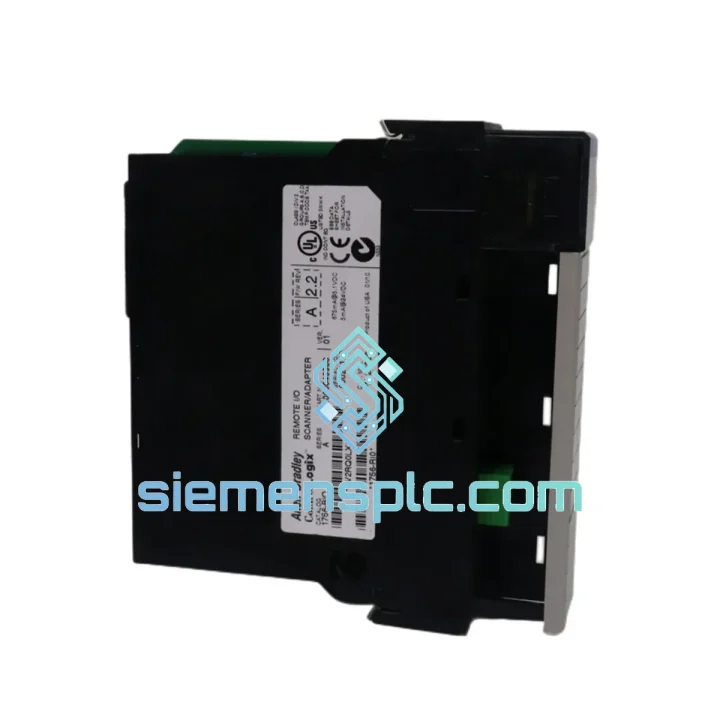
Request verified availability, condition, replacement risk review, packing options and courier lead time for 1756-RIO.
Click Request Quote and the part number is inserted into the inquiry form automatically.
Core fields for model confirmation and RFQ routing. Detailed product narrative remains below.
Your line is down. The HMI is throwing a fault. Maintenance pulled the 1756-RIO and confirmed it’s dead. You’ve already called your local distributor — lead time is 6 to 10 weeks. That’s not an option. That’s a production loss you can’t absorb.
We stock the Allen-Bradley 1756-RIO right now, in Xiamen, China. We ship DHL Express and FedEx International Priority. Most destinations in Southeast Asia, the Middle East, and Europe receive their module within 3 to 5 business days from the moment you confirm the order. No waiting. No excuses. Just a working module on your bench, fast.
This is a 100% original Allen-Bradley 1756-RIO from the ControlLogix 1756 Series. Not refurbished. Not relabeled. Not pulled from a scrapped machine with unknown runtime hours. Every unit we ship has been physically inspected, bench-tested in a live ControlLogix chassis, and documented with a Certificate of Conformance before it leaves our warehouse.
URGENT REQUIREMENT? Contact: [email protected] | WhatsApp: +86 18359268345
| Manufacturer | Allen-Bradley / Rockwell Automation |
| Part Number | 1756-RIO |
| Series | ControlLogix 1756 |
| Module Function | Remote I/O Scanner — bridges 1771 RIO networks to ControlLogix backplane |
| Supported Baud Rates | 57.6 Kbps / 115.2 Kbps / 230.4 Kbps |
| Max RIO Adapter Nodes | 32 nodes per scanner |
| Max Discrete I/O Points | 4,096 (combined input + output) |
| Backplane Power Draw | Supplied via 1756 backplane — no external 24 VDC required |
| Chassis Slot Requirement | 1 slot (standard 1756 single-slot form factor) |
| Operating Temperature | 0 °C to 60 °C |
| Storage Temperature | −40 °C to 85 °C |
| Relative Humidity | 5% to 95% non-condensing |
| Certifications | UL, CE, C-Tick / RCM |
| Configuration Software | RSLogix 5000 / Studio 5000 Logix Designer v16.0+ |
| Product Lifecycle Status | Discontinued — legacy installed base support |
| Stock Status | ✔ Ready to Ship — Xiamen, China |
Swapping a 1756-RIO is not plug-and-play if you skip the configuration steps. Here’s what actually matters on the bench and in the field:
1. Rotary Address Switch — Set Before Power-Up
The 1756-RIO uses a physical rotary switch on the front face to set its backplane slot address for the RIO scanner function. Before inserting the module, confirm the switch position matches the slot assignment in your RSLogix 5000 project. A mismatch causes the controller to fault with a Module Connection Failed error (Error Code 16#0204) and the module’s RUN LED stays off. This is the single most common mistake during hot-swap replacements under pressure.
2. Baud Rate DIP Switch — Match the Network
The RIO network baud rate is set via a 3-position DIP switch on the module. Your existing network is running at a fixed rate — check the original module’s switch position or pull the baud rate from the RSLogix 5000 I/O tree (Module Properties → Connection tab). Mismatched baud rate causes all downstream 1771 adapter nodes to go offline simultaneously, which looks catastrophic but is a 30-second fix once you know the cause.
3. Firmware Revision — Check Before You Commit
The 1756-RIO firmware revision must be compatible with your controller firmware. If your ControlLogix L7x or L8x controller is running firmware v30 or above, verify that the replacement module’s firmware is at a revision that Studio 5000 will accept without a mismatch fault. You can check the module’s current firmware via the General tab in Module Properties after it comes online. If there’s a mismatch, use ControlFLASH or Studio 5000 Logix Designer’s built-in update utility to flash the module before going live.
4. Common Fault Codes on the 1756-RIO
5. After Replacement — Download and Go Online
After seating the new module and confirming switch positions, download the existing project to the controller (do not modify the I/O configuration unless the replacement module has a different series letter). Go online and monitor the module’s status in the I/O tree. A solid green RUN LED on the module and a green connection indicator in Studio 5000 confirm successful replacement. If the RIO network was previously in fault, you may need to inhibit and re-enable the module connection to force a fresh handshake with the 1771 adapter nodes.
The 1756-RIO was engineered for environments that destroy consumer-grade electronics. Rockwell Automation designed the ControlLogix 1756 platform to operate continuously in the conditions that define heavy industry — not the conditions that define an office server room.
The module’s conformal-coated PCB resists moisture ingress and condensation in high-humidity environments such as food processing washdown areas, coastal installations, and tropical climates. The operating temperature ceiling of 60 °C means the module can sustain full operation inside a sealed control panel in a hot summer environment without derating or thermal throttling.
Vibration resistance is built into the 1756 backplane locking mechanism. The module’s card-edge connector and front-panel latch are designed to maintain electrical continuity under the continuous vibration loads typical of compressor rooms, press lines, and mining conveyor drives — environments where vibration-induced connector fretting is a documented failure mode for lesser hardware.
The RIO communication circuitry is designed for electrical noise immunity on long trunk cable runs. The Remote I/O protocol operates over a shielded twisted-pair trunk with defined termination impedance, and the 1756-RIO’s differential line driver/receiver architecture provides robust rejection of common-mode noise from variable frequency drives, large motor starters, and welding equipment sharing the same cable tray.
Every unit we ship has been stored in climate-controlled conditions in anti-static packaging. We do not warehouse modules in uncontrolled environments. Shelf life and storage integrity are part of our quality commitment, not an afterthought.
Our dispatch hub is in Xiamen, China — one of the country’s primary export ports with direct access to DHL Express and FedEx International Priority gateway facilities. This is not a drop-shipping arrangement. We physically hold stock, we pack it ourselves, and we hand it to the courier the same day or next business day after order confirmation.
Typical Transit Times from Xiamen:
Every shipment includes full tracking from pickup to delivery. We provide the tracking number within 24 hours of dispatch. Export documentation — Commercial Invoice, Packing List, Certificate of Origin, and HS Code 8537.10 classification — is prepared as standard and provided digitally before or with shipment. For customers requiring customs pre-clearance documentation, we can prepare and transmit paperwork in advance of the physical shipment to eliminate customs dwell time at destination.
For critical downtime situations where every hour counts, contact us directly via WhatsApp before placing the order. We will confirm stock availability, provide a shipping commitment time, and coordinate dispatch priority to get your module moving as fast as physically possible.
Email: [email protected]
WhatsApp: +86 18359268345
Web: siemensplc.com
© 2026. All rights reserved.
We check the full part number, brand, series and visible nameplate information before quotation.
Sales confirms stock path, condition option, quantity and realistic lead time for export dispatch.
DHL, FedEx, UPS or buyer courier arrangements can be reviewed with packing requirements.
Similar brand or category products for fast comparison and multi-item RFQ lists.