
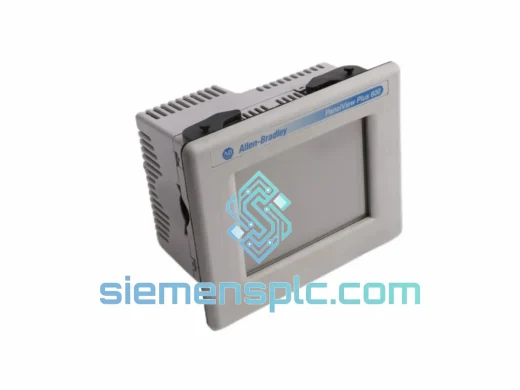
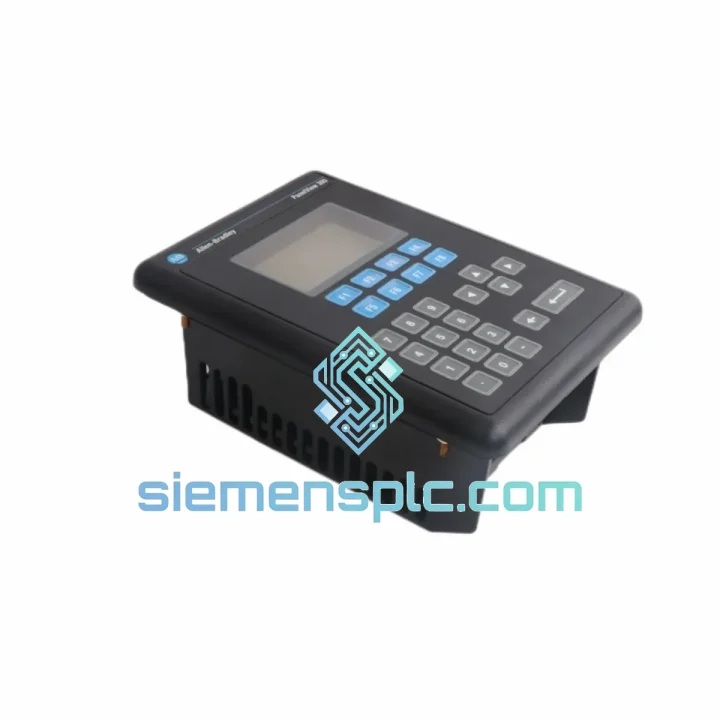
Allen-Bradley
In Stock OK
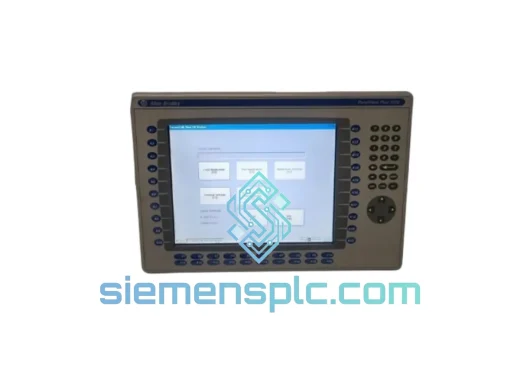
Allen-Bradley 2711-K3A2L1 PanelView 300 HMI
Request verified availability, condition, replacement risk review, packing options and courier lead time for 2711-K3A2L1.
BrandAllen-Bradley
Part Number2711-K3A2L1
ConditionAvailability Check
Lead TimeRFQ Confirmation
DocumentsDatasheet / photos by RFQ
ShippingExport packing available
Auto-filled RFQ
2711-K3A2L1
Click Request Quote and the part number is inserted into the inquiry form automatically.
- Reply by email: [email protected]
- WhatsApp / Tel: +86 18359268345
- Mon-Sat 9:00-18:00 GMT+8
Procurement Data
Key Product Information
Core fields for model confirmation and RFQ routing. Detailed product narrative remains below.
- Brand
- Allen-Bradley
- Primary Part Number
- 2711-K3A2L1
- Product Type
- HMI / Operator Interface
- Series / Family
- PanelView
- Manufacturer
- Allen-Bradley (Rockwell Automation)
- Country of Origin
- US
- Catalog Category
- HMI Panels
- Operating Temp.
- 0°C to 55°C
Model confirmed for inquiry
2711-K3A2L1
Send quantity, destination and urgency. The RFQ form keeps this part number attached.
Request Quote
Product Overview
2711-K3A2L1 PanelView 300 Keypad HMI — Stop the Clock on Your Downtime
Every minute your line sits idle, you’re bleeding money. A failed 2711-K3A2L1 on a PanelView 300 terminal doesn’t just kill operator visibility — it can cascade into a full production halt across your SLC 500 or MicroLogix network. We stock this unit in Xiamen, verified and ready to ship today. No lead-time games, no broker markups, no waiting three weeks for a factory order. You call, we ship.
URGENT REQUIREMENT? Contact: [email protected] | WhatsApp: +86 18359268345
Quick Technical Datasheet
| Part Number | 2711-K3A2L1 |
| Manufacturer | Allen-Bradley (Rockwell Automation) |
| Series | PanelView 300 |
| Display | 3-inch Monochrome LCD |
| Interface | Keypad (no touchscreen) |
| Communication Ports | DH-485 / RS-232 |
| Supply Voltage | 24V DC |
| Operating Temperature | 0°C to 55°C |
| Protection Rating | NEMA 4/4X, 12, 13 (front panel) |
| Compatible PLCs | SLC 500, MicroLogix 1000/1100/1200/1500 |
| Programming Software | RSView Machine Edition (ME) |
| Weight | Approx. 500 g |
| Stock Status | ✔ Ready to Ship — Xiamen Warehouse |
Troubleshooting & Replacement Tips
The 2711-K3A2L1 fails in predictable ways after years of field service. Here is what you are most likely dealing with and how to handle the swap without creating new problems.
Fault Code F001 / Blank Screen on Power-Up: Nine times out of ten this is a failed backlight inverter or a corrupted application file — not a dead CPU. Before condemning the unit, pull power, reseat the DH-485 connector, and reapply. If the screen stays dark but the keypad LEDs illuminate, the display assembly has failed. Replace the unit. If nothing lights up, check your 24V DC supply first — the 2711-K3A2L1 draws around 1.5A at startup and a marginal PSU will drop out under inrush.
Communication Loss / Node Conflict on DH-485: The PanelView 300 stores its DH-485 node address in non-volatile memory inside the application file, not via a physical DIP switch. When you drop in a replacement unit, you must download a fresh application from RSView ME — the node address is embedded in the .mer file. Do not assume the replacement will inherit the old node address. If you see duplicate node errors on the network after swap, another device has claimed that address in the interim. Use RSLinx to audit the DH-485 network before going live.
Application Transfer Fails / File Not Compatible Error: The 2711-K3A2L1 runs firmware that must match the RSView ME version used to compile the application. If your .mer file was built on RSView ME v5.x and the replacement unit ships with v3.x firmware, the download will reject. Check the firmware revision label on the unit rear panel before ordering if you have a specific version requirement. We can advise on firmware revision availability — contact us before purchase if this is a constraint.
Keypad Keys Unresponsive After Replacement: This is almost always a configuration issue, not a hardware defect. The key assignments are defined in the RSView ME application. Verify the application downloaded correctly and that the terminal is in Run mode, not Configuration mode. A solid amber STATUS LED means the unit is waiting for an application download — it will not respond to keypad input in this state.
Replacement Procedure — Field Checklist:
- Isolate and lock out the panel. Confirm 24V DC is de-energized before disconnecting.
- Label and photograph all cable connections before removal — DH-485 polarity matters.
- Note the existing unit firmware revision from the rear label.
- Install replacement unit. Reconnect DH-485 (observe A/B polarity) and RS-232 if used.
- Power up. Confirm STATUS LED cycles through startup sequence.
- Download application via RSView ME. Verify node address matches network configuration.
- Switch to Run mode. Confirm all screen pages navigate correctly and PLC comms are established.
- Document the swap in your maintenance log with the new unit serial number.
Reliability in Harsh Conditions
The PanelView 300 platform was engineered for the factory floor, not the office. The 2711-K3A2L1 NEMA 4/4X front-panel rating handles direct water jets and oil mist without ingress — a daily reality in food processing, automotive paint shops, and chemical dosing stations. The sealed keypad membrane eliminates the mechanical switch failures that plague touchscreen units in high-vibration environments like press lines and compressor rooms.
Operating range of 0°C to 55°C covers the vast majority of industrial enclosure environments, including unheated outdoor cabinets in temperate climates. The monochrome LCD maintains contrast across this range without the washout issues that affect color TFT panels at temperature extremes. Vibration tolerance aligns with IEC 68-2-6 test profiles — the unit will not develop intermittent display faults from structural vibration transmitted through machine frames.
Units we supply are stored in climate-controlled conditions in our Xiamen facility. Long-term storage in uncontrolled environments degrades electrolytic capacitors and LCD polarizers — we rotate stock and inspect before dispatch to ensure you receive a unit that performs from day one, not one that fails six months into service.
Global Express Logistics
Our dispatch hub is in Xiamen, China — one of the country primary export ports with direct DHL and FedEx gateway access. Here is how a typical urgent order moves:
- Order confirmed before 14:00 CST: Same-day dispatch to DHL/FedEx gateway.
- DHL Express International: 2–4 business days to Europe, Middle East, Southeast Asia. 3–5 days to North America and Australia.
- FedEx International Priority: Comparable transit times with alternative routing — useful when DHL has capacity constraints on specific lanes.
- Customs Documentation: Commercial invoice, packing list, and certificate of origin prepared as standard. HS code 8537.10 declared for HMI terminals. We handle export licensing checks — no surprises at customs.
- Tracking: AWB number sent within 2 hours of dispatch. Real-time tracking link provided.
- Packaging: Anti-static bag, foam-lined carton, fragile labeling. The unit arrives in the same condition it left our warehouse.
For customers in Southeast Asia and the Middle East, transit times are often shorter than sourcing from North American or European distributors. If your line is down, geography is on your side.
Contact Information
Email: [email protected]
WhatsApp: +86 18359268345
Web: siemensplc.com
© 2026 siemensplc.com. All rights reserved.
Ready to quote
[email protected]
Send This Part Number to Sales
RFQ workflow
Quality workflow ->
Confirmation Process
01Model confirmation
We check the full part number, brand, series and visible nameplate information before quotation.
02Availability reply
Sales confirms stock path, condition option, quantity and realistic lead time for export dispatch.
03Packing & courier
DHL, FedEx, UPS or buyer courier arrangements can be reviewed with packing requirements.
Continue sourcing
Browse full catalog ->
Related Automation Parts
Similar brand or category products for fast comparison and multi-item RFQ lists.
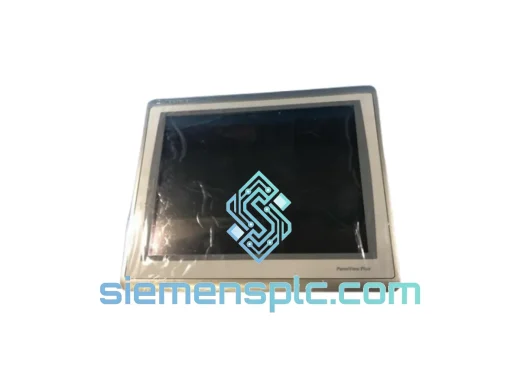
Allen-Bradley
RFQ Ready
Allen-Bradley 2711P-T15C22D9P HMI Terminal
PanelView
Origin US
HMI Graphic Terminal
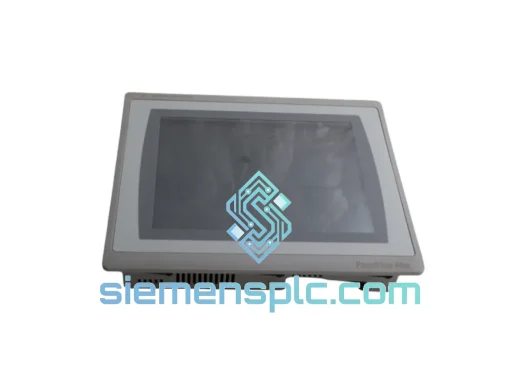
Allen-Bradley
RFQ Ready
Allen-Bradley 2711P-T10C21D8S HMI Operator Terminal
PanelView
Origin US
HMI Operator Terminal
Allen-Bradley
RFQ Ready
Allen-Bradley 2711P-RN15S ControlNet Communication Module
PanelView
Origin US
PLC Communication Module