Allen-Bradley
In Stock OK
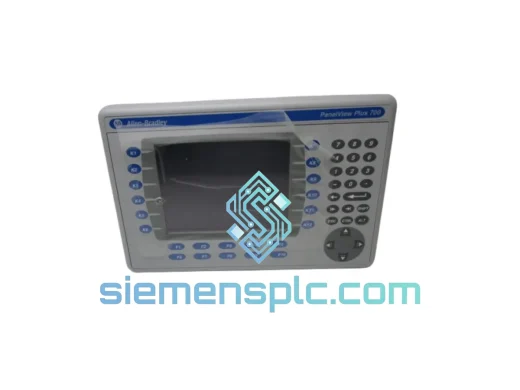
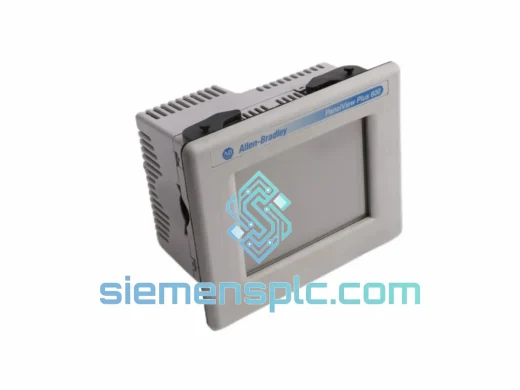
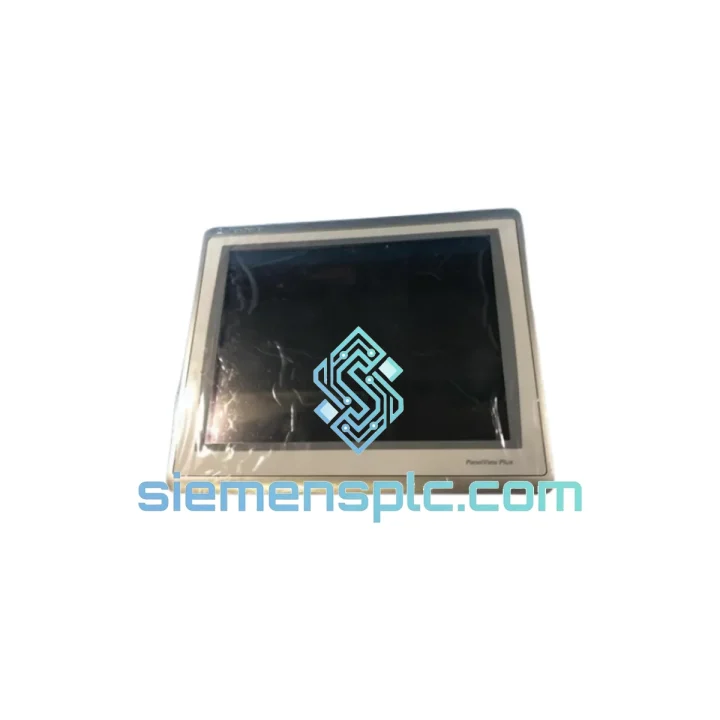
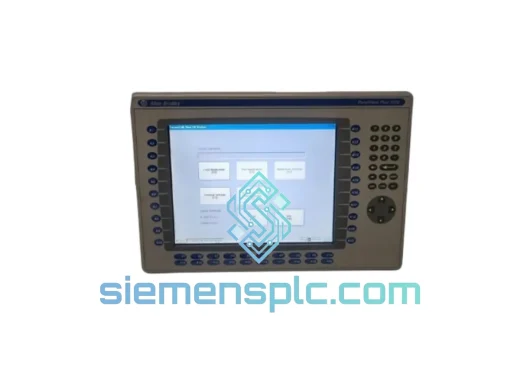
Allen-Bradley 2711P-T15C22D9P HMI Terminal
Request verified availability, condition, replacement risk review, packing options and courier lead time for 2711P-T15C22D9P.
BrandAllen-Bradley
Part Number2711P-T15C22D9P
ConditionAvailability Check
Lead TimeRFQ Confirmation
DocumentsDatasheet / photos by RFQ
ShippingExport packing available
Auto-filled RFQ
2711P-T15C22D9P
Click Request Quote and the part number is inserted into the inquiry form automatically.
- Reply by email: [email protected]
- WhatsApp / Tel: +86 18359268345
- Mon-Sat 9:00-18:00 GMT+8
Procurement Data
Key Product Information
Core fields for model confirmation and RFQ routing. Detailed product narrative remains below.
- Brand
- Allen-Bradley
- Primary Part Number
- 2711P-T15C22D9P
- Product Type
- HMI Graphic Terminal
- Series / Family
- PanelView
- Country of Origin
- US
- Catalog Category
- HMI Panels
- Humidity
- 5–95% RH non-condensing
Model confirmed for inquiry
2711P-T15C22D9P
Send quantity, destination and urgency. The RFQ form keeps this part number attached.
Request Quote
Product Overview
2711P-T15C22D9P Down? Every Minute of Downtime Costs You Money — We Ship Today
Your line stopped. The PanelView is dead. Maintenance is standing by, the shift supervisor is breathing down your neck, and procurement is telling you “lead time is 8–12 weeks.” That’s not an answer you can live with. We stock the Allen-Bradley 2711P-T15C22D9P in Xiamen and we move fast — same-day dispatch on confirmed orders, DHL/FedEx express to your dock, anywhere on the planet.
This is not a refurbished gamble. Every unit we ship is 100% original Rockwell Automation hardware, power-on tested, firmware-verified, and packed in ESD-safe anti-static foam cartons. When you bolt this terminal into your panel, it works — first time, every time.
URGENT REQUIREMENT? Contact: [email protected] | WhatsApp: +86 18359268345
Quick Technical Datasheet
| Parameter | Specification | Status |
|---|---|---|
| Catalog Number | 2711P-T15C22D9P | ✔ Ready to Ship |
| Series | PanelView Plus 7 Standard | |
| Display Size | 15.0″ Widescreen (16:9) | |
| Display Type | TFT Color LCD | |
| Resolution | 1024 × 768 (XGA) | |
| Touch Technology | Analog Resistive | |
| Operating System | Windows CE 6.0 | |
| Processor | 800 MHz ARM | |
| RAM / Flash | 512 MB / 512 MB | |
| Network | Dual EtherNet/IP 10/100 Mbps | |
| Serial Port | 1× RS-232 | |
| USB / SD | 2× USB 2.0, 1× SD Card | |
| Supply Voltage | 24V DC (±20%) | |
| Power Draw | ≤ 40 W | |
| Operating Temp | 0°C to +55°C | |
| Storage Temp | -20°C to +70°C | |
| Humidity | 5–95% RH non-condensing | |
| Ingress Protection | IP65 front panel / NEMA 4, 4X, 12, 13 | |
| Panel Cutout | 375 mm × 290 mm | |
| Certifications | UL, CE, cUL, RCM | |
| Software Runtime | FactoryTalk View ME (pre-installed) | |
| Weight | ~3.2 kg | |
| Origin | China (Xiamen stocking hub) | ✔ In Stock |
Troubleshooting & Replacement Tips
Swapping a 2711P-T15C22D9P is straightforward if you know the traps. Here’s what ten years of field calls have taught us:
1. Firmware Version Mismatch — The Silent Killer
The most common post-swap failure is a firmware incompatibility between the terminal and the .MER application file. Before you pull the old unit, note the FactoryTalk View ME runtime version (visible on the splash screen or under Help → About). Your replacement must run the same major version or higher. Downgrading firmware on a PanelView Plus 7 is not supported. If your application was built on ME v9.0 and the replacement ships with v10.0, you’ll need to re-compile the .MER in the newer version of FactoryTalk View ME Studio before loading.
2. Application Transfer — USB vs. SD Card
The fastest field method: copy the .MER file to a USB drive (FAT32, ≤32 GB), plug into the terminal’s USB-A port, and use the File Manager on the CE desktop to copy to Application Data. Then launch FactoryTalk View ME Station and load the application. Do not attempt to load directly from USB without copying first — runtime errors will occur on some firmware builds.
3. EtherNet/IP IP Address Configuration
The 2711P-T15C22D9P does not retain IP settings from the previous unit. On first boot, navigate to Start → Settings → Network and Dial-up Connections → Built-in Ethernet. Set the static IP to match your plant network scheme. If your application uses a hardcoded PLC IP in the RSLinx Enterprise communication setup, verify the PLC IP hasn’t changed. A mismatched PLC IP is the #1 cause of “No Connection” alarms after a terminal swap.
4. RSLinx Enterprise Driver Re-registration
After loading the .MER, if tags show “???” or alarms fire immediately, open RSLinx Enterprise (embedded) and verify the EtherNet/IP driver is pointing to the correct PLC IP and slot. Re-test the connection using the “Test” button before going live. This step is skipped 80% of the time and causes 80% of post-swap callbacks.
5. Touchscreen Calibration
Analog resistive panels drift over time. After installation, run the touchscreen calibration utility (Start → Settings → Control Panel → Stylus → Calibration) before handing back to operators. A mis-calibrated touch panel on a 15″ screen causes operator input errors that look like PLC faults — a time-wasting rabbit hole.
6. Common Fault Codes
- “Communication Error — PLC Offline” → Check IP address, verify EtherNet cable on both ports, confirm PLC is in Run or Remote Run mode.
- “Application Load Failed” → Firmware version mismatch or corrupted .MER file. Re-transfer from a known-good source.
- “Runtime License Error” → The ME runtime license is embedded in the terminal hardware. If you see this on a replacement unit, contact Rockwell support — it indicates a corrupted firmware image.
- “Display Backlight Failure” → On the original failed unit, this is typically the CCFL inverter board or backlight tube. On a new replacement, if this appears within 48 hours, suspect a 24V DC supply voltage spike — check your panel PSU output under load.
Reliability in Harsh Conditions
The PanelView Plus 7 platform was not designed for office environments. The 2711P-T15C22D9P carries an IP65 front-panel rating — dust-tight and protected against direct water jets. The NEMA 4/4X certification means it handles washdown cycles in food processing and chemical plants without seal degradation. The operating temperature ceiling of 55°C covers the majority of panel enclosures in tropical and desert climates, even without forced-air cooling.
Vibration resistance is validated to IEC 60068-2-6 standards — the terminal survives the continuous mechanical stress of press lines, compressor skids, and mobile equipment panels. The TFT display assembly is shock-mounted internally, and the resistive touch overlay is a single-layer film with no moving parts, making it far more durable in high-vibration environments than capacitive alternatives.
Humidity cycling between 5% and 95% RH (non-condensing) is handled by the sealed front bezel and conformal-coated PCBs on production units. For installations in coastal or high-humidity environments, ensure the rear enclosure maintains positive pressure or use desiccant packs — the terminal’s Achilles heel is condensation ingress through the rear connector area, not the front panel.
Every unit we dispatch from Xiamen has been stored in climate-controlled conditions, individually bagged in anti-static poly with silica gel desiccant, and inspected for physical damage, connector pin integrity, and display surface condition before boxing. We do not ship units that have been sitting in uncontrolled warehouse environments.
Global Express Logistics
Our Xiamen operations hub sits 40 minutes from Xiamen Gaoqi International Airport (XMN), a major DHL and FedEx gateway for South China. This geography is deliberate — it means your order moves from our shelf to an international flight the same day, not the next.
Standard dispatch timeline:
- Order confirmed before 14:00 CST: Same-day dispatch via DHL Express or FedEx International Priority.
- Order confirmed after 14:00 CST: Next business day dispatch, with tracking number issued by 09:00 CST the following morning.
- Transit times: Southeast Asia 1–2 days | Europe 3–5 days | North America 3–5 days | Middle East 4–6 days | Australia 3–4 days.
All shipments include a commercial invoice with accurate HS code classification (HS 8537.10 for HMI terminals), country of origin documentation, and packing list — everything your customs broker needs to clear the shipment without delays. For customers in countries with import duty exemptions on industrial automation equipment, we can provide additional documentation on request.
We do not use consolidation freight or economy postal services for industrial components. Every 2711P-T15C22D9P ships as a dedicated express parcel with full tracking, signature confirmation, and declared value insurance. If a shipment is delayed by carrier fault, we escalate immediately — your downtime clock doesn’t stop because a courier made a mistake.
For repeat customers and MRO procurement teams, we offer standing stock agreements and priority dispatch slots. Contact us to discuss volume arrangements.
Contact Information
Email: [email protected]
WhatsApp: +86 18359268345
Web: siemensplc.com
© 2026 siemensplc.com. All rights reserved.
Ready to quote
[email protected]
Send This Part Number to Sales
RFQ workflow
Quality workflow ->
Confirmation Process
01Model confirmation
We check the full part number, brand, series and visible nameplate information before quotation.
02Availability reply
Sales confirms stock path, condition option, quantity and realistic lead time for export dispatch.
03Packing & courier
DHL, FedEx, UPS or buyer courier arrangements can be reviewed with packing requirements.
Continue sourcing
Browse full catalog ->
Related Automation Parts
Similar brand or category products for fast comparison and multi-item RFQ lists.
Allen-Bradley
RFQ Ready
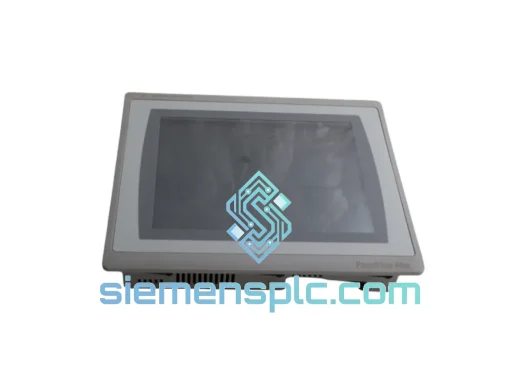
Allen-Bradley 2711P-T10C21D8S HMI Operator Terminal
PanelView
Origin US
HMI Operator Terminal
Allen-Bradley
RFQ Ready
Allen-Bradley 2711P-RN15S ControlNet Communication Module
PanelView
Origin US
PLC Communication Module