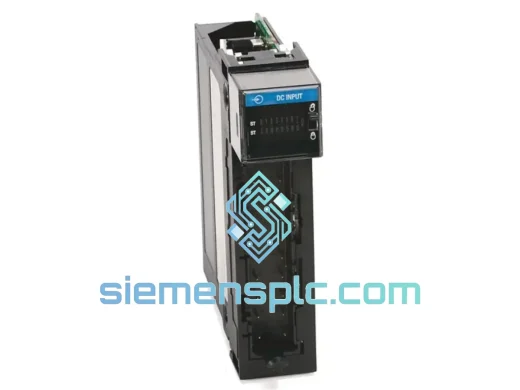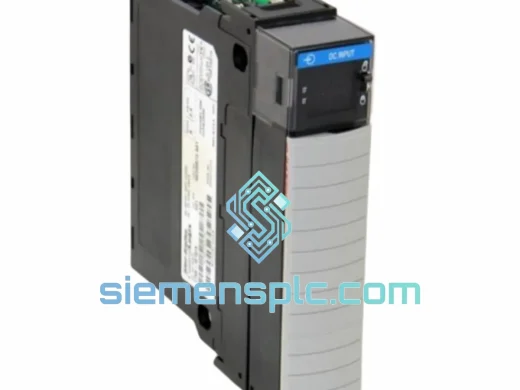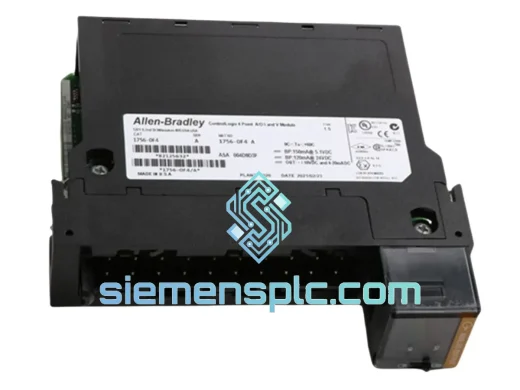
Allen-Bradley
RFQ Ready
Allen-Bradley 1756-OF4 PLC Analog Output Module
ControlLogix
Origin US
PLC Analog Output Module
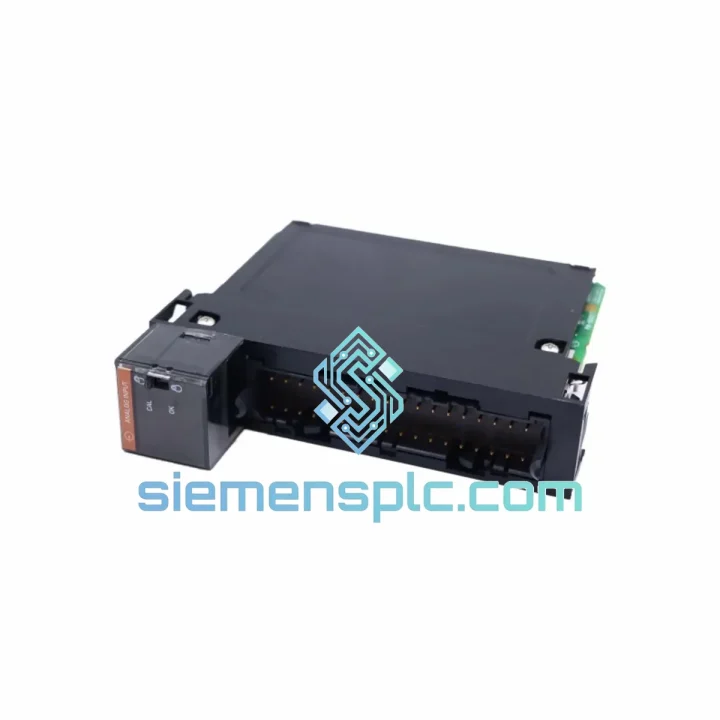
Request verified availability, condition, replacement risk review, packing options and courier lead time for 1756-IF16K.
Click Request Quote and the part number is inserted into the inquiry form automatically.
Core fields for model confirmation and RFQ routing. Detailed product narrative remains below.
Your ControlLogix rack just threw a fault. The 1756-IF16K is dead. The process is down. Your maintenance team is staring at a blank HMI screen and the plant manager is already on the phone. You don’t need a sales pitch — you need a module on a plane tonight.
We stock the Allen-Bradley 1756-IF16K at our Xiamen warehouse. Orders confirmed before 5 PM CST ship same day via DHL Express or FedEx International Priority. Most destinations in Southeast Asia receive within 24–48 hours. Europe and North America: 48–72 hours door to door.
URGENT REQUIREMENT? Contact: [email protected] | WhatsApp: +86 18359268345
| Parameter | Specification |
|---|---|
| Part Number | 1756-IF16K |
| Brand | Allen-Bradley (Rockwell Automation) |
| Series | ControlLogix 1756 |
| Module Type | Analog Input |
| Number of Channels | 16 single-ended / 8 differential |
| Input Signal Types | Voltage: ±10V, 0–10V, 0–5V, 1–5V | Current: 0–20mA, 4–20mA |
| Resolution | 16-bit ADC |
| Channel Isolation | Channel-to-channel optical isolation |
| Backplane Current Draw | 250mA @ 5VDC; 3mA @ 24VDC |
| Operating Temperature | 0°C to 60°C (32°F to 140°F) |
| Certifications | UL, CE, C-Tick, RoHS |
| Form Factor | ControlLogix chassis-mount |
| Firmware Compatibility | Studio 5000 / RSLogix 5000 v16+ |
| Stock Status | ✔ Ready to Ship — Xiamen Warehouse |
After ten years of field work, here are the failure patterns I see most often with the 1756-IF16K — and what to watch for when you swap one in.
Common Fault Codes:
Replacement Procedure — Field Notes:
Pro tip: If you’re replacing a module that failed due to a field-side wiring fault (lightning strike, voltage transient), always check the adjacent modules in the chassis. A transient severe enough to kill a 1756-IF16K often damages neighboring modules’ backplane interfaces as well.
The 1756-IF16K was engineered for environments that would destroy consumer-grade electronics. Rockwell Automation designed the ControlLogix 1756 series to operate continuously in conditions that most industrial sites consider routine but that are genuinely punishing for sensitive analog circuitry.
Vibration: The module meets IEC 68-2-6 vibration testing standards — 2g at 10–500Hz. In practice, this means it survives installation in compressor rooms, on skid-mounted equipment, and in mobile plant applications where constant mechanical vibration is unavoidable. The chassis-mount form factor and locking lever mechanism prevent the module from working loose under sustained vibration.
Thermal Stress: Operating range is 0°C to 60°C with storage rated to -40°C to 85°C. The internal analog circuitry uses temperature-compensated reference circuits to maintain measurement accuracy across the full operating range. In practice, I’ve seen these modules running reliably in outdoor enclosures in Southeast Asian climates where ambient temperatures inside the panel regularly hit 55°C during summer afternoons.
Humidity and Condensation: Rated to 5–95% relative humidity, non-condensing. The conformal coating on the PCB provides a degree of protection against moisture ingress in high-humidity environments. That said, if your enclosure is experiencing condensation, fix the enclosure — no module is designed to run submerged.
EMI/RFI Immunity: The 1756-IF16K carries CE marking under the EMC Directive, which requires demonstrated immunity to conducted and radiated interference. The channel-to-channel optical isolation is the primary defense against common-mode noise from variable frequency drives, welding equipment, and other high-EMI sources that are common in heavy industrial environments.
Our logistics operation is built around one objective: getting your replacement module to your site before your production loss exceeds the cost of the part.
Dispatch Process:
Typical Transit Times from Xiamen:
Customs clearance times vary by destination and are outside our control, but we prepare documentation to minimize clearance delays. For destinations with known customs complexity, we recommend contacting us to discuss options including DAP or DDP shipping terms.
Email: [email protected]
WhatsApp: +86 18359268345
Web: siemensplc.com
© 2026 siemensplc.com. All rights reserved.
We check the full part number, brand, series and visible nameplate information before quotation.
Sales confirms stock path, condition option, quantity and realistic lead time for export dispatch.
DHL, FedEx, UPS or buyer courier arrangements can be reviewed with packing requirements.
Similar brand or category products for fast comparison and multi-item RFQ lists.