Allen-Bradley
RFQ Ready
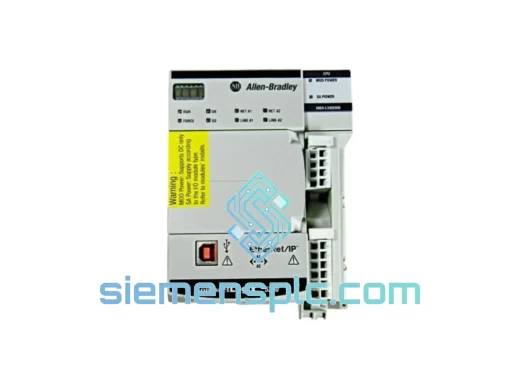
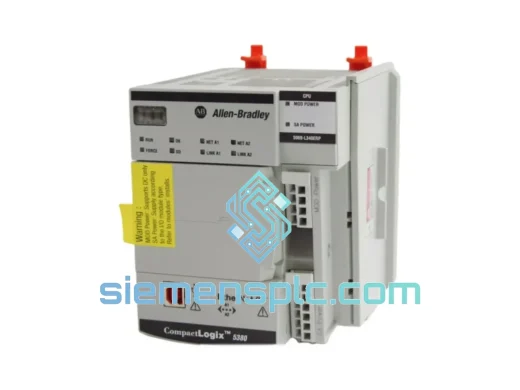
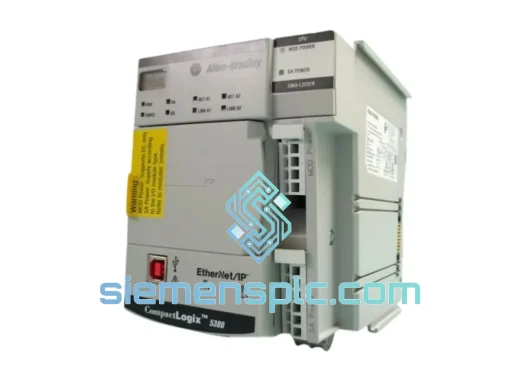
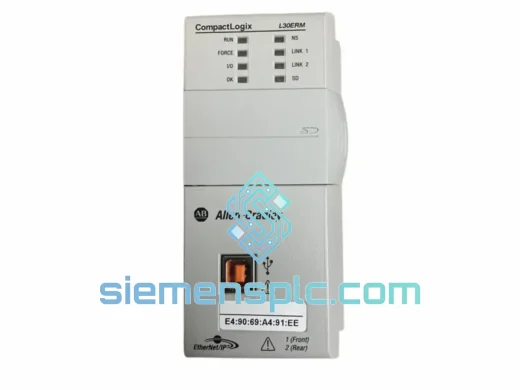
Allen-Bradley 1769-L30ERM PLC Motion Controller – CompactLogix 5370
CompactLogix
Origin US
PLC Motion Controller
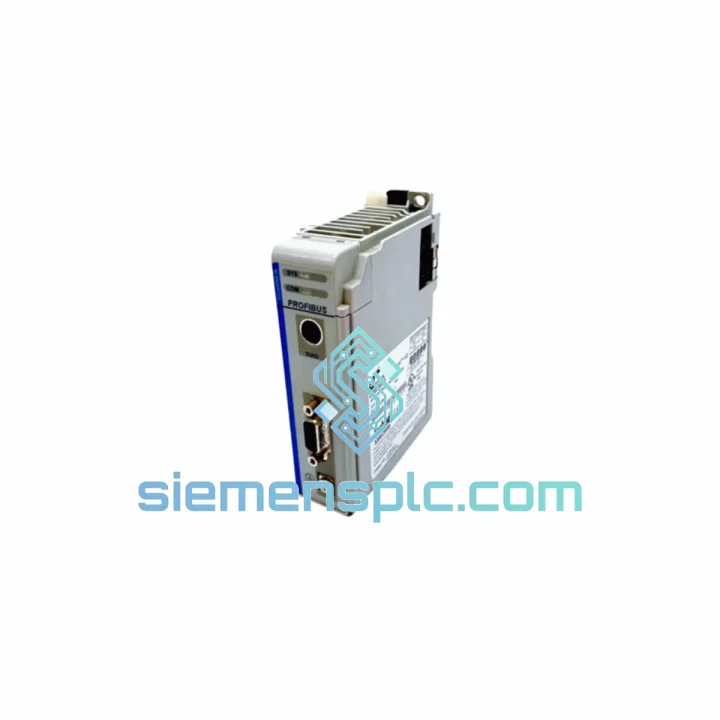
Request verified availability, condition, replacement risk review, packing options and courier lead time for 1769-DPM.
Click Request Quote and the part number is inserted into the inquiry form automatically.
Core fields for model confirmation and RFQ routing. Detailed product narrative remains below.
Your PROFIBUS network is dead. The CompactLogix controller is faulted. The line is stopped. You’ve already isolated the 1769-DPM as the failed node — now you need a verified replacement in your hands, not a lead-time quote. We stock the Allen-Bradley 1769-DPM and ship same-day via DHL/FedEx Express from Xiamen. No MOQ. No waiting for distributor allocation. One call, one module, line back up.
URGENT REQUIREMENT? Contact: [email protected] | WhatsApp: +86 18359268345
| Parameter | Specification |
|---|---|
| Part Number / SKU | 1769-DPM |
| Brand | Allen-Bradley (Rockwell Automation) |
| Series | CompactLogix 1769 |
| Module Function | PROFIBUS DP Master (Class 1 & Class 2) |
| Protocol Standard | EN 50170 / IEC 61158 PROFIBUS DP |
| Max DP Slave Nodes | 125 devices per network segment |
| Baud Rate Range | 9.6 Kbps – 12 Mbps (auto-detect) |
| Backplane Interface | CompactLogix 1769 local I/O bus |
| Backplane Current Draw | 160 mA @ 5 VDC |
| Operating Temperature | 0 °C to 60 °C |
| Storage Temperature | -40 °C to 85 °C |
| Relative Humidity | 5% – 95% non-condensing |
| Dimensions (H × W × D) | 118 mm × 35 mm × 87 mm |
| Certifications | CE, UL, cUL, RoHS, PROFIBUS Certified (PI) |
| Configuration Software | Studio 5000 Logix Designer v21.00+ |
| Country of Origin | USA |
| Stock Status | ✅ Ready to Ship — Xiamen Warehouse |
After ten years of field calls, the 1769-DPM fails in predictable patterns. Here’s what to check before you pull the module — and what to configure the moment the replacement lands on your bench.
Common Fault Indicators:
Replacement Procedure — Field Checklist:
Industrial floors are not server rooms. The 1769-DPM is built to operate where temperature swings, vibration, and airborne contaminants are daily realities — not edge cases.
The module’s conformal-coated PCB provides a barrier against humidity and corrosive atmospheres common in chemical processing and food & beverage plants. Operating across 0 °C to 60 °C without derating, it handles the thermal cycling that kills consumer-grade electronics within months. The CompactLogix backplane connector is a zero-insertion-force design with positive locking — it maintains electrical continuity under the continuous vibration loads found in press lines, compressor rooms, and mobile equipment installations.
PROFIBUS DP’s deterministic cycle time — configurable down to sub-millisecond intervals — means the 1769-DPM maintains network synchronization even when the cabinet door is rattling and the VFDs next to it are injecting conducted noise onto the power rail. Pair it with a properly shielded EN 50170 Type A cable, ground the shield at one end only, and this module will outlast the machinery it controls.
Every unit we ship has been stored in a climate-controlled ESD-safe environment. No shelf-degraded capacitors. No oxidized connector pins from years in a damp warehouse. What you receive is a module ready to go into service, not one that needs a bench test before you trust it on a live line.
Our dispatch hub is in Xiamen, Fujian — one of China’s primary export ports with direct DHL and FedEx Express gateway access. Here’s how your order moves from our shelf to your plant floor:
For plant shutdowns, scheduled maintenance windows, or emergency line-down situations, contact us directly on WhatsApp for real-time stock confirmation and expedited booking.
📧 Email: [email protected]
💬 WhatsApp: +86 18359268345
🌐 Web: siemensplc.com
© 2026 siemensplc.com. All rights reserved.
We check the full part number, brand, series and visible nameplate information before quotation.
Sales confirms stock path, condition option, quantity and realistic lead time for export dispatch.
DHL, FedEx, UPS or buyer courier arrangements can be reviewed with packing requirements.
Similar brand or category products for fast comparison and multi-item RFQ lists.