Allen-Bradley
RFQ Ready
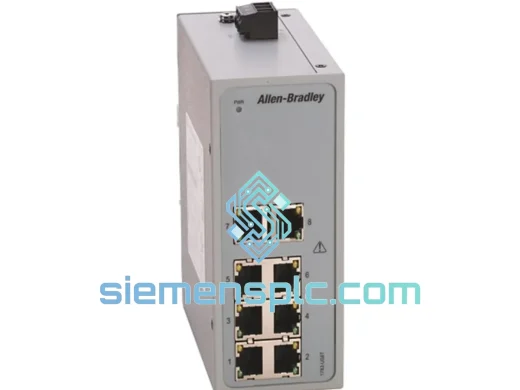
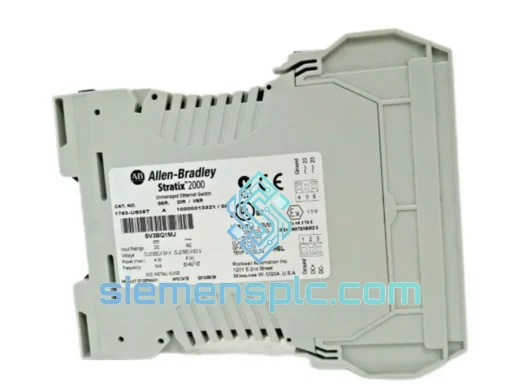
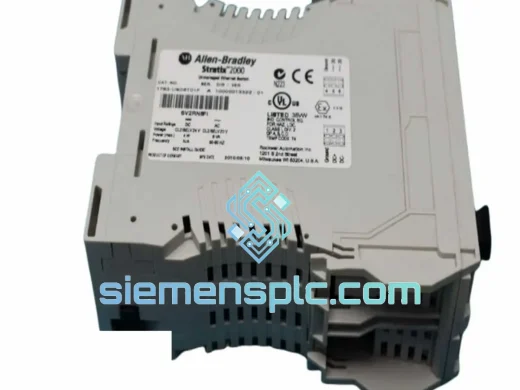
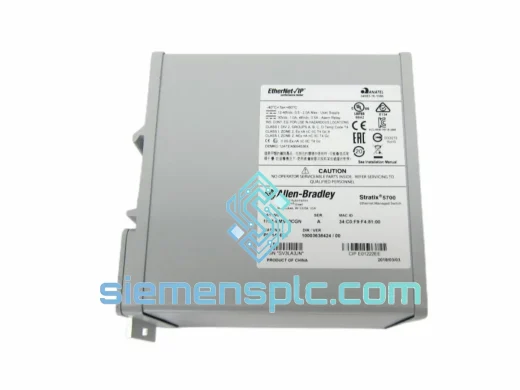
Allen-Bradley 1783-BMS10CGN Industrial Ethernet Switch – Stratix 2000
Stratix
Origin US
Industrial Ethernet Switch
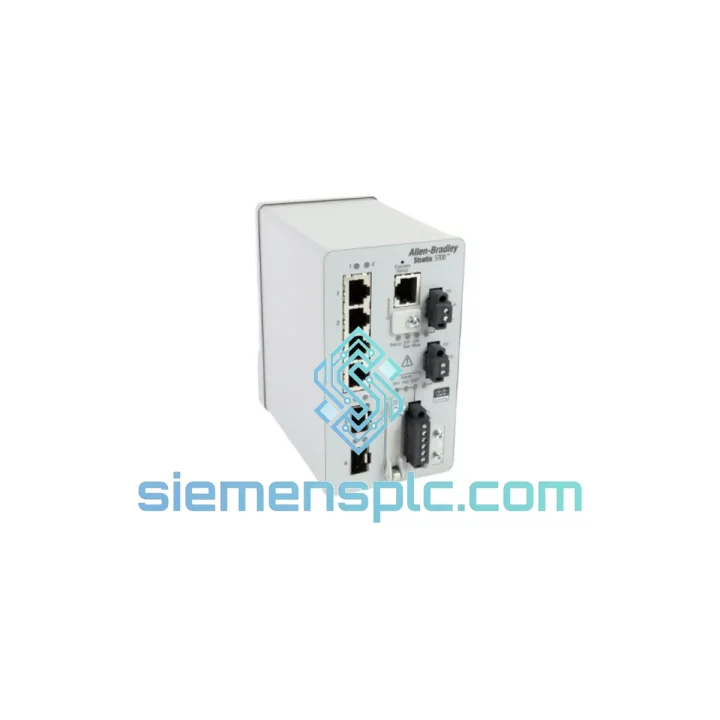
Request verified availability, condition, replacement risk review, packing options and courier lead time for 1783-BMS06SL.
Click Request Quote and the part number is inserted into the inquiry form automatically.
Core fields for model confirmation and RFQ routing. Detailed product narrative remains below.
A failed managed switch in an EtherNet/IP backbone doesn’t just drop packets — it drops production. Conveyors halt. Robot cells go dark. HMIs lose comms. The Allen-Bradley 1783-BMS06SL is a single point of failure that most plants don’t stock a spare for, and when it goes, the clock starts immediately. We keep verified stock of the 1783-BMS06SL in Xiamen, China, ready for DHL Express dispatch within hours of order confirmation. No lead-time negotiation. No “check back in two weeks.” You need the switch on the rail and the line running — that’s the only metric that matters.
URGENT REQUIREMENT? Contact: [email protected] | WhatsApp: +86 18359268345
| Parameter | Specification | Status |
|---|---|---|
| Catalog Number | 1783-BMS06SL | ✔ Ready to Ship |
| Series | Stratix 5700 | |
| Manufacturer | Allen-Bradley / Rockwell Automation | |
| Port Count | 6 × 10/100BASE-TX (RJ45) | |
| Switch Architecture | Managed Layer 2 | |
| Supported Protocols | EtherNet/IP, IGMP Snooping, RSTP/STP, QoS, 802.1Q VLANs | |
| DLR Support | Yes — Ring Supervisor & Ring Node | |
| Mounting | 35 mm DIN Rail | |
| Power Input | 24V DC (18–32V DC), Dual Redundant Inputs | |
| Power Consumption | ≤ 7 W typical | |
| Operating Temperature | 0 °C to +60 °C | |
| Storage Temperature | -40 °C to +85 °C | |
| Relative Humidity | 5–95% non-condensing | |
| Enclosure Rating | IP20 | |
| Configuration Interface | Studio 5000 AOP, Web UI, CLI (Telnet/SSH) | |
| Firmware Compatibility | FactoryTalk Network Manager (FTNM) | |
| Weight | 1,570 g | |
| Origin | USA |
Swapping a 1783-BMS06SL mid-production is not a plug-and-play operation if you haven’t prepared. Here’s what actually matters on the floor:
1. Export the configuration before the old unit dies completely. If the switch is still partially responsive, SSH in immediately and run copy running-config tftp or use the Studio 5000 AOP to export the device profile. A dead switch with no config backup means you’re rebuilding VLANs, QoS maps, and port assignments from scratch — that’s 2–4 hours minimum.
2. Firmware version matching is non-negotiable. The replacement unit must run the same IOS firmware major version as the failed unit, or your AOP in Studio 5000 will throw a mismatch fault and refuse to go online. Check the firmware version on your existing units via show version in CLI. If the replacement ships with a newer firmware, downgrade it before installation using FactoryTalk Network Manager or the web UI bootloader.
3. IP address and hostname assignment. The 1783-BMS06SL does not auto-assign its IP from the PLC — you must either restore the config file or manually set the IP via the web UI (default: 192.168.1.1) before the controller can discover it. If you’re using BOOTP/DHCP assignment from the Logix controller, ensure the MAC address of the new unit is registered in the BOOTP table before powering the controller back online.
4. DLR ring topology — break the ring before swapping. If this switch is operating as a DLR ring supervisor or node, do not hot-swap it without first breaking the ring at another node. Removing the supervisor mid-ring without proper failover preparation can cause a broadcast storm on the remaining segment. Demote the supervisor role to another capable switch first, then replace.
5. Common fault codes to know:
6. Post-replacement verification checklist: Ping all downstream devices from the controller. Verify I/O connection status in Studio 5000 (all modules green). Check RSTP topology via show spanning-tree to confirm no unexpected root bridge election. Run a 5-minute traffic capture on the uplink port to confirm no excessive broadcast traffic before releasing the line.
The 1783-BMS06SL was engineered for environments that destroy consumer-grade networking hardware within weeks. The operating temperature ceiling of 60 °C means it survives inside sealed control cabinets during summer shutdowns without thermal throttling or memory corruption — a failure mode that plagues cheaper switches in the same form factor. The 18–32V DC input range is deliberately wide to absorb the voltage sag and surge events common in heavy industrial power distribution, where a 24V rail can swing ±15% during motor starts.
Vibration resistance is built into the DIN rail latch mechanism and the conformal-coated PCB, which protects solder joints and trace integrity against the continuous mechanical stress of press lines, compressors, and conveyor drives. The non-condensing humidity rating to 95% RH covers coastal and tropical plant environments where moisture ingress is a constant threat to unprotected electronics. The IP20 enclosure rating assumes panel installation — if your application requires direct exposure, pair it with an appropriate NEMA 4X or IP66 enclosure.
Every unit we ship has been stored in climate-controlled conditions and verified for physical integrity — no bent RJ45 ports, no cracked DIN rail clips, no missing port labels. We do not ship units with cosmetic damage that could indicate prior mishandling or counterfeit origin.
Our warehouse is located in Xiamen, Fujian Province, China — one of the country’s primary export hubs with direct access to DHL Express, FedEx International Priority, and UPS Worldwide Express gateways. For urgent orders placed before 14:00 CST, same-day dispatch is standard. Here’s how the logistics chain works:
For multi-unit orders or project BOM sourcing, consolidated shipment options are available to reduce per-unit freight cost without sacrificing lead time. Contact us with your full BOM and destination for a freight-inclusive quote.
Email: [email protected]
WhatsApp: +86 18359268345
Web: siemensplc.com
© 2026 siemensplc.com. All rights reserved.
We check the full part number, brand, series and visible nameplate information before quotation.
Sales confirms stock path, condition option, quantity and realistic lead time for export dispatch.
DHL, FedEx, UPS or buyer courier arrangements can be reviewed with packing requirements.
Similar brand or category products for fast comparison and multi-item RFQ lists.