Siemens
In Stock OK
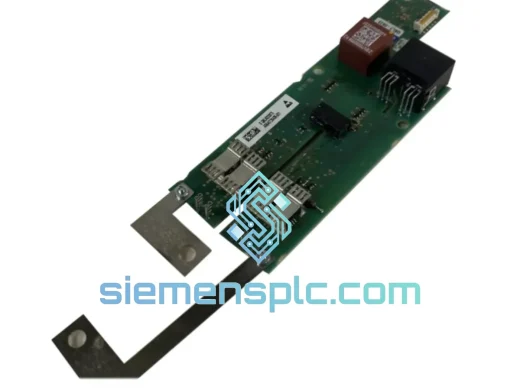
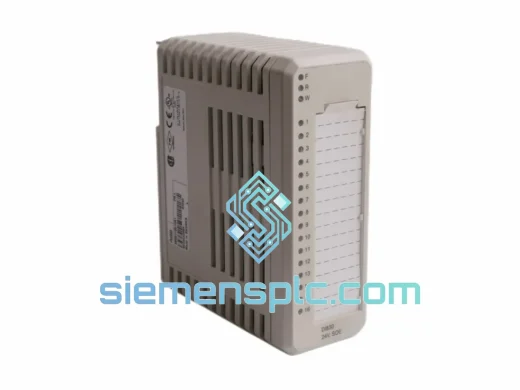
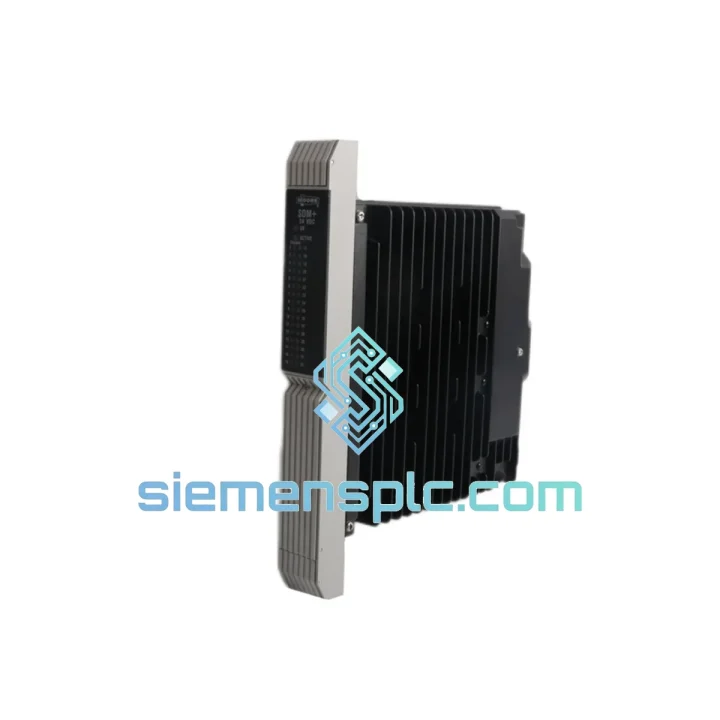
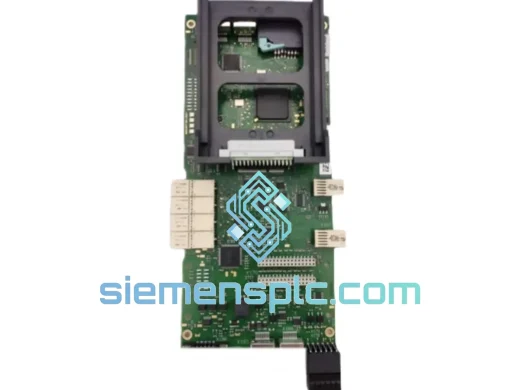
Siemens 39SAMCAN 16133-71/13 Voltage Input Module
Request verified availability, condition, replacement risk review, packing options and courier lead time for 16133-71/13.
BrandSiemens
Part Number16133-71/13
ConditionAvailability Check
Lead TimeRFQ Confirmation
DocumentsDatasheet / photos by RFQ
ShippingExport packing available
Auto-filled RFQ
16133-71/13
Click Request Quote and the part number is inserted into the inquiry form automatically.
- Reply by email: [email protected]
- WhatsApp / Tel: +86 18359268345
- Mon-Sat 9:00-18:00 GMT+8
Procurement Data
Key Product Information
Core fields for model confirmation and RFQ routing. Detailed product narrative remains below.
- Brand
- Siemens
- Primary Part Number
- 16133-71/13
- Product Type
- DCS Voltage Input Module
- Product Family
- Other series
- Manufacturer
- Siemens AG
- Country of Origin
- DE
- Catalog Category
- I/O Modules
- Compliance
- CE, IEC 61131-2
Model confirmed for inquiry
16133-71/13
Send quantity, destination and urgency. The RFQ form keeps this part number attached.
Request Quote
Product Overview
Siemens 39SAMCAN 16133-71/13 – Stop the Clock on Your Downtime
Every minute your TELEPERM M rack sits with a dead VIM slot, you’re bleeding money. A failed voltage input module doesn’t just drop a loop — it can cascade into process shutdowns, safety interlocks, and unplanned outages that cost far more than the card itself. The Siemens 39SAMCAN 16133-71/13 is in stock at our Xiamen warehouse right now. We’ve shipped this exact module to power plants, chemical complexes, and refineries across four continents. When your maintenance window is measured in hours, not days, that matters.
We don’t broker. We stock. Your unit is bench-tested, ESD-packed, and ready to leave our facility the same day you confirm the order.
⚡ URGENT REQUIREMENT? Contact: [email protected] | WhatsApp: +86 18359268345
Quick Technical Datasheet
| Part Number | 39SAMCAN 16133-71/13 |
| Module Type | VIM – Voltage Input Module (Analog) |
| Manufacturer | Siemens AG |
| Platform | TELEPERM M DCS |
| Input Signal | Analog voltage: 0–5 V / 0–10 V / ±10 V (configurable) |
| Resolution | 12-bit A/D conversion |
| Isolation | Galvanic channel-to-channel and channel-to-bus |
| Bus Interface | Siemens TELEPERM M proprietary backplane |
| Operating Temp | 0°C to +60°C |
| Power Supply | Via DCS rack backplane (no external PSU required) |
| Weight | Approx. 1,800 g |
| Compliance | CE, IEC 61131-2 |
| Country of Origin | Germany |
| Stock Status | ✔ Ready to Ship – Xiamen Warehouse |
Troubleshooting & Replacement Tips
Pulled from real field experience — not the manual. Here’s what actually trips people up when swapping this card:
1. Confirm the fault before you pull the card. A blinking red LED on the 39SAMCAN doesn’t always mean the VIM is dead. Check the rack’s bus communication first. A corrupted bus segment will flag every card on that segment. Use the TELEPERM M diagnostic console to isolate the fault to the specific slot before ordering a replacement.
2. Slot addressing — this is where most replacements go wrong. The 39SAMCAN uses hardware slot addressing via the rack backplane connector. There are no DIP switches on this card for address configuration — the slot position itself defines the module address. Seat the card firmly and fully; a half-seated card will register as a bus fault, not a module fault. You’ll chase ghosts for hours.
3. Input range jumper verification. Before powering up, confirm the internal input range jumpers match your field signal. The 16133-71/13 variant is typically factory-set for 0–10 V, but if this card was previously used in a different loop, someone may have moved the jumpers. Mismatch here gives you a live loop with systematically wrong readings — dangerous in a control application.
4. Firmware version matching. TELEPERM M systems are sensitive to firmware mismatches between the CPU module and peripheral I/O cards. Check the firmware label on the card’s PCB against your system’s compatibility matrix. If you’re running an older CPU revision, a newer VIM firmware may cause initialization errors at startup. Contact us with your CPU part number and we’ll verify compatibility before shipment.
5. Common fault codes to know:
- F01 / Channel Overrange: Field signal exceeds configured input range. Check transmitter output and jumper settings.
- F03 / Bus Timeout: Module not responding on backplane. Reseat card; check rack power supply voltage (should be 24 VDC ±5%).
- F07 / A/D Conversion Error: Internal hardware fault. Module requires replacement — this is not recoverable in the field.
- F12 / Configuration Mismatch: CPU database doesn’t match physical card type. Re-download configuration from engineering station after card swap.
6. Post-swap checklist: After seating the new card, perform a forced re-initialization from the TELEPERM M operator station. Verify all channel PVs are reading correctly against known reference signals before releasing the loop to automatic control. Document the swap in your maintenance log with the new card’s serial number for traceability.
Reliability in Harsh Conditions
The 39SAMCAN 16133-71/13 was built for environments that would kill consumer-grade electronics in a week. Siemens designed this module to operate continuously in the kind of conditions you actually find in industrial facilities — not the clean-room assumptions of a datasheet.
The card’s galvanic isolation architecture is the first line of defense. In steel mills and chemical plants, ground potential differences between field instruments and control cabinets can reach several volts. Without proper isolation, that differential corrupts your signal and eventually destroys the input circuitry. The 39SAMCAN’s channel-to-channel and channel-to-bus isolation blocks this path entirely, keeping your readings clean even when the field wiring is running next to high-voltage motor cables.
Thermal performance is equally robust. The module is rated for continuous operation from 0°C to +60°C ambient — covering everything from unheated outdoor substations in northern climates to hot control rooms adjacent to furnaces. Internal components are selected for low thermal drift, so your calibration doesn’t walk as the cabinet temperature cycles through the day.
Vibration resistance is built into the mechanical design. The card’s edge connector and PCB mounting are engineered to maintain contact integrity under the continuous vibration loads common near rotating machinery — compressors, pumps, turbines. We’ve seen these cards run for 15+ years in paper mill environments where the floor shakes constantly. That’s not marketing copy; that’s what the installed base tells us.
Each unit we ship has been inspected for physical damage, connector wear, and component condition. We reject any card showing signs of thermal stress, corrosion, or mechanical damage — even if it tests functional. You’re getting a card that will last, not one that will fail six months after your warranty expires.
Global Express Logistics
Our warehouse is in Xiamen, China — one of the country’s primary export hubs with direct access to DHL, FedEx, and UPS international gateways. That’s not an accident. We chose this location specifically to minimize transit time to industrial customers in Southeast Asia, the Middle East, Europe, and the Americas.
Standard shipping timeline from order confirmation:
- Same-day dispatch: Orders confirmed before 14:00 CST ship the same business day.
- Southeast Asia (SG, MY, TH, ID): DHL Express, 2–3 business days door-to-door.
- Middle East (AE, SA, KW): FedEx International Priority, 3–4 business days.
- Europe (DE, NL, FR, UK, PL): DHL Express, 3–5 business days.
- North America (US, CA, MX): FedEx International Priority, 3–5 business days.
- Australia / New Zealand: DHL Express, 3–4 business days.
Every shipment includes full export documentation: commercial invoice, packing list, certificate of conformance, and — where required — an export control classification confirmation. ESD-safe anti-static packaging with foam cushioning is standard. We’ve shipped thousands of industrial electronics modules internationally without a single transit damage claim. We know how to pack this equipment.
For genuine emergencies — plant down, production stopped — contact us directly on WhatsApp. We can arrange courier pickup within hours and provide a tracking number before end of business day.
Contact Information
📧 Email: [email protected]
💬 WhatsApp: +86 18359268345
🌐 Web: siemensplc.com
© 2026 siemensplc.com. All rights reserved.
Ready to quote
[email protected]
Send This Part Number to Sales
RFQ workflow
Quality workflow ->
Confirmation Process
01Model confirmation
We check the full part number, brand, series and visible nameplate information before quotation.
02Availability reply
Sales confirms stock path, condition option, quantity and realistic lead time for export dispatch.
03Packing & courier
DHL, FedEx, UPS or buyer courier arrangements can be reviewed with packing requirements.
Continue sourcing
Browse full catalog ->
Related Automation Parts
Similar brand or category products for fast comparison and multi-item RFQ lists.
Siemens
RFQ Ready
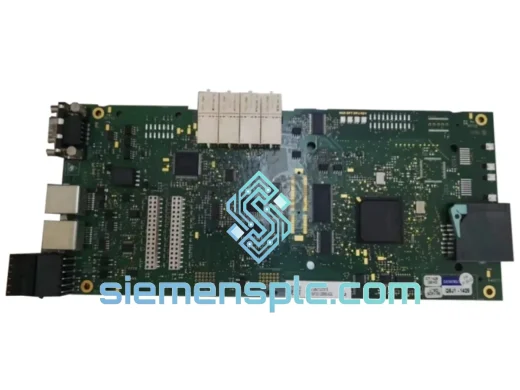
Siemens 6RY1803-0AA05-0AA1 Digital Output Module
SIMOREG
Origin DE
Digital Output Module