
Allen-Bradley
In Stock OK
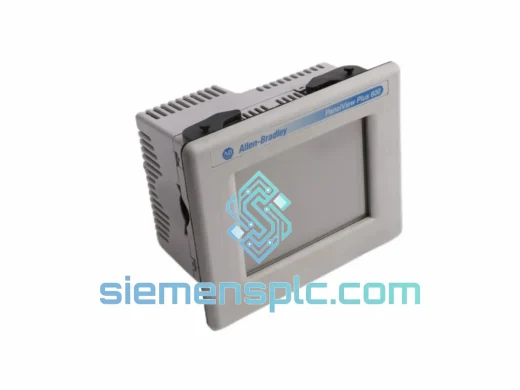
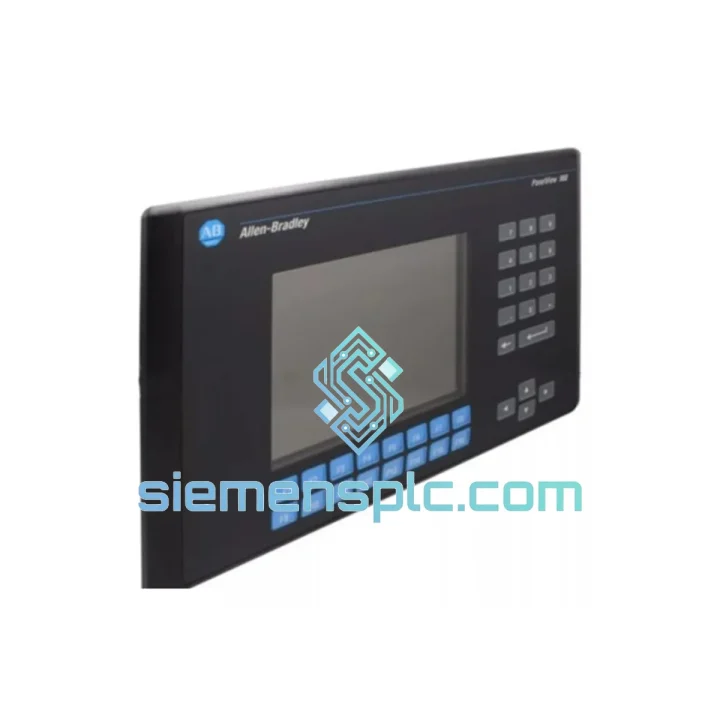
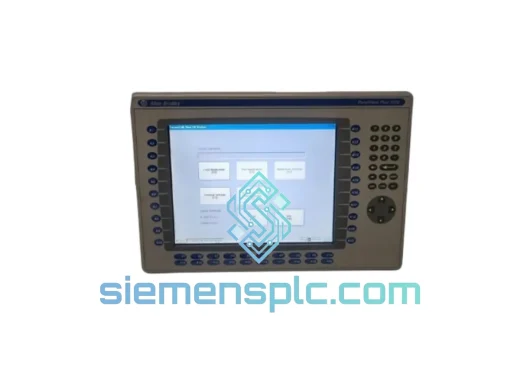
Allen-Bradley 2711-K9C1 HMI Operator Terminal
Request verified availability, condition, replacement risk review, packing options and courier lead time for 2711-K9C1.
BrandAllen-Bradley
Part Number2711-K9C1
ConditionAvailability Check
Lead TimeRFQ Confirmation
DocumentsDatasheet / photos by RFQ
ShippingExport packing available
Auto-filled RFQ
2711-K9C1
Click Request Quote and the part number is inserted into the inquiry form automatically.
- Reply by email: [email protected]
- WhatsApp / Tel: +86 18359268345
- Mon-Sat 9:00-18:00 GMT+8
Procurement Data
Key Product Information
Core fields for model confirmation and RFQ routing. Detailed product narrative remains below.
- Brand
- Allen-Bradley
- Primary Part Number
- 2711-K9C1
- Product Type
- HMI Operator Terminal
- Series / Family
- PanelView
- Manufacturer
- Allen-Bradley (Rockwell Automation)
- Country of Origin
- US
- Catalog Category
- HMI Panels
- Operating Temp.
- 0°C to 55°C
Model confirmed for inquiry
2711-K9C1
Send quantity, destination and urgency. The RFQ form keeps this part number attached.
Request Quote
Product Overview
Allen-Bradley 2711-K9C1 PanelView Standard 9″ HMI Terminal – Stop the Clock on Your Downtime
Every minute your line is down, you’re bleeding money. A failed 2711-K9C1 on a packaging line running three shifts doesn’t wait for a 6-week lead time from a distributor. We stock it. We ship it today. From Xiamen to your dock — DHL or FedEx, tracked, insured, door-to-door. That’s the only answer that matters when your production manager is standing behind you.
The Allen-Bradley 2711-K9C1 is a 9-inch monochrome PanelView Standard operator terminal with AC power input, keypad and touchscreen input modes, and native DH+/DH-485/Remote I/O communication. It is the backbone HMI on thousands of SLC 500 and PLC-5 controlled lines still running hard in automotive, food processing, water treatment, and material handling. When it fails, there is no software workaround. You need the hardware.
⚡ URGENT REQUIREMENT? Contact: [email protected] | WhatsApp: +86 18359268345
Quick Technical Datasheet
| Parameter | Specification | Status |
|---|---|---|
| Manufacturer | Allen-Bradley (Rockwell Automation) | ✅ Ready to Ship |
| Part Number | 2711-K9C1 | ✅ In Stock |
| Series | PanelView Standard | |
| Display | 9″ Monochrome CRT | |
| Input Method | Keypad + Touchscreen | |
| Power Supply | AC 120/240 VAC, 50/60 Hz | |
| Communication Ports | DH+, DH-485, Remote I/O | |
| Operating Temperature | 0°C to 55°C | |
| Enclosure Rating | NEMA 4/4X/12 (panel-mount) | |
| Programming Software | PanelBuilder32 / PanelBuilder 1400e | |
| Certifications | UL, CE, CSA | |
| Weight | 3,320 g | |
| Origin | USA | |
| Condition | Original, Tested Surplus | ✅ Ships within 24 hrs |
Troubleshooting & Replacement Tips
Most common failure modes on the 2711-K9C1:
- CRT backlight failure — Screen goes dark but the unit is still communicating. Operators report “blank screen” but the PLC is still receiving inputs. Confirm by connecting PanelBuilder32 and checking if the application is still resident. If yes, it’s the CRT assembly, not the logic board.
- Touchscreen drift or dead zones — Caused by aging resistive overlay. Recalibrate first via the configuration menu (hold F1 + F10 on power-up to enter config mode). If calibration doesn’t hold across power cycles, the overlay needs replacement or the unit needs swapping.
- DH+ communication fault (Error 85 / Comm Fault LED solid red) — Check termination resistors at both ends of the DH+ trunk (150Ω). Verify node address DIP switches on the back of the terminal — factory default is node 1, but conflicts with PLC node assignments cause immediate comm loss. Each device on the DH+ network must have a unique node address (0–77 octal).
- Application not loading after swap — The 2711-K9C1 does not auto-load from the PLC. You must download the .PBA application file from PanelBuilder32 via RS-232 (1747-CP3 cable, 19200 baud, 8N1). If the original application file is lost, the PLC program tags can be used to reconstruct the screen logic — budget 4–8 hours for a simple application.
- Keypad keys not registering — Membrane keypad fatigue on high-cycle installations. Before condemning the unit, enter the keypad test mode (config menu → Diagnostics → Keypad Test) to isolate which keys have failed. Partial keypad failure is common; full keypad assemblies are available as service parts.
Replacement checklist before powering up the new unit:
- Confirm DIP switch node address matches the original unit’s setting — photograph the original before removal.
- Verify AC input voltage at the terminal block: 120 VAC or 240 VAC. The 2711-K9C1 is auto-ranging but confirm your panel supply before energizing.
- Download the application file before declaring the swap complete. A unit that powers up but shows a blank application screen is not a working replacement.
- Run the communication test from PanelBuilder32 to confirm DH+ link integrity before handing back to operations.
- Log the serial number and firmware revision of the replacement unit for your maintenance records.
Reliability in Harsh Conditions
The PanelView Standard platform was engineered for the factory floor, not the office. The 2711-K9C1 carries NEMA 4/4X/12 panel-mount ratings, meaning the front face is sealed against water jets, dust ingress, and corrosive coolant mist — the daily reality in machining centers and food processing lines.
Vibration tolerance is validated to IEC 68-2-6 standards. On stamping press lines and compressor skids where the control cabinet shakes continuously, the 2711-K9C1’s internal construction — with conformal-coated PCBs and mechanically secured connectors — outlasts cheaper alternatives that fail within months. Operating range of 0°C to 55°C covers everything from cold-storage anteroom panels to foundry floor control stations where ambient temperatures push the upper limit of most consumer-grade electronics.
Humidity tolerance up to 95% non-condensing means this terminal survives the steam and washdown cycles common in beverage and dairy processing without the corrosion failures that plague inadequately sealed enclosures. Every unit we ship has been visually inspected and power-on tested. We do not ship untested stock.
Global Express Logistics
Our warehouse is located in Xiamen, Fujian Province — one of China’s primary export hubs with direct access to DHL, FedEx, and UPS international gateways. Here’s what happens after you place your order:
- Same-day dispatch — Orders confirmed before 15:00 CST ship the same business day. Orders after 15:00 ship the following morning.
- Export documentation — Commercial invoice, packing list, and HS code declaration (8537.10) prepared and submitted with the shipment. We handle customs paperwork so your freight doesn’t sit at the border.
- DHL Express / FedEx International Priority — Typical transit times: Southeast Asia 1–2 days, Europe 3–4 days, North America 3–5 days, Middle East 2–3 days, Australia 3–4 days.
- Full tracking — AWB number provided within 2 hours of dispatch. Real-time tracking link sent to your email. We monitor shipments and proactively flag any customs holds.
- Insurance — All shipments are fully insured at declared value. In the rare event of transit damage, we replace or refund — no argument, no delay.
- Emergency freight — For critical shutdowns, we can arrange next-flight-out courier on request. Contact us directly on WhatsApp for same-day freight options.
We have shipped Allen-Bradley components to manufacturing facilities in Germany, the United States, Mexico, Thailand, India, Saudi Arabia, and Australia. The process is the same every time: fast, documented, and tracked to your door.
Contact Information
📧 Email: [email protected]
💬 WhatsApp: +86 18359268345
🌐 Web: siemensplc.com
© 2026 siemensplc.com. All rights reserved.
Ready to quote
[email protected]
Send This Part Number to Sales
RFQ workflow
Quality workflow ->
Confirmation Process
01Model confirmation
We check the full part number, brand, series and visible nameplate information before quotation.
02Availability reply
Sales confirms stock path, condition option, quantity and realistic lead time for export dispatch.
03Packing & courier
DHL, FedEx, UPS or buyer courier arrangements can be reviewed with packing requirements.
Continue sourcing
Browse full catalog ->
Related Automation Parts
Similar brand or category products for fast comparison and multi-item RFQ lists.
Allen-Bradley
RFQ Ready
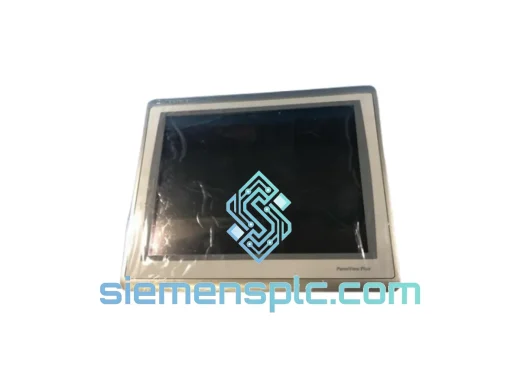
Allen-Bradley 2711P-T15C22D9P HMI Terminal
PanelView
Origin US
HMI Graphic Terminal
Allen-Bradley
RFQ Ready
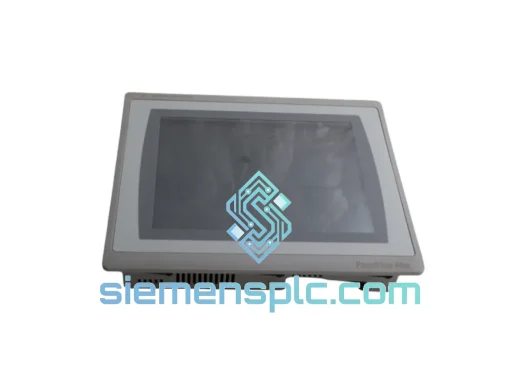
Allen-Bradley 2711P-T10C21D8S HMI Operator Terminal
PanelView
Origin US
HMI Operator Terminal
Allen-Bradley
RFQ Ready
Allen-Bradley 2711P-RN15S ControlNet Communication Module
PanelView
Origin US
PLC Communication Module