
Allen-Bradley
In Stock OK
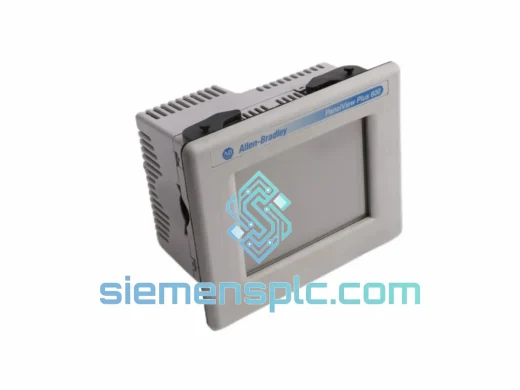
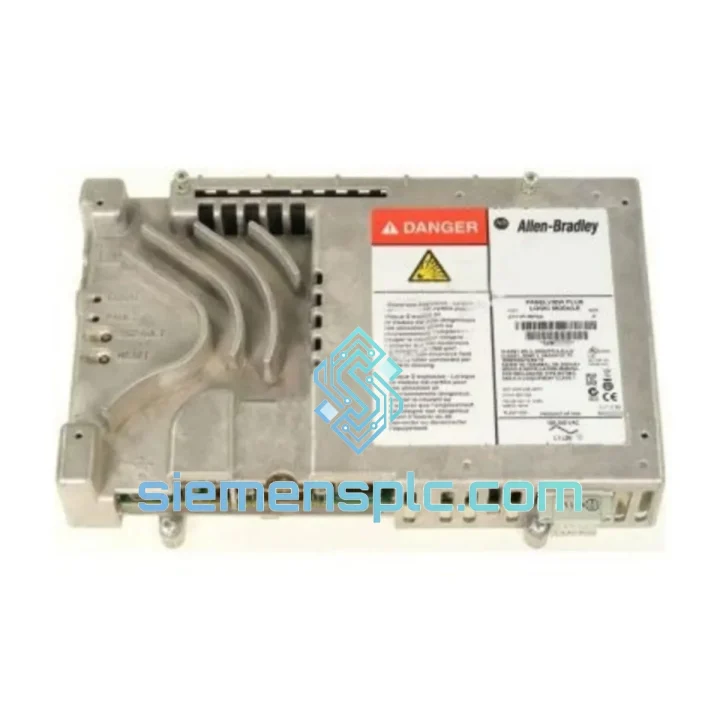
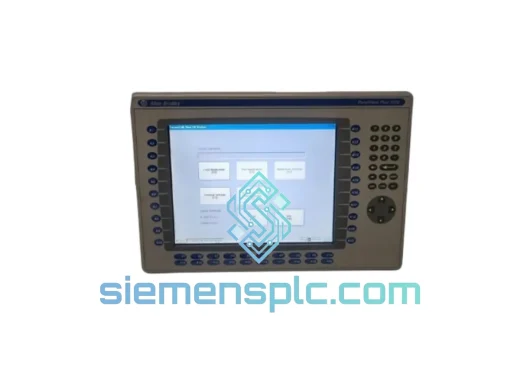
Allen-Bradley 2711P-RP8A HMI Logic Module
Request verified availability, condition, replacement risk review, packing options and courier lead time for 2711P-RP8A.
BrandAllen-Bradley
Part Number2711P-RP8A
ConditionAvailability Check
Lead TimeRFQ Confirmation
DocumentsDatasheet / photos by RFQ
ShippingExport packing available
Auto-filled RFQ
2711P-RP8A
Click Request Quote and the part number is inserted into the inquiry form automatically.
- Reply by email: [email protected]
- WhatsApp / Tel: +86 18359268345
- Mon-Sat 9:00-18:00 GMT+8
Procurement Data
Key Product Information
Core fields for model confirmation and RFQ routing. Detailed product narrative remains below.
- Brand
- Allen-Bradley
- Primary Part Number
- 2711P-RP8A
- Product Type
- HMI Logic Module
- Series / Family
- PanelView
- Manufacturer
- Allen-Bradley / Rockwell Automation
- Country of Origin
- US
- Catalog Category
- HMI Panels
- Operating Temp.
- 0 °C to 55 °C
- Humidity
- 5–95% RH, non-condensing
Model confirmed for inquiry
2711P-RP8A
Send quantity, destination and urgency. The RFQ form keeps this part number attached.
Request Quote
Product Overview
2711P-RP8A Logic Module Down? Every Minute of Downtime Costs You — We Ship Today
A failed Allen-Bradley 2711P-RP8A logic module doesn’t just freeze your HMI screen — it stops your entire line. Conveyors halt. Operators stand idle. Supervisors start asking questions. In high-throughput manufacturing, a single unplanned stoppage can burn through thousands of dollars per hour. We stock the 2711P-RP8A in Xiamen and dispatch same-day via DHL Express or FedEx International Priority. Your replacement is already on the shelf. The only variable is how fast you contact us.
URGENT REQUIREMENT? Contact: [email protected] | WhatsApp: +86 18359268345
Quick Technical Datasheet
| Parameter | Specification |
|---|---|
| Part Number | 2711P-RP8A |
| Manufacturer | Allen-Bradley / Rockwell Automation |
| Product Family | PanelView Plus 6 |
| Compatible Display Sizes | 700, 1000, 1250, 1500 (7″ – 15″) |
| Processor | High-performance embedded CPU |
| Flash Memory | 512 MB |
| RAM | 256 MB |
| Ethernet Ports | 2 × 10/100 Mbps (DLR capable) |
| USB Ports | 2 × USB Host, 1 × USB Device |
| Serial Port | 1 × RS-232 |
| Operating Temperature | 0 °C to 55 °C |
| Storage Temperature | −40 °C to 85 °C |
| Humidity | 5–95% RH, non-condensing |
| Certifications | CE, UL, cUL, RoHS |
| Runtime Software | FactoryTalk View ME v5.0+ |
| Protocols | EtherNet/IP, DF1, DH-485, DH+ |
| Stock Status | ✅ Ready to Ship — Xiamen Warehouse |
Troubleshooting & Replacement Tips
After ten years of field work, here’s what actually goes wrong with the 2711P-RP8A — and what to watch for when you swap it out.
Common Failure Signatures:
- Blank screen on power-up, no backlight: Usually the logic module, not the display. Swap the RP8A first before condemning the display assembly — display modules are significantly more expensive.
- Fault Code 0x0004 / “Application Load Error”: Corrupted flash memory on the logic module. The application file is intact on your backup; the module itself has failed. Replace and restore from USB.
- Intermittent Ethernet disconnects (EtherNet/IP timeout): Check the RJ45 port on the logic module for bent pins or oxidation before assuming a network issue. High-vibration environments accelerate connector wear.
- “Firmware Mismatch” alarm after replacement: The replacement module’s firmware revision is lower than the original. Use FactoryTalk View ME to push the correct firmware version via USB before loading the application.
- Touch input unresponsive after module swap: The touch calibration file is stored on the logic module, not the display. Run the touch screen calibration utility from the terminal’s configuration menu immediately after installation.
Replacement Procedure — Field Checklist:
- Back up the existing FactoryTalk View ME application to USB before powering down. Do not skip this step even if the screen is blank — the application may still be recoverable via FactoryTalk View ME’s upload function over Ethernet.
- Power down the terminal completely. The 2711P-RP8A is not hot-swappable.
- Remove the four captive screws on the rear logic module cover. The module slides out on a guide rail — do not force it.
- Seat the replacement module fully until the retention latch clicks. A partially seated module will power up but produce erratic behavior.
- On first boot, navigate to: Terminal Settings → System → Firmware — confirm the firmware revision matches your application’s minimum requirement.
- Restore the application from USB. Run a full I/O communication test before handing back to operations.
- If the terminal was running Device-Level Ring (DLR), verify both Ethernet ports are active and the ring supervisor status is healthy before declaring the repair complete.
Reliability in Harsh Conditions
The 2711P-RP8A was engineered for environments that destroy consumer-grade electronics. The logic module’s conformal-coated PCB resists moisture ingress in humid foundry and food-processing environments where condensation is a daily reality. The sealed connector interface between the logic module and display assembly prevents particulate contamination from metal dust, wood fiber, and chemical aerosols — common in woodworking, chemical blending, and pharmaceutical production.
Vibration tolerance is validated to IEC 60068-2-6 standards, making the module suitable for installation on or near rotating machinery, compressors, and press lines where structural vibration is continuous. The operating temperature ceiling of 55 °C means the module performs reliably inside control panels that see elevated ambient temperatures during summer production peaks — without requiring supplemental cooling in most standard enclosure configurations.
Units sourced through our channel are inspected for physical damage to the PCB, connector integrity, and flash memory health before dispatch. We do not ship modules with cracked housings, corroded contacts, or questionable memory test results. If a unit doesn’t pass our bench check, it doesn’t leave the warehouse.
Global Express Logistics
Our warehouse is located in Xiamen, Fujian — one of China’s primary export hubs with direct access to DHL, FedEx, and UPS international gateways. Orders confirmed before 15:00 CST ship the same business day. Here’s how the logistics chain works:
- Day 0 (Order Confirmed): Unit pulled from shelf, bench-tested, anti-static packed, and handed to courier by 17:00 CST.
- Day 1–2 (Transit — Asia/Pacific): DHL Express or FedEx International Priority. Typical transit to Southeast Asia, Japan, South Korea, and Australia is 1–2 business days.
- Day 2–3 (Transit — Europe/Middle East): Frankfurt, Amsterdam, Dubai — standard transit 2–3 business days via DHL Express.
- Day 3–5 (Transit — Americas): US, Canada, Mexico, Brazil — FedEx International Priority, 3–5 business days depending on customs clearance speed.
- Customs Documentation: Commercial invoice, packing list, and HS code declaration provided with every shipment. We can provide a proforma invoice for advance customs pre-clearance on request.
- Tracking: AWB number sent via email within 2 hours of dispatch. Real-time tracking link provided.
For critical shutdowns where every hour counts, contact us directly on WhatsApp. We can coordinate with the courier for priority handling and provide estimated delivery windows before you commit to the order.
Contact Information
Email: [email protected]
WhatsApp: +86 18359268345
Web: siemensplc.com
© 2026. All rights reserved.
Ready to quote
[email protected]
Send This Part Number to Sales
RFQ workflow
Quality workflow ->
Confirmation Process
01Model confirmation
We check the full part number, brand, series and visible nameplate information before quotation.
02Availability reply
Sales confirms stock path, condition option, quantity and realistic lead time for export dispatch.
03Packing & courier
DHL, FedEx, UPS or buyer courier arrangements can be reviewed with packing requirements.
Continue sourcing
Browse full catalog ->
Related Automation Parts
Similar brand or category products for fast comparison and multi-item RFQ lists.
Allen-Bradley
RFQ Ready
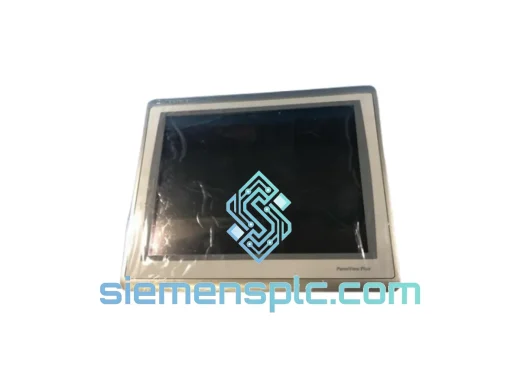
Allen-Bradley 2711P-T15C22D9P HMI Terminal
PanelView
Origin US
HMI Graphic Terminal
Allen-Bradley
RFQ Ready
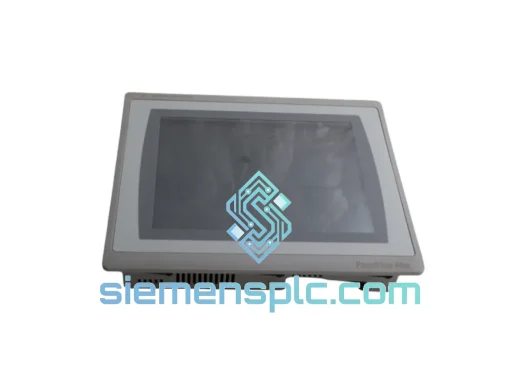
Allen-Bradley 2711P-T10C21D8S HMI Operator Terminal
PanelView
Origin US
HMI Operator Terminal
Allen-Bradley
RFQ Ready
Allen-Bradley 2711P-RN15S ControlNet Communication Module
PanelView
Origin US
PLC Communication Module