
Allen-Bradley
In Stock OK
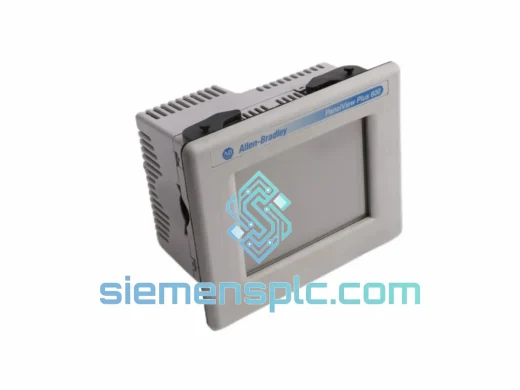
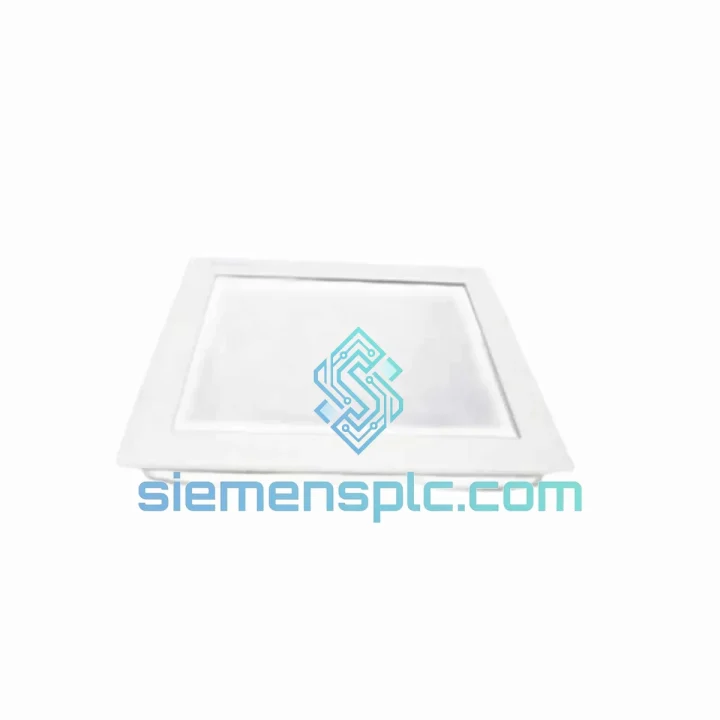
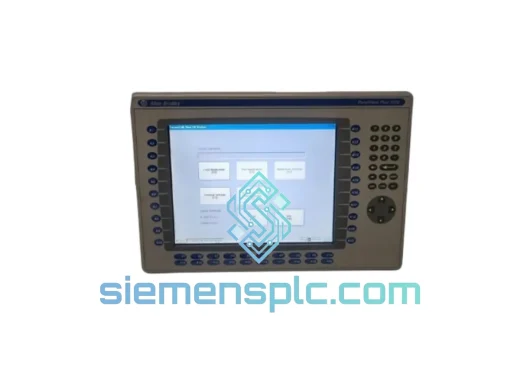
Allen-Bradley 6176M-19PT Industrial Monitor
Request verified availability, condition, replacement risk review, packing options and courier lead time for 6176M-19PT.
BrandAllen-Bradley
Part Number6176M-19PT
ConditionAvailability Check
Lead TimeRFQ Confirmation
DocumentsDatasheet / photos by RFQ
ShippingExport packing available
Auto-filled RFQ
6176M-19PT
Click Request Quote and the part number is inserted into the inquiry form automatically.
- Reply by email: [email protected]
- WhatsApp / Tel: +86 18359268345
- Mon-Sat 9:00-18:00 GMT+8
Procurement Data
Key Product Information
Core fields for model confirmation and RFQ routing. Detailed product narrative remains below.
- Brand
- Allen-Bradley
- Primary Part Number
- 6176M-19PT
- Product Type
- Industrial Monitor
- Product Family
- Other series
- Country of Origin
- US
- Catalog Category
- HMI Panels
- Operating Temp.
- 0°C to +50°C
- Humidity
- 10–90% RH, non-condensing
Model confirmed for inquiry
6176M-19PT
Send quantity, destination and urgency. The RFQ form keeps this part number attached.
Request Quote
Product Overview
6176M-19PT Down? Every Minute of Downtime Costs You Money — We Ship Today
Your line stopped. The operator screen is dead. Maintenance is on the phone. You’ve already lost 20 minutes tracing the fault back to the Allen-Bradley 6176M-19PT industrial monitor — and now you need a replacement unit, not a lead time. That’s exactly why we stock this module. We pull it off the shelf, verify it, and hand it to DHL before your shift supervisor asks for a second update.
The 6176M-19PT is a 19-inch resistive touchscreen flat panel monitor from Rockwell Automation’s 6176M Series, purpose-built for panel-mount HMI applications in continuous-duty industrial environments. It integrates directly with FactoryTalk View SE/ME, PanelView Plus, and RSView32 without driver conflicts. When your original unit fails, there is no substitute that drops in cleaner — and we have it ready.
⚡ URGENT REQUIREMENT? Contact: [email protected] | WhatsApp: +86 18359268345
Quick Technical Datasheet
| Parameter | Specification | Status |
|---|---|---|
| Part Number | 6176M-19PT | ✅ Ready to Ship |
| Brand | Allen-Bradley (Rockwell Automation) | — |
| Series | 6176M Industrial Monitor | — |
| Display Size | 19 inches (diagonal, TFT LCD) | — |
| Touch Technology | Resistive (pressure-based, glove-operable) | — |
| Resolution | 1280 × 1024 SXGA | — |
| Brightness | 250–300 cd/m² | — |
| Contrast Ratio | 700:1 typical | — |
| Video Input | VGA DB-15 (analog RGB) | — |
| Power Input | 100–240 VAC, 50/60 Hz (universal) | — |
| Operating Temperature | 0°C to +50°C | — |
| Storage Temperature | -20°C to +60°C | — |
| Humidity | 10–90% RH, non-condensing | — |
| Front Panel Rating | NEMA 4 / IP65 | — |
| Mounting Style | Panel mount (cutout required) | — |
| Certifications | UL, CE, cUL, RoHS | — |
| Origin | United States | — |
| Stock Condition | 100% Original, Pre-tested | ✅ In Stock |
Troubleshooting & Replacement Tips
After ten years of field work, here’s what actually goes wrong with the 6176M-19PT and what to watch for when you’re swapping it out under pressure:
Common Failure Modes
- Backlight failure (most frequent): Screen powers on, logic is alive, but display is black or extremely dim. Shine a flashlight at an angle — if you can faintly see the HMI faceplate, the CCFL backlight or inverter board has failed. The entire monitor must be replaced; field backlight repair is not practical on this unit.
- Touch drift / dead zones: Resistive touch layers degrade over time, especially in high-cycle applications. Symptoms include cursor offset, unresponsive quadrants, or phantom touches. Recalibration via FactoryTalk View touch calibration utility may temporarily restore function, but physical layer degradation is irreversible.
- No video signal / blank screen with power LED on: First rule out the VGA cable and source PC output. Swap the cable before condemning the monitor. If a known-good signal source still produces no image, the monitor’s video input circuit has failed.
- Intermittent display flicker: Usually caused by a loose VGA connector or failing capacitors on the power board. Check connector seating first. If flicker persists with a secured cable, the unit requires replacement.
- USB touch interface not recognized: Verify the USB cable is connected to the host PC, not just the monitor’s USB hub port. Reinstall the touch driver on the host. If the device still doesn’t enumerate, the USB controller on the monitor has failed.
Replacement Checklist — Do This Before You Power Up the New Unit
- ✔ Verify cutout dimensions: The 6176M-19PT requires a specific panel cutout. Confirm your enclosure cutout matches before mounting — forcing an oversized unit into an undersized cutout will crack the bezel.
- ✔ Match the video signal: The 6176M-19PT accepts VGA only. If your replacement PC or thin client outputs DVI or DisplayPort, you need an active adapter — passive adapters are unreliable in industrial environments.
- ✔ Touch calibration after swap: After mounting and powering up, run the touch screen calibration utility from within FactoryTalk View or Windows before handing back to the operator. A fresh unit will not have the previous calibration data.
- ✔ Torque the panel clamps evenly: Uneven clamping torque on the panel mount clips will distort the front bezel and compromise the IP65 seal. Work in a cross-pattern, same as a cylinder head.
- ✔ Check the gasket: If the original unit failed due to moisture ingress, inspect the enclosure gasket before installing the replacement. A compromised gasket will kill the new unit within weeks.
- ✔ Power sequencing: Apply power to the monitor before the host PC boots. This ensures the display is detected during POST and avoids resolution negotiation failures in some VGA implementations.
Reliability in Harsh Conditions
The 6176M-19PT was not designed for an office. It was designed for the floor — where coolant mist hangs in the air, forklifts vibrate the panel every 90 seconds, and ambient temperature swings 30 degrees between morning startup and afternoon peak production.
The front panel carries a NEMA 4 / IP65 rating, meaning it withstands directed water jets and complete dust exclusion. In automotive body shops, food processing lines, and chemical blending facilities, this rating is the minimum acceptable standard for any operator-facing surface. The 6176M-19PT meets it without modification or additional sealing hardware.
The resistive touch layer is mechanically robust in ways that capacitive screens are not. It does not require a conductive fingertip — it responds to pressure. Operators wearing nitrile gloves, leather work gloves, or chemical-resistant gauntlets can interact with the screen without removing PPE. In pharmaceutical and food environments where glove discipline is mandatory, this is not a convenience feature — it is a compliance requirement.
The LCD panel and internal electronics are rated for continuous operation from 0°C to +50°C, covering the full range of uncontrolled industrial environments from cold storage-adjacent installations to foundry-side control rooms. The universal 100–240 VAC power input means the unit operates correctly on whatever power quality your facility delivers, without step-down transformers or line conditioners.
Vibration tolerance is inherent in the panel-mount design. Unlike rack-mounted or desktop monitors, the 6176M-19PT is mechanically integrated into the enclosure structure. The enclosure absorbs vibration; the monitor moves with it rather than against it. In high-vibration environments — press rooms, compressor stations, mobile equipment cabs — this mounting philosophy significantly extends service life compared to externally mounted displays.
Global Express Logistics
We operate from Xiamen, China — one of the most logistics-efficient export hubs on the mainland, with direct DHL and FedEx gateway access and daily cutoff times that support same-day dispatch for orders confirmed before 15:00 CST.
How your order moves:
- Order confirmation → same-day pick and pack: The 6176M-19PT is pulled from verified stock, power-on tested, and packaged in anti-static foam with humidity indicator cards. No waiting for inbound stock.
- Export documentation: Commercial invoice, packing list, and certificate of origin prepared in parallel with packaging. No customs delays caused by missing paperwork.
- Carrier handoff: DHL Express or FedEx International Priority, depending on destination and urgency. Both carriers offer real-time tracking from pickup to delivery.
- Transit times: Southeast Asia 1–2 business days. Europe 2–3 business days. North America 2–4 business days. Middle East and Africa 3–5 business days. These are express service estimates, not economy freight.
- Customs clearance support: We provide HS code documentation and can prepare formal import declarations for destinations requiring advance customs data. If your procurement team needs specific documentation formats, tell us before shipment.
- Delivery confirmation: Tracking number provided within 2 hours of carrier pickup. We monitor shipments and proactively contact you if any transit exception occurs.
If your plant is down and every hour of lost production has a dollar figure attached to it, express freight cost is irrelevant. We understand that calculus. We’ve shipped to plants in Germany, Texas, Malaysia, and Saudi Arabia on the same logic — get the part there before the next shift starts.
Contact Information
Reach our technical sales team directly — no ticket queues, no automated responses.
📧 Email: [email protected]
📱 WhatsApp: +86 18359268345
🌐 Web: siemensplc.com
© 2026 siemensplc.com. All rights reserved.
Ready to quote
[email protected]
Send This Part Number to Sales
RFQ workflow
Quality workflow ->
Confirmation Process
01Model confirmation
We check the full part number, brand, series and visible nameplate information before quotation.
02Availability reply
Sales confirms stock path, condition option, quantity and realistic lead time for export dispatch.
03Packing & courier
DHL, FedEx, UPS or buyer courier arrangements can be reviewed with packing requirements.
Continue sourcing
Browse full catalog ->
Related Automation Parts
Similar brand or category products for fast comparison and multi-item RFQ lists.
Allen-Bradley
RFQ Ready
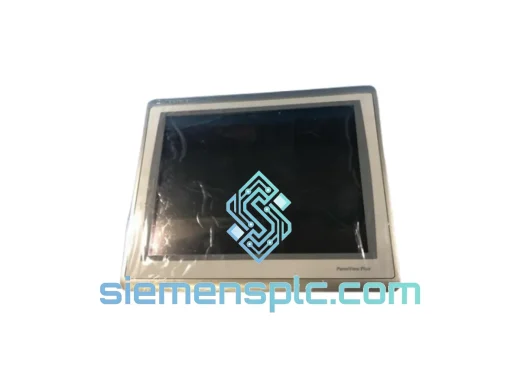
Allen-Bradley 2711P-T15C22D9P HMI Terminal
PanelView
Origin US
HMI Graphic Terminal
Allen-Bradley
RFQ Ready
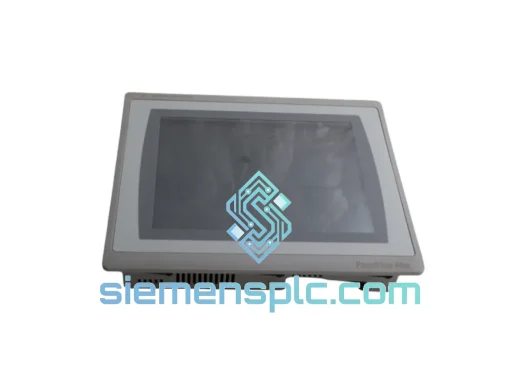
Allen-Bradley 2711P-T10C21D8S HMI Operator Terminal
PanelView
Origin US
HMI Operator Terminal
Allen-Bradley
RFQ Ready
Allen-Bradley 2711P-RN15S ControlNet Communication Module
PanelView
Origin US
PLC Communication Module