Mitsubishi Electric
RFQ Ready
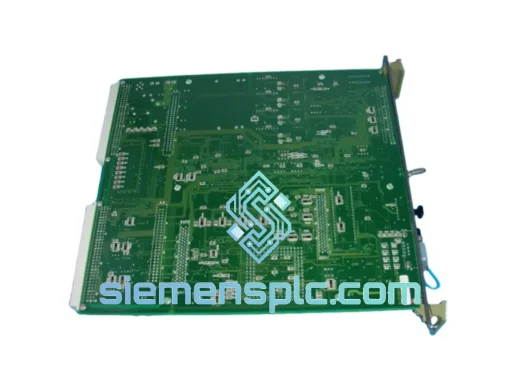
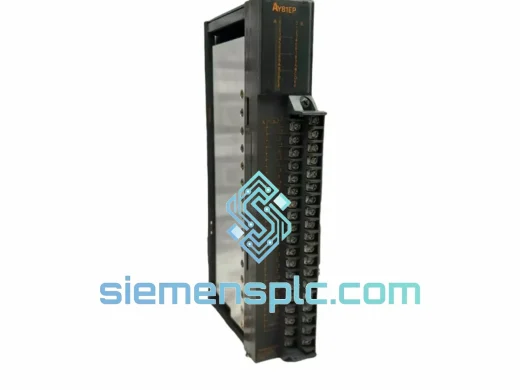
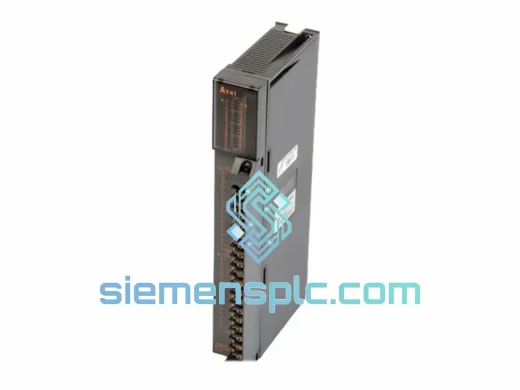
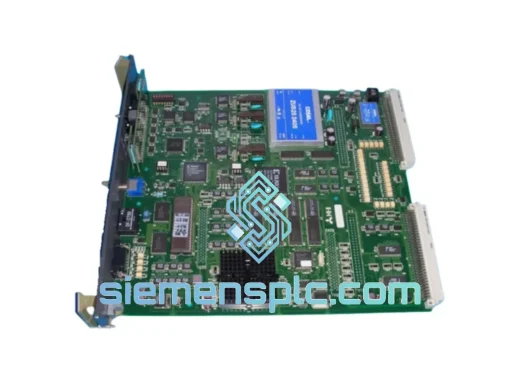
Mitsubishi Electric DOIOC11 DCS Digital Output Module
MELSEC-A
Origin JP
DCS Digital Output Module
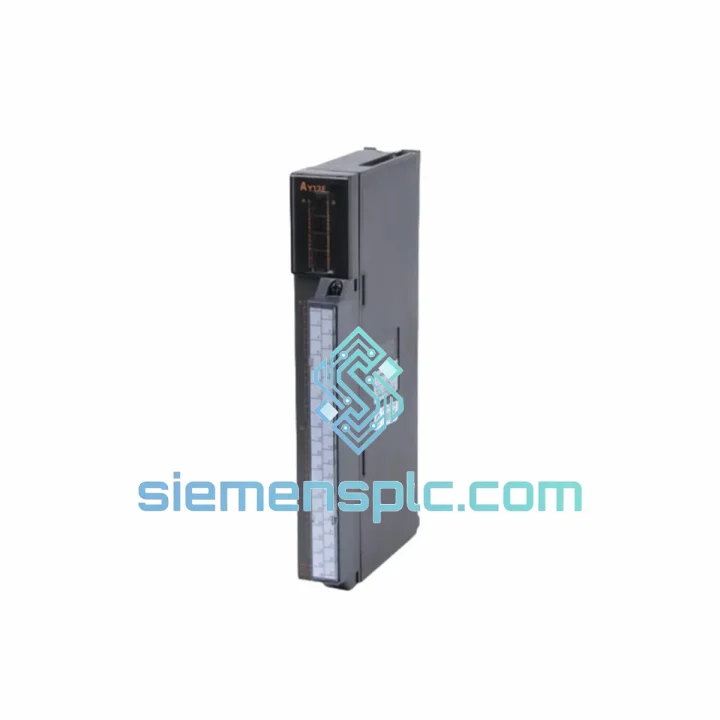
Request verified availability, condition, replacement risk review, packing options and courier lead time for AY13E.
Click Request Quote and the part number is inserted into the inquiry form automatically.
Core fields for model confirmation and RFQ routing. Detailed product narrative remains below.
Your line is down. Every minute costs money. The Mitsubishi AY13E 32-point transistor digital output module for the MELSEC-A Series PLC is on the shelf right now at our Xiamen warehouse — inspected, tested, and ready to leave today. We’ve handled enough emergency callouts to know that the difference between a 4-hour fix and a 4-day nightmare is whether the right part is in stock. This one is.
Whether you’re running an automotive stamping line, a bottling plant, or a water treatment SCADA rack, the AY13E is the output workhorse that keeps your field devices firing. Don’t wait for a distributor to locate stock. Contact us now and we’ll have a tracking number in your inbox before your next shift change.
⚡ URGENT REQUIREMENT? Contact: [email protected] | WhatsApp: +86 18359268345
| Parameter | Specification |
|---|---|
| Model / SKU | AY13E |
| Manufacturer | Mitsubishi Electric |
| Series | MELSEC-A Series |
| Module Type | Digital Output Local Unit Module |
| Output Type | Transistor (Source type) |
| Output Points | 32 points |
| Rated Load Voltage | 12–24 VDC |
| Max Load Current | 0.1 A per point |
| Isolation Method | Photocoupler |
| Weight | Approx. 1,070 g |
| Origin | Japan |
| Stock Status | ✅ Ready to Ship — Xiamen Warehouse |
Ten years of field work teaches you that swapping an AY13E is rarely just a pull-and-plug job. Here’s what actually bites engineers on-site:
1. Address Setting — Don’t Skip This. The AY13E uses a rotary switch on the module face to set its I/O address within the A-Series base unit. Before powering up, confirm the switch position matches the slot assignment in your GX Developer / GX Works2 project. A mismatch won’t throw an obvious error — it’ll just silently map outputs to the wrong Y-addresses and you’ll spend an hour chasing phantom wiring faults.
2. Transistor Polarity — Source vs. Sink. The AY13E is a source-type output module. If your field wiring was previously connected to a sink-type module (e.g., AY13), the common terminal polarity is reversed. Connecting a sink-wired load to a source output will result in no output or, worse, a short through the load. Verify your field wiring diagram before energizing.
3. Common Fault Codes to Check First. On MELSEC-A CPUs, an output module fault typically surfaces as a SP.UNIT DOWN or I/O MODULE ERROR in the diagnostic buffer. Pull the error history via GX Developer → Diagnostics → Module Error. If you see error code 2100H or 2101H, the CPU has lost communication with the slot — reseat the module and check the base unit connector pins for corrosion or bent contacts before condemning the module itself.
4. Firmware / CPU Compatibility. The AY13E is compatible with all A-Series CPUs (A1S, A2S, A2U, A3, A3N, etc.) without firmware restrictions. However, if you’re running an AnS-series compact base, confirm the slot count — the AY13E occupies one slot and draws from the 5 VDC backplane bus. Check your power supply budget before adding modules to a loaded rack.
5. First Power-Up Check. After installation, force all 32 outputs ON via GX Developer’s device test function before reconnecting field wiring. Verify each output LED illuminates. Any dark LED on a freshly installed module indicates a failed output transistor — return the unit immediately rather than wasting time on field-side diagnostics.
The AY13E wasn’t designed for a climate-controlled server room. It was built for the factory floor — and it shows. Mitsubishi Electric’s MELSEC-A Series modules are rated to operate continuously at ambient temperatures from 0°C to 55°C, with storage tolerance down to -25°C. The photocoupler isolation between the logic side and the output transistors provides a hard barrier against voltage transients from inductive loads — solenoids, contactors, and motor starters that generate back-EMF spikes every time they switch.
Vibration resistance is rated to IEC 68-2-6 standards, which means the module holds its connector seating and internal solder joints through the kind of mechanical shock you get from a press line or a heavy stamping machine running at full cycle rate. We’ve seen AY13E units pulled from 15-year-old panels that still bench-test within spec — that’s the build quality you’re getting.
Humidity tolerance runs to 10–90% RH non-condensing. In coastal or tropical installations where condensation is a real risk, pair the module with a panel heater and thermostat to keep the enclosure above the dew point. The module itself won’t corrode, but connector oxidation on the base unit is the silent killer in high-humidity environments — clean the backplane contacts with isopropyl alcohol during replacement.
Our Xiamen warehouse is 40 minutes from Xiamen Gaoqi International Airport, which means we can hand off to DHL or FedEx same day for orders confirmed before 15:00 CST. Here’s how the process works from the moment you contact us:
Step 1 — Stock Confirmation (within 2 hours): We physically verify the unit, photograph the label and serial number, and send you confirmation with the unit condition report.
Step 2 — Proforma Invoice & Payment: T/T bank transfer, PayPal, or credit card via Shopify Checkout. For urgent orders, T/T same-day confirmation is accepted with payment proof.
Step 3 — Export Documentation: Commercial invoice, packing list, and certificate of origin are prepared in parallel with packaging. HS Code 8537.10 applies for most destinations — we handle customs paperwork so your freight forwarder doesn’t have to chase us.
Step 4 — DHL / FedEx Express Dispatch: Typical transit times: Southeast Asia 2–3 days, Europe 3–5 days, North America 4–6 days, Middle East 3–5 days. Tracking number sent to your email within 1 hour of carrier pickup.
Step 5 — Delivery & Support: If customs holds the shipment, we provide additional documentation within 4 hours of your request. We’ve cleared shipments into Germany, Australia, Brazil, Saudi Arabia, and South Korea — we know the paperwork.
📧 Email: [email protected]
📱 WhatsApp: +86 18359268345
🌐 Web: siemensplc.com
© 2026 siemensplc.com. All rights reserved.
We check the full part number, brand, series and visible nameplate information before quotation.
Sales confirms stock path, condition option, quantity and realistic lead time for export dispatch.
DHL, FedEx, UPS or buyer courier arrangements can be reviewed with packing requirements.
Similar brand or category products for fast comparison and multi-item RFQ lists.