Mitsubishi Electric
RFQ Ready
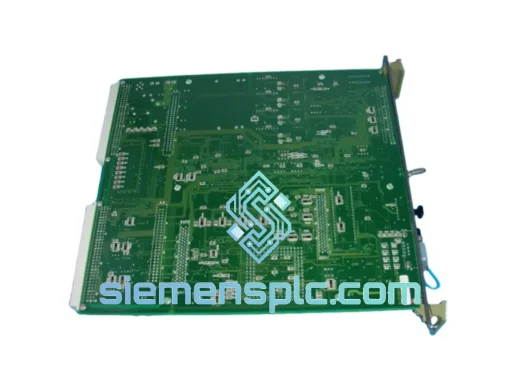
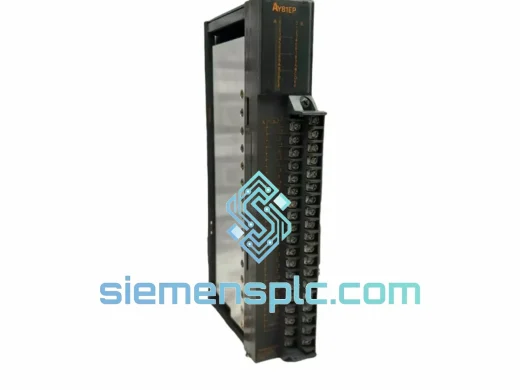
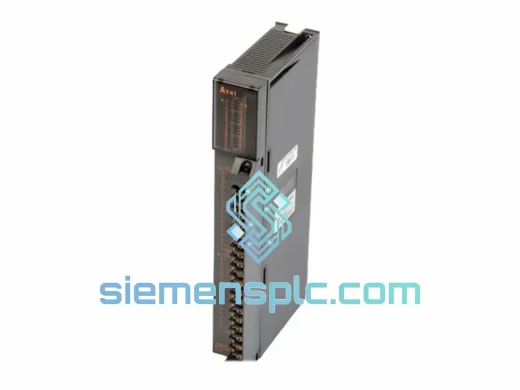
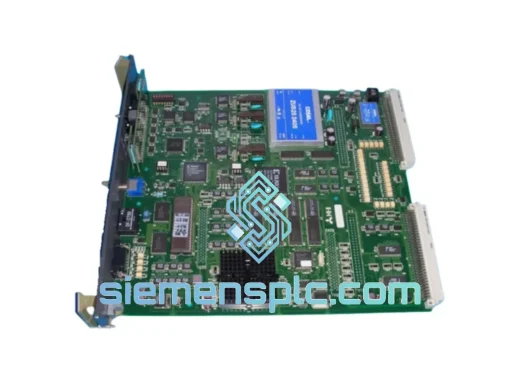
Mitsubishi Electric DOIOC11 DCS Digital Output Module
MELSEC-A
Origin JP
DCS Digital Output Module
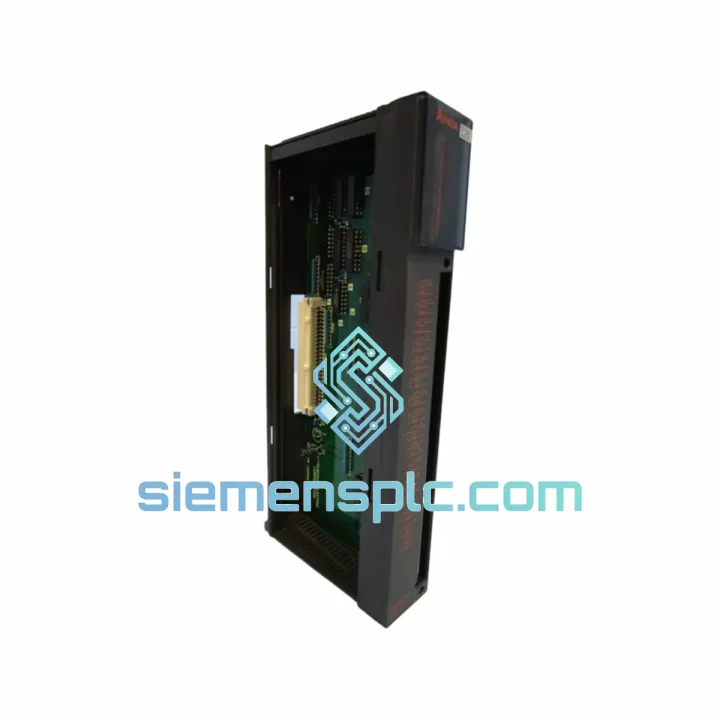
Request verified availability, condition, replacement risk review, packing options and courier lead time for AY40.
Click Request Quote and the part number is inserted into the inquiry form automatically.
Core fields for model confirmation and RFQ routing. Detailed product narrative remains below.
Your MELSEC-A line just tripped. The AY40 transistor output module is dead. Outputs are frozen, the conveyor is stopped, and your production supervisor is already on the phone. You don’t need a datasheet lecture right now — you need a replacement module on a plane to your facility before the next shift starts.
We stock the Mitsubishi AY40 in Xiamen. Verified original. Tested before it leaves the shelf. DHL Express label printed the same day you confirm the order. That’s the only thing that matters when your line is down.
URGENT REQUIREMENT? Contact: [email protected] | WhatsApp: +86 18359268345
| Parameter | Specification |
|---|---|
| Model | AY40 |
| Manufacturer | Mitsubishi Electric |
| Series | MELSEC-A |
| Module Type | Digital Output — Local Unit |
| Output Type | Transistor, Sink (NPN) |
| Output Points | 32 points |
| Rated Load Voltage | 12–24 VDC |
| Max Load Current | 0.1 A per point / 0.8 A per common |
| Isolation Method | Photocoupler |
| Response Time (OFF→ON) | ≤ 1 ms |
| Response Time (ON→OFF) | ≤ 1 ms |
| External Power Supply | 12–24 VDC |
| Connector Type | 40-pin connector |
| Compatible Base Units | A1S, A2S, A2SH, A3N, A3H, A2A, A3A |
| Weight | Approx. 200 g |
| Stock Status | ✅ Ready to Ship — Xiamen Warehouse |
Fault Symptom: All 32 outputs stuck OFF, no ERR LED, CPU shows normal. Nine times out of ten this is a blown output common caused by an inductive load spike — a solenoid valve without a flyback diode, or a relay coil that wasn’t suppressed. Before you slot in the new AY40, check every load on that common group with a clamp meter. If you don’t fix the root cause, you’ll kill the replacement module inside a week.
Fault Symptom: Intermittent output chatter on specific points. Check the 40-pin connector seating first. MELSEC-A connectors develop micro-fretting corrosion in high-vibration environments. Clean the pins with contact cleaner, reseat firmly, and torque the retaining screws. If the chatter persists after reseating, the output transistor on that point is degraded — the module needs replacement, not repair.
Replacement procedure — step by step:
Firmware note: The AY40 is a pure hardware I/O module with no embedded firmware. There is no firmware version to match. CPU firmware compatibility is determined by the base unit and CPU module, not the output module. No parameter download is required after replacement.
AY40 vs AY40-UL: Electrically identical. The -UL suffix indicates UL listing for North American markets. Direct drop-in replacement in either direction. If your panel is UL-certified and you’re in a regulated facility, use the AY40-UL to maintain compliance.
The AY40 was engineered for the factory floor, not a climate-controlled server room. Photocoupler isolation between the PLC logic side and the field output side means a voltage spike on your solenoid wiring stays on your solenoid wiring — it doesn’t propagate back into the CPU backplane. That isolation barrier is what keeps a single field fault from cascading into a full system shutdown.
The transistor output stage is rated for continuous operation across an ambient temperature range of 0°C to 55°C. In foundry environments, press shops, and outdoor enclosures in Southeast Asian climates where ambient temperatures regularly push 45°C, the AY40 continues to operate within spec. The module’s conformal-coated PCB resists humidity ingress — critical in coastal industrial zones where salt-laden air accelerates corrosion on unprotected boards.
Vibration resistance meets IEC 61131-2 standards. The 40-pin connector with locking screws prevents the connector from backing out under sustained mechanical vibration — a failure mode that plagues modules using friction-fit connectors in press and stamping applications. In high-cycle environments running 24/7, the AY40’s photocoupler output stage has demonstrated multi-year MTBF in documented field installations across automotive and food processing lines.
Every unit we ship from Xiamen is bench-tested under load before packaging. We apply 24 VDC to the external supply, force each of the 32 output points ON sequentially, and verify current draw and LED response. A module that fails any point in that test does not ship. You receive a unit that has already proven it works — not one that’s been sitting in a warehouse for three years and might work.
Our warehouse is located in Xiamen, Fujian — one of China’s primary export hubs with direct access to Xiamen Gaoqi International Airport and Xiamen Port. This geography is deliberate: it gives us same-day handoff to DHL Express and FedEx International Priority for orders confirmed before 15:00 CST.
Typical transit times from Xiamen:
Every shipment includes a commercial invoice with accurate HS code declaration (HS 8537.10) to prevent customs clearance delays. We have processed hundreds of industrial component exports and understand the documentation requirements for regulated markets. If your facility requires a specific country-of-origin certificate, packing list format, or insurance declaration, tell us at the time of order — we handle it before the shipment leaves Xiamen.
For genuinely critical situations — a plant shutdown with a defined financial penalty per hour — contact us on WhatsApp directly. We will confirm stock, generate the commercial invoice, and have the parcel at the DHL counter within hours of payment confirmation. We have done this before. We know what a real emergency looks like.
Email: [email protected]
WhatsApp: +86 18359268345
Web: siemensplc.com
© 2026 siemensplc.com. All rights reserved.
We check the full part number, brand, series and visible nameplate information before quotation.
Sales confirms stock path, condition option, quantity and realistic lead time for export dispatch.
DHL, FedEx, UPS or buyer courier arrangements can be reviewed with packing requirements.
Similar brand or category products for fast comparison and multi-item RFQ lists.