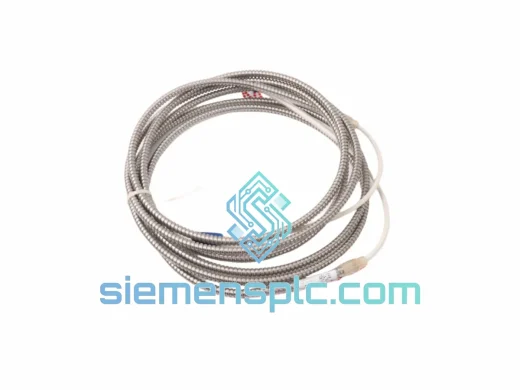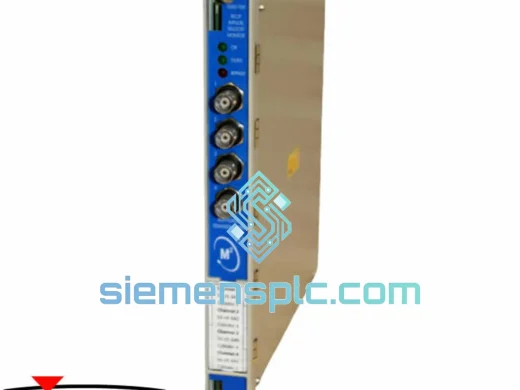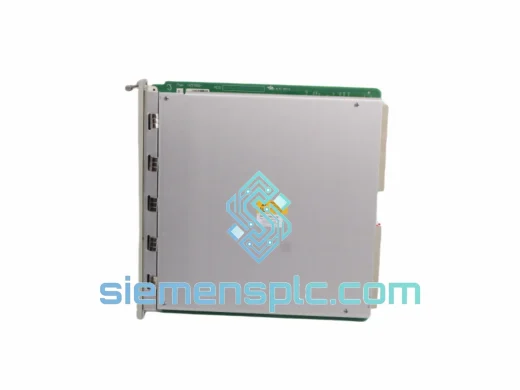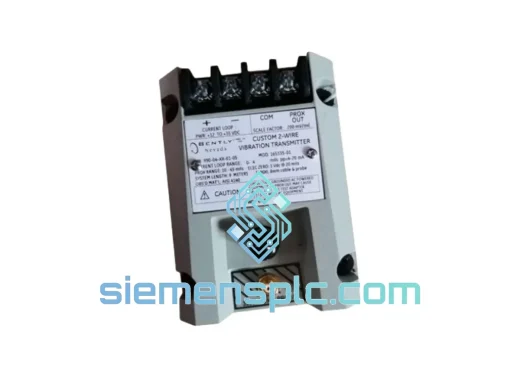
Bently Nevada
RFQ Ready
Bently Nevada TA150/AL 08276D Tachometer Module – 3500 Series
3500 Series
Origin US
Tachometer Module
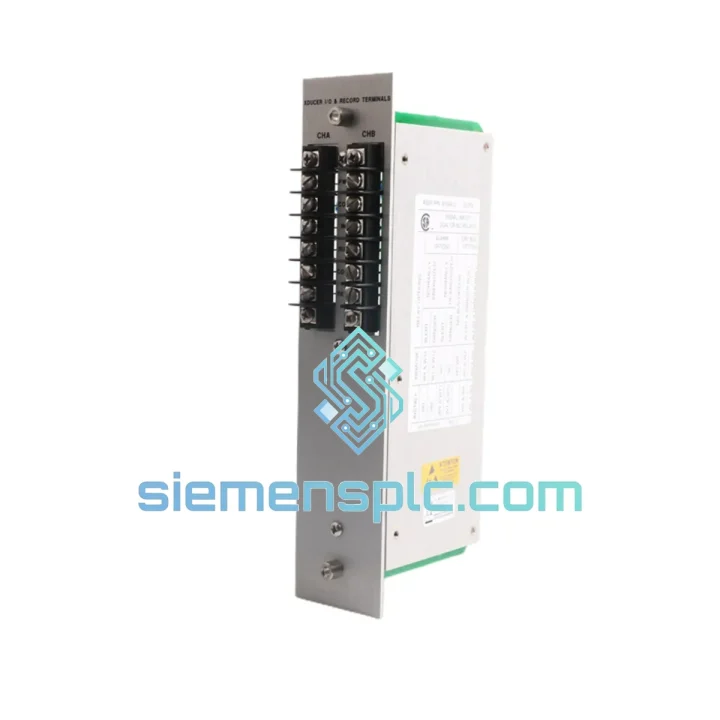
Request verified availability, condition, replacement risk review, packing options and courier lead time for 81544-01.
Click Request Quote and the part number is inserted into the inquiry form automatically.
Core fields for model confirmation and RFQ routing. Detailed product narrative remains below.
Every minute a critical machine sits idle, you’re bleeding money. A failed signal input or alarm output module in your 3500 Series rack doesn’t just trip an alarm — it shuts down a compressor train, a steam turbine, a reactor agitator. The 81544-01 is the exact card you need to get back online. We stock it in Xiamen. It ships today.
This isn’t a catalog listing. This is a field-ready replacement module, inspected, verified, and packed for immediate dispatch via DHL or FedEx Express to your plant gate — whether you’re in Rotterdam, Houston, Jubail, or Singapore.
URGENT REQUIREMENT? Contact: [email protected] | WhatsApp: +86 18359268345
| Parameter | Detail |
|---|---|
| Part Number | 81544-01 |
| Manufacturer | Bently Nevada (Baker Hughes) |
| Series | 3500 Machinery Protection System |
| Module Function | Signal Input / Alarm Output Transducer Module |
| Signal Input Type | Conditioned transducer signal — proximity, velocity, acceleration |
| Alarm Output | Hardware relay — Alert and Danger trip levels |
| Mounting | 3500 Series rack backplane card slot |
| Power | Supplied via 3500 rack backplane |
| Weight | 260 g |
| Certifications | CE, API 670 compliant application, SIL-capable (system level) |
| Country of Origin | United States |
| Stock Status | ✅ Ready to Ship — Xiamen Warehouse |
Swapping an 81544-01 in a live 3500 rack is straightforward if you follow the sequence. Skip a step and you risk a nuisance trip or, worse, a missed alarm condition after restart.
Step 1 — Inhibit before you pull. Navigate to the 3500/20 Rack Interface Module (RIM) and set the affected channel to inhibit via the System 1 software or the front-panel keypad. Pulling a live card without inhibit will trigger a Danger relay output and potentially trip the machine.
Step 2 — Document your setpoints. Before removing the old card, print or screenshot the Alert and Danger setpoints, time delays, and relay configuration from System 1. The replacement card ships with factory defaults — your plant-specific setpoints are not stored on the card itself.
Step 3 — Check the DIP switches. The 81544-01 uses onboard DIP switches to configure channel function (e.g., radial vibration vs. axial position). Match the switch positions on the replacement card to the removed card before insertion. Mismatch here causes incorrect engineering unit scaling and false alarms.
Step 4 — Slot addressing is automatic. The 3500 rack uses backplane slot addressing — no manual address setting required. Insert the card into the same physical slot as the removed module. The RIM will recognize it within seconds.
Step 5 — Firmware. If your rack is running a System 1 version older than 21.x, verify that the 81544-01 revision level is compatible. Check the firmware revision label on the card edge. Mismatched firmware between the RIM and I/O cards can cause configuration download failures.
Step 6 — Re-enter setpoints and remove inhibit. Download your saved configuration to the card via System 1, verify the OK relay energizes, confirm gap voltage is within the –10 to –18 VDC window for proximity probes, then remove the inhibit. Watch the channel for 60 seconds before returning the machine to service.
Common fault codes to know:
The 3500 Series platform was engineered for environments that destroy lesser electronics. The 81544-01 is no exception. It operates continuously across an ambient temperature range of 0°C to +65°C and survives storage from –40°C to +85°C — covering everything from Arctic LNG facilities to Middle Eastern gas plants where summer ambient temperatures inside instrument shelters routinely exceed 50°C.
Vibration resistance is validated to IEC 60068-2-6 sinusoidal sweep profiles, making it suitable for installation in compressor buildings and offshore topsides where structural vibration is a constant background condition. The card’s conformal-coated PCB provides a barrier against humidity, salt fog, and airborne contaminants — critical in coastal refineries and marine installations where uncoated boards corrode within months.
EMC immunity is designed to IEC 61000-4 series standards, ensuring the module maintains measurement integrity in the presence of variable-frequency drive (VFD) switching noise, high-voltage bus transients, and RF interference from portable radios — all of which are routine in heavy industrial environments. The hardware relay output architecture means alarm actuation is not dependent on microprocessor execution cycles, eliminating the software-induced latency that can be fatal in turbine overspeed or compressor surge scenarios.
Units sourced through our Xiamen warehouse are stored in climate-controlled, ESD-safe conditions. Each module is individually inspected for connector integrity, label authenticity, and physical condition before dispatch. We do not ship modules with bent pins, cracked housings, or suspect date codes.
Our Xiamen warehouse sits 40 minutes from Xiamen Gaoqi International Airport (XMN), a major DHL and FedEx hub serving direct freighter routes to Europe, the Middle East, Southeast Asia, and North America. This geography is not accidental — it is why we can commit to same-day dispatch on confirmed orders received before 14:00 CST.
Typical transit times from Xiamen:
Every shipment includes a full commercial invoice, packing list, and certificate of origin — the documentation your customs broker needs to clear the shipment without delay. For plants operating under ATEX or IECEx zone requirements, we can provide additional material traceability documentation on request.
We track every shipment from pickup to delivery and proactively notify you of any customs holds or routing exceptions. If your plant has a preferred carrier account, we can ship on your account number to consolidate freight billing.
For genuine plant emergencies — machine down, production stopped — contact us directly on WhatsApp. We will coordinate with the freight forwarder to prioritize your shipment in the next available flight out of XMN.
📧 Email: [email protected]
💬 WhatsApp: +86 18359268345
🌐 Web: siemensplc.com
© 2026 siemensplc.com. All rights reserved.
We check the full part number, brand, series and visible nameplate information before quotation.
Sales confirms stock path, condition option, quantity and realistic lead time for export dispatch.
DHL, FedEx, UPS or buyer courier arrangements can be reviewed with packing requirements.
Similar brand or category products for fast comparison and multi-item RFQ lists.