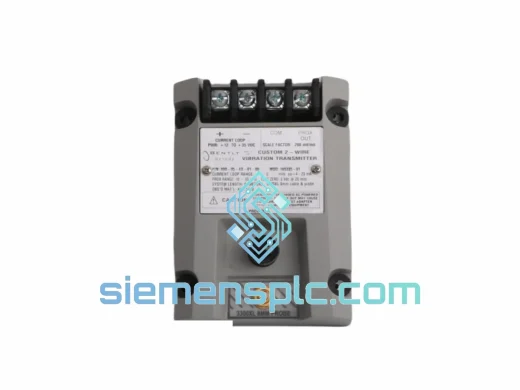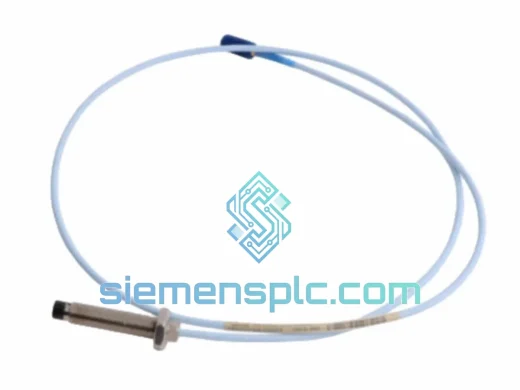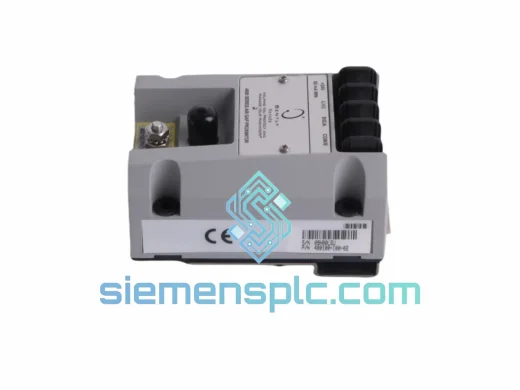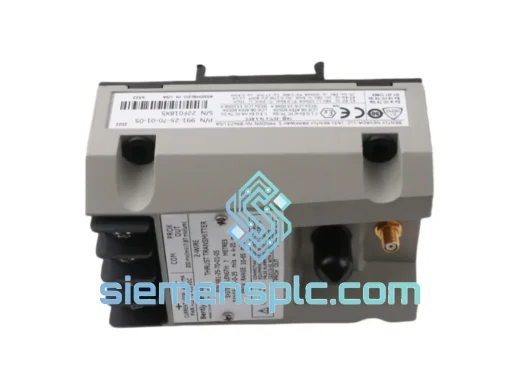
Bently Nevada
RFQ Ready
Bently Nevada 991-25-70-01-01 Proximity Probe Extension Cable – 3300 XL Series
3300 XL
Origin US
Proximity Probe Extension Cable
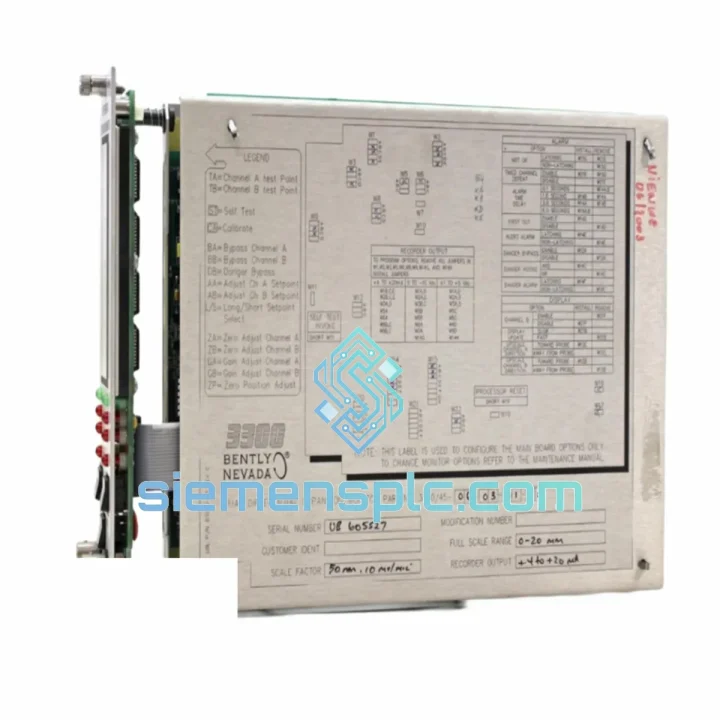
Request verified availability, condition, replacement risk review, packing options and courier lead time for 3300/45.
Click Request Quote and the part number is inserted into the inquiry form automatically.
Core fields for model confirmation and RFQ routing. Detailed product narrative remains below.
Every hour your turbine sits idle costs real money. Whether it’s a steam turbine tripping on differential expansion overshoot, a gas turbine locked out on a faulty monitor card, or a compressor train that won’t restart because the 3300/45 slot is throwing a fault — the fix is the same: you need a verified, original Bently Nevada 3300/45 in your hands, fast. We stock it. We ship it. DHL Express from Xiamen, door to door, 3–5 business days to most global destinations.
URGENT REQUIREMENT? Contact: [email protected] | WhatsApp: +86 18359268345
| Part Number | 3300/45 ✅ Ready to Ship |
| Brand | Bently Nevada (Baker Hughes) |
| Series | 3300 XL Machinery Protection System |
| Function | Dual Differential Expansion Monitor |
| Channels | 2 independent differential expansion channels |
| Transducer Compatibility | 3300 XL 8 mm / 11 mm / 14 mm eddy-current probes + proximitors |
| Measurement Range | Configurable per channel — typically ±25 mm or ±50 mm full scale |
| Analog Outputs | 4–20 mA, 2 per channel |
| Relay Outputs | Alert + Danger per channel, independently configurable |
| Power Supply | 18–32 VDC from 3300 XL rack PSU |
| Rack Compatibility | 3300 XL 4-slot and 8-slot 19″ rack chassis |
| Software Integration | Bently Nevada System 1 via TDI / Ethernet gateway |
| Operating Temperature | 0°C to +65°C |
| Humidity | 5–95% RH, non-condensing |
| Form Factor | Single-slot front-access module |
| Weight | ~120 g (module only) |
| Standards | API 670 (5th Ed.), IEC 61511, CE, RoHS |
| Origin | USA |
| Stock Status | ✅ In Stock — Ships within 1 business day |
After ten years of pulling cards in the field, here is what actually bites engineers during a 3300/45 swap:
1. Verify the slot address before you pull the old card. The 3300 XL rack assigns channel identity by physical slot position. If you are replacing a module in slot 3 of an 8-slot rack, the new card inherits that slot configuration automatically — but only if the rack configuration has not been corrupted. Pull a System 1 screenshot of the channel configuration before you touch anything.
2. Check the proximitor gap voltage first. Nine times out of ten, a 3300/45 flagging a Not OK condition is not a dead monitor card — it is a probe gap that drifted out of the –2 VDC to –18 VDC linear range. Measure the proximitor output at the I/O module terminal before condemning the 3300/45. If gap voltage is nominal and the card still faults, then you have a card failure.
3. Match the firmware revision. The 3300 XL series has gone through several firmware generations. If your rack is running an older System 1 version (pre-v5.x), a newer 3300/45 revision may not enumerate correctly. Check the firmware label on the module PCB edge and cross-reference against your System 1 compatibility matrix. Send us your rack serial number and we will advise on revision matching.
4. Do not swap cards under power unless your SOP explicitly permits it. The 3300 XL supports hot-swap in theory, but a turbine running at load with active trip logic is not the place to test that. Coordinate with operations to put the protection channel in bypass before extraction.
5. Re-zero the differential expansion channel after installation. The mechanical zero reference must be re-established with the rotor at cold, static conditions. Skipping this step produces a false offset that looks like a real expansion reading — and will trip the machine on the next startup.
Common fault indicators:
The 3300/45 was not designed for a climate-controlled server room. It was built for the turbine deck — where ambient temperatures swing from sub-zero during winter startups to 60°C near exhaust casings, where vibration from the machine itself is constant, and where humidity from steam leaks and cooling water mist is a daily reality.
The module’s conformal-coated PCB resists moisture ingress and corrosive atmospheres. The front-panel connector system uses positive-locking contacts rated for thousands of insertion cycles — critical in installations where the card is pulled for annual calibration checks. The aluminum housing dissipates heat passively without fans or moving parts, eliminating the single most common failure mode in electronics: mechanical wear.
Vibration immunity is not a spec-sheet claim. The 3300 XL rack is routinely installed on turbine pedestals where broadband vibration levels exceed 2 g RMS continuously. The module’s PCB mounting and connector retention system are designed to maintain signal integrity under these conditions without intermittent contact failures — the kind that produce ghost alarms and false trips that are far more disruptive than a clean card failure.
Every unit we ship has been inspected for label integrity, connector condition, housing damage, and firmware revision. Where bench test equipment is available, modules are verified against reference signals before dispatch.
Our warehouse is in Xiamen, China — one of the country’s primary export hubs with direct DHL and FedEx gateway access. Here is how a typical urgent order moves:
DDP (Delivered Duty Paid) shipping is available for buyers who need a single landed cost with no customs surprises. We handle export licensing, commercial documentation, and courier coordination. You focus on getting your machine back online.
Email: [email protected]
WhatsApp: +86 18359268345
Web: siemensplc.com
© 2026 siemensplc.com. All rights reserved.
We check the full part number, brand, series and visible nameplate information before quotation.
Sales confirms stock path, condition option, quantity and realistic lead time for export dispatch.
DHL, FedEx, UPS or buyer courier arrangements can be reviewed with packing requirements.
Similar brand or category products for fast comparison and multi-item RFQ lists.