BACHMANN
RFQ Ready
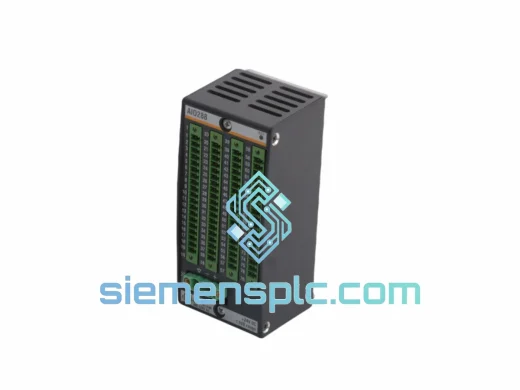
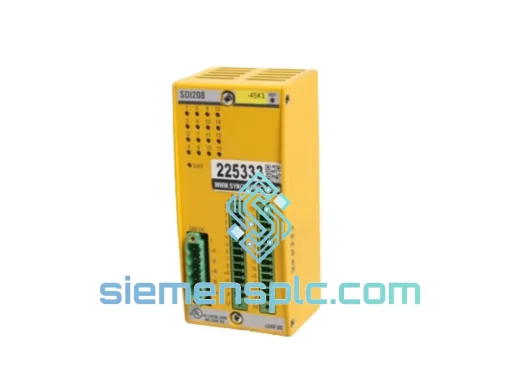
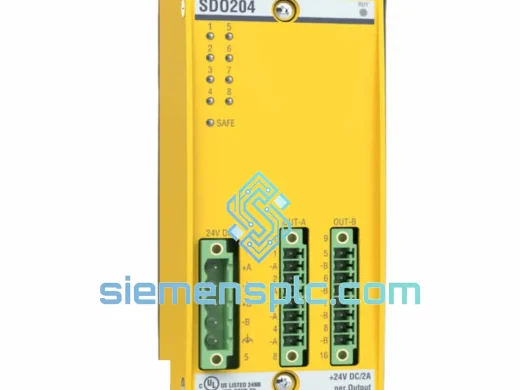
BACHMANN SDO204 Safety Digital Output Module – MPC Series
al Output Module MPC Series
Origin AT
Safety Digital Output Module
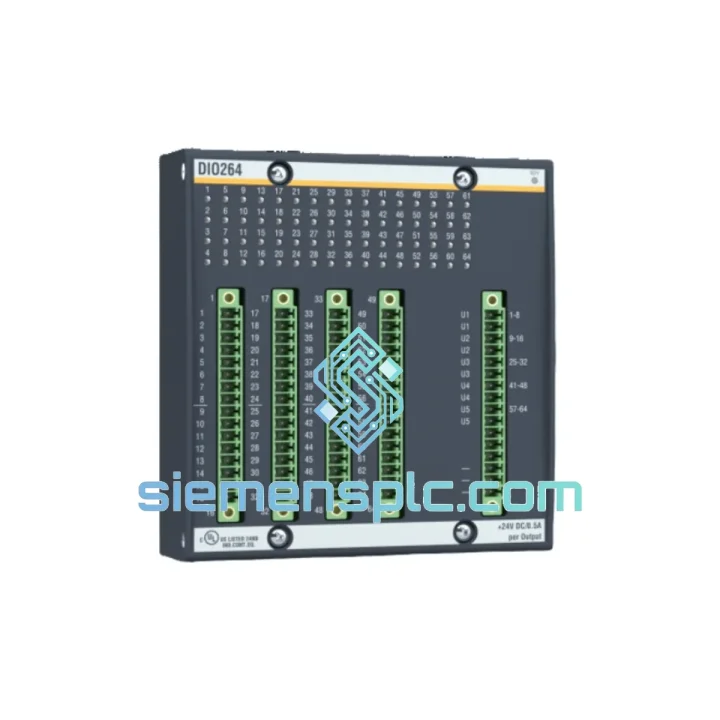
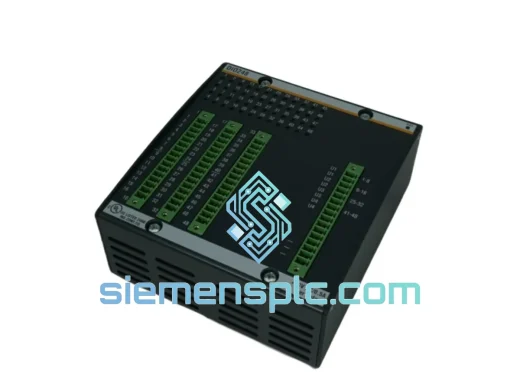
Request verified availability, condition, replacement risk review, packing options and courier lead time for DIO264.
Click Request Quote and the part number is inserted into the inquiry form automatically.
Core fields for model confirmation and RFQ routing. Detailed product narrative remains below.
A failed DIO264 in a BACHMANN Procontrol P rack doesn’t just halt one machine — it can freeze an entire wind turbine controller, shut down a power generation line, or kill a critical SCADA node. The clock starts the moment the fault alarm triggers. We keep verified DIO264 units on the shelf in Xiamen, ready to clear customs and land on your bench within 48–72 hours via DHL Express or FedEx International Priority. No waiting on OEM lead times. No grey-market gamble. Just a confirmed, traceable module moving toward your site right now.
URGENT REQUIREMENT? Contact: [email protected] | WhatsApp: +86 18359268345
| Parameter | Specification |
|---|---|
| Manufacturer | BACHMANN electronic GmbH |
| Part Number | DIO264 |
| Module Type | Digital Input / Output Module |
| Compatible Platform | BACHMANN Procontrol P Series |
| Digital Inputs | 32 channels, 24 VDC, IEC 61131-2 Type 1/3 |
| Digital Outputs | 32 channels, transistor sink, 0.5 A per channel |
| Input Filter Time | Configurable 0.1 ms – 3 ms via software |
| Output Short-Circuit Protection | Electronic, auto-reset |
| Backplane Interface | Procontrol P internal bus (auto-addressed) |
| Supply Voltage | 24 VDC ±20% via backplane |
| Power Consumption | ≤ 4.5 W (typical at full load) |
| Operating Temperature | 0 °C to +55 °C |
| Storage Temperature | -25 °C to +70 °C |
| Humidity | 5 % – 95 % RH, non-condensing |
| Protection Class | IP20 |
| Certifications | CE, UL, RoHS |
| Form Factor | Standard Procontrol P single-slot card |
| Weight | Approx. 320 g (module only) |
| Stock Status | ✅ Ready to Ship – Xiamen Warehouse |
Swapping a DIO264 looks straightforward — pull the card, slide in the new one — but there are four failure points that catch engineers off guard every time:
1. Slot Auto-Addressing — Don’t Move the Card
The Procontrol P rack assigns logical addresses based on physical slot position. If you insert the replacement DIO264 into a different slot than the failed unit, the CPU will map it to a new I/O address block and your process image will be wrong. Always replace in the identical slot. If the slot itself is damaged, you must update the hardware configuration in BACHMANN’s SolutionCenter and re-download to the CPU before going live.
2. Firmware Compatibility Check Before Power-Up
The DIO264 carries onboard firmware. Mismatched firmware between the module and the CPU’s expected version triggers a “Module Mismatch” fault (typically error code 0x1003 or 0x1004 in the Procontrol P diagnostic log). Before inserting the replacement, confirm the firmware revision on the failed card’s label and request a matching revision from your supplier. We can confirm firmware revision on request — contact us before ordering if your system is running a legacy CPU firmware below V3.x.
3. Output Channel Diagnostics — Read the LED Map First
The DIO264 has per-channel status LEDs. A solid red on an output channel after replacement usually means the field wiring has a short or the load exceeds 0.5 A. Don’t assume the new module is faulty. Disconnect field wiring, power up the module, and verify all output LEDs are green in the unloaded state. Then reconnect field circuits one group at a time.
4. Input Filter Configuration Is Not Retained in the Module
Input filter times are stored in the CPU project, not in the DIO264 itself. After replacement, the CPU re-downloads the configuration automatically on the next scan cycle — but only if the project is already loaded and the CPU is in RUN mode. If the CPU is in STOP or CONFIG mode, force a project download from SolutionCenter before handing back to operations.
Common Fault Codes on Procontrol P with DIO264:
The DIO264 was engineered for environments where consumer-grade electronics fail within weeks. BACHMANN designed the Procontrol P series for wind turbine nacelles — structures that sit 80 meters in the air, subject to continuous vibration from rotor imbalance, temperature swings from -20 °C at night to +55 °C inside the cabinet at peak load, and humidity that condenses on every surface during weather transitions.
The module’s PCB uses conformal coating on critical signal traces, reducing the risk of dendritic growth and corrosion-induced shorts in high-humidity environments. The backplane connector is a high-retention, gold-plated design rated for 500+ insertion cycles — relevant when you’re pulling and reseating cards during repeated troubleshooting sessions. Onboard TVS diodes protect input channels against inductive transients from field devices, a common failure mode in plants where relay coils and solenoids share the same cable trays as signal wiring.
Vibration tolerance is validated to IEC 60068-2-6 (sinusoidal) and IEC 60068-2-64 (random), covering the frequency ranges typical of rotating machinery and structural resonance in steel-frame installations. If your application involves continuous vibration — compressors, pumps, turbines — the DIO264 is rated for it without additional shock mounts.
Our dispatch hub is in Xiamen, Fujian Province — one of China’s primary export ports with direct DHL and FedEx gateway access. Here’s exactly what happens after you confirm your order:
Transit times vary by destination: Europe typically 3–4 business days, North America 3–5 business days, Southeast Asia 2–3 business days, Middle East 4–6 business days. We can provide a pre-shipment photo of the packaged unit and the airway bill scan before the parcel leaves our facility — just request it when you place your order.
For projects requiring multiple units or a full BOM of Procontrol P spares, we consolidate into a single shipment to reduce your customs clearance complexity and freight cost.
📧 Email: [email protected]
📱 WhatsApp: +86 18359268345
🌐 Web: siemensplc.com
© 2026 siemensplc.com. All rights reserved.
We check the full part number, brand, series and visible nameplate information before quotation.
Sales confirms stock path, condition option, quantity and realistic lead time for export dispatch.
DHL, FedEx, UPS or buyer courier arrangements can be reviewed with packing requirements.
Similar brand or category products for fast comparison and multi-item RFQ lists.