Emerson
RFQ Ready
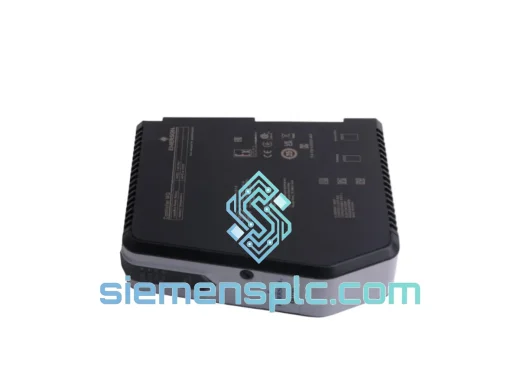
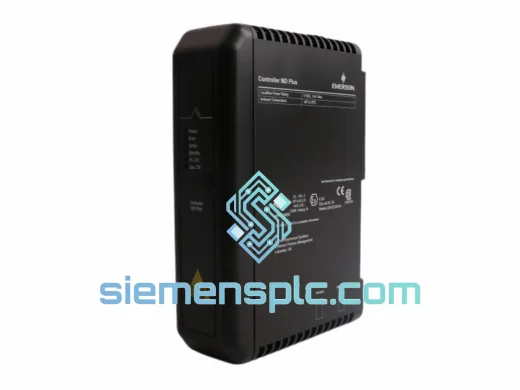
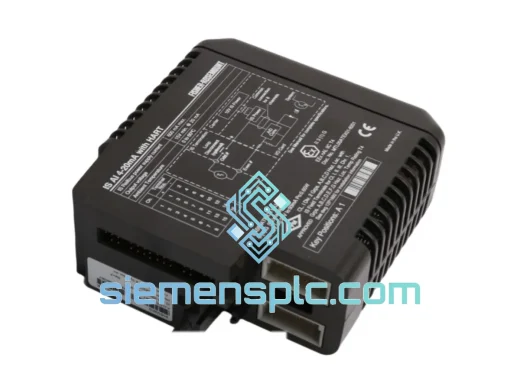
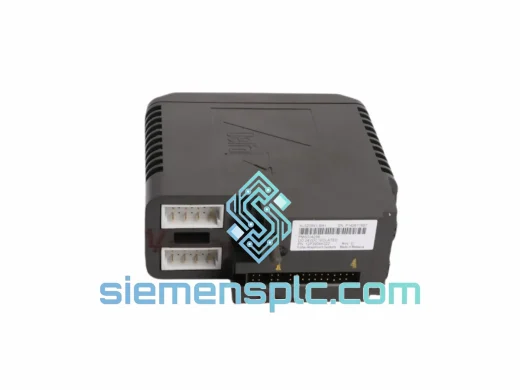
EMERSON KJ3208X1-BA1 12P3904X022 Discrete Output Card
DeltaV
Origin US
Discrete Output Card
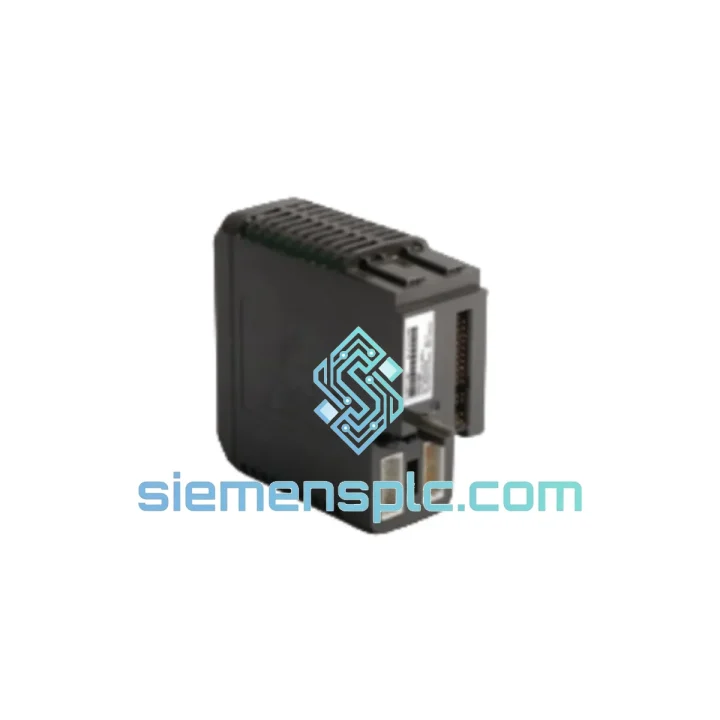
Request verified availability, condition, replacement risk review, packing options and courier lead time for KJ3201X1-BA1.
Click Request Quote and the part number is inserted into the inquiry form automatically.
Core fields for model confirmation and RFQ routing. Detailed product narrative remains below.
Every minute a DeltaV node goes dark, your plant bleeds money. A failed discrete input card means lost visibility on valve positions, motor status, and ESD inputs — the exact signals your operators depend on to keep the process alive. The Emerson KJ3201X1-BA1 (P/N 12P2535X052) is a verified, shelf-ready 8-channel DI card pulled from controlled inventory in Xiamen. We ship the same day you confirm. No waiting on Emerson’s lead times. No sourcing gamble.
URGENT REQUIREMENT? Contact: [email protected] | WhatsApp: +86 18359268345
| Manufacturer | Emerson (Fisher-Rosemount) |
| Model / SKU | KJ3201X1-BA1 |
| Part Number | 12P2535X052 |
| Module Type | Discrete Input (DI) Card |
| Platform | Emerson DeltaV DCS — Traditional I/O subsystem |
| Input Channels | 8 channels, individually optically isolated |
| Input Voltage | 24 VDC nominal (dry contact / wet contact) |
| Signal Type | Dry contact, wet contact discrete signals |
| Communication Bus | DeltaV proprietary I/O bus |
| Isolation | Optical isolation per channel |
| Operating Temperature | 0 °C to 60 °C |
| Mounting | DeltaV 4-slot or 8-slot I/O carrier (standard) |
| Weight | ~180 g |
| Certifications | CE, UL listed |
| Stock Status | ✅ Ready to Ship — Xiamen Warehouse |
Fault Scenario 1 — Card Not Recognized After Hot-Swap
If DeltaV Diagnostics shows the card in a “Not Assigned” or “Failed” state immediately after insertion, the most common cause is a carrier slot address conflict. The KJ3201X1-BA1 uses automatic slot addressing via the carrier backplane — there are no physical DIP switches on this card. However, if the previous card’s configuration was not properly deleted from DeltaV Explorer before removal, the system retains the old node assignment. Fix: delete the old I/O card object in DeltaV Explorer, download the controller, then re-insert the replacement card. The system will auto-discover and assign the new hardware.
Fault Scenario 2 — Intermittent Channel Failures (Channels 3–6 Most Common)
Field experience shows that channels 3 through 6 on the KJ3201X1-BA1 are most susceptible to optocoupler degradation in high-humidity environments. Symptoms: sporadic “Bad” quality on discrete inputs with no corresponding field device fault. Diagnostic path: DeltaV Diagnostics → I/O Card → Channel Detail. If the channel shows “Comm Error” or “Hardware Fault” with the field device confirmed healthy, the optocoupler has degraded. Replacement is the only fix — no field-level repair is possible on this card.
Fault Scenario 3 — Firmware Mismatch Warning on DeltaV v13.x+
On DeltaV v13.3 and later, the system performs a firmware compatibility check during card initialization. If the installed firmware on the KJ3201X1-BA1 is below the minimum required version for your DeltaV release, the card will enter a “Needs Commissioning” state. Resolution: use DeltaV Diagnostics to push the firmware update directly to the card over the I/O bus — no physical access required. Confirm the firmware version in the card’s Device Detail screen before declaring the card faulty.
Replacement Checklist (Field-Proven Sequence):
The KJ3201X1-BA1 was engineered for continuous operation in process plant environments — not office-grade conditions. The card’s conformal-coated PCB provides a barrier against airborne corrosives common in chemical and petrochemical facilities: hydrogen sulfide, chlorine compounds, and salt-laden air in coastal installations. The optical isolation architecture means a field-side wiring fault — even a direct short to ground — cannot propagate damage to the DeltaV I/O bus or the controller.
Vibration tolerance is validated to IEC 60068-2-6 standards, covering the mechanical stress typical of compressor skids and rotating equipment enclosures. Thermal cycling performance has been verified across the full 0–60 °C operating range, with derating curves available in the Emerson hardware reference manual for installations approaching the upper limit. Units sourced from our Xiamen inventory are stored in climate-controlled conditions with anti-static packaging and humidity indicators — you receive a card in the same condition it left the factory.
Our dispatch hub is in Xiamen, China — one of the most logistics-connected ports in Asia, with direct DHL Express and FedEx International Priority lanes to every major industrial region. Here is how the process works from the moment you confirm your order:
Email: [email protected]
WhatsApp: +86 18359268345
Web: siemensplc.com
© 2026 siemensplc.com. All rights reserved.
We check the full part number, brand, series and visible nameplate information before quotation.
Sales confirms stock path, condition option, quantity and realistic lead time for export dispatch.
DHL, FedEx, UPS or buyer courier arrangements can be reviewed with packing requirements.
Similar brand or category products for fast comparison and multi-item RFQ lists.