B&R
RFQ Ready
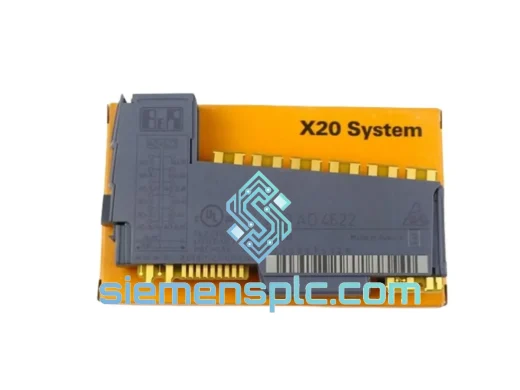
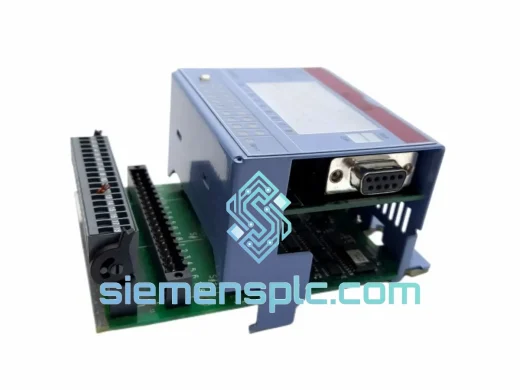
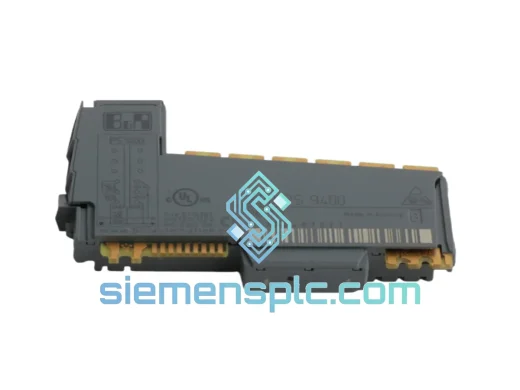
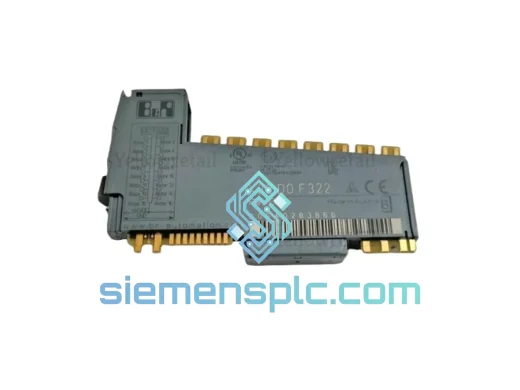
B&R X20 DO F322 Safety Digital Output Module – X20 Series
X20 Series
Origin AT
Digital Output Module
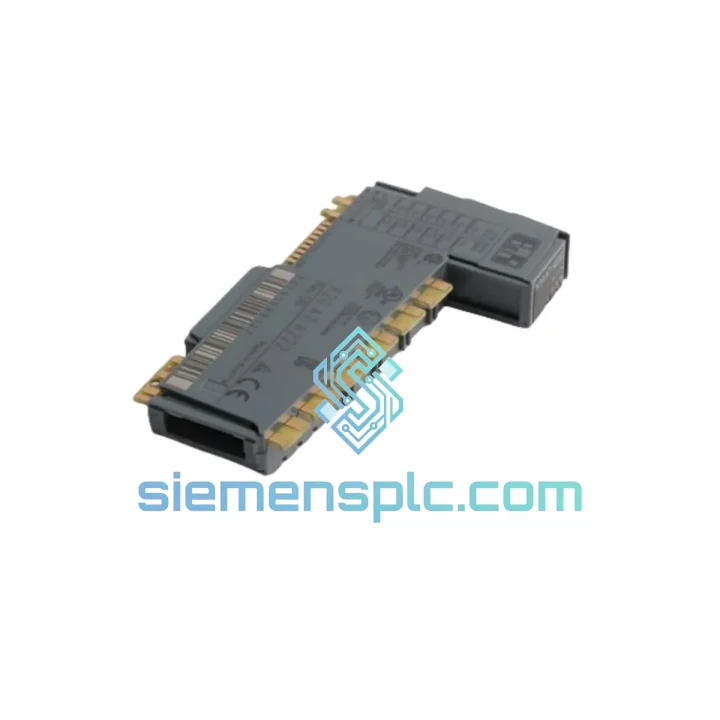
Request verified availability, condition, replacement risk review, packing options and courier lead time for X20 AT 4222.
Click Request Quote and the part number is inserted into the inquiry form automatically.
Core fields for model confirmation and RFQ routing. Detailed product narrative remains below.
Your line is down. The HMI is throwing analog channel faults. Maintenance has already swapped the field wiring twice and the signal is still dead. You’ve narrowed it to the X20 AT 4222 — and now you need one, fast. We stock it in Xiamen. DHL Express to your door in 3–5 business days, anywhere on the planet. While your competitors wait 6–8 weeks on OEM lead times, your line is back up.
URGENT REQUIREMENT? Contact: [email protected] | WhatsApp: +86 18359268345
| Parameter | Specification |
|---|---|
| Part Number | X20 AT 4222 |
| Manufacturer | B&R (Bernecker + Rainer) |
| Series | X20 System |
| Module Function | Analog Mixed I/O (4× AI + 2× AO) |
| Analog Inputs | 4 channels, ±10 V / 0–20 mA / 4–20 mA selectable |
| Analog Outputs | 2 channels, ±10 V / 0–20 mA |
| Resolution | 16-bit |
| Backplane Interface | X20 high-speed system bus |
| Supply Voltage | 24 VDC (via X20 backplane) |
| Operating Temperature | 0 °C to +55 °C |
| Protection Class | IP20 |
| Mounting | DIN rail, X20 backplane snap-fit |
| Weight | Approx. 20 g |
| Stock Status | ✅ Ready to Ship — Xiamen Warehouse |
| Condition | New / Tested-Surplus (stated per order) |
| Origin | Germany |
After 10 years of field work on B&R X20 systems, these are the failure patterns and swap pitfalls that actually matter:
Common Fault Signatures for a Failing X20 AT 4222:
Replacement Procedure — What to Check Before You Power Up the New Module:
The X20 AT 4222 is not a lab instrument — it’s built for the floor. B&R’s X20 platform is deployed in some of the most demanding industrial environments on the planet: automotive body shops with weld spatter and EMI, food processing lines with daily washdowns and humidity swings, offshore packaging systems running 24/7 in tropical heat.
The module’s conformal-coated PCB provides a baseline defense against condensation and airborne contaminants. The X20 backplane connector system uses a gold-plated, high-cycle-rated contact interface — not the cheap tin-plated connectors that oxidize and fail after 50 insertions. Vibration resistance meets IEC 61131-2 requirements, covering the frequency ranges typical of motor-driven machinery and conveyor systems.
Thermal management is passive — no fans, no moving parts. The module dissipates heat through its housing into the backplane structure. In cabinets without active cooling, ensure ambient temperature stays below 55 °C at the module face. We’ve seen X20 AT 4222 units pulled from systems after 8+ years of continuous operation that still test within spec. That’s the build quality you’re getting.
Every unit we ship has been visually inspected under magnification for PCB damage, connector pin condition, and label integrity. Surplus units are function-tested on a live X20 rack before dispatch. We don’t ship blind.
Our warehouse is in Xiamen, Fujian — one of China’s primary export hubs with direct access to DHL Express, FedEx International Priority, and UPS Worldwide Express gateways. This is not a drop-ship operation. Stock is physically on our shelf.
Typical transit times from Xiamen:
All shipments include full tracking from pickup to delivery. We prepare commercial invoices, packing lists, and HS code documentation for customs clearance. For customers in countries with import restrictions on industrial electronics, we can advise on documentation requirements — contact us before ordering if you have specific customs concerns.
Emergency same-day dispatch is available for orders confirmed and paid before 14:00 CST. If your line is down and every hour counts, tell us when you contact us — we’ll prioritize your shipment in the pick queue.
📧 Email: [email protected]
💬 WhatsApp: +86 18359268345
🌐 Web: siemensplc.com
© 2026 siemensplc.com. All rights reserved.
We check the full part number, brand, series and visible nameplate information before quotation.
Sales confirms stock path, condition option, quantity and realistic lead time for export dispatch.
DHL, FedEx, UPS or buyer courier arrangements can be reviewed with packing requirements.
Similar brand or category products for fast comparison and multi-item RFQ lists.