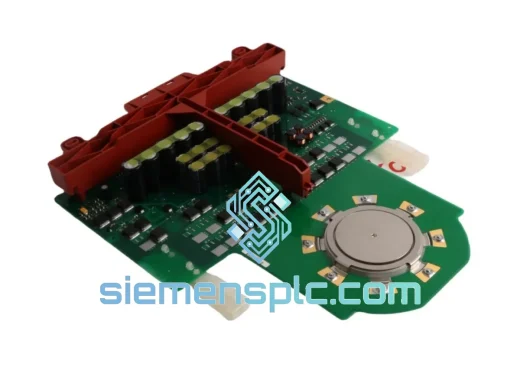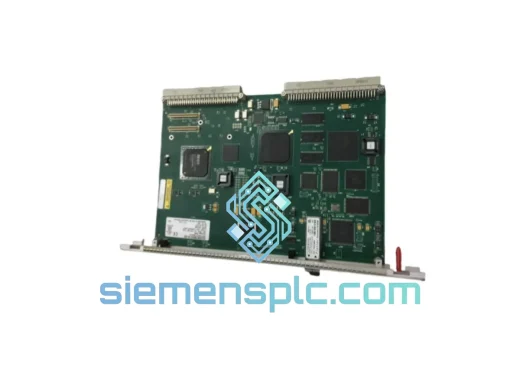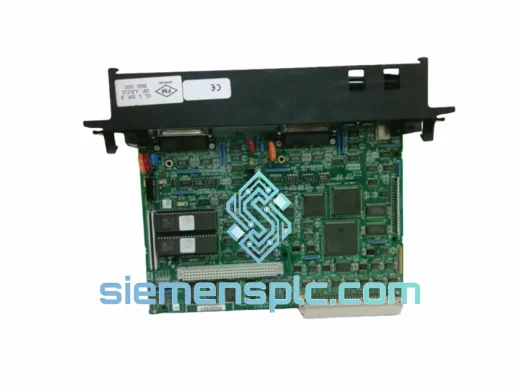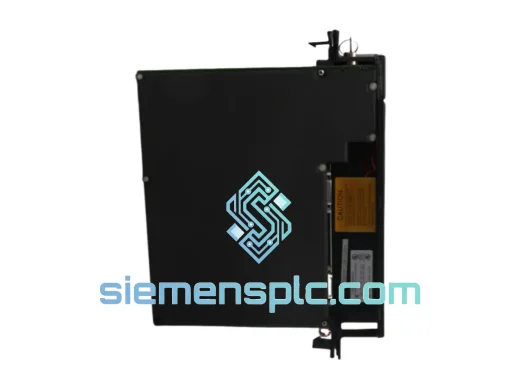
GE Fanuc
RFQ Ready
GE IC697RCM711 Redundancy Communications Module
Fanuc
Origin US
PLC Redundancy Module
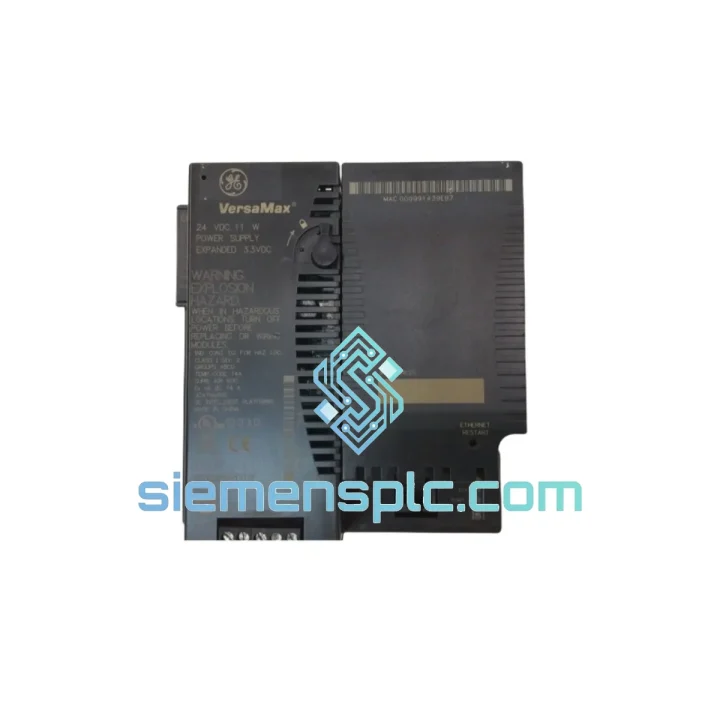
Request verified availability, condition, replacement risk review, packing options and courier lead time for IC200CPUE05-FH.
Click Request Quote and the part number is inserted into the inquiry form automatically.
Core fields for model confirmation and RFQ routing. Detailed product narrative remains below.
Your line stopped. The HMI is blank. The CPU fault LED is solid red. You’ve already pulled the IC200CPUE05-FH and confirmed it’s dead. Now you need one — fast. We stock the GE Fanuc IC200CPUE05-FH at our Xiamen warehouse, tested, verified, and ready to leave on the next DHL or FedEx cut-off. While your competitors are waiting 6–8 weeks on factory lead times, your replacement is already in transit.
URGENT REQUIREMENT? Contact: [email protected] | WhatsApp: +86 18359268345
| Part Number | IC200CPUE05-FH ✅ Ready to Ship |
| Manufacturer | GE Fanuc / GE Automation & Controls |
| Series | VersaMax Micro PLUS |
| CPU Type | Embedded Ethernet CPU |
| Program Memory | 14 KB (ladder logic) |
| Data Memory | 14 KB |
| Onboard I/O | 28 points — 16 DI / 12 DO Relay |
| Input Voltage | 24 VDC |
| Ethernet Port | 10/100 Mbps RJ-45 — SRTP, Modbus TCP, EGD |
| Serial Port | RS-232 (SNP/SNPX — HMI or programming) |
| Expansion Slots | Up to 4 × IC200-series modules |
| Scan Speed | ~0.6 ms/K Boolean |
| Real-Time Clock | Yes — battery-backed (IC200ACC001) |
| Operating Temp | 0°C to +55°C |
| Storage Temp | -40°C to +85°C |
| Humidity | 5%–95% RH non-condensing |
| Protection | IP20 |
| Mounting | DIN rail / panel mount |
| Programming Software | Proficy Machine Edition (PME) v8.0+ |
| Firmware Suffix | -FH (current production revision) |
| Certifications | UL, CE, cUL |
| Weight | ~400 g |
| Stock Status | ✅ In Stock — Ships within 24 hours |
Ten years on the floor taught me one thing: most IC200CPUE05-FH failures fall into three buckets. Know which one you’re dealing with before you swap the module.
Fault Pattern 1 — CPU Fault LED solid, no comms, no scan: Classic internal CPU failure. Power cycle does nothing. PME cannot establish a connection even with a direct RS-232 cable. This is a hard CPU failure — the module needs replacement. Before you pull it, document your IP address, subnet mask, and gateway settings from the hardware configuration in PME. You’ll need to re-enter these on the replacement unit.
Fault Pattern 2 — Ethernet port dead, RS-232 still responds: The CPU is alive but the Ethernet ASIC has failed — common after a nearby lightning strike or power surge on the network switch. Your SCADA loses the node; the machine keeps running on last-state outputs until a watchdog trips. Replacement procedure: export your PME project from the live CPU via RS-232 before pulling power. Flash the replacement unit with the same project and reconfigure the Ethernet parameters. Verify EGD exchange timing matches your SCADA poll rate.
Fault Pattern 3 — Intermittent scan overruns, random I/O faults: Usually a failing backplane connector or a corrupted program memory sector. Run PME’s online diagnostics — check the sweep time trend. If sweep time is spiking above 150% of nominal, suspect memory corruption. A cold download (clear + program) to the replacement unit resolves this. Do not do a warm download — you’ll carry the corruption over.
Replacement Checklist (field-tested sequence):
Common PME Error Codes on IC200CPUE05-FH:
The IC200CPUE05-FH was not designed for a climate-controlled server room. It was built for the plant floor — and it shows in the design choices GE Fanuc made at the component level.
The conformal-coated PCB resists moisture ingress in high-humidity environments — paper mills, food processing washdown areas, coastal installations where salt air accelerates corrosion on unprotected boards. Operating humidity tolerance of 5%–95% RH non-condensing is not a marketing number; it reflects the actual component derating applied during design validation.
Vibration resistance is addressed through DIN rail mounting compliance and the absence of rotating mechanical components. The relay output stage uses sealed relay contacts rated for the full operating temperature range — no contact degradation from thermal cycling that plagues cheaper solid-state alternatives in high-cycle applications.
Thermal performance is validated across 0°C to +55°C continuous operation. In practice, panel temperatures in summer in southern China or Southeast Asia regularly hit 45°C ambient inside the enclosure. The IC200CPUE05-FH handles this without derating — provided the panel has adequate ventilation and the module is not installed directly above a high-heat device like a VFD or transformer.
The battery-backed RTC uses a lithium coin cell with a 5–7 year service life under normal conditions. In cold storage environments (below 10°C), battery life extends significantly. In high-temperature installations (above 45°C continuous), plan for a 3-year replacement interval to avoid RTC data loss during power outages.
EMC performance meets CE and UL requirements, with the Ethernet port incorporating common-mode filtering to suppress noise from variable frequency drives and other high-frequency switching devices common in industrial panels. If you’re seeing intermittent Ethernet dropouts in a VFD-heavy environment, verify your cable shielding is grounded at one end only — a classic ground loop issue that has nothing to do with the CPU itself.
Our warehouse is located in Xiamen, Fujian Province — one of China’s primary export hubs with direct access to DHL, FedEx, and UPS international express networks. This is not a drop-ship arrangement. Stock is physically on our shelves, inspected, and ready to pack.
Standard dispatch timeline: Orders confirmed before 15:00 CST ship same business day. Orders confirmed after 15:00 CST ship next business day. We do not hold orders for batch processing.
DHL Express Worldwide: Xiamen to most major industrial cities in Southeast Asia (Bangkok, Jakarta, Kuala Lumpur, Ho Chi Minh City) — 2–3 business days. Europe (Frankfurt, Rotterdam, Milan) — 3–5 business days. North America (Chicago, Houston, Los Angeles) — 3–5 business days. Middle East (Dubai, Riyadh) — 2–4 business days.
FedEx International Priority: Available as an alternative carrier for destinations where FedEx has a service advantage. Transit times are comparable to DHL. We select the carrier with the earliest confirmed delivery date for your destination at time of booking.
Documentation package included with every shipment: Commercial invoice (with accurate HS code 8537.10 for customs clearance), packing list with net/gross weight and dimensions, certificate of conformance on request, and tracking number provided within 2 hours of dispatch.
Customs and duties: We declare accurate values — no undervaluation. For B2B importers with established customs accounts, we can provide additional documentation (manufacturer datasheet, product photos) to support customs clearance in markets with strict import controls on industrial electronics.
Emergency same-day dispatch: If your production line is down and you need the fastest possible shipment, contact us directly via WhatsApp before 13:00 CST. We will prioritize packing and hand-carry to the DHL service point for the earliest available flight out of Xiamen Gaoqi International Airport.
📧 Email: [email protected]
💬 WhatsApp: +86 18359268345
🌐 Web: siemensplc.com
© 2026 siemensplc.com. All rights reserved.
We check the full part number, brand, series and visible nameplate information before quotation.
Sales confirms stock path, condition option, quantity and realistic lead time for export dispatch.
DHL, FedEx, UPS or buyer courier arrangements can be reviewed with packing requirements.
Similar brand or category products for fast comparison and multi-item RFQ lists.