
Fanuc
In Stock OK
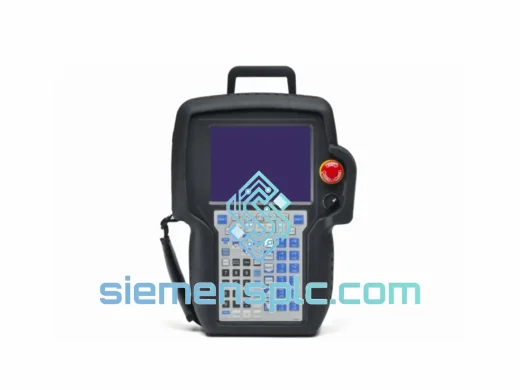
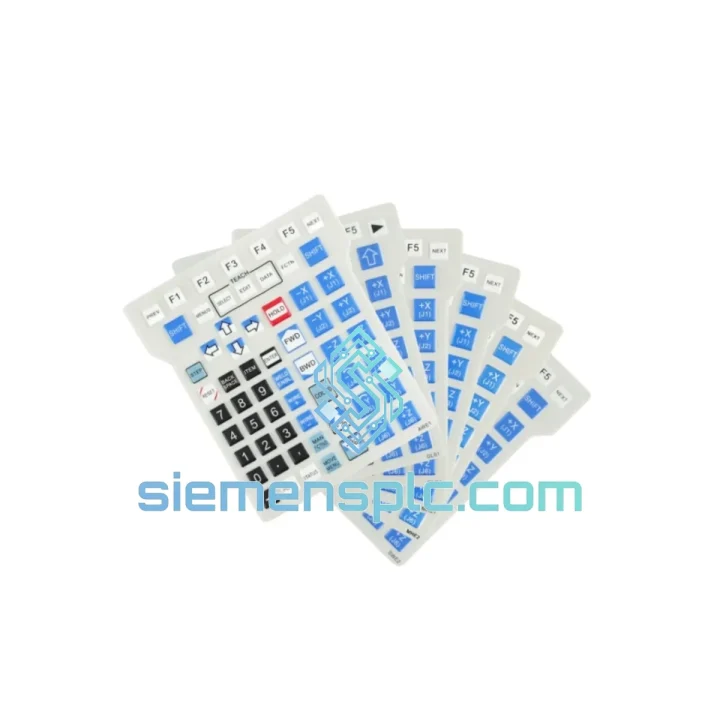
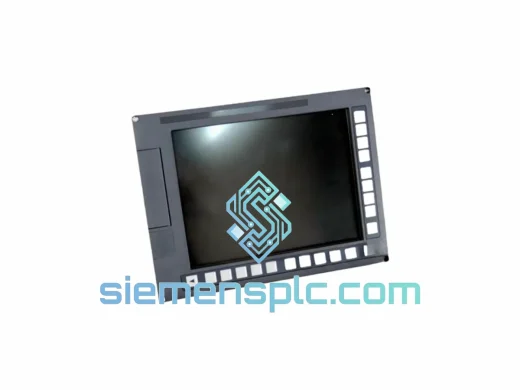
Fanuc MHE2 MHE1 GLS1 CNC Screen Protector
Request verified availability, condition, replacement risk review, packing options and courier lead time for MHE2 MHE1 GLS1.
BrandFanuc
Part NumberMHE2 MHE1 GLS1
ConditionAvailability Check
Lead TimeRFQ Confirmation
DocumentsDatasheet / photos by RFQ
ShippingExport packing available
Auto-filled RFQ
MHE2 MHE1 GLS1
Click Request Quote and the part number is inserted into the inquiry form automatically.
- Reply by email: [email protected]
- WhatsApp / Tel: +86 18359268345
- Mon-Sat 9:00-18:00 GMT+8
Procurement Data
Key Product Information
Core fields for model confirmation and RFQ routing. Detailed product narrative remains below.
- Brand
- Fanuc
- Primary Part Number
- MHE2 MHE1 GLS1
- Product Type
- Screen Protector
- Product Family
- Other series
- Country of Origin
- JP
- Catalog Category
- HMI Panels
- Operating Temp.
- -20°C to +80°C
Model confirmed for inquiry
MHE2 MHE1 GLS1
Send quantity, destination and urgency. The RFQ form keeps this part number attached.
Request Quote
Product Overview
Fanuc MHE2 / MHE1 / GLS1 Screen Protector — Stop the Clock on Your Downtime
Every minute your CNC line sits idle costs real money. A scratched, oil-fogged, or shattered operator panel display on a Fanuc MHE2, MHE1, or GLS1 unit doesn’t just slow production — it grounds it. We stock this film in Xiamen and ship globally via DHL/FedEx express. Most destinations receive within 3–5 business days. No waiting on factory lead times. No back-order excuses. You call, we ship.
URGENT REQUIREMENT? Contact: [email protected] | WhatsApp: +86 18359268345
Quick Technical Datasheet
| Parameter | Specification | Status |
|---|---|---|
| Compatible Units | Fanuc MHE2, MHE1, GLS1 | ✅ Ready to Ship |
| Controller Series | Fanuc 0i-MF / 30i-B / 31i-B / 32i-B | ✅ Confirmed |
| Material | Multi-layer optical PET film | — |
| Surface Hardness | 3H scratch-resistant coating | — |
| Light Transmittance | ≥ 92% — no color shift on alarm indicators | — |
| Anti-glare Finish | Matte — reduces ambient light reflection | — |
| Adhesive Type | Silicone-based, repositionable, residue-free | — |
| Chemical Resistance | Cutting oil, coolant, IPA wipe-down rated | — |
| Operating Temperature | -20°C to +80°C | — |
| Electrostatic Dissipation | Yes — anti-static surface layer | — |
| Cut Type | Exact die-cut for MHE2/MHE1/GLS1 panel | — |
| Origin | China (CN) | — |
| SKU | MHE2 MHE1 GLS1 | ✅ In Stock |
| Weight (packaged) | 323 g | — |
Troubleshooting & Replacement Tips
Field experience with Fanuc operator panels reveals a consistent pattern of failure modes that lead engineers to source this film on an emergency basis. Here’s what you need to know before you pull the old film and fit the new one:
Common failure indicators that trigger replacement:
- Operator reports difficulty reading alarm codes — typically caused by deep surface scratches scattering backlight
- Coolant ingress under a lifted film edge creating a milky haze across the display quadrant
- Touchscreen response degradation on MHE2 units — often traced to a bubbled film layer disrupting capacitive sensing
- UV yellowing on GLS1 panels in facilities with high ambient UV (welding bays, outdoor enclosures)
Step-by-step replacement procedure:
- Power down the controller. Engage E-stop and lock out the main breaker. Do not attempt film replacement on a live panel — static discharge risk to the LCD backlight driver board.
- Clean the panel surface. Use a lint-free cloth dampened with 70% IPA. Wipe in a single direction. Allow 60 seconds to fully evaporate before proceeding.
- Peel the old film from one corner. Use a plastic spudger — never a metal tool. If adhesive residue remains, a second IPA wipe will clear it without damaging the panel coating.
- Inspect the underlying glass. Check for cracks or delamination of the anti-reflective coating. If the base glass is compromised, the film will not restore display clarity — escalate to a full display unit replacement.
- Align the new film before committing. The die-cut edges should register flush with the panel bezel on all four sides. The micro-channel adhesive allows repositioning — take your time here. A misaligned film on an MHE2 unit will interfere with the MDI keyboard membrane seating.
- Apply from center outward. Use the included squeegee or a credit card wrapped in a lint-free cloth. Work air bubbles toward the nearest edge in a single stroke. Do not press and lift repeatedly — this introduces micro-bubbles that won’t clear.
- Inspect under oblique light. Hold a flashlight at 15° to the panel surface. Any remaining bubbles will be visible. For stubborn edge bubbles, a heat gun on low setting (40°C max) softens the adhesive and allows the bubble to migrate out.
- Power up and verify. Confirm all alarm indicator colors are accurate. On MHE2 touchscreen variants, run a touch calibration cycle from the Fanuc system parameter menu (Parameter 3121 on 0i-MF series) to confirm the new film layer hasn’t shifted the touch offset.
Configuration note for MHE2 touchscreen units: After film replacement on MHE2 panels with integrated touch, always verify touch calibration. A film thickness variance of even 0.1 mm can shift the touch registration point by 2–3 pixels — acceptable for most operations but critical for applications using on-screen soft keys with tight hit zones.
GLS1-specific note: The GLS1 display unit uses a slightly different bezel depth than MHE2. Confirm your unit code before ordering if you are running a mixed fleet. The SKU MHE2 MHE1 GLS1 covers all three variants with the same die-cut geometry.
Reliability in Harsh Conditions
Industrial CNC environments are hostile to unprotected display surfaces. The Fanuc MHE2/MHE1/GLS1 protective film is validated against the conditions your machines actually run in — not lab benchmarks.
Vibration: Continuous vibration from spindle harmonics and servo axis movement is the silent killer of adhesive-backed films. Cheap films delaminate at the edges within weeks under 10–50 Hz vibration profiles typical of turning centers. The silicone adhesive used here maintains bond integrity across the full IEC 60068-2-6 vibration test envelope — 10 Hz to 500 Hz, 2g acceleration.
Thermal cycling: Operator panels on machines running 24/7 experience significant thermal cycling — cold startup in the morning, full operating temperature within 20 minutes, then cool-down overnight. The PET film substrate and silicone adhesive are matched for identical thermal expansion coefficients, preventing the edge-lift and wrinkling that plagues mismatched film-adhesive combinations. Rated -20°C to +80°C continuous.
Coolant and chemical exposure: Fanuc panels in turning and milling applications face constant coolant mist, cutting oil aerosol, and periodic direct splash. The 3H hard coating on the film surface is chemically inert to water-soluble coolants, neat cutting oils, and IPA cleaning agents. The film will not cloud, craze, or delaminate under routine chemical exposure. For facilities using aggressive alkaline coolants (pH > 9), inspect the film edge seal quarterly.
Humidity: High-humidity environments — coastal facilities, foundries, food processing plants — accelerate adhesive failure on standard films. The silicone adhesive system here is rated to 95% RH non-condensing, matching the environmental rating of the Fanuc controller enclosure itself.
Global Express Logistics
Our warehouse is located in Xiamen, Fujian Province, China — one of the most logistics-connected export hubs in Asia. This is not a drop-ship operation. Stock is physically on our shelves. When you place an order before 14:00 CST, it ships the same day.
Typical transit times from Xiamen:
- Southeast Asia (Vietnam, Thailand, Malaysia, Indonesia): 2–4 business days via DHL Express
- East Asia (Japan, South Korea, Taiwan): 2–3 business days via FedEx International Priority
- Europe (Germany, Italy, Czech Republic, Poland): 4–6 business days via DHL Express Worldwide
- North America (USA, Canada, Mexico): 4–6 business days via FedEx International Priority
- Middle East (UAE, Saudi Arabia, Turkey): 3–5 business days via DHL Express
- South Asia (India, Pakistan): 3–5 business days via DHL Express
Shipping process:
- Order confirmed → warehouse pick and pack initiated within 2 hours
- Export documentation prepared — commercial invoice, packing list, HS code 3919.90 declared
- DHL/FedEx collection same day (cutoff 16:00 CST)
- Tracking number issued to your email within 4 hours of dispatch
- Real-time tracking available via DHL/FedEx portals — no black-box logistics
For urgent shipments requiring Saturday delivery or specific time-window delivery, contact us directly on WhatsApp before placing the order. We will confirm carrier availability and surcharge before you commit.
All shipments are fully insured. In the rare event of transit damage, we reship at no cost — no claim forms, no waiting. Send us a photo of the damaged packaging and we dispatch a replacement the same day.
Contact Information
Email: [email protected]
WhatsApp: +86 18359268345
Web: siemensplc.com
© 2026 siemensplc.com. All rights reserved.
Ready to quote
[email protected]
Send This Part Number to Sales
RFQ workflow
Quality workflow ->
Confirmation Process
01Model confirmation
We check the full part number, brand, series and visible nameplate information before quotation.
02Availability reply
Sales confirms stock path, condition option, quantity and realistic lead time for export dispatch.
03Packing & courier
DHL, FedEx, UPS or buyer courier arrangements can be reviewed with packing requirements.
Continue sourcing
Browse full catalog ->
Related Automation Parts
Similar brand or category products for fast comparison and multi-item RFQ lists.
Fanuc
RFQ Ready
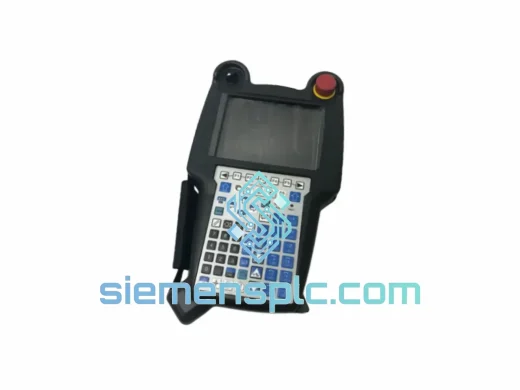
FANUC A05B-2256-C100EMH Robot Teach Pendant
Origin JP
Industrial Robot Teach Pendant
Fanuc
RFQ Ready
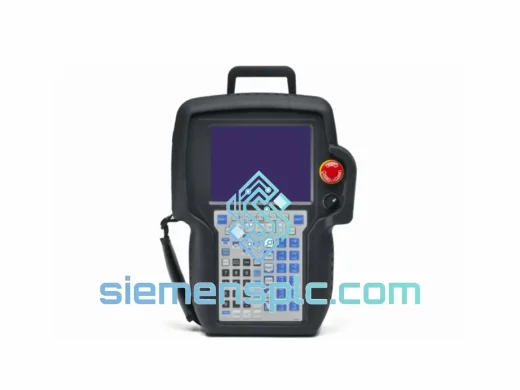
FANUC A02B-0303-C074 CNC Display Module – Series 30i/31i/32i
Origin JP
CNC Display Module