ProSoft Technology
RFQ Ready
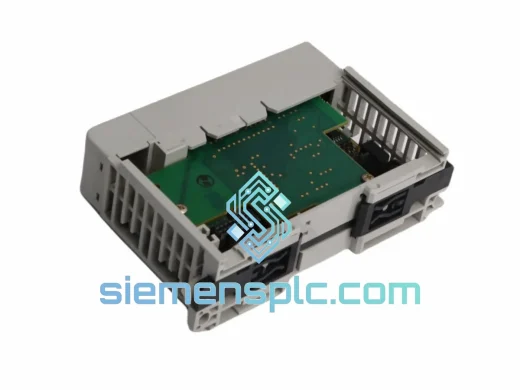
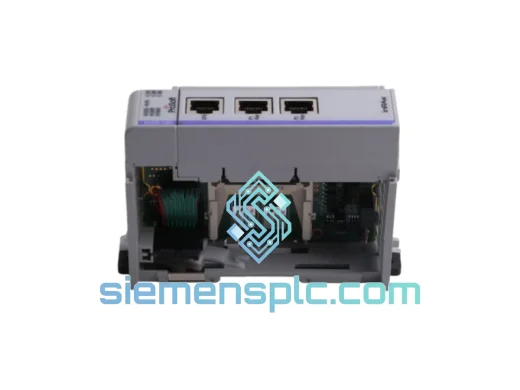
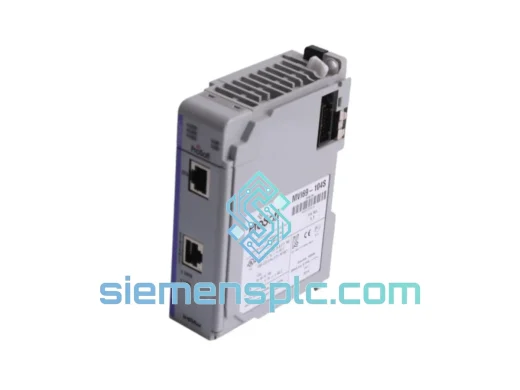
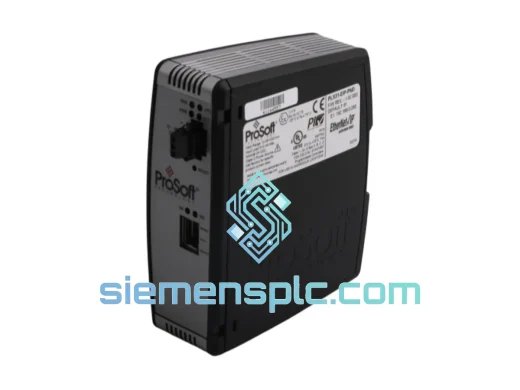
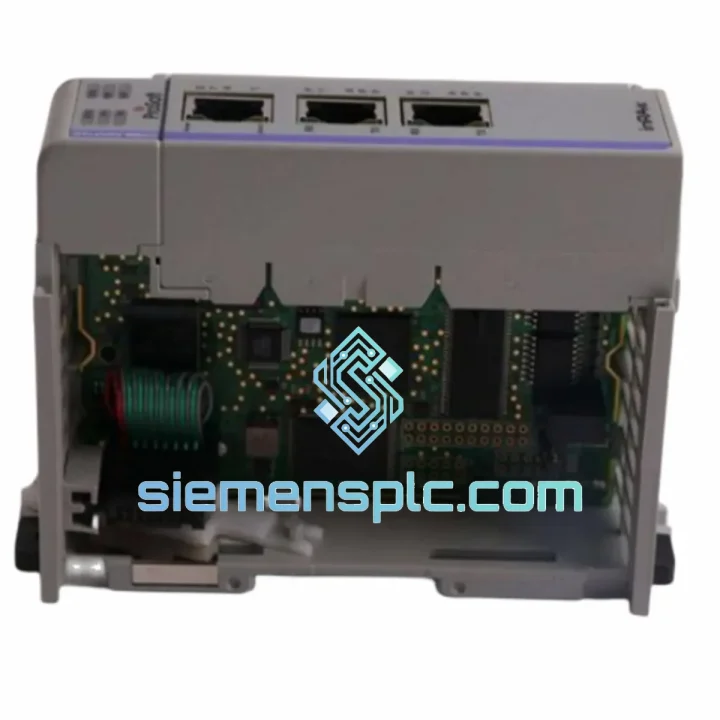
ProSoft PLX31-EIP-PND Protocol Gateway – PLX31 Series
Origin US
Protocol Gateway
Request verified availability, condition, replacement risk review, packing options and courier lead time for MVI69E-MBS.
Click Request Quote and the part number is inserted into the inquiry form automatically.
Core fields for model confirmation and RFQ routing. Detailed product narrative remains below.
Your CompactLogix rack is live. The drives, meters, and RTUs on the Modbus network are not talking. Production is at a standstill. You’ve already ruled out wiring faults and PLC logic — the MVI69E-MBS module is the culprit. You need an exact replacement, configured and shipped today, not in three weeks. That’s precisely why this listing exists.
The ProSoft MVI69E-MBS is a dual-port Modbus RTU/ASCII master and slave communication module engineered for the Allen-Bradley CompactLogix and MicroLogix 1500 backplane. It bridges legacy Modbus field devices — VFDs, flow meters, temperature controllers, power analyzers, third-party RTUs — directly into the CompactLogix tag database with zero custom driver development. We stock it in Xiamen, inspect every unit before it ships, and move it via DHL/FedEx Express to your door.
URGENT REQUIREMENT? Contact: [email protected] | WhatsApp: +86 18359268345
| Parameter | Specification |
|---|---|
| Part Number | MVI69E-MBS |
| Manufacturer | ProSoft Technology |
| Series | MVI69E (Enhanced In-Chassis) |
| Compatible Platform | Allen-Bradley CompactLogix, MicroLogix 1500 |
| Protocol | Modbus RTU / Modbus ASCII — Master & Slave |
| Serial Ports | 2 × RS-232 / RS-422 / RS-485 (software-selectable per port) |
| Max Modbus Commands | Up to 100 commands per port per scan cycle |
| Backplane Interface | 1769 CompactLogix local I/O backplane |
| Configuration Tool | ProSoft Configuration Builder (PCB) — free download |
| Firmware Update | Field-upgradeable via USB port |
| Operating Temperature | 0 °C to +60 °C |
| Storage Temperature | −40 °C to +85 °C |
| Relative Humidity | 5 % to 95 % non-condensing |
| Form Factor | Single-slot 1769 CompactLogix module |
| Certifications | CE, UL |
| Stock Status | ✔ Ready to Ship — Xiamen Warehouse |
Ten years of field calls on this module family. Here’s what actually matters when you’re swapping one out under pressure:
1. Confirm the failure mode before you pull the module. The MVI69E-MBS exposes real-time diagnostics through the backplane — check the module’s input data table in RSLogix 5000 / Studio 5000 first. Look at the Port 0 and Port 1 error counters. A non-zero CRC error count with zero timeout errors almost always points to a baud rate or parity mismatch, not a dead module. A dead module typically shows all zeros across the board with a module fault bit set in the controller.
2. Document your PCB configuration file before removal. Connect ProSoft Configuration Builder to the module via USB and export the .pcd configuration file. If the module is completely unresponsive, retrieve the configuration from the controller’s MSG instruction setup — the command list is embedded in the ladder logic. You will need every Modbus command, slave address, register offset, and polling rate to replicate the setup on the replacement unit.
3. Serial port mode is software-configured, not hardware-jumpered. Unlike older MVI69 modules, the MVI69E-MBS has no physical DIP switches for RS-232/422/485 selection. The port mode is set entirely in PCB. When you receive the replacement, the factory default is RS-232 on both ports. If your field wiring is RS-485 two-wire, you must reconfigure in PCB before powering up on the live network — connecting an RS-485 bus to a port configured as RS-232 will not damage the module, but it will generate a flood of framing errors that can disrupt other devices on the segment.
4. Firmware version matching. Check the firmware revision on the failed module’s label (or from the controller’s module properties in Studio 5000). ProSoft has released multiple firmware revisions for the MVI69E-MBS. If your ladder logic uses specific module-defined tags or MSG instruction formats tied to a particular firmware revision, mismatching firmware on the replacement can cause tag mapping errors. Download the matching firmware from ProSoft’s website and flash via USB before installation.
5. Backplane slot assignment. The MVI69E-MBS does not auto-address. The slot number in the I/O tree must match the physical slot position in the chassis. If you are installing into a different slot than the original (e.g., due to chassis damage), update the module path in every MSG instruction in the ladder program. Missing even one MSG block will cause intermittent communication failures that are extremely difficult to trace.
Common fault codes to know:
The MVI69E-MBS is not a lab instrument. It runs in pump stations with 95 % humidity, on offshore platforms with constant vibration, in steel mill control rooms where ambient temperatures push 55 °C, and in outdoor enclosures in desert climates. ProSoft’s enhanced-generation MVI69E design addresses the failure modes that plagued earlier communication modules in these environments.
The conformal coating on the PCB provides a barrier against condensation and airborne contaminants — a real-world concern in food processing and chemical plants where cleaning agents become airborne. The industrial-grade capacitors and voltage regulators are rated for the full 0–60 °C operating range without derating, unlike commercial-grade components that begin to drift above 40 °C. The backplane connector is gold-plated and rated for hundreds of insertion cycles, which matters when the module is being swapped during maintenance windows.
Vibration tolerance is validated to IEC 61131-2 standards — the same benchmark used for the CompactLogix controllers themselves. In practice, this means the module survives the mechanical environment of a running machine without developing intermittent contact failures. Every unit we ship has been inspected for connector integrity and housing integrity. We do not ship units with bent pins, cracked housings, or missing firmware labels.
Our warehouse is in Xiamen, Fujian — one of China’s primary export hubs with direct access to DHL, FedEx, and UPS international gateways. When you confirm an order, the unit is pulled, inspected, and packed in ESD-safe anti-static bags with foam cushioning the same day for orders placed before 16:00 CST.
Standard international transit times from Xiamen: Europe 3–5 business days via DHL Express, North America 3–5 business days via FedEx International Priority, Southeast Asia 2–3 business days, Middle East and Africa 5–7 business days. All shipments include a tracking number issued within 24 hours of dispatch. We prepare full export documentation as standard — commercial invoice, packing list, and Certificate of Origin — to prevent customs delays in regulated markets.
For genuine emergency shutdowns, contact us directly via WhatsApp before placing an order. We can confirm stock, arrange same-day dispatch, and coordinate with the freight carrier for next-flight-out options where available. Downtime at HKD 10,000 per hour makes express freight cost irrelevant — we understand that calculus and we work accordingly.
Email: [email protected]
WhatsApp: +86 18359268345
Web: siemensplc.com
© 2026 siemensplc.com. All rights reserved.
We check the full part number, brand, series and visible nameplate information before quotation.
Sales confirms stock path, condition option, quantity and realistic lead time for export dispatch.
DHL, FedEx, UPS or buyer courier arrangements can be reviewed with packing requirements.
Similar brand or category products for fast comparison and multi-item RFQ lists.