ProSoft Technology
RFQ Ready
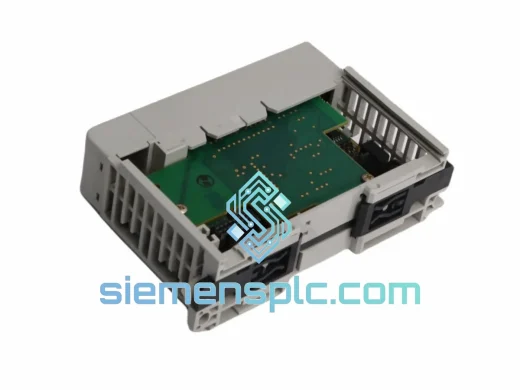
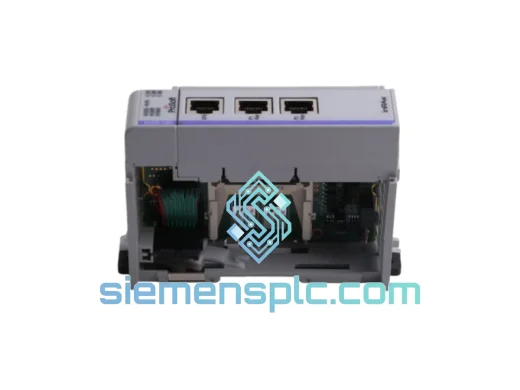
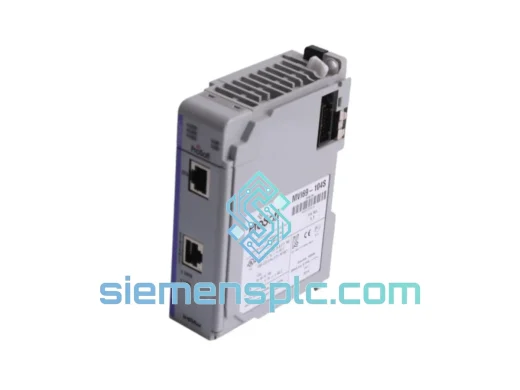
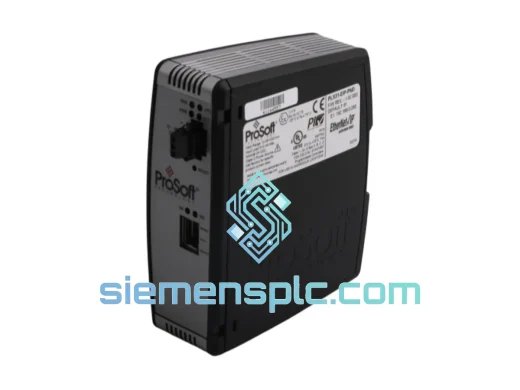
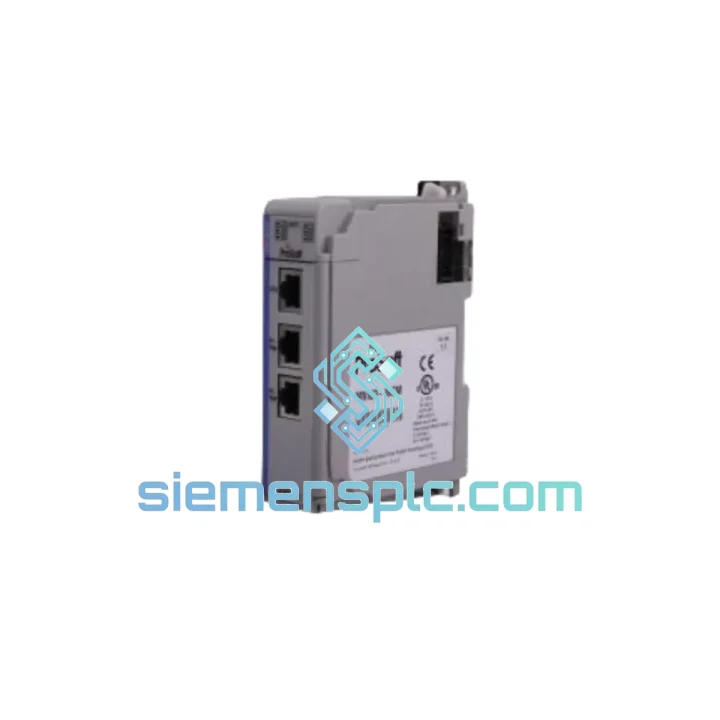
ProSoft PLX31-EIP-PND Protocol Gateway – PLX31 Series
Origin US
Protocol Gateway
Request verified availability, condition, replacement risk review, packing options and courier lead time for MVI69E-MBTCP.
Click Request Quote and the part number is inserted into the inquiry form automatically.
Core fields for model confirmation and RFQ routing. Detailed product narrative remains below.
Your CompactLogix system is down. The Modbus TCP/IP communication link is dead. Production is stopped. You’ve already traced the fault to the MVI69E-MBTCP — and now you need a replacement unit on-site before the next shift. We’ve been in that control room. We know what that pressure feels like. That’s exactly why we stock the ProSoft MVI69E-MBTCP in Xiamen, ready to ship same-day via DHL or FedEx Express to anywhere on the planet.
No waiting on distributor lead times. No 6-week factory order. One call, one unit, one shipment — your line back online.
URGENT REQUIREMENT? Contact: [email protected] | WhatsApp: +86 18359268345
| Parameter | Specification | Status |
|---|---|---|
| Part Number | MVI69E-MBTCP | ✔ Ready to Ship |
| Manufacturer | ProSoft Technology | OEM Original |
| Protocol | Modbus TCP/IP — Client & Server simultaneous | — |
| Platform | Allen-Bradley CompactLogix 1769, MicroLogix 1500 | — |
| Ethernet Ports | 2 × RJ-45, 10/100 Mbps, auto-negotiate | — |
| Client Sessions | Up to 100 simultaneous Modbus TCP/IP clients | — |
| Server Sessions | Up to 100 simultaneous Modbus TCP/IP servers | — |
| Data Registers | 5,000 input / 5,000 output (32-bit capable) | — |
| Backplane Interface | 1769 CompactLogix in-chassis bus | — |
| Power Draw | 800 mA @ 5 VDC (backplane supplied) | — |
| Operating Temp | 0°C to +60°C | — |
| Storage Temp | −40°C to +85°C | — |
| Humidity | 5%–95% non-condensing | — |
| Certifications | UL, CE, RoHS | — |
| Config Tool | ProSoft Configuration Builder (PCB) — free download | — |
| Firmware Update | Over Ethernet — no module removal required | — |
| Form Factor | Single-slot 1769 CompactLogix module | — |
| Ship Origin | Xiamen, China | ✔ Ready to Ship |
After ten years of field work, these are the failure patterns and swap pitfalls that catch engineers off guard with the MVI69E-MBTCP:
Common Fault Indicators
Replacement Procedure — Field Checklist
Configuration Notes
Industrial environments don’t forgive weak hardware. The MVI69E-MBTCP was designed for the kind of punishment that kills consumer-grade electronics in weeks.
The module’s conformal-coated PCB resists moisture ingress and condensation — critical in coastal plants, food processing facilities, and outdoor enclosures where humidity swings are constant. Operating across 0°C to +60°C without derating, it handles the thermal cycling that occurs in enclosures with poor ventilation or seasonal temperature extremes. Storage down to −40°C means units can be warehoused in unheated facilities without risk of component damage before deployment.
Vibration tolerance is built into the 1769 form factor itself — the in-chassis mounting eliminates the cable flex failures that plague external gateway solutions. There are no loose connectors between the module and the controller backplane. The RJ-45 Ethernet ports use a latching connector design; in high-vibration environments, always use locking Ethernet cables or secure the cable with a cable tie anchor near the port.
The dual-port Ethernet architecture also provides a passive redundancy path. In a ring topology using Device Level Ring (DLR), a single cable break does not interrupt communication — the module continues operating on the surviving path while the network self-heals. For critical production lines, this is not optional — it’s the difference between a 30-second network recovery and a 30-minute troubleshooting session.
Every unit we ship undergoes a pre-dispatch power-on check: module enumeration on the network, backplane communication verification, and LED status confirmation. We do not ship cold-storage units without functional verification.
Our warehouse is located in Xiamen, Fujian Province — one of China’s primary export hubs with direct access to DHL, FedEx, and UPS international express networks. Orders confirmed before 15:00 CST ship same business day.
Typical transit times from Xiamen:
All shipments include full tracking from pickup to delivery. Commercial invoice, packing list, and certificate of origin are provided with every shipment for customs clearance. For urgent orders requiring customs pre-clearance documentation or specific HS code declarations, contact us before placing the order — we handle the paperwork so your receiving team doesn’t face delays at the border.
For extremely time-critical situations — line-down emergencies where every hour counts — we can arrange charter courier or hand-carry delivery to select destinations. Contact us directly on WhatsApp for real-time logistics coordination: +86 18359268345.
Email: [email protected]
WhatsApp: +86 18359268345
Web: siemensplc.com
© 2026 siemensplc.com. All rights reserved.
We check the full part number, brand, series and visible nameplate information before quotation.
Sales confirms stock path, condition option, quantity and realistic lead time for export dispatch.
DHL, FedEx, UPS or buyer courier arrangements can be reviewed with packing requirements.
Similar brand or category products for fast comparison and multi-item RFQ lists.