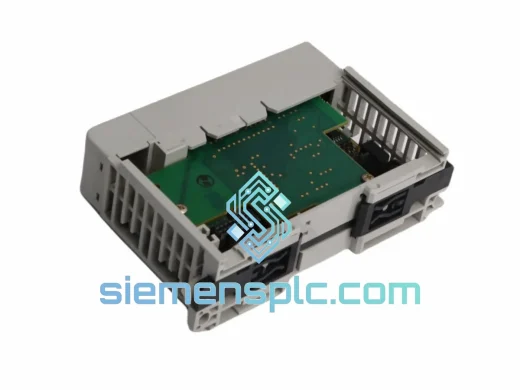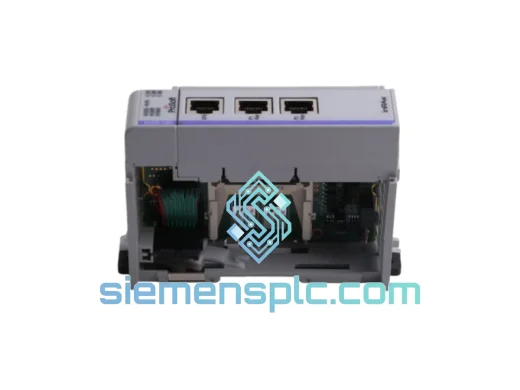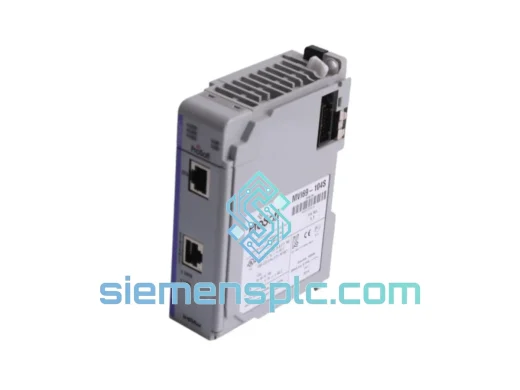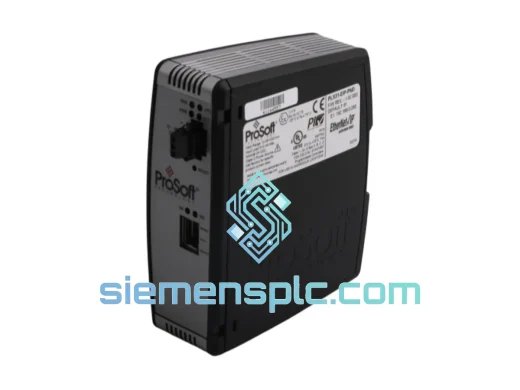
ProSoft Technology
RFQ Ready
ProSoft PLX31-EIP-PND Protocol Gateway – PLX31 Series
Origin US
Protocol Gateway
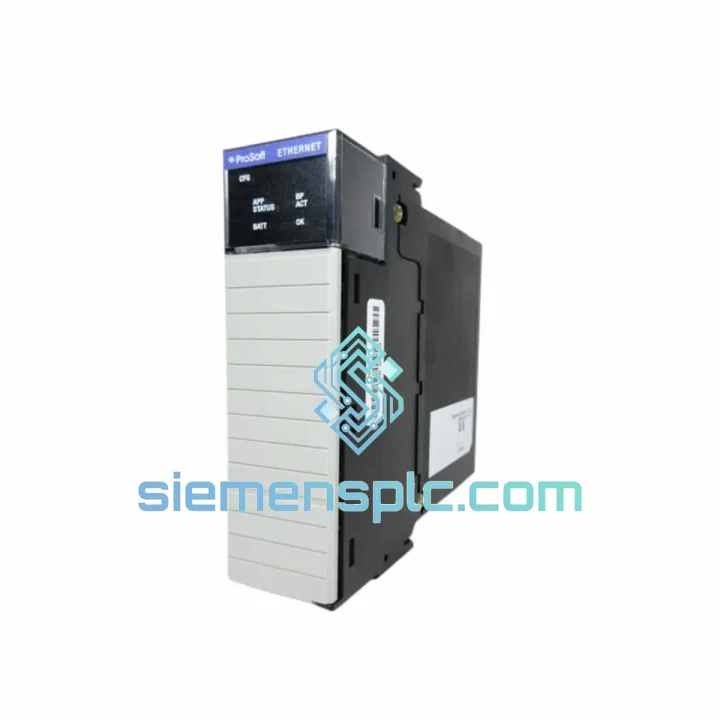
Request verified availability, condition, replacement risk review, packing options and courier lead time for MVI94-MCM.
Click Request Quote and the part number is inserted into the inquiry form automatically.
Core fields for model confirmation and RFQ routing. Detailed product narrative remains below.
Your ControlLogix system is down. The Modbus gateway is dead. Every minute the line sits idle, you’re bleeding money — production losses, penalty clauses, maintenance overtime. You don’t need a sales pitch. You need the MVI94-MCM on your bench by tomorrow.
We stock the ProSoft MVI94-MCM in Xiamen and ship globally via DHL Express and FedEx International Priority. Orders confirmed before 15:00 CST go out the same day. No middlemen. No warehouse delays. Direct to your site.
URGENT REQUIREMENT?
📧 [email protected] | 💬 WhatsApp: +86 18359268345
| Parameter | Specification | Status |
|---|---|---|
| Part Number | MVI94-MCM | ✅ Ready to Ship |
| Manufacturer | ProSoft Technology | 100% Original |
| Series | MVI94 (ControlLogix) | — |
| Host Platform | Rockwell Automation 1756 ControlLogix Backplane | — |
| Supported Protocols | Modbus RTU, Modbus ASCII (Master & Slave) | — |
| Serial Ports | 2 × RS-232 / RS-422 / RS-485 (software selectable) | — |
| Max Throughput | 250 messages/second | — |
| Data Table Depth | Up to 5,000 registers (combined I/O) | — |
| Baud Rate Range | 110 – 115,200 bps | — |
| Backplane Power Draw | 800 mA @ 5 VDC | — |
| Operating Temperature | 0°C to +60°C | — |
| Storage Temperature | -40°C to +85°C | — |
| Humidity | 5% – 95% non-condensing | — |
| Slot Requirement | Single slot, any position in 1756 chassis | — |
| Certifications | UL, CE, cUL, RoHS | — |
| Configuration Tool | ProSoft Configuration Builder (PCB) — free | — |
| Firmware | Factory original, no re-flash required | — |
| Ship Weight | ~400 g | — |
| Origin | USA | — |
Ten years of field calls on this platform. Here’s what actually matters when you’re swapping an MVI94-MCM under pressure:
Step 1 — Capture the config before you pull the old module.
If the original module still powers up (even partially), connect ProSoft Configuration Builder (PCB) and upload the existing .mvi94 configuration file. Save it. If the module is completely dead, check the ControlLogix controller’s non-volatile memory or the project backup in Studio 5000 — the MSG instruction parameters embedded in the ladder logic will reconstruct your command list.
Step 2 — Slot assignment is not automatic.
The MVI94-MCM does not auto-address. The slot number is hardcoded in the PCB configuration under Module Setup → Backplane → Slot Number. If you drop the replacement into a different physical slot than the original, update this value before downloading the config or the module will fail to communicate with the controller. Fault code 16#0204 (connection timeout) is the most common symptom of a slot mismatch.
Step 3 — No DIP switches on this module.
Unlike older ProSoft platforms (MVI46, MVI56 early revisions), the MVI94-MCM has no physical DIP switches. All port parameters — baud rate, parity, stop bits, RS-232/422/485 mode — are set entirely in PCB. Don’t waste time looking for hardware jumpers.
Step 4 — Firmware version check.
Open PCB → Module → About after connecting. Confirm the firmware revision matches your existing AOI (Add-On Instruction) files in Studio 5000. Mismatched firmware and AOI versions cause intermittent data corruption in the produced/consumed tag arrays. ProSoft’s support portal lists compatible firmware-to-AOI pairings by revision date.
Step 5 — RS-485 bus termination.
If you’re running a multi-drop RS-485 network, verify 120 Ω termination resistors are present at both physical ends of the cable run — not at every device, only the two endpoints. A missing terminator causes reflection errors that manifest as sporadic CRC failures and slave timeouts, especially at baud rates above 19,200 bps.
Common fault codes and what they actually mean:
The MVI94-MCM was not designed for a climate-controlled server room. It was built for the floor — and it shows.
The module’s conformal-coated PCB resists moisture ingress in high-humidity environments such as coastal chemical plants, offshore platforms, and tropical processing facilities. Operating humidity tolerance of 5–95% non-condensing is not a marketing figure; it reflects real-world deployment data from installations in Southeast Asian palm oil mills and Middle Eastern desalination plants where ambient humidity routinely exceeds 80%.
Vibration tolerance is validated to IEC 60068-2-6 standards. The 1756 backplane locking mechanism combined with the module’s solid-state design means there are no mechanical relays or moving parts to fatigue under continuous vibration — a critical factor in compressor skid and pump station installations where 10–150 Hz vibration profiles are constant.
Thermal performance across the 0°C to +60°C operating range is achieved without active cooling. The module’s power dissipation profile (800 mA × 5 V = 4 W) is managed entirely through the chassis backplane’s passive thermal path. In high-ambient installations (steel mill control rooms, outdoor enclosures in summer), verify the chassis power supply’s derating curve and ensure adequate enclosure ventilation — the module itself will not fail, but an undersized power supply will.
Storage at -40°C means the module survives cold-chain shipping to northern European and Canadian sites without pre-conditioning. Units shipped from our Xiamen warehouse in winter months are packed with desiccant and thermal insulation to maintain storage spec integrity during transit.
Our dispatch hub is in Xiamen, China — one of the country’s primary export ports with direct DHL and FedEx gateway access. This is not a drop-ship arrangement. Stock is physically on our shelves.
Typical transit times from Xiamen:
Every shipment includes: real-time tracking number issued within 2 hours of dispatch, commercial invoice with correct HS Code (8537.10.9000) for customs clearance, packing list, and optional Certificate of Conformance (CoC) on request. For sites with strict import documentation requirements (pharmaceutical, nuclear, defense-adjacent), contact us before ordering to arrange pre-shipment paperwork.
Emergency same-day dispatch is available for orders confirmed before 15:00 CST Monday–Saturday. If your line is down and every hour counts, call or WhatsApp us directly — we will confirm stock, generate the airway bill, and send you the tracking number before end of business.
Import duties and local taxes are the buyer’s responsibility. We declare accurate commercial values — we do not under-declare for customs purposes.
📧 Email: [email protected]
💬 WhatsApp: +86 18359268345
🌐 Web: siemensplc.com
© 2026 siemensplc.com. All rights reserved.
We check the full part number, brand, series and visible nameplate information before quotation.
Sales confirms stock path, condition option, quantity and realistic lead time for export dispatch.
DHL, FedEx, UPS or buyer courier arrangements can be reviewed with packing requirements.
Similar brand or category products for fast comparison and multi-item RFQ lists.