Yokogawa
RFQ Ready
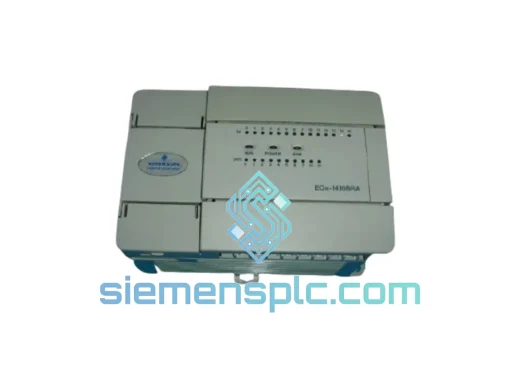
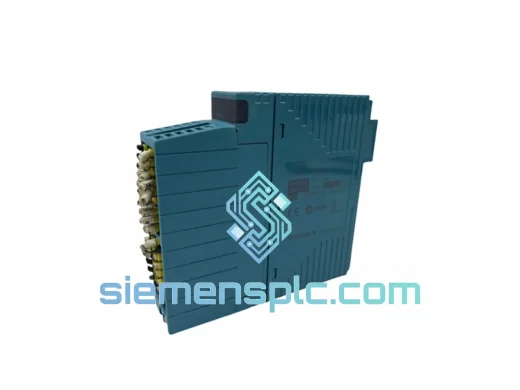
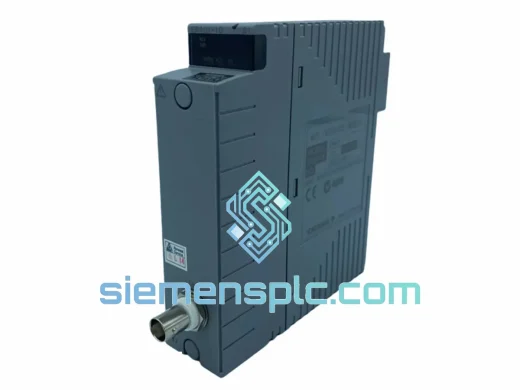
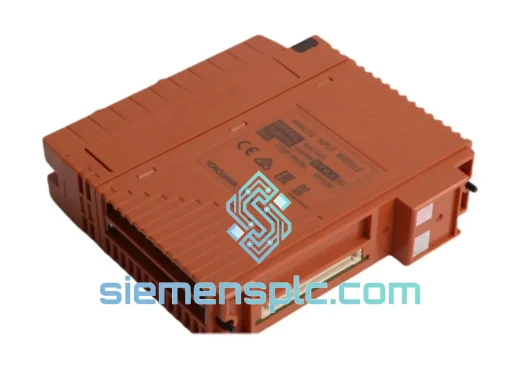
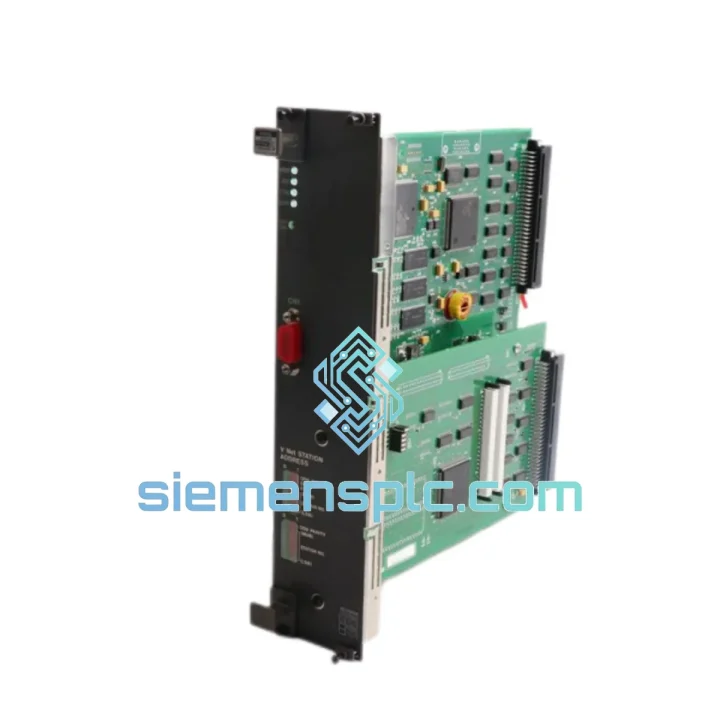
Yokogawa SAI143-H63/PRP S3 DCS Analog Input Module
CENTUM VP
Origin JP
DCS Analog Input Module
Request verified availability, condition, replacement risk review, packing options and courier lead time for MX2*D.
Click Request Quote and the part number is inserted into the inquiry form automatically.
Core fields for model confirmation and RFQ routing. Detailed product narrative remains below.
Every hour your MX100 DAQSTATION sits offline, you’re bleeding money. A failed MX2*D I/O card doesn’t just interrupt data logging — it halts batch records, trips safety interlocks, and puts your entire production line under a compliance microscope. We’ve seen it happen in pharmaceutical cleanrooms at 2 AM and on petrochemical DCS panels mid-shift. The fix is always the same: get the right card, fast, and get it seated correctly the first time.
We stock the YOKOGAWA MX2*D I/O expansion card in Xiamen and ship globally via DHL Express and FedEx Priority. Most orders clear customs and land on your bench within 3–5 business days. No waiting on OEM lead times. No compromise on authenticity.
⚡ URGENT REQUIREMENT? Contact: [email protected] | WhatsApp: +86 18359268345
| Manufacturer | YOKOGAWA Electric Corporation |
| Full Part Number | MX2*D (sub-model suffix denotes channel/input type — confirm at inquiry) |
| Platform Series | MX100 DAQSTATION Modular Data Acquisition System |
| Module Function | I/O Expansion Card for multi-channel signal acquisition |
| Supported Input Types | Thermocouple (B/E/J/K/N/R/S/T), RTD (Pt100/Pt1000), DC voltage (mV/V), DC current (mA), pulse (model-dependent) |
| Channel Isolation | Channel-to-channel isolation (sub-model dependent) |
| Compatible Mainframes | YOKOGAWA MX100, MX150 power supply, DAQSTATION series |
| Communication Interface | Internal MX100 backplane bus |
| Operating Temperature | 0°C to +50°C |
| Storage Temperature | -20°C to +60°C |
| Humidity | 5% to 90% RH (non-condensing) |
| Weight | Approx. 600 g |
| Compliance | CE, RoHS, IEC 61010-1, ISO 9001 |
| Condition | New / Surplus / Refurbished (specify at inquiry) |
| Stock Status | ✅ Ready to Ship from Xiamen |
Swapping an MX2*D is not a plug-and-pull job if you want zero re-commissioning headaches. Here’s what 10 years of field work has taught us:
1. Confirm the exact sub-model before you pull the card. The asterisk in MX2*D is a wildcard — MX2AD, MX2BD, MX2CD each have different channel counts and input type configurations. Pulling the wrong replacement card means a second shutdown. Check the label on the card edge and cross-reference with your MX100 system configuration file (.MXC) before ordering.
2. Power down the mainframe completely. The MX100 does not support hot-swap on I/O cards. Attempting to seat or remove the MX2*D with the mainframe energized risks backplane bus corruption and can damage the card’s analog front-end. Shut down DAQSTANDARD, close all active scan groups, then cut power at the MX150 supply.
3. Check the slot address assignment. Each I/O card slot in the MX100 mainframe carries a fixed slot number (01–06 depending on mainframe size). The MX2*D does not have physical DIP switches for address setting — slot address is determined by physical position. If you’re moving the card to a different slot, you must update the channel assignment in DAQSTANDARD under System Configuration → Module Assignment before re-scanning.
4. Firmware compatibility check. If your MX100 mainframe firmware is below version 3.xx, some MX2*D sub-models with extended input ranges may not be recognized. Connect via Ethernet to the MX100 web interface and verify the firmware version under System Info → Firmware. Contact YOKOGAWA or our technical team for firmware update files if needed.
5. Common fault codes to know:
6. Post-installation verification. After seating the new card and powering up, run a single-point calibration check on at least two channels using a known reference source (precision RTD simulator or thermocouple calibrator). Do not trust the first scan data without verification — especially in pharmaceutical or safety-instrumented environments.
The MX2*D was engineered for environments that would kill consumer-grade electronics in a week. YOKOGAWA’s industrial design philosophy puts the analog front-end through vibration testing per IEC 60068-2-6 (sinusoidal, 10–150 Hz, 2G), shock testing per IEC 60068-2-27, and thermal cycling across the full -20°C to +60°C storage range before a single unit leaves the factory.
In the field, we’ve seen MX2*D cards running continuously for 8+ years in steel mill environments with ambient temperatures hitting 45°C and particulate contamination that would clog a standard HVAC filter in days. The conformal coating on the PCB provides a meaningful barrier against humidity-driven corrosion — a critical factor in coastal chemical plants and tropical climates where relative humidity regularly exceeds 80%.
The card’s isolated channel architecture means a wiring fault or ground loop on one channel does not cascade into adjacent measurement points. In a 20-channel thermocouple application, that isolation boundary has saved more than one batch record from total invalidation. The backplane connector is rated for 500+ insertion cycles — relevant when you’re doing annual preventive maintenance card pulls across a multi-mainframe installation.
For installations in classified hazardous areas, note that the MX100 system (including the MX2*D card) requires installation in a purged or pressurized enclosure rated for the zone classification. The card itself is not intrinsically safe — consult your safety engineer before deploying in Zone 1 or Division 1 environments.
Our warehouse is located in Xiamen, Fujian Province — one of China’s primary export hubs with direct access to DHL, FedEx, and UPS international gateways. Here’s exactly how your order moves:
All shipments include full export documentation. For buyers requiring specific Incoterms (EXW, FOB, CIF, DAP), customs pre-clearance support, or consolidated shipments with other parts, contact us before placing your order. We handle urgent air freight for critical downtime situations — if your plant is down, tell us, and we’ll prioritize your shipment at the carrier level.
📧 Email: [email protected]
📱 WhatsApp: +86 18359268345
🌐 Web: siemensplc.com
© 2026. All rights reserved.
We check the full part number, brand, series and visible nameplate information before quotation.
Sales confirms stock path, condition option, quantity and realistic lead time for export dispatch.
DHL, FedEx, UPS or buyer courier arrangements can be reviewed with packing requirements.
Similar brand or category products for fast comparison and multi-item RFQ lists.