Pro-face
RFQ Ready
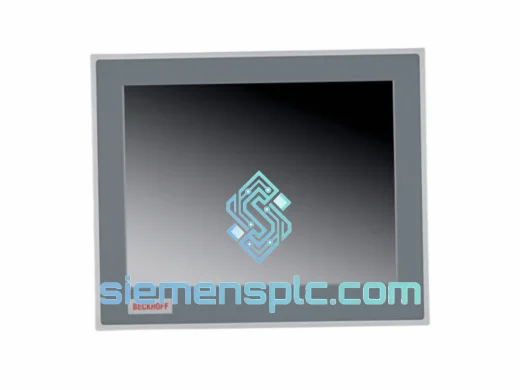
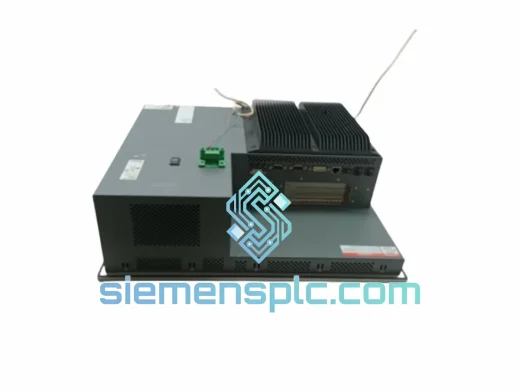
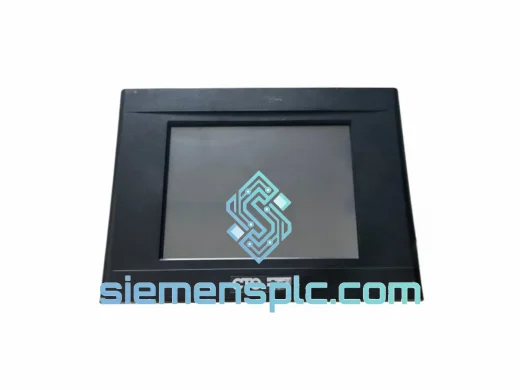
Pro-face PL6700-T11-W901F Industrial HMI Panel – GP-Pro EX
Origin Japan
Industrial HMI Touch Panel
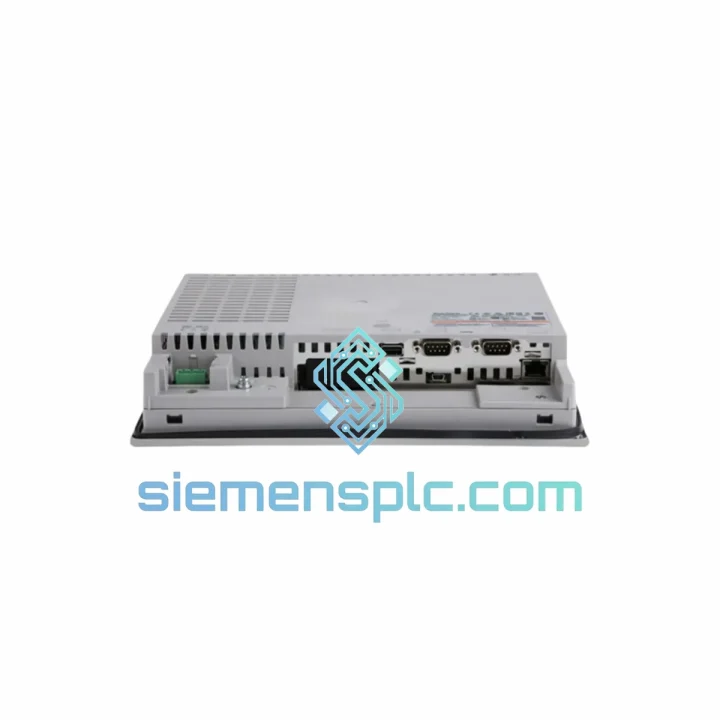
Request verified availability, condition, replacement risk review, packing options and courier lead time for PFXGP4501TAD.
Click Request Quote and the part number is inserted into the inquiry form automatically.
Core fields for model confirmation and RFQ routing. Detailed product narrative remains below.
Your line is down. The operator screen is black, frozen, or throwing a communication fault. Every minute the GP4000 panel stays offline, your production schedule bleeds money. The Pro-face PFXGP4501TAD is a 10.4″ TFT color HMI that sits at the heart of thousands of running machines worldwide — and when it fails, there is no workaround. You need an exact replacement, verified, tested, and on a plane today.
We stock the PFXGP4501TAD in Xiamen and ship globally via DHL Express and FedEx International Priority. Order confirmed before 3 PM CST ships same business day. No waiting on factory lead times. No grey-market risk. Just a genuine Pro-face unit with your project loaded and your line back up.
URGENT REQUIREMENT? Contact: [email protected] | WhatsApp: +86 18359268345
| Part Number | PFXGP4501TAD ✅ Ready to Ship |
| Brand | Pro-face (Schneider Electric) |
| Series | GP4000 |
| Display | 10.4″ TFT Color LCD, 640 × 480 (VGA), 65,536 colors |
| Touch Type | Analog Resistive |
| Backlight | LED — 50,000 hr MTBF |
| CPU | ARM Cortex-A8 @ 800 MHz (Freescale i.MX515) |
| RAM / Flash | 256 MB / 512 MB |
| OS | Windows CE 6.0 |
| Software | GP-Pro EX (v3.0 and later) |
| Comms | RS-232C ×2, RS-422/485 ×1, USB Host ×2, USB Device ×1, Ethernet 10/100BASE-T ×1 |
| Storage Slots | CF Card (Type II) + SD/SDHC |
| Power Input | 24 VDC ±10%, ~25 W |
| Operating Temp | 0 °C to +50 °C |
| Humidity | 10–90% RH, non-condensing |
| Front Protection | IP65f (IEC 60529) |
| Vibration | 10–57 Hz: 0.075 mm; 57–150 Hz: 9.8 m/s² |
| Weight | Approx. 1.74 kg |
| Country of Origin | Japan |
| HS Code | 8537.10.99 |
| Stock Status | ✅ In Stock — Ships Same Day |
Most common failure modes on the PFXGP4501TAD:
1. Black screen / no backlight on power-up
First, confirm 24 VDC is present at the power terminals — measure directly at the connector, not upstream. If voltage is good and the unit is completely dark, the LED backlight driver board has likely failed. This is not field-repairable. Swap the unit. Before pulling the panel, check whether the screen-saver timeout has triggered — touch the screen and wait 5 seconds. If no response, it is a hardware fault.
2. Touch input not registering or drifting
Analog resistive touch layers degrade over time, especially in high-cycle applications. Run the built-in touch calibration utility (hold the top-left corner on boot to enter calibration mode). If calibration completes but drift persists within 30 minutes of operation, the touch overlay is worn and the unit needs replacement. Do not attempt to re-laminate — the overlay is bonded to the LCD assembly.
3. Communication fault / PLC not connecting after replacement
This is the most common post-swap issue. The PFXGP4501TAD stores its project file on internal flash. When you install a new unit, the flash is blank — the panel will boot to a white screen with a “No Project” message. Steps to restore:
— Copy your GP-Pro EX project (.prx file) to a CF card or USB stick.
— Insert into the new panel and use the System Menu (hold top-right corner on boot) → Transfer → Download from CF/USB.
— After download, verify the PLC driver settings match your original: baud rate, station number, and protocol variant (e.g., Mitsubishi Q-series vs. iQ-R uses different frame formats).
— If the original project file is lost, use GP-Pro EX’s “Upload from Panel” function on the old (faulty) unit — even a unit with a dead screen can often still communicate via USB Device port.
4. Ethernet communication dropping intermittently
Check the IP address configuration in System Menu → Network Settings. Confirm no IP conflict exists on the subnet. The GP4000 does not support DHCP by default — it requires a static IP. Also verify the Ethernet cable is Cat5e or better; marginal cables cause intermittent faults that are difficult to trace.
5. CF card not recognized
The PFXGP4501TAD requires FAT16 or FAT32 formatted CF cards. Cards larger than 2 GB may not be recognized depending on firmware version. Use a 512 MB or 1 GB industrial-grade CF card for maximum compatibility. Format the card on a PC before first use.
Firmware note: If replacing a unit running an older GP-Pro EX runtime version, check the firmware version in System Menu → System Information. Mismatched firmware between the panel and the project file can cause screen rendering errors or communication driver failures. Download the matching runtime from Pro-face’s support portal and update via CF card before loading the project.
The GP4000 platform was engineered for environments where consumer-grade electronics last weeks, not years. The PFXGP4501TAD’s front panel carries an IP65f rating — the gasket seal around the bezel blocks dust ingress completely and resists direct water jets, making it suitable for food processing lines, outdoor enclosures, and washdown zones without additional protection.
Vibration tolerance is validated to IEC 60068-2-6: the unit withstands 0.075 mm displacement amplitude from 10 to 57 Hz and 9.8 m/s² acceleration from 57 to 150 Hz. In practice, this covers conveyor frames, press machine cabinets, and compressor rooms where panel vibration is a constant stress factor.
The LED backlight eliminates the thermal cycling failure mode that plagued CCFL-backlit predecessors. Rated at 50,000 hours MTBF under normal operating conditions, the backlight outlasts most machine service intervals. The ARM Cortex-A8 processor runs cool under continuous load — no active cooling fan means no fan bearing failures, no dust accumulation on heatsinks, and no noise in clean-room environments.
Operating temperature range of 0 °C to +50 °C covers the vast majority of industrial panel installations. For sub-zero environments, the unit can be paired with a panel heater on a thermostat — the storage rating of -20 °C means cold-start damage is not a concern during winter shutdowns.
Our warehouse is located in Xiamen, Fujian — one of China’s primary export hubs with direct access to DHL, FedEx, and UPS international gateways. Here is exactly what happens after you confirm your order:
Day 0 (Order Confirmed): Unit pulled from stock, power-on tested, packed in anti-static foam with original accessories. Commercial invoice, packing list, and Certificate of Conformance prepared. Shipment booked with DHL Express or FedEx International Priority based on your destination.
Day 1: Parcel collected by courier and cleared through Xiamen customs. Tracking number issued to your email within 2 hours of pickup. For urgent orders, we can arrange same-day airport drop-off for next-flight-out service.
Day 2–4 (Most Destinations): DHL Express delivers to major industrial cities in Southeast Asia, Europe, and North America within 2–4 business days from Xiamen. Remote locations may require one additional day.
We handle all export documentation including HS code classification (8537.10.99), country of origin declaration (Japan), and CITES/dual-use compliance checks where applicable. For customers in the EU, we can provide EORI-compliant documentation. For US imports, we prepare ACE-compatible commercial invoices to minimize customs clearance delays.
Emergency freight options available: contact us directly on WhatsApp for same-day courier booking and live shipment tracking coordination.
📧 Email: [email protected]
💬 WhatsApp: +86 18359268345
🌐 Web: siemensplc.com
© 2026 siemensplc.com. All rights reserved.
We check the full part number, brand, series and visible nameplate information before quotation.
Sales confirms stock path, condition option, quantity and realistic lead time for export dispatch.
DHL, FedEx, UPS or buyer courier arrangements can be reviewed with packing requirements.
Similar brand or category products for fast comparison and multi-item RFQ lists.