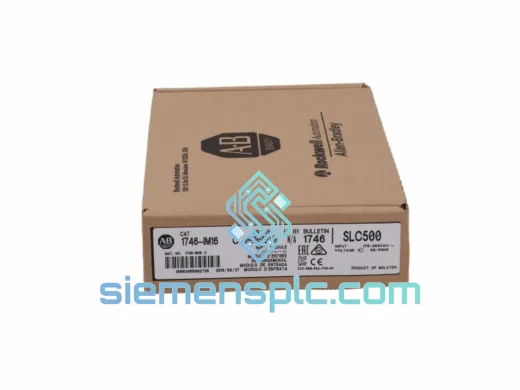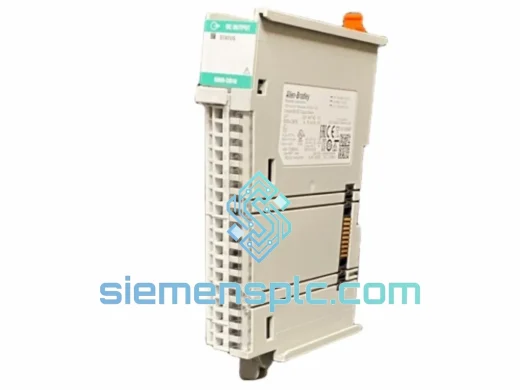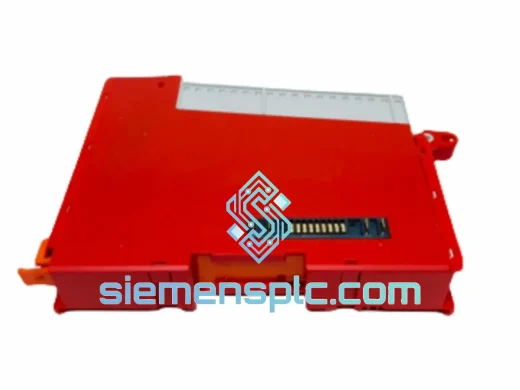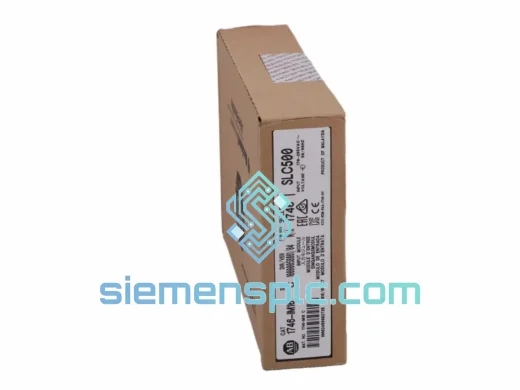
Allen-Bradley
RFQ Ready
Allen-Bradley DIM16 Discrete Input Module
SLC 500
Origin US
Discrete Input Module
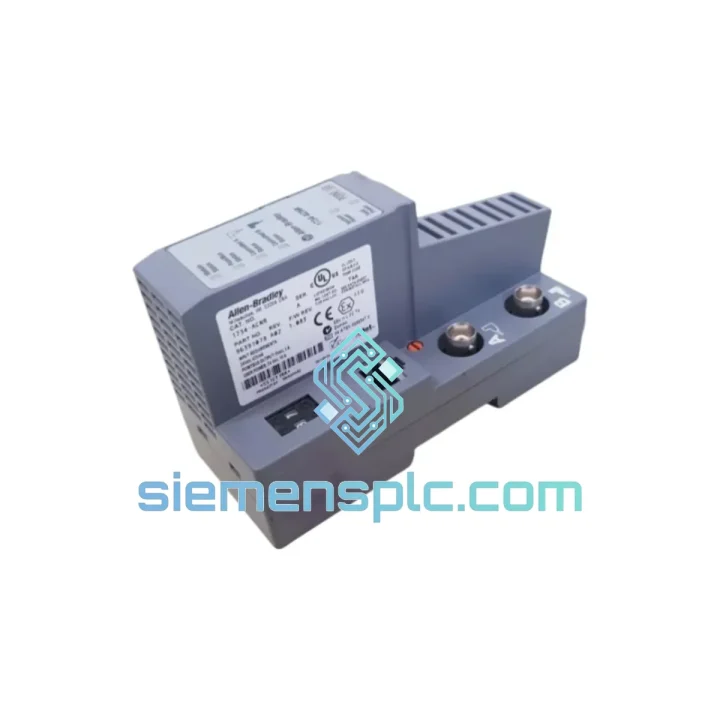
Request verified availability, condition, replacement risk review, packing options and courier lead time for 1734-ACNR.
Click Request Quote and the part number is inserted into the inquiry form automatically.
Core fields for model confirmation and RFQ routing. Detailed product narrative remains below.
A failed ControlNet adapter doesn’t just drop one I/O module — it takes your entire Point I/O rail offline. No scheduled connections, no real-time data, no production. If you’re reading this during a live outage, here’s what matters: we have the Allen-Bradley 1734-ACNR on the shelf in Xiamen, tested, boxed, and ready to move via DHL Express or FedEx International Priority within hours of order confirmation. Most destinations in Southeast Asia receive next-business-day. Europe and North America: 2–3 business days door to door.
The 1734-ACNR is the dedicated ControlNet communication adapter for Rockwell Automation’s Point I/O platform. It is not a generic fieldbus gateway — it is purpose-built for ControlNet’s time-division multiplexing architecture, delivering deterministic 5 Mbps scheduled I/O across up to 63 downstream modules on a single rail. When this unit fails, there is no workaround. You need an exact replacement, fast.
URGENT REQUIREMENT? Contact: [email protected] | WhatsApp: +86 18359268345
| Parameter | Specification | Notes |
|---|---|---|
| Part Number | 1734-ACNR | ✅ Ready to Ship |
| Platform | Allen-Bradley Point I/O | 1734 Series |
| Network Protocol | ControlNet (IEC 61158 Type 2) | 5 Mbps fixed |
| Max I/O Modules | 63 per adapter | Single rail segment |
| Supply Voltage | 24V DC (18–32V DC range) | Backplane + CN port |
| Backplane Current | 100 mA @ 5V DC | — |
| Power Consumption | 2.4W backplane / 1.0W CN port | — |
| Connector – Network | BNC coaxial (×2, trunk + drop) | ControlNet standard |
| Connector – Power | 10-pin removable terminal block | — |
| Dimensions (H×W×D) | 94 × 12 × 71 mm | 12 mm slot width |
| Weight | ~300 g (with base) | — |
| Operating Temp | 0°C to +55°C | — |
| Storage Temp | −40°C to +85°C | — |
| Humidity | 5–95% non-condensing | — |
| Vibration | 2g @ 10–500 Hz | IEC 60068-2-6 |
| Shock | 30g operational | IEC 60068-2-27 |
| IP Rating | IP20 | Panel-mount environment |
| Certifications | UL 508, CE, RoHS, ControlNet CI | — |
| Series Compatibility | Series A / Series B | Verify firmware rev before swap |
| Origin | USA | Rockwell Automation |
| Stock Status | In Stock – Xiamen Warehouse | ✅ Ready to Ship |
Common Failure Signatures
Before you pull the adapter, confirm the fault is actually the 1734-ACNR and not a network-level issue. The three most common misdiagnoses in the field:
Node Address Configuration — Critical Before Swap
The 1734-ACNR uses a rotary switch pair (×10 and ×1) on the front face to set its ControlNet node address. This is not software-configurable — it is hardware-set. Before removing the failed unit, photograph or record the switch positions. Valid node addresses are 1–99. Address 0 is reserved; the adapter will not join the network at address 0. If you are replacing a Series A with a Series B unit, the node address switches are in the same physical location and function identically.
Step-by-Step Hot-Swap Procedure
Firmware Compatibility Check
Series A and Series B 1734-ACNR units are electrically interchangeable, but firmware revision mismatches can cause scheduled connection failures with older ControlLogix 1756-CNB bridge modules running firmware below v4.x. If your CNB module is on legacy firmware, request a Series A unit specifically, or plan a CNB firmware update as part of the maintenance window. We can advise on revision availability — contact us before ordering if this applies to your installation.
Post-Replacement Verification Checklist
The 1734-ACNR is not a commercial-grade component dressed up for industrial use. It is designed from the ground up for the environments where Point I/O systems are actually deployed: the inside of a welding cell enclosure, a compressor station panel in a coastal refinery, a food processing line where washdown mist finds its way into every gap.
The BNC coaxial interface provides inherent electromagnetic shielding that twisted-pair Ethernet cannot match in high-noise environments. In VFD-dense panels where variable frequency drives generate broadband EMI across the 1–10 MHz range, ControlNet’s coaxial topology maintains signal integrity where EtherNet/IP installations require extensive cable routing discipline and shielding measures. The 1734-ACNR’s 2g vibration rating (IEC 60068-2-6, 10–500 Hz) covers the mechanical resonance frequencies generated by most industrial machinery, including reciprocating compressors and high-speed packaging equipment. The 30g operational shock rating (IEC 60068-2-27) handles the impact events common in press and stamping environments.
Operating range of 0°C to +55°C covers the majority of panel interior temperatures encountered in non-climate-controlled industrial facilities, including summer conditions in Southeast Asian and Middle Eastern installations where ambient temperatures regularly exceed 40°C. Units in our inventory are stored in a climate-controlled warehouse at 20–25°C with humidity maintained below 60% RH, preserving component integrity for immediate deployment.
Every unit shipped from our Xiamen facility undergoes a power-on functional test: 24V DC applied, LED status verified against Rockwell Automation’s diagnostic specification, and a live ControlNet connection test confirming scheduled data transfer without CRC errors. We do not ship untested stock.
Our dispatch hub is in Xiamen, Fujian Province — one of China’s primary export ports with direct DHL and FedEx gateway access. This is not a drop-ship arrangement. Stock is physically on our shelves, and orders confirmed before 14:00 CST ship the same business day.
Typical Transit Times from Xiamen:
All shipments include a commercial invoice, packing list, and certificate of origin. HS Code 8537.10 applies to this product category for customs classification. For destinations requiring an import license or end-user declaration for industrial automation components, contact us in advance — we have processed export documentation for over 50 countries and can advise on country-specific requirements before shipment.
Packaging: anti-static ESD bag, foam-lined inner box, double-walled outer carton. The 1734-ACNR’s 12 mm form factor makes it compact enough to ship as a document-class parcel on most carriers, reducing customs processing time at destination. Real-time tracking is provided at the time of dispatch. For urgent shipments, we can arrange Saturday delivery in most major markets at the carrier’s standard weekend surcharge.
Payment terms: T/T bank transfer, PayPal, and Western Union accepted. For established accounts, net-30 terms are available upon credit review. We issue a proforma invoice within 2 hours of inquiry confirmation.
Email: [email protected]
WhatsApp: +86 18359268345
Web: siemensplc.com
© 2026 siemensplc.com. All rights reserved.
We check the full part number, brand, series and visible nameplate information before quotation.
Sales confirms stock path, condition option, quantity and realistic lead time for export dispatch.
DHL, FedEx, UPS or buyer courier arrangements can be reviewed with packing requirements.
Similar brand or category products for fast comparison and multi-item RFQ lists.