
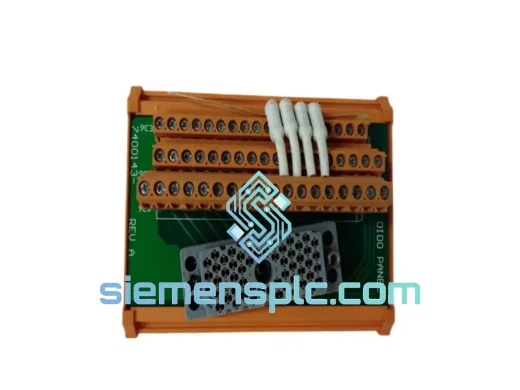
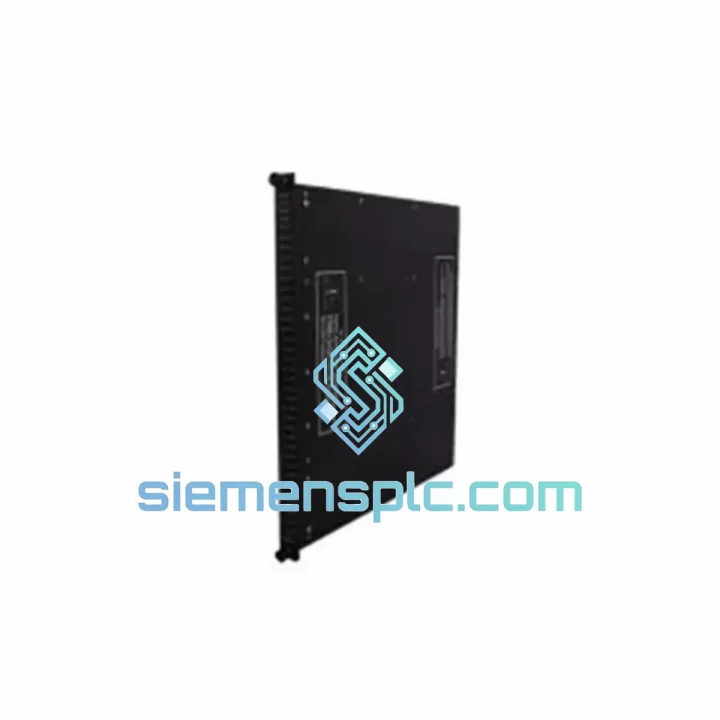
TRICONEX
In Stock OK
TRICONEX 3006 Safety PLC CPU Module
Request verified availability, condition, replacement risk review, packing options and courier lead time for 3006.
BrandTRICONEX
Part Number3006
ConditionAvailability Check
Lead TimeRFQ Confirmation
DocumentsDatasheet / photos by RFQ
ShippingExport packing available
Auto-filled RFQ
3006
Click Request Quote and the part number is inserted into the inquiry form automatically.
- Reply by email: [email protected]
- WhatsApp / Tel: +86 18359268345
- Mon-Sat 9:00-18:00 GMT+8
Procurement Data
Key Product Information
Core fields for model confirmation and RFQ routing. Detailed product narrative remains below.
- Brand
- TRICONEX
- Primary Part Number
- 3006
- Product Type
- Safety PLC CPU Module
- Series / Family
- Tricon
- Manufacturer
- TRICONEX (Invensys / Schneider Electric)
- Country of Origin
- US
- Catalog Category
- DCS & Safety Modules
- Operating Temp.
- 0°C to +60°C
- Humidity
- 5%–95% RH, non-condensing
- Warranty
- 12 months functional replacement warranty
Model confirmed for inquiry
3006
Send quantity, destination and urgency. The RFQ form keeps this part number attached.
Request Quote
Product Overview
TRICONEX 3006 TMR CPU – Every Hour of Downtime Costs You. We Ship Today.
Your Tricon safety system is down. The 3006 CPU has faulted. The plant is in safe-state hold, and every hour the process stays offline is burning through your margin. You don’t need a sales pitch — you need a verified, tested TRICONEX 3006 in your hands as fast as physically possible. That’s exactly what we do.
We stock the TRICONEX 3006 CPU module in Xiamen, China. Units are pre-tested, firmware-verified, and ready for same-day dispatch via DHL Express or FedEx International Priority. From our warehouse to your site — typically 2–5 business days, anywhere on the planet.
URGENT REQUIREMENT? Contact: [email protected] | WhatsApp: +86 18359268345
Quick Technical Datasheet
| Parameter | Specification |
|---|---|
| Part Number | 3006 |
| Manufacturer | TRICONEX (Invensys / Schneider Electric) |
| Platform | Tricon TMR Safety System (3000-series chassis) |
| Module Function | Central Processing Unit (CPU) — Triple Modular Redundancy |
| Voting Architecture | 1oo3 (one-out-of-three) with 2oo3 majority output |
| Safety Integrity Level | SIL 3 per IEC 61508 — TÜV certified |
| Processor Cores | 3× independent 32-bit processors (Leg A / B / C) |
| Memory | Battery-backed SRAM for program + data retention |
| Programming Interface | RS-232 front-panel port — TriStation 1131 compatible |
| Firmware Compatibility | Tricon v9.x / v10.x (verified before shipment) |
| Operating Temperature | 0°C to +60°C |
| Storage Temperature | -40°C to +85°C |
| Humidity | 5%–95% RH, non-condensing |
| Certifications | IEC 61508 SIL 3, TÜV, FM, CE |
| Weight | ~2.9 kg |
| Stock Status | ✅ Ready to Ship — Xiamen, China |
| Warranty | 12 months functional replacement warranty |
Troubleshooting & Replacement Tips
The 3006 CPU is robust, but when it fails, it usually fails in one of three patterns. Here’s what you’ll see and what to do:
Fault Pattern 1 — Single Leg Failure (Most Common)
The Tricon system logs a “Leg Fault” on Leg A, B, or C. The system continues operating in 2oo3 degraded mode. You have a window to replace the faulted CPU without a process shutdown. Do not ignore this — a second leg fault will force a safe-state trip. Pull the faulted module, insert the replacement, and allow the system to re-synchronize. Sync time is typically 2–5 minutes depending on program size.
Fault Pattern 2 — Memory Corruption / Checksum Error
The TriStation 1131 diagnostic screen shows a memory checksum mismatch or the CPU fails to load the application program after a power cycle. This is often caused by a failed battery-backed SRAM or a firmware corruption event. Replacement is the only reliable fix. After installing the new 3006, perform a full program download from TriStation 1131 — do not attempt to restore from the corrupted module’s memory.
Fault Pattern 3 — Communication Bus Failure
The 3006 stops responding on the backplane bus. Other modules in the chassis report “CPU not responding.” Check the backplane connector pins on the module first — corrosion or bent pins are a common culprit in humid environments. If the connector is clean and the fault persists, the internal bus interface has failed. Replace the module.
Replacement Checklist (Field-Verified Steps):
- Confirm the replacement 3006 firmware version matches your running system (check TriStation 1131 → System → Module Status). Mismatched firmware will prevent leg synchronization.
- Before pulling the faulted module, note the chassis slot position — the 3006 must return to the same slot (Slot 1 in standard Tricon main chassis configurations).
- The 3006 does not have user-configurable DIP switches. Configuration is entirely firmware and software-driven via TriStation 1131.
- After insertion, monitor the “Leg Status” LEDs on the front panel: all three legs should show green within 5 minutes. A persistent amber or red on the replacement leg indicates a firmware mismatch or backplane seating issue.
- Run a full diagnostic scan from TriStation 1131 after synchronization. Confirm no latched faults remain before returning the system to automatic mode.
- Document the swap in your MOC (Management of Change) log — required for SIL 3 compliance audits.
Reliability in Harsh Conditions
The TRICONEX 3006 was engineered for the worst environments the process industry can produce. Offshore platforms in the North Sea. Refineries in the Middle East running at 50°C ambient. Chemical plants with corrosive atmospheres. The module’s design reflects decades of field feedback from exactly these conditions.
The conformal-coated PCB resists moisture ingress and condensation — a critical feature for coastal and offshore installations where humidity cycles daily between 40% and 95%. The backplane connector uses gold-plated contacts rated for 500+ insertion cycles, maintaining reliable signal integrity even after repeated maintenance interventions.
Vibration tolerance meets IEC 60068-2-6 test profiles, covering the mechanical stress of rotating machinery nearby — compressors, turbines, and pumps that share the same equipment room. The module’s internal power regulation is designed to handle supply voltage fluctuations of ±15% without affecting processor synchronization or safety function execution.
Thermal management is passive — no fans, no moving parts. The aluminum heatsink and chassis airflow design maintain junction temperatures within spec across the full 0–60°C operating range. In our pre-shipment testing, every 3006 unit is subjected to a 48-hour burn-in cycle at elevated temperature to screen out infant mortality failures before the module ever reaches your site.
Global Express Logistics
Our dispatch hub is in Xiamen, China — one of the most connected export ports in Asia, with direct DHL and FedEx gateway access. Here’s exactly how your order moves:
- Order Confirmed (Day 0): Payment or PO received. Unit pulled from stock, final functional test performed, test report generated.
- Packed & Labeled (Day 0–1): Anti-static packaging, foam-lined outer carton. Commercial invoice, packing list, and HS code 8537.10 export documentation prepared.
- Customs Clearance (Day 1): Export declaration filed. Xiamen Customs typically clears industrial electronics within 4–8 hours for pre-registered exporters.
- In Transit (Day 1–5): DHL Express or FedEx International Priority. Real-time tracking number sent to your email immediately upon pickup scan.
- Delivery: Europe: 2–4 business days. Middle East: 2–3 business days. Americas: 3–5 business days. Southeast Asia: 1–2 business days.
For genuine emergencies — plant down, production stopped — contact us directly on WhatsApp. We can arrange same-day dispatch for orders confirmed before 14:00 CST and coordinate with DHL’s On-Demand Delivery service for after-hours airport pickup at your destination if needed.
Contact Information
Email: [email protected]
WhatsApp: +86 18359268345
Web: siemensplc.com
© 2026 siemensplc.com. All rights reserved.
Ready to quote
[email protected]
Send This Part Number to Sales
RFQ workflow
Quality workflow ->
Confirmation Process
01Model confirmation
We check the full part number, brand, series and visible nameplate information before quotation.
02Availability reply
Sales confirms stock path, condition option, quantity and realistic lead time for export dispatch.
03Packing & courier
DHL, FedEx, UPS or buyer courier arrangements can be reviewed with packing requirements.
Continue sourcing
Browse full catalog ->
Related Automation Parts
Similar brand or category products for fast comparison and multi-item RFQ lists.
TRICONEX
RFQ Ready
Triconex 8311 SIS Pressure Measuring Module
Tricon
Origin US
Safety Instrumented System Module
TRICONEX
RFQ Ready
Triconex 7400208C-020 Safety Terminator Module
Tricon
Origin US
Safety Terminator Module
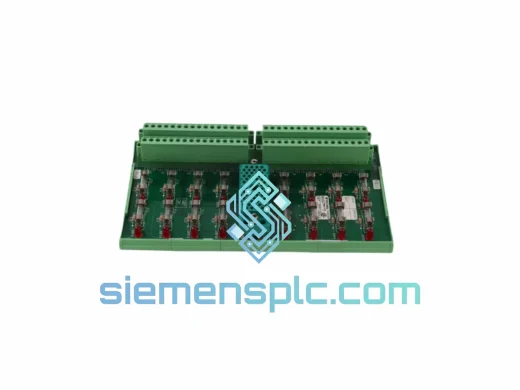
TRICONEX
RFQ Ready
Triconex 7400169-310 9662-1XX Termination Panel
Tricon
Origin US
Safety PLC Termination Panel