TRICONEX
RFQ Ready
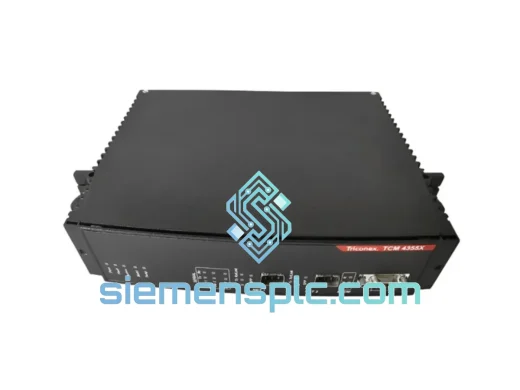
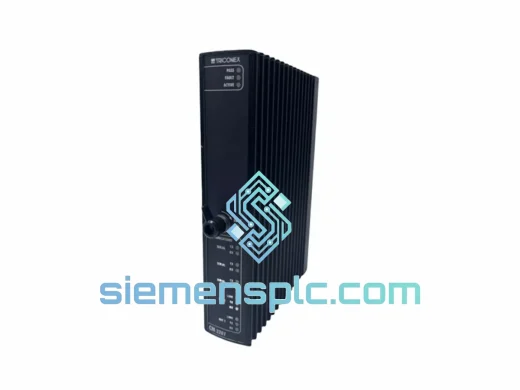
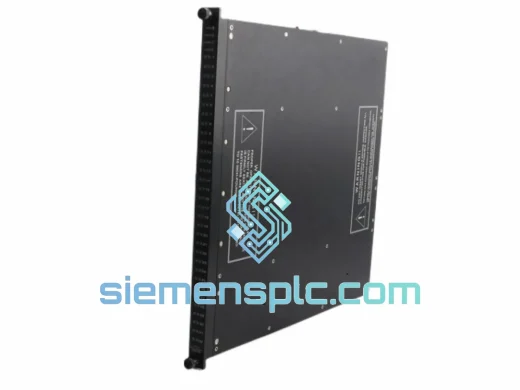
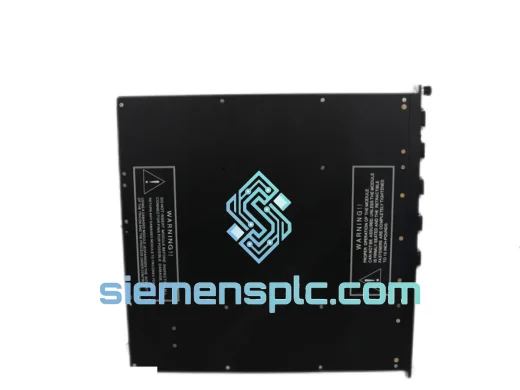
TRICONEX 4351B Communication Module – Tricon TMR
Tricon
Origin US
Communication Module
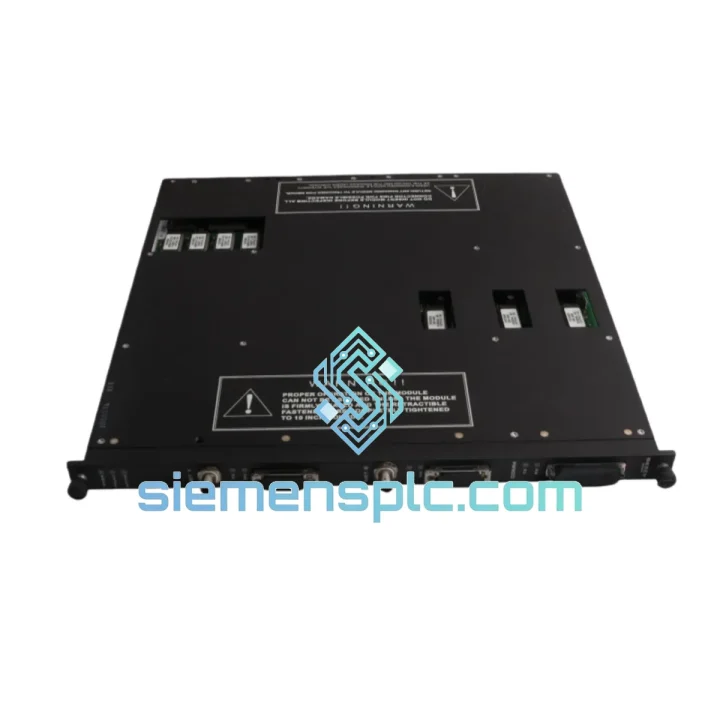
Request verified availability, condition, replacement risk review, packing options and courier lead time for 4329G.
Click Request Quote and the part number is inserted into the inquiry form automatically.
Core fields for model confirmation and RFQ routing. Detailed product narrative remains below.
Your Tricon safety system is offline. The 4329G network communication module has failed, and your DCS has lost visibility into the SIS. Production is halted. Every hour the plant sits idle, the financial bleeding accelerates — lost throughput, idle crews, regulatory exposure. You don’t need a sales pitch. You need the part, tested and on a plane, today.
We stock the Triconex 4329G in Xiamen. Verified original. Firmware-checked. ESD-packed and export-ready. DHL Express or FedEx International Priority — your call. Most orders clear customs and land on your bench within 3–5 business days, anywhere in the world.
URGENT REQUIREMENT? Contact: [email protected] | WhatsApp: +86 18359268345
| Parameter | Specification |
|---|---|
| Part Number | 4329G |
| Manufacturer | Triconex / Schneider Electric |
| Platform | Tricon TMR Safety System (v9.x / v10.x / v11.x) |
| Module Function | Network Communication Module (NCM) |
| Protocols | Modbus TCP/IP, TriStation 1131, OPC (via gateway) |
| Network Ports | Dual redundant 10/100 Mbps Ethernet (RJ-45) — NET A & NET B |
| Safety Rating | IEC 61508 SIL 3, TÜV-certified |
| Architecture | Triple Modular Redundant (TMR) — 2oo3 voting |
| Slot Type | CM slot (Communication Module slot) |
| Hot-Swap | Yes — online replacement without safety function interruption |
| Operating Temp | 0°C to +60°C |
| Storage Temp | -40°C to +85°C |
| Humidity | 5%–95% RH, non-condensing |
| MTBF | >200,000 hours |
| Max Modbus TCP Connections | 32 simultaneous clients |
| Weight | ~2.75 kg |
| HS Code | 8537.10 |
| Stock Status | ✅ Ready to Ship — Xiamen, China |
Fault Symptom Recognition
Before pulling the module, confirm the fault is actually the 4329G and not a network infrastructure issue. The 4329G’s front-panel LEDs tell the story fast:
Pre-Replacement Checklist (do this before you touch the module)
Replacement Procedure
Common Post-Swap Issues
The Triconex 4329G was not designed for a climate-controlled server room. It was designed for the realities of industrial plant environments — and it shows in the engineering.
The module operates across a 0°C to +60°C ambient range, covering everything from an air-conditioned control room to an un-cooled marshalling cabinet in a Middle Eastern petrochemical plant during summer. Storage tolerance extends to -40°C, meaning units can be warehoused in unheated facilities in northern climates without degradation.
Humidity tolerance of 5%–95% RH non-condensing addresses the coastal and offshore environments where Tricon systems are heavily deployed — LNG terminals, FPSO vessels, and offshore platforms where salt-laden humid air is the baseline condition, not the exception. The conformal coating on the PCB provides an additional barrier against moisture ingress and corrosive atmospheres.
Vibration resistance meets IEC 60068-2-6 test profiles, which is the relevant standard for equipment mounted in control panels subject to mechanical vibration from rotating machinery, compressors, and pumps running in adjacent bays. The module’s card-edge connector and locking tab retention system are specifically designed to maintain electrical continuity under sustained vibration — a failure mode that plagues cheaper communication modules in the same application.
EMC performance is certified to IEC 61000-4 series, covering conducted and radiated immunity. In environments with large variable-frequency drives, high-voltage switchgear, and welding operations running simultaneously, the 4329G maintains communication integrity without requiring additional shielding or isolation transformers.
MTBF exceeds 200,000 hours per Triconex reliability data — that’s over 22 years of continuous operation at the component level. In practice, the modules that fail in the field almost always fail due to external causes: power transients, physical damage during maintenance, or firmware corruption from improper update procedures — not intrinsic component wear-out.
Our warehouse is in Xiamen, Fujian Province — one of China’s primary export hubs with direct access to Xiamen Gaoqi International Airport (XMN) and daily freight consolidation to Hong Kong for onward international routing.
Standard Dispatch Process:
For genuinely critical shutdowns where every hour matters, contact us directly on WhatsApp before placing the order. We can confirm stock, prepare the shipment, and have it moving before the paperwork is finalized.
📧 Email: [email protected]
💬 WhatsApp: +86 18359268345
🌐 Web: siemensplc.com
© 2026 siemensplc.com. All rights reserved.
We check the full part number, brand, series and visible nameplate information before quotation.
Sales confirms stock path, condition option, quantity and realistic lead time for export dispatch.
DHL, FedEx, UPS or buyer courier arrangements can be reviewed with packing requirements.
Similar brand or category products for fast comparison and multi-item RFQ lists.