Siemens
RFQ Ready
Siemens 6AV7240-0HC07-0PA0 Industrial Panel PC Motherboard – SIMATIC IPC477D
SIMATIC
Origin DE
Industrial Panel PC Motherboard
Request verified availability, condition, replacement risk review, packing options and courier lead time for 6AV6648-0BC11-3AX0.
Click Request Quote and the part number is inserted into the inquiry form automatically.
Core fields for model confirmation and RFQ routing. Detailed product narrative remains below.
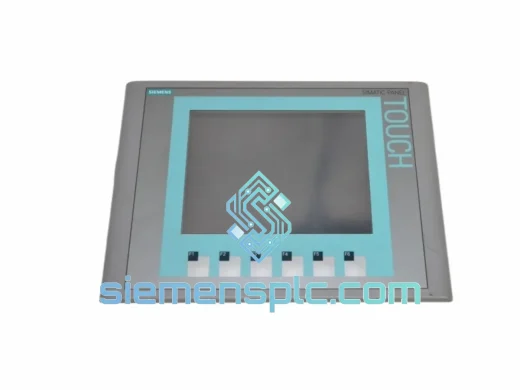
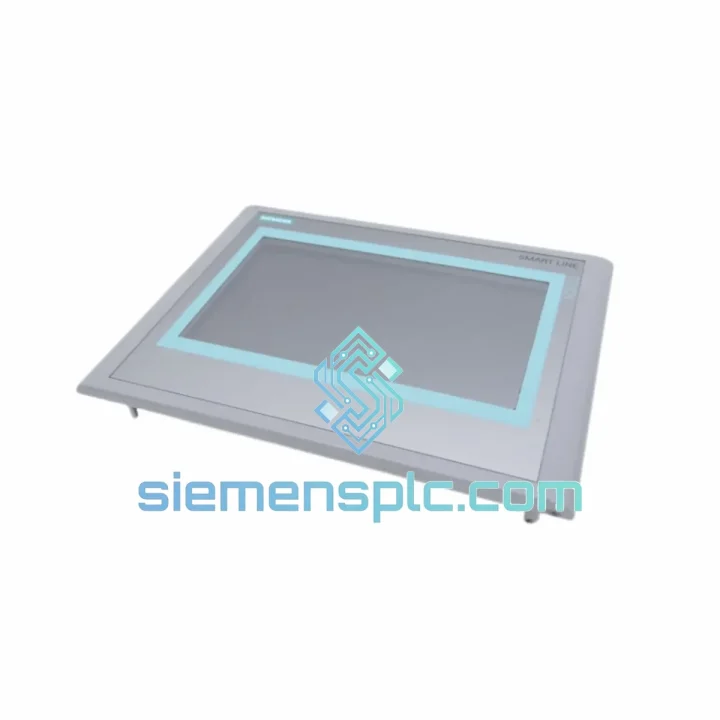
Every hour your line sits idle waiting on an HMI costs real money. The Siemens 6AV6648-0BC11-3AX0 KTP1000 Basic is one of the most widely deployed 10″ touch panels in discrete manufacturing — and when it fails, there is no workaround. No panel, no operator interface, no production. We stock this unit in Xiamen and ship globally via DHL/FedEx Express. From your purchase order to airborne freight: under 24 hours.
This is not a refurbished gamble. Every unit leaving our warehouse is verified against Siemens MLFB records, inspected for display integrity, connector condition, and firmware version before it is boxed. You get what the label says.
URGENT REQUIREMENT? Contact: [email protected] | WhatsApp: +86 18359268345
| Order Number (MLFB) | 6AV6648-0BC11-3AX0 ✅ Ready to Ship |
| Series | SIMATIC KTP1000 Basic |
| Display | 10.1″ Widescreen TFT, 1280 × 800 px (WXGA) |
| Color Depth | 16 million colors (24-bit) |
| Touch Type | Resistive single-touch |
| Function Keys | 8 configurable F-keys |
| CPU | ARM Cortex-A8, 600 MHz |
| RAM / Flash | 128 MB / 256 MB internal |
| OS | Windows CE 6.0 |
| Communication | PROFINET RJ45 × 1, RS-422/485 (DB9) |
| USB | USB 2.0 Type-A (host) |
| Engineering Tool | TIA Portal WinCC Basic V13 SP1 or higher |
| Supply Voltage | 24 V DC (20.4 – 28.8 V) |
| Power Draw | ~18 W |
| Front Protection | IP65 (front) / IP20 (rear) |
| Operating Temp | 0 °C to +50 °C |
| Storage Temp | -20 °C to +60 °C |
| Humidity | 10 – 90% RH, non-condensing |
| Mounting | Panel cutout, portrait or landscape |
| Dimensions (W×H×D) | ~290 × 196 × 46 mm |
| Weight | ~1.2 kg |
| Certifications | CE, UL, cULus, RCM, KC |
| MTTF | >50,000 hours @ 40 °C |
| Origin | Germany |
| Stock Status | ✅ In Stock – Ships within 24 hrs |
Common failure modes on the KTP1000 Basic (6AV6648-0BC11-3AX0):
1. Black screen on power-up — no backlight, no boot logo. Nine times out of ten this is a failed backlight inverter or a corrupted boot partition. Before condemning the panel, check your 24 V DC supply at the terminal block with a meter — anything below 20.4 V and the panel will not initialize. If voltage is good, attempt a firmware recovery via USB using ProSave. If ProSave cannot detect the device, the internal flash is likely gone. Replace the unit.
2. Touch input offset or dead zones. Resistive touch panels drift over time, especially in high-vibration environments. Run the touch calibration routine from the Control Panel (Start → Settings → Control Panel → Touch) before assuming hardware failure. If calibration completes but offset persists, the touch overlay is delaminating — replacement is the only fix.
3. PROFINET connection lost — PLC shows HMI as “not reachable”. First, verify IP address assignment. The KTP1000 Basic does not support DHCP by default — it requires a static IP or PROFINET device name assignment via TIA Portal. Check that the device name in TIA Portal matches exactly what is stored in the panel (accessible via Start → Simatic → Ethernet). A mismatch here causes a persistent “S7 connection broken” alarm. Also inspect the RJ45 port for bent pins — this connector takes abuse in panel cutout installations.
4. Project download fails — “Target device not found” in TIA Portal. Confirm the PC and panel are on the same subnet. Temporarily disable Windows Firewall and any VPN. Use the TIA Portal “Accessible Devices” scan to confirm the panel is visible on the network. If the panel was previously configured with a different IP, you may need to reset it via the loader menu (hold F1 during boot).
5. Firmware version mismatch alarm after project download. TIA Portal enforces firmware compatibility. If your project was compiled on V15.1 and the replacement panel ships with V14 firmware, you will get a version conflict. Update panel firmware first using ProSave, then re-download the project. Always note the firmware version of your original panel before it fails — keep a sticker on the cabinet door.
Replacement checklist before powering up the new unit:
The KTP1000 Basic was not designed for office environments. It was built for the floor — and the floor is unforgiving. The front panel carries an IP65 rating, meaning it withstands sustained water jets and heavy dust ingress. In food and beverage lines where washdown is routine, this matters. The rear enclosure is IP20, so proper cabinet sealing on the installer’s side is still required.
Vibration resistance meets IEC 61131-2 requirements — the panel survives the kind of continuous low-frequency vibration you find on press lines, compressor skids, and conveyor frames. The resistive touch overlay is mechanically robust against gloved-hand operation, which capacitive panels cannot reliably handle.
Operating temperature ceiling of +50 °C covers the majority of industrial cabinet environments, even in summer in Southeast Asia or the Middle East without active cooling. The ARM Cortex-A8 processor runs without a fan — no moving parts means no fan failure, which is one of the most common causes of HMI downtime in dusty environments.
MTTF exceeds 50,000 hours at 40 °C ambient. In a two-shift operation running 16 hours per day, that is over eight years of expected service life under normal conditions. When a unit does fail before that threshold, it is almost always due to external causes: power surges, physical impact, or moisture ingress through a compromised gasket.
Every unit we ship has been stored in climate-controlled conditions. We do not pull panels from damp warehouses or uncontrolled outdoor storage. Packaging includes anti-static foam and moisture-barrier bags — the same standard Siemens uses for factory shipments.
Our dispatch hub is in Xiamen, China — one of the most active export ports on the southeast coast, with daily DHL and FedEx consolidation flights to major hubs in Frankfurt, Memphis, Dubai, and Singapore. This geography is deliberate: it puts us within 24–48 hours air transit of most of Asia, 48–72 hours of Europe and the Middle East, and 72–96 hours of the Americas.
Standard shipping process:
For customers with existing DHL or FedEx accounts who prefer to use their own freight rates, we support shipper-account billing — just provide your account number at order confirmation. EXW Xiamen terms are also available for freight forwarder collections.
If your line is down and every hour counts, tell us when you place the order. We will prioritize your shipment in the pick queue and confirm dispatch time before you hang up.
Email: [email protected]
WhatsApp: +86 18359268345
Web: siemensplc.com
© 2026 siemensplc.com. All rights reserved.
We check the full part number, brand, series and visible nameplate information before quotation.
Sales confirms stock path, condition option, quantity and realistic lead time for export dispatch.
DHL, FedEx, UPS or buyer courier arrangements can be reviewed with packing requirements.
Similar brand or category products for fast comparison and multi-item RFQ lists.