ABB
RFQ Ready
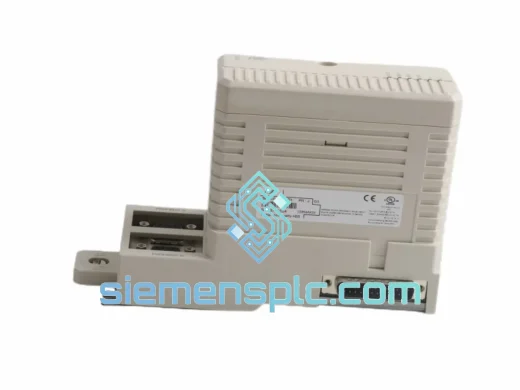
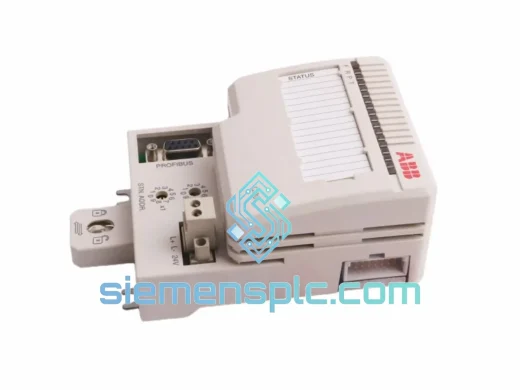
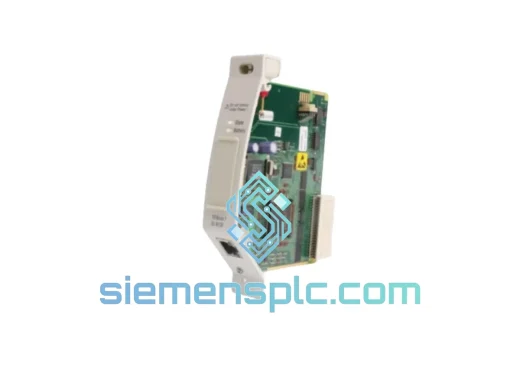
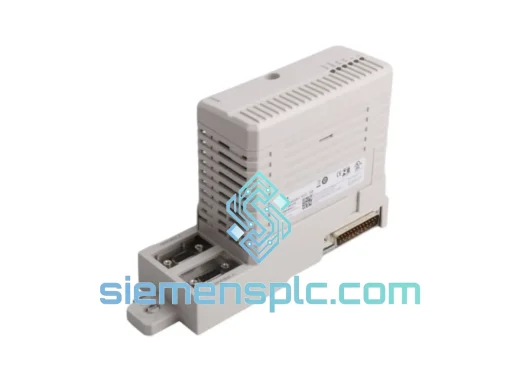
ABB CI854BK01 3BSE069449R1 Communication Interface Module – AC 800M Freelance
AC 800M
Origin SE
Communication Interface Module
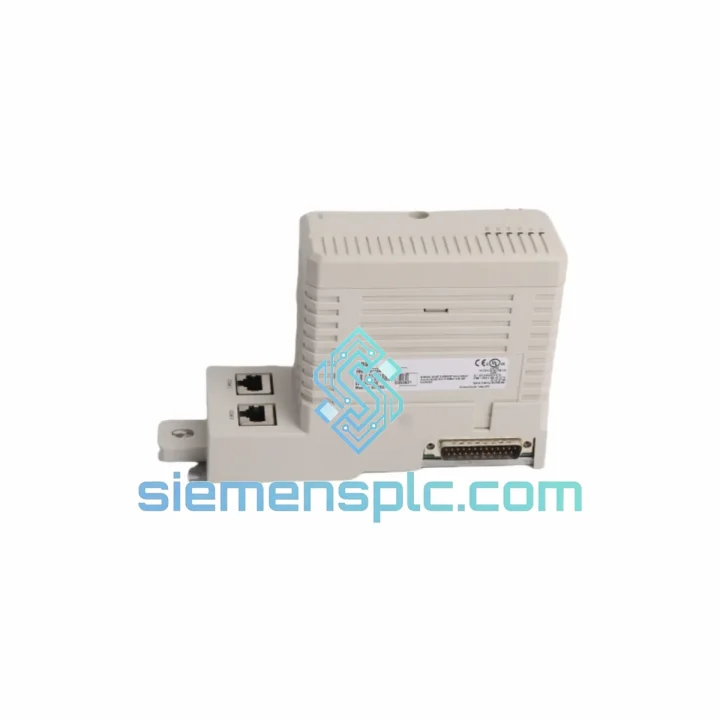
Request verified availability, condition, replacement risk review, packing options and courier lead time for CI853K01 3BSE018103R1.
Click Request Quote and the part number is inserted into the inquiry form automatically.
Core fields for model confirmation and RFQ routing. Detailed product narrative remains below.
Every minute your line sits idle, you’re bleeding money. A failed CI853K01 communication module doesn’t just kill one loop — it can take down an entire AC 800M controller node, silencing two RS232-C serial channels simultaneously. We stock this module in Xiamen, tested and ready. While your procurement team is still drafting a PO, we can have a unit on a DHL Express flight. That’s the difference between a 4-hour fix and a 4-day nightmare.
URGENT REQUIREMENT? Contact: [email protected] | WhatsApp: +86 18359268345
| Parameter | Value |
|---|---|
| Part Number | CI853K01 |
| Reference Number | 3BSE018103R1 |
| Manufacturer | ABB |
| Module Type | Dual RS232-C Serial Communication Interface |
| Serial Ports | 2 × RS232-C (DB9 male) |
| Supported Protocols | Modbus RTU, generic serial, user-defined |
| Platform | ABB AC 800M (PM851 / PM856 / PM860 / PM861 / PM864 / PM866) |
| Backplane Bus | S800 I/O ModuleBus |
| Power Source | Controller backplane (no external PSU required) |
| Operating Temperature | 0 °C to +55 °C |
| Storage Temperature | −40 °C to +70 °C |
| Relative Humidity | 5–95% RH, non-condensing |
| Weight | ~440 g |
| Certifications | CE, UL, cUL |
| Configuration Tool | ABB Control Builder M (CBM) v5.0+ |
| Stock Status | ✅ Ready to Ship — Xiamen Warehouse |
Pulled from real field experience — not a manual reprint.
Step 1 — Confirm the fault before you pull the module. In Control Builder M, navigate to the CI853K01 object and check the ModuleStatus parameter. A value of 0x10 (Communication Error) or 0x20 (Hardware Fault) confirms the module is the culprit, not the cable or the connected device. Don’t swap hardware until you’ve ruled out a loose DB9 connector or a broken RS232 cable — it happens more than engineers admit.
Step 2 — Power-down sequence matters. The AC 800M backplane does not support hot-swap on the CI853K01. Shut down the controller gracefully via CBM before extraction. Yanking the module under power risks corrupting the ModuleBus address table, which will force a full controller restart anyway — costing you more time, not less.
Step 3 — Address assignment. The CI853K01 uses automatic ModuleBus addressing based on its physical slot position. There are no DIP switches or rotary encoders on this module. Slot position = address. If you’re replacing into the same slot, the controller will recognize it on the next boot cycle without any reconfiguration in CBM. If you’re moving it to a different slot, update the hardware configuration in CBM and download before restart.
Step 4 — Firmware matching. Check the firmware version on the replacement unit against your CBM project’s hardware library. A mismatch between module firmware and the CBM hardware library version can cause the module to appear as Unknown Hardware in the diagnostic view. If this happens, update the CBM hardware library (Tools → Hardware Library Manager) before re-downloading the configuration.
Step 5 — Serial port re-commissioning. After the module is recognized, verify both RS232-C ports independently. Use a serial terminal (e.g., PuTTY or RealTerm) with a loopback connector on each DB9 port to confirm TX/RX continuity before reconnecting field devices. Baud rate, parity, and stop bits must match the connected device — these settings live in the CBM function block, not on the module itself.
Common fault codes:
ERR_COMM_TIMEOUT — Field device not responding. Check baud rate match and cable continuity first.ERR_HW_FAULT — Module internal failure. Replacement required.ERR_CFG_MISMATCH — Firmware/library version conflict. Update CBM hardware library.ERR_BUS_LOST — ModuleBus communication lost. Check backplane seating and controller status.The CI853K01 wasn’t designed for a climate-controlled server room. It was built for the realities of industrial plant environments — and it shows.
The module’s conformal-coated PCB provides a measurable barrier against airborne contaminants: sulfur compounds from refinery atmospheres, chlorine vapors in water treatment facilities, and conductive dust in cement or mining operations. This isn’t marketing language — it’s IEC 60068-2-60 compliance, the same standard used to qualify avionics components.
Vibration resistance is validated to IEC 60068-2-6 (sinusoidal) and IEC 60068-2-27 (shock). In practical terms, this means the module maintains signal integrity on platforms subject to pump vibration, compressor harmonics, and the kind of structural resonance you find in offshore installations. The DB9 connectors use locking screws for exactly this reason — finger-tight is not enough in a high-vibration environment.
Thermal cycling is where many third-party alternatives fail. The CI853K01’s components are rated for the full 0–55 °C operating band without derating. In practice, we’ve seen these modules pulled from cabinets running at 50 °C ambient — still functioning after years of continuous operation. The S800 backplane’s forced-air cooling design is part of why: thermal management is a system-level feature, not an afterthought.
Humidity tolerance up to 95% RH (non-condensing) covers coastal installations, tropical climates, and indoor environments without HVAC. If your cabinet breathes — and most do — this module handles it.
Our warehouse is located in Xiamen, Fujian Province — one of China’s primary export hubs with direct access to international freight lanes via Xiamen Gaoqi International Airport and Xiamen Port.
Standard export process:
Estimated transit times (DHL Express / FedEx IP):
For plant shutdowns or emergency maintenance windows, contact us directly on WhatsApp for priority handling. We can coordinate weekend dispatch and customs pre-clearance documentation for time-critical shipments.
📧 Email: [email protected]
📱 WhatsApp: +86 18359268345
🌐 Web: siemensplc.com
© 2026. All rights reserved.
We check the full part number, brand, series and visible nameplate information before quotation.
Sales confirms stock path, condition option, quantity and realistic lead time for export dispatch.
DHL, FedEx, UPS or buyer courier arrangements can be reviewed with packing requirements.
Similar brand or category products for fast comparison and multi-item RFQ lists.