ABB
RFQ Ready
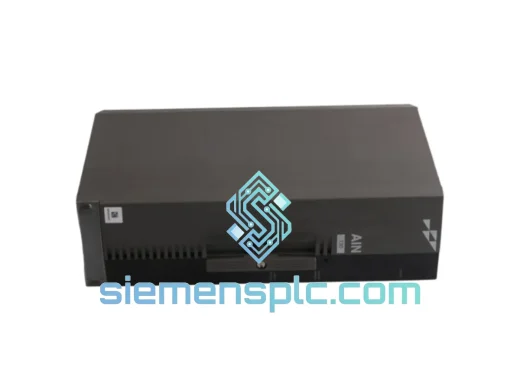
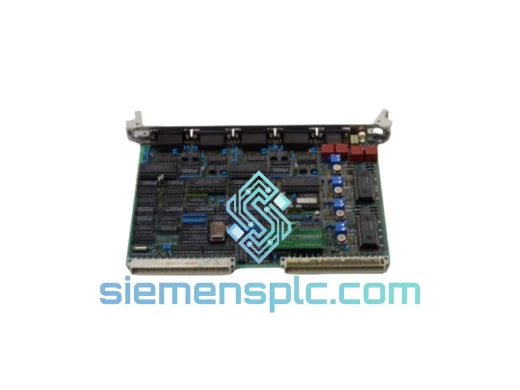
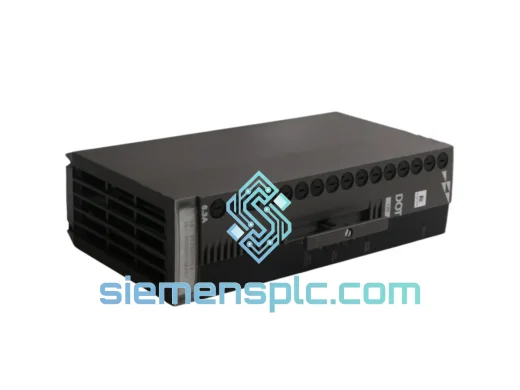
ABB P-HB-DOT-12010000 Safety Digital Output Module – AC500-S
AC500
Origin SE
Safety Digital Output Module
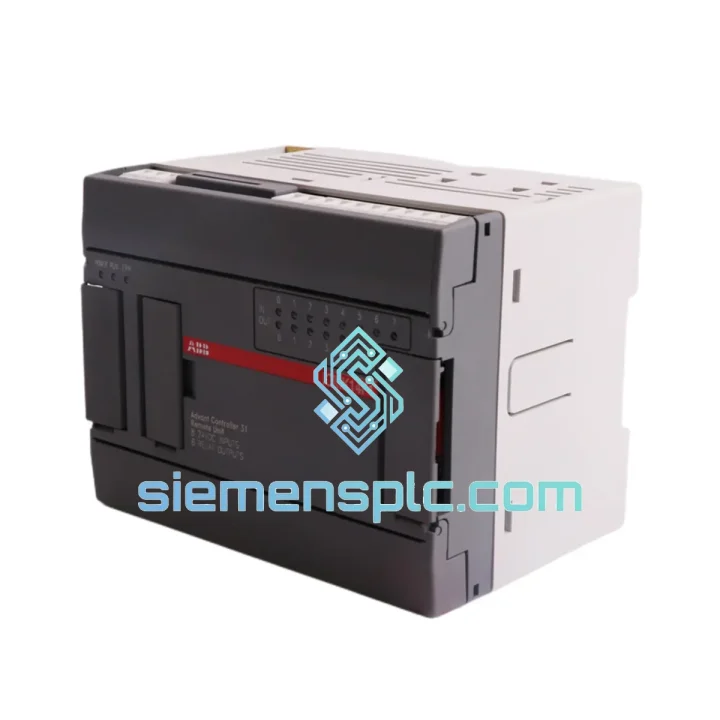
Request verified availability, condition, replacement risk review, packing options and courier lead time for ICMK14F1 1SBP260050R1001.
Click Request Quote and the part number is inserted into the inquiry form automatically.
Core fields for model confirmation and RFQ routing. Detailed product narrative remains below.
Every minute your AC500 line sits idle, you’re bleeding money. A failed digital input module shouldn’t take your production down for days. The ABB ICMK14F1 (P/N: 1SBP260050R1001) is on our shelf in Xiamen right now — inspected, verified, and ready to leave the warehouse within 24 hours of your order confirmation. We’ve shipped this exact module to plants in Germany, Australia, Brazil, and the UAE on emergency calls. We know what’s at stake when the line stops.
URGENT REQUIREMENT? Contact: [email protected] | WhatsApp: +86 18359268345
| Parameter | Value |
|---|---|
| Manufacturer | ABB |
| Part Number | ICMK14F1 |
| Order Code | 1SBP260050R1001 |
| Module Type | Digital Input Module |
| Platform | ABB AC500 PLC Series |
| Mounting | DIN Rail / AC500 Backplane |
| Communication | AC500 Internal I/O Bus |
| Input Signal | 24 VDC (typical) |
| Operating Temperature | -25°C to +70°C |
| Protection Rating | IP20 |
| Weight | 920 g |
| Certifications | CE, UL |
| Stock Status | ✔ Ready to Ship — Xiamen Warehouse |
| Lead Time | Ships within 24 hours of order confirmation |
After ten years of field calls, here’s what actually goes wrong with the ICMK14F1 and what to watch when you’re swapping it under pressure:
Common Failure Signatures:
Replacement Procedure — Field Checklist:
The AC500 platform was not designed for climate-controlled server rooms. The ICMK14F1 is built to operate where conditions are genuinely hostile — and it shows in the design choices ABB made.
The module’s conformal-coated PCB resists moisture ingress in high-humidity environments such as coastal processing plants, paper mills, and food production facilities where washdown cycles create persistent condensation risk. Optical isolation on every input channel provides galvanic separation between field-side wiring and the CPU bus, protecting the control system from ground loops, voltage spikes, and the kind of electrical noise that kills lesser modules within months.
Vibration tolerance is engineered to IEC 60068-2-6 standards — relevant for applications mounted near compressors, presses, or heavy rotating machinery where resonance frequencies can fatigue solder joints over time. The ICMK14F1’s terminal block design uses captive screws with defined torque specifications precisely because ABB’s engineers know that vibration loosens connections in the field.
The -25°C to +70°C operating range covers the majority of real-world industrial enclosure conditions, including outdoor panels in northern climates during winter startups and unventilated enclosures in tropical environments during summer peaks. This is not a module that needs babying — it’s designed to run continuously for years in conditions that would degrade consumer-grade electronics within weeks.
Every unit we ship has been visually inspected for physical damage, label integrity (part number, date code, hardware revision), and connector condition. We do not ship modules with bent pins, cracked housings, or missing labels — those go straight to the reject pile.
Our warehouse is in Xiamen, China — one of the country’s primary export hubs with direct access to DHL, FedEx, and UPS international express networks. This is not a drop-shipping operation. The module is physically in our facility.
Standard Emergency Dispatch Process:
All shipments include full commercial invoice, packing list, and country of origin documentation. For customers requiring import clearance support, we provide HS code documentation (HS 8537.10) and can prepare additional customs declarations on request. We have shipped to over 40 countries — customs clearance delays are rare when documentation is complete, and we make sure it is.
For orders requiring same-day dispatch with a hard delivery deadline, contact us directly via WhatsApp before placing the order. We will confirm the realistic delivery window for your location before you commit.
Email: [email protected]
WhatsApp: +86 18359268345
Web: siemensplc.com
© 2026. All rights reserved.
We check the full part number, brand, series and visible nameplate information before quotation.
Sales confirms stock path, condition option, quantity and realistic lead time for export dispatch.
DHL, FedEx, UPS or buyer courier arrangements can be reviewed with packing requirements.
Similar brand or category products for fast comparison and multi-item RFQ lists.