ProSoft Technology
RFQ Ready
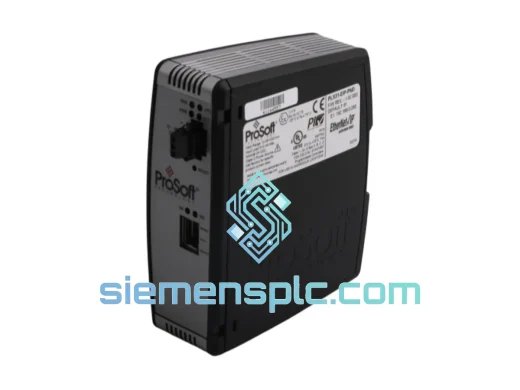
ProSoft PLX31-EIP-PND Protocol Gateway – PLX31 Series
Origin US
Protocol Gateway
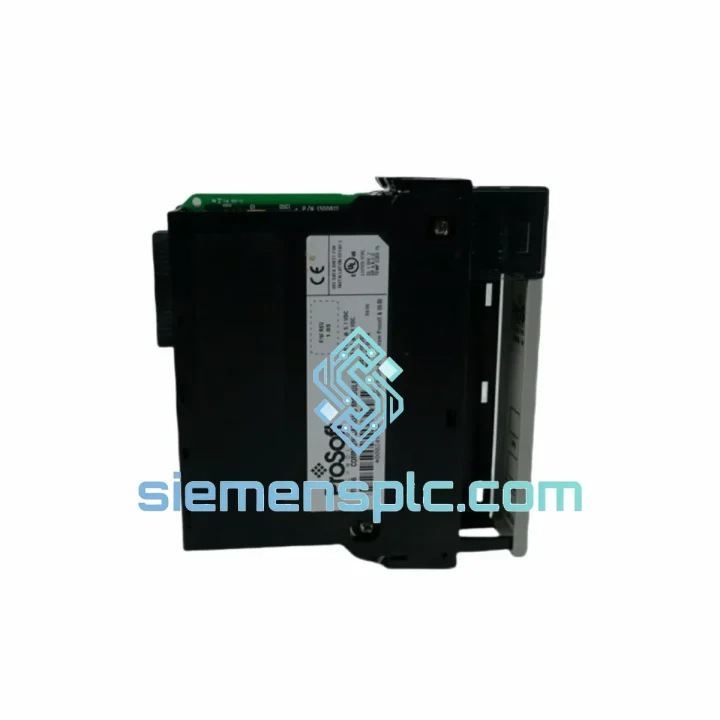
Request verified availability, condition, replacement risk review, packing options and courier lead time for MVI56-DFCMR.
Click Request Quote and the part number is inserted into the inquiry form automatically.
Core fields for model confirmation and RFQ routing. Detailed product narrative remains below.
A failed MVI56-DFCMR doesn’t just break a communication link — it takes your entire ControlLogix node offline. SCADA goes dark. Field devices stop responding. Operators are flying blind. In oil & gas, water treatment, or automotive lines, that silence costs anywhere from $5,000 to $50,000 per hour. We’ve seen it. We stock for exactly this moment.
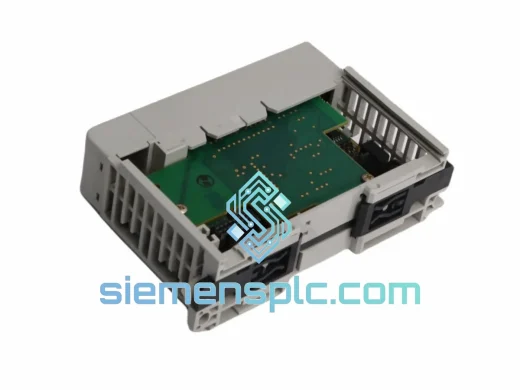
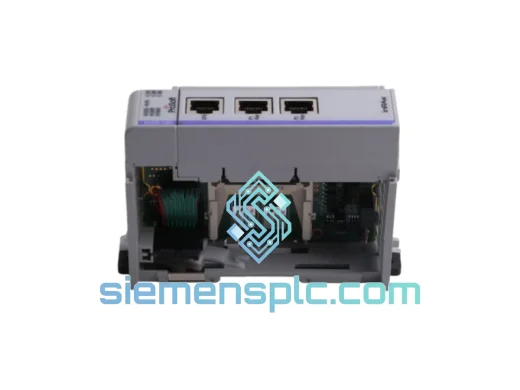
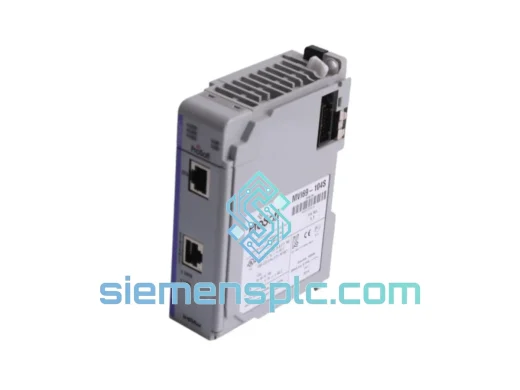
The ProSoft MVI56-DFCMR is a dual-port DF1 serial communication module built for the Rockwell Automation ControlLogix 1756 backplane. It bridges DF1 full-duplex and half-duplex networks — master, slave, or peer-to-peer — directly into your ControlLogix program via backplane data exchange. No external gateway. No added wiring. Just a slot swap and a config push.
We carry verified stock in Xiamen. DHL Express to most destinations in 3–5 business days. If your line is down right now, stop reading and contact us.
URGENT REQUIREMENT? Contact: [email protected] | WhatsApp: +86 18359268345
| Parameter | Specification |
|---|---|
| Part Number | MVI56-DFCMR |
| Manufacturer | ProSoft Technology |
| Series | MVI56 (ControlLogix Platform) |
| Protocol | DF1 Full-Duplex & Half-Duplex (Master / Slave / Peer-to-Peer) |
| Backplane Interface | Rockwell Automation 1756 ControlLogix |
| Serial Ports | 2 × configurable RS-232 / RS-422 / RS-485 |
| Power Source | Backplane-powered — no external supply needed |
| Operating Temperature | 0 °C to 60 °C |
| Form Factor | Single-slot 1756 module |
| Weight | 230 g |
| Certifications | CE, UL |
| Configuration Tool | ProSoft Configuration Builder (PCB) — free |
| Stock Status | ✅ Ready to Ship — Xiamen Warehouse |
Most common failure modes on the MVI56-DFCMR:
1. Module LED stays solid red after power-up. This is almost always a backplane communication fault. Before condemning the module, check that the chassis backplane connector is fully seated and that the 1756 power supply is within spec (±5% on the 5 VDC rail). A marginal power supply will kill backplane comms before anything else fails. Swap the module to a different slot to rule out a dead backplane segment.
2. Port LEDs dark — no TX/RX activity. Pull up the module’s diagnostic registers in your ladder program (typically mapped to a local:X:I tag block). If the Port Status word shows 0x0002 (configuration error), your PCB configuration file didn’t load correctly. Re-download the .mvi56 config file via the RS-232 CFG port using ProSoft Configuration Builder. Confirm baud rate, parity, and stop bits match the field device exactly — DF1 is unforgiving on serial parameters.
3. Intermittent CRC errors on DF1 half-duplex networks. Nine times out of ten this is a termination issue on RS-485 runs over 30 meters. Verify 120 Ω termination resistors are installed at both ends of the bus. Also check that the RTS/CTS handshaking delay in PCB matches the turnaround time of your slowest slave device — legacy Allen-Bradley SLC 500 units can be slow to release the bus.
Replacement procedure — what to do before you pull the old module:
First, export your current PCB configuration from the running module if it’s still partially alive. Connect a laptop to the CFG port (RS-232, 57600 baud, 8N1 by default) and use PCB to upload the existing config. This saves you from rebuilding from scratch. If the module is completely dead, locate the .mvi56 config file in your project archive — you did back it up, right?
Second, note the slot number. The MVI56-DFCMR uses slot-based addressing in the ControlLogix I/O tree. When you install the replacement, it must go into the same slot, or you’ll need to update every Local:X reference in your ladder program. If you’re forced to use a different slot, do a global find-and-replace in Studio 5000 before going online.
Third, verify firmware compatibility. The replacement module’s firmware revision should match or exceed the original. PCB will show the firmware version on connection. If you’re running an older ControlLogix processor (L6x series), confirm the module firmware is compatible — ProSoft’s release notes document any processor-specific constraints.
After installation: power up, confirm the module heartbeat LED is blinking green, download your PCB config, then go online in Studio 5000 and verify the module status tag reads 0 (no faults). Force a few DF1 read/write commands manually to confirm end-to-end comms before handing back to operations.
The MVI56-DFCMR is not a commercial-grade board dressed up in an industrial enclosure. The PCB is conformally coated to resist condensation and airborne contaminants — a real concern in coastal facilities, chemical plants, and food processing environments where humidity swings are constant. The backplane connector is gold-plated and rated for hundreds of insertion cycles without contact degradation.
Vibration tolerance meets IEC 61131-2 requirements, which means it holds up on machine-mounted panels where compressors, presses, or conveyor drives are running nearby. The operating temperature ceiling of 60 °C gives you headroom in poorly ventilated enclosures — though if your panel is regularly hitting that limit, your chassis fans need attention before the module does.
In high-EMI environments — near large VFDs, welding equipment, or high-current bus bars — the RS-422/RS-485 differential signaling on the serial ports provides inherent common-mode noise rejection that RS-232 simply cannot match. If you’re running long cable runs in a noisy plant, configure the ports for RS-485 and use shielded twisted-pair cable with the shield grounded at one end only.
Units shipped from our Xiamen warehouse are stored in climate-controlled conditions, individually bagged in anti-static ESD packaging, and inspected for physical integrity before dispatch. We do not ship modules with bent connector pins, cracked housings, or missing firmware labels.
Our dispatch hub is in Xiamen, China — one of the country’s primary export ports with direct DHL and FedEx gateway access. For urgent orders confirmed before 14:00 CST, same-day dispatch is available on in-stock units.
Typical transit times from Xiamen:
| Destination | DHL Express | FedEx International Priority |
|---|---|---|
| Southeast Asia (SG, MY, TH) | 2–3 business days | 2–3 business days |
| Middle East (AE, SA, QA) | 3–4 business days | 3–5 business days |
| Europe (DE, NL, UK, FR) | 3–5 business days | 4–5 business days |
| North America (US, CA) | 3–5 business days | 3–5 business days |
| Australia / NZ | 4–5 business days | 4–6 business days |
| South America (BR, CL, CO) | 5–7 business days | 5–8 business days |
All shipments include full tracking, commercial invoice, and packing list. For regulated industries requiring country-of-origin certificates or material declarations, request these at the time of order — we prepare documentation before dispatch, not after. Customs HS code for this module is 8537.10 (programmable controllers / communication modules). We declare accurate values; we do not under-invoice.
For orders requiring freight forwarding to a bonded warehouse, 3PL handoff, or consolidation with other parts, contact us directly to coordinate. We’ve handled complex multi-line emergency orders for shutdown maintenance teams before — it’s not unusual.
Line down? Part needed urgently? Reach us directly — no ticket queues, no chatbots.
📧 Email: [email protected]
📱 WhatsApp: +86 18359268345
🌐 Web: siemensplc.com
© 2026 siemensplc.com. All rights reserved.
We check the full part number, brand, series and visible nameplate information before quotation.
Sales confirms stock path, condition option, quantity and realistic lead time for export dispatch.
DHL, FedEx, UPS or buyer courier arrangements can be reviewed with packing requirements.
Similar brand or category products for fast comparison and multi-item RFQ lists.