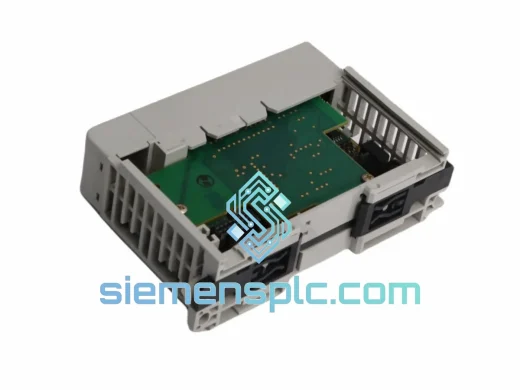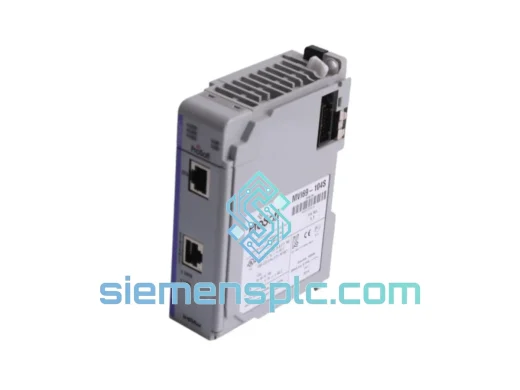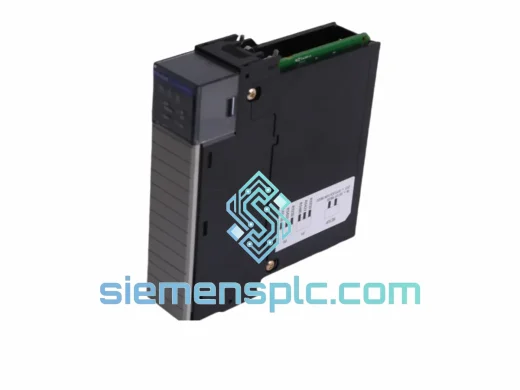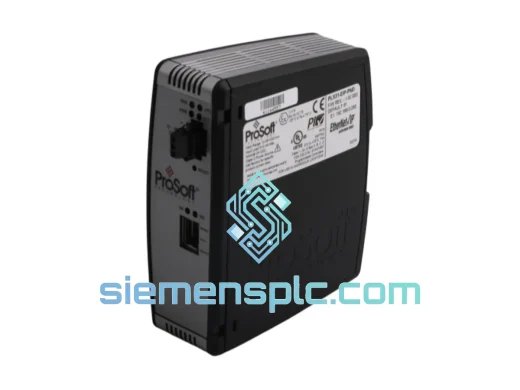
ProSoft Technology
RFQ Ready
ProSoft PLX31-EIP-PND Protocol Gateway – PLX31 Series
Origin US
Protocol Gateway
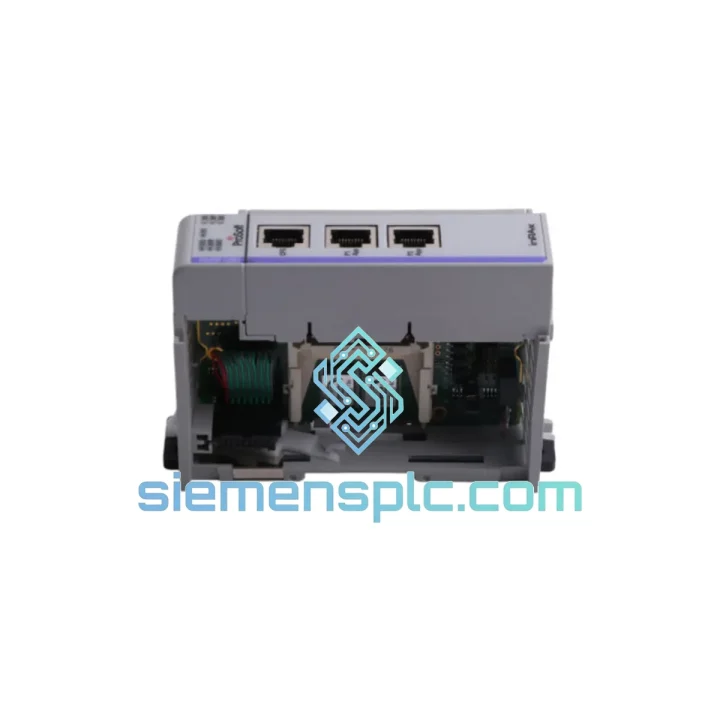
Request verified availability, condition, replacement risk review, packing options and courier lead time for MVI69-MCM.
Click Request Quote and the part number is inserted into the inquiry form automatically.
Core fields for model confirmation and RFQ routing. Detailed product narrative remains below.
Your CompactLogix rack just threw a communication fault. The HMI is frozen. The line is stopped. You’ve already pulled the MVI69-MCM and confirmed it’s dead — now you need a replacement, not a sales pitch. We stock the ProSoft MVI69-MCM and ship same-day via DHL Express or FedEx International from Xiamen, China. Most destinations in Southeast Asia receive within 24–48 hours. Europe and the Americas typically within 3–5 business days. No minimum order. No waiting on distributor lead times.
URGENT REQUIREMENT? Contact: [email protected] | WhatsApp: +86 18359268345
| Parameter | Specification |
|---|---|
| Part Number | MVI69-MCM |
| Manufacturer | ProSoft Technology |
| Series | MVI69 — CompactLogix / MicroLogix 1500 |
| Module Function | Multi-Protocol Master/Slave Serial Communication |
| Supported Protocols | Modbus RTU, Modbus ASCII, DF1 Master/Slave, DH-485 |
| Serial Ports | 2 × RS-232 / RS-422 / RS-485 (software-selectable) |
| Max Registers per Port | 5,000 input + 5,000 output |
| Backplane Interface | 1769 CompactLogix backplane (side-mount) |
| Power Draw | 800 mA @ 5 VDC (backplane-powered) |
| Operating Temperature | 0°C to 60°C |
| Storage Temperature | -40°C to 85°C |
| Humidity | 5% to 95% non-condensing |
| Certifications | UL Listed, CE, RoHS, REACH |
| Weight | 140 g |
| Stock Status | ✅ Ready to Ship — Xiamen Warehouse |
Ten years of field calls on MVI69-MCM failures come down to a short list of root causes. Before you even open the box on the replacement unit, run through this checklist:
1. Confirm the fault is the module, not the backplane slot. Swap the MVI69-MCM into a known-good slot on the same chassis. If the fault follows the module, you have a dead card. If the fault stays in the slot, you have a backplane issue — a new module won’t fix it.
2. Check firmware revision before swapping. The MVI69-MCM has had multiple firmware releases. If your Studio 5000 project was built against firmware 2.x and you drop in a unit running 3.x, the module will come online but the configuration file may not load correctly. Pull the firmware version off the label on the old unit before it goes in the bin. Match it, or plan to re-download the ProSoft Configuration Builder (PCB) project after swap.
3. ProSoft Configuration Builder (PCB) project file is mandatory. The MVI69-MCM does not self-configure from the PLC program alone. The PCB project file (.mpc) must be downloaded to the module via the RS-232 CFG port (Port 0, DB9 connector) using a null-modem cable. If the previous engineer didn’t back up the PCB file, you’ll need to rebuild it from scratch — have the protocol settings, baud rates, slave addresses, and register maps ready before you start.
4. Common fault codes seen in the field:
5. After swap, cycle power to the entire chassis. Do not rely on a software reset alone. The MVI69-MCM initializes its backplane handshake during the power-on sequence. A warm restart from the PLC controller does not fully reinitialize the module’s internal state machine.
The MVI69-MCM was designed for industrial environments where office-grade electronics fail within weeks. The module operates across a full 0°C to 60°C ambient range without derating, making it suitable for unventilated control cabinets in summer heat. The conformal-coated PCB resists humidity ingress in coastal and high-humidity plant environments — a critical factor for facilities in Southeast Asia, the Middle East, and tropical manufacturing zones.
Vibration resistance meets IEC 61131-2 standards, which covers the mechanical shock and continuous vibration profiles found in compressor rooms, press lines, and mobile equipment. The 1769 backplane connector uses a positive-locking mechanism that maintains electrical contact under sustained vibration — a known failure point on older DIN-rail mounted serial converters that the MVI69-MCM was designed to replace.
All units in our Xiamen stock are stored in climate-controlled, ESD-safe conditions. Each module is individually bagged in anti-static packaging with silica gel desiccant and inspected for physical damage before dispatch. We do not ship units with cracked housings, bent connector pins, or missing labels — if a unit doesn’t pass visual inspection, it doesn’t leave the warehouse.
Our dispatch hub is in Xiamen, Fujian Province — one of China’s primary export ports with direct DHL and FedEx gateway access. Here’s how a typical urgent order moves:
We have shipped to over 40 countries. If your country has specific import restrictions on electronic components, contact us before ordering — we’ll advise on the correct documentation to clear customs without delays.
📧 Email: [email protected]
📱 WhatsApp: +86 18359268345
🌐 Web: siemensplc.com
© 2026 siemensplc.com. All rights reserved.
We check the full part number, brand, series and visible nameplate information before quotation.
Sales confirms stock path, condition option, quantity and realistic lead time for export dispatch.
DHL, FedEx, UPS or buyer courier arrangements can be reviewed with packing requirements.
Similar brand or category products for fast comparison and multi-item RFQ lists.