ABB
RFQ Ready
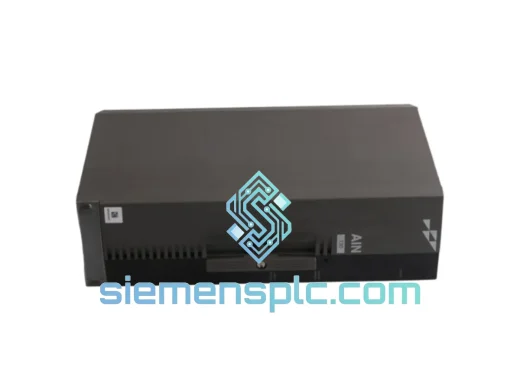
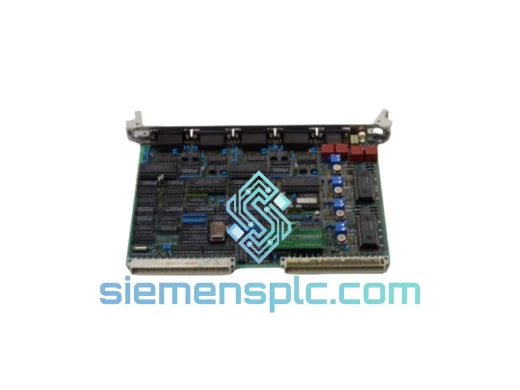
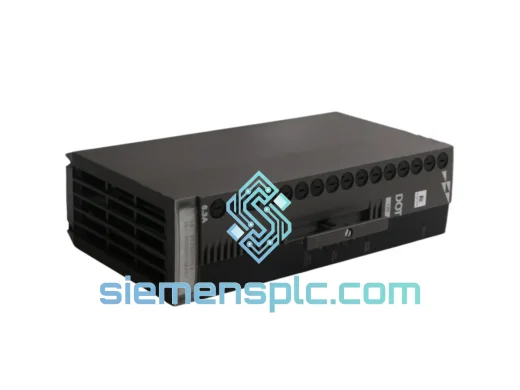
ABB P-HB-DOT-12010000 Safety Digital Output Module – AC500-S
AC500
Origin SE
Safety Digital Output Module
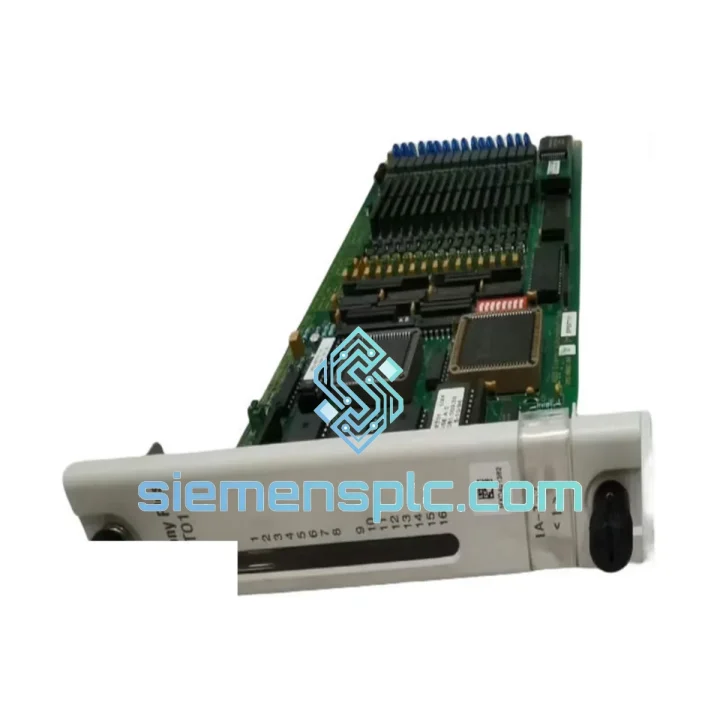
Request verified availability, condition, replacement risk review, packing options and courier lead time for SPSET01.
Click Request Quote and the part number is inserted into the inquiry form automatically.
Core fields for model confirmation and RFQ routing. Detailed product narrative remains below.
Your line is down. Every minute costs money — production losses, penalty clauses, idle labor. The ABB SPSET01 is a known failure point in AC500 distributed I/O architectures, and when it goes, it takes the whole I/O segment with it. We stock this module in Xiamen, ready to pull and ship today. No lead-time negotiation, no factory backorder queue. You call, we ship.
URGENT REQUIREMENT? Contact: [email protected] | WhatsApp: +86 18359268345
| Parameter | Specification | Status |
|---|---|---|
| Part Number | SPSET01 | ✔ Ready to Ship |
| Manufacturer | ABB | 100% Original OEM |
| Series | AC500 | Current Generation |
| Module Function | Digital I/O Expansion | – |
| Mounting Interface | AC500 Terminal Base (TB5xx) | – |
| Internal Bus | AC500 I/O Bus (proprietary) | – |
| Operating Temperature | -25°C to +60°C | – |
| Storage Temperature | -40°C to +70°C | – |
| Protection Class | IP20 | – |
| Power Supply | Backplane-fed via Terminal Base | – |
| Weight | 380 g | – |
| Compliance | CE / IEC 61131-2 / RoHS | – |
| Origin | Germany | – |
| Dispatch Lead Time | Same day / Next business day | ✔ In Stock – Xiamen |
After handling hundreds of AC500 field failures, here is what actually matters when you are swapping an SPSET01 on a live system:
1. Confirm the fault is the module, not the Terminal Base. The TB5xx terminal base carries all field wiring. Before condemning the SPSET01, check the TB for cracked connectors, corroded terminals, or a blown fuse on the 24 VDC supply rail. A bad TB will kill a new module within minutes of power-up.
2. No DIP switch or address configuration required. The SPSET01 uses automatic slot addressing via the AC500 backplane. The CPU assigns the I/O address based on physical slot position. Do not move the module to a different slot unless you are prepared to update the hardware configuration in Automation Builder — the CPU will throw a configuration mismatch fault (ERR LED solid red) if the slot map does not match the project.
3. Firmware matching is not required for standard I/O modules. Unlike AC500 CPU modules, the SPSET01 carries no user-upgradeable firmware. The CPU handles all protocol translation internally. However, if your CPU firmware is below version 2.x, verify compatibility with ABB document 3ADR010122 before installation.
4. Common fault codes to check before replacement:
5. Hot-swap procedure. The AC500 platform does not support true hot-swap on standard I/O modules. Place the CPU in STOP mode before removing the SPSET01. Failure to do so risks corrupting the I/O image table and may trigger a CPU fault that requires a cold restart.
6. After installation, force a full hardware scan. In Automation Builder, go to Online → Read Hardware Configuration and verify the SPSET01 appears in the correct slot with no diagnostic flags. Run a short I/O forcing test on each channel before returning the machine to AUTO mode.
The SPSET01 is not a data-center component. It was designed from the ground up for the factory floor — and it shows in the construction. The PCB uses conformal coating as standard, providing resistance to condensation, dust ingress, and mild chemical vapors common in paint shops, food processing lines, and chemical dosing stations.
Vibration resistance meets IEC 60068-2-6 (sinusoidal) and IEC 60068-2-27 (shock) test profiles, which means it survives the mechanical punishment of press lines, compressor rooms, and mobile equipment enclosures. The wide operating temperature range of -25°C to +60°C covers everything from outdoor Nordic installations to tropical plant rooms without derating.
The internal bus connector uses a gold-plated contact system with a rated insertion cycle count that far exceeds typical maintenance intervals. In practice, modules pulled and reseated during annual shutdowns show no measurable contact degradation over a 10-year service life — a critical factor for plants that cannot afford surprise failures between planned maintenance windows.
Every unit we ship has been stored in climate-controlled, anti-static conditions. We do not warehouse modules in uncontrolled environments. Humidity cycling is the silent killer of I/O module reliability, and we take it seriously.
Our dispatch hub is in Xiamen, China — one of the most connected export ports in Asia, with direct DHL and FedEx gateway access. Here is how a typical emergency order moves:
Every shipment includes a full commercial invoice, packing list, and certificate of origin — all pre-prepared to clear customs without delay. For orders requiring an ATA Carnet or specific HS code documentation for import duty exemption, contact us before dispatch and we will prepare the paperwork in advance.
We provide a tracking number within 2 hours of dispatch. For critical shutdowns, we can arrange airport-to-airport freight with local courier pickup at the destination — contact us directly to arrange.
Email: [email protected]
WhatsApp: +86 18359268345
Web: siemensplc.com
© 2026 siemensplc.com. All rights reserved.
We check the full part number, brand, series and visible nameplate information before quotation.
Sales confirms stock path, condition option, quantity and realistic lead time for export dispatch.
DHL, FedEx, UPS or buyer courier arrangements can be reviewed with packing requirements.
Similar brand or category products for fast comparison and multi-item RFQ lists.