ABB
RFQ Ready
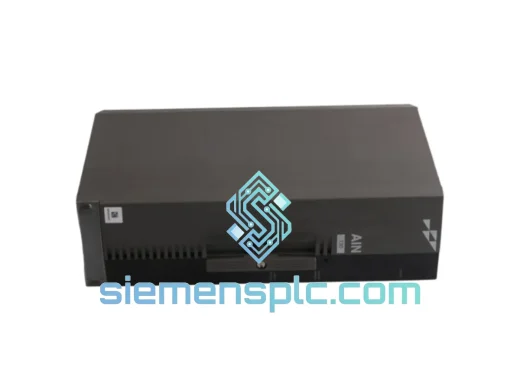
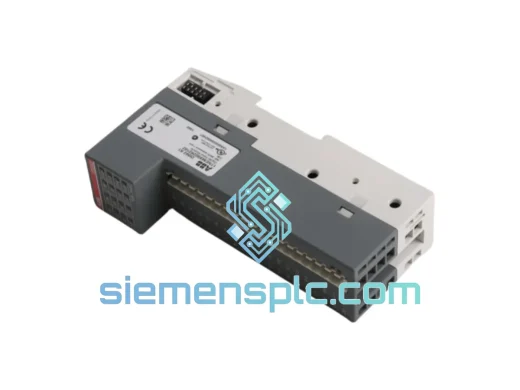
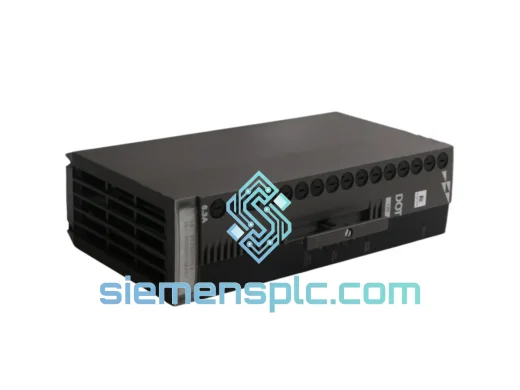
ABB P-HB-DOT-12010000 Safety Digital Output Module – AC500-S
AC500
Origin SE
Safety Digital Output Module
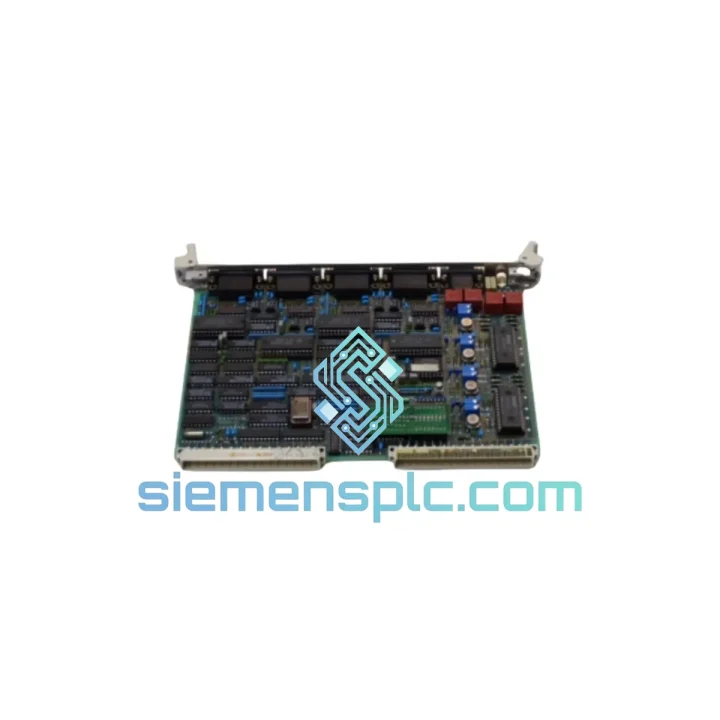
Request verified availability, condition, replacement risk review, packing options and courier lead time for 35AE92G-E.
Click Request Quote and the part number is inserted into the inquiry form automatically.
Core fields for model confirmation and RFQ routing. Detailed product narrative remains below.
Every minute your AC500 system sits offline, the losses compound. A failed I/O card shouldn’t cost you a production shift. The ABB GJR5137200R0005 (35AE92G-E) is in stock at our Xiamen warehouse right now — inspected, tested, and ready to leave on the next DHL or FedEx cut-off. We’ve shipped this exact module to plants in Germany, Malaysia, Saudi Arabia, and Brazil on 24-hour turnaround. Your line can be back up before your maintenance window closes.
URGENT REQUIREMENT? Contact: [email protected] | WhatsApp: +86 18359268345
| Parameter | Specification | Status |
|---|---|---|
| Manufacturer Part Number | GJR5137200R0005 | ✔ Ready to Ship |
| Hardware Revision | 35AE92G-E | ✔ Ready to Ship |
| Product Series | ABB AC500 | — |
| Module Function | Digital Input / Output Card | — |
| I/O Bus Interface | AC500 internal I/O bus (S500 terminal unit) | — |
| Mounting | DIN rail via S500 terminal unit (e.g. TU515, TU516) | — |
| Supply Voltage | 24 VDC (via terminal unit) | — |
| Operating Temperature | -25 °C to +70 °C | — |
| Protection Class | IP20 | — |
| Weight | 220 g | — |
| Country of Origin | Germany | — |
| HS Code | 8537.10 | — |
| Certifications | CE, UL, cUL, RoHS | — |
| Warranty | 90-Day Functional Guarantee | — |
Swapping a GJR5137200R0005 in the field is straightforward if you follow the sequence. Skip a step and you’ll spend another hour chasing a fault that shouldn’t exist.
Step 1 — Confirm the fault is the card, not the terminal unit. Before pulling the module, check the S500 terminal unit (TU515/TU516) for bent pins, corrosion on the bus connector, or a cracked locking lever. A bad terminal unit will kill a brand-new card within minutes of power-up. Swap the terminal unit first if there’s any doubt.
Step 2 — Note the address DIP switch setting before removal. The GJR5137200R0005 uses a hardware address switch on the module body (typically SW1). Photograph it before you pull the card. The replacement must be set to the identical address — the AC500 CPU performs a slot-address check at startup and will throw a Configuration Mismatch fault (error code 0x8200 or similar in the diagnostic buffer) if the address doesn’t match the project configuration stored in the CPU.
Step 3 — Power down the segment, not the whole rack if possible. AC500 supports partial power-down on I/O segments. If your plant allows it, de-energize only the affected I/O segment. This keeps the CPU running, preserves your process state, and makes the swap faster.
Step 4 — Firmware compatibility check. Revision 35AE92G-E is compatible with AC500 V2 and V3 CPU firmware. However, if your CPU is running firmware older than V2.4.x, verify the ABB compatibility matrix before installing. A firmware mismatch won’t damage the hardware but will result in the module being flagged as Unknown Device in Automation Builder diagnostics.
Step 5 — Post-swap diagnostic check. After power-up, open the AC500 diagnostic buffer in Automation Builder (or via the CPU’s onboard web server if enabled). Confirm the module appears with status OK and that all configured I/O channels are mapped correctly. Force a few digital outputs manually from the diagnostic tool to verify field wiring continuity before handing back to operations.
Common fault codes associated with this module:
The AC500 platform was engineered for environments that would destroy consumer-grade electronics. The GJR5137200R0005 carries an operating temperature range of -25 °C to +70 °C — covering everything from an unheated outdoor cabinet in northern Europe to a non-air-conditioned control room in the Middle East. The module is vibration-tested to IEC 60068-2-6 (sinusoidal, 5–150 Hz, 1g) and shock-tested to IEC 60068-2-27, making it suitable for installation on machinery with significant mechanical vibration such as compressors, presses, and conveyor drives.
EMC performance meets EN 61000-4 series requirements including ESD (Level 3), radiated immunity (Level 3), and fast transient/burst (Level 3). In practice, this means the module holds its I/O state reliably even when large motor drives or welding equipment are switching nearby — a scenario that causes nuisance faults in lesser hardware. The conformal coating on the PCB provides additional protection against condensation and airborne contaminants in humid or dusty environments, extending service life well beyond the typical 10-year plant maintenance cycle.
Our warehouse is located in Xiamen, Fujian, China — one of the most logistics-connected cities in Southeast China, with direct access to Xiamen Gaoqi International Airport (XMN) and daily DHL, FedEx, and UPS export cut-offs.
Standard express timeline (door-to-door):
All shipments include a commercial invoice with correct HS code 8537.10 pre-filled, packing list, and certificate of origin where required. For customers in countries with import duty exemptions or free trade agreements with China, we can provide the necessary documentation to support duty reduction claims. Modules are packed in anti-static bags, foam-lined boxes, and outer cartons rated for air freight handling. Track your shipment in real time via the carrier’s portal — we send the tracking number within 2 hours of dispatch.
For orders placed before 14:00 CST (UTC+8), same-day dispatch is available on confirmed payment. Contact us via WhatsApp for the fastest response on urgent orders.
Email: [email protected]
WhatsApp: +86 18359268345
Web: siemensplc.com
© 2026 siemensplc.com. All rights reserved.
We check the full part number, brand, series and visible nameplate information before quotation.
Sales confirms stock path, condition option, quantity and realistic lead time for export dispatch.
DHL, FedEx, UPS or buyer courier arrangements can be reviewed with packing requirements.
Similar brand or category products for fast comparison and multi-item RFQ lists.